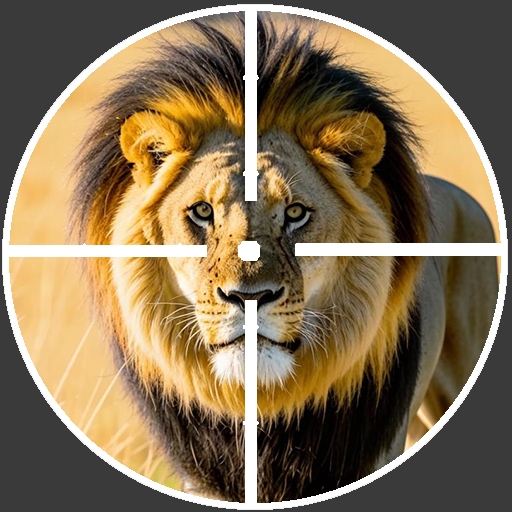
Free • No download
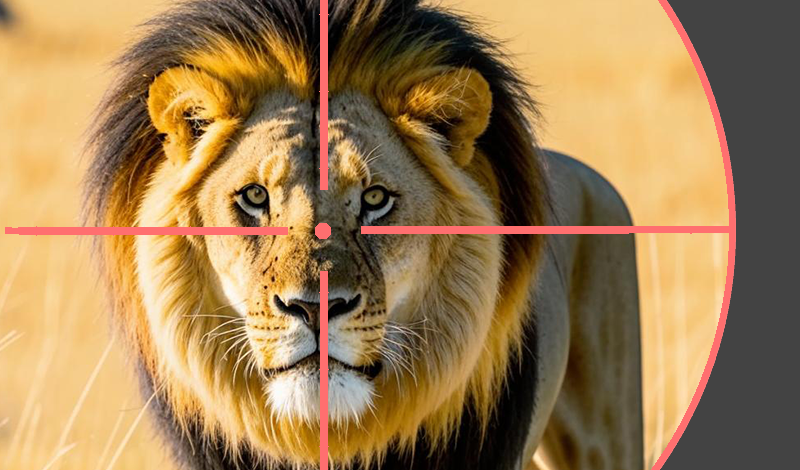
Hunt the wild beast and prove your superior hunting skills!
➕ To start the game, pick the language you prefer and the device you want to play on. ➕ PC controls: The «W» key or up arrow makes your character move forward. The «A» key or left arrow makes your character go left. The« S» key or down arrow makes your character go backward. The «D» key or right arrow makes your chracter go right. Press the «C» key to make your chatacter sit down. Use the «R» key for reloading. Hold down the «Shift» for acceleration. Spacebar helps your character jump. You aim using the right mouse button. ➕ Controls on mobile devices: A joystick is in the left corner of the screen and helps you move your character. There is an area in the right part of the screen helping you to direct the weapon. When you tap the "Attack" button, it lights up, and automatical shooting at targets starts.


Yes. You can play Wildlife: Africa Hunting 3D online for free without buying the game or creating an account.
Yes. The game runs in a modern browser on phones, tablets, laptops, desktops, and Chromebooks.
No. Press Play and the browser game loads directly on this page.
Games related to Wildlife: Africa Hunting 3D.