
Free • No download
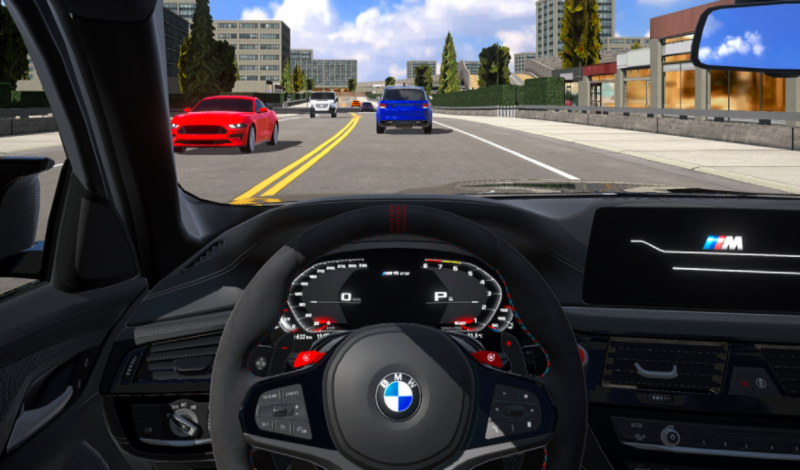
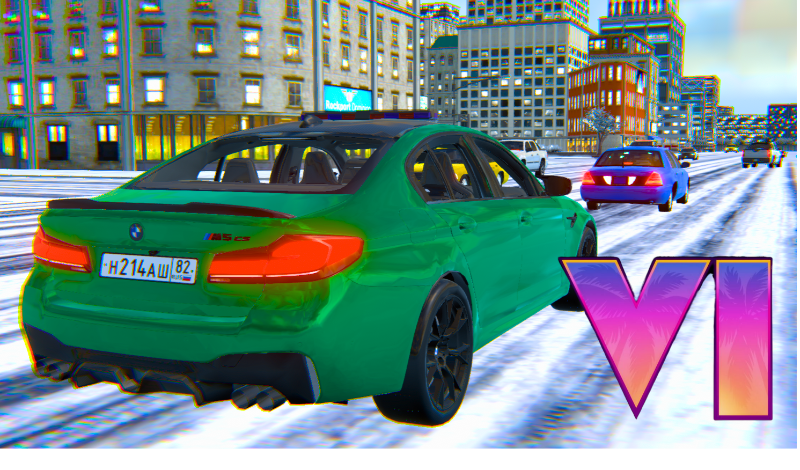
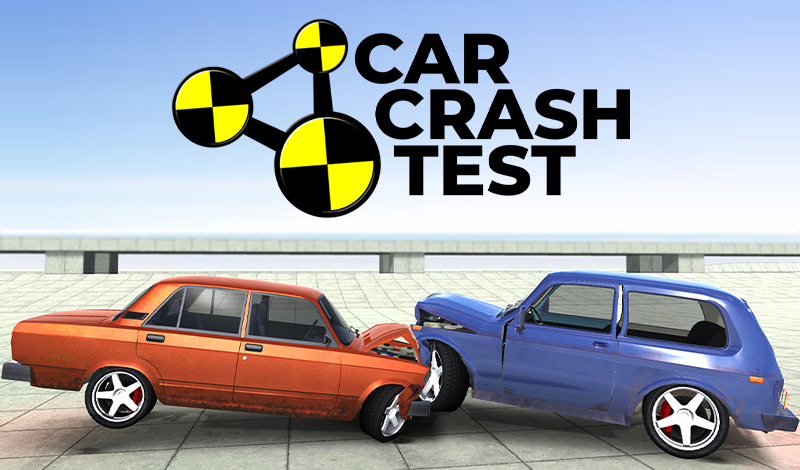
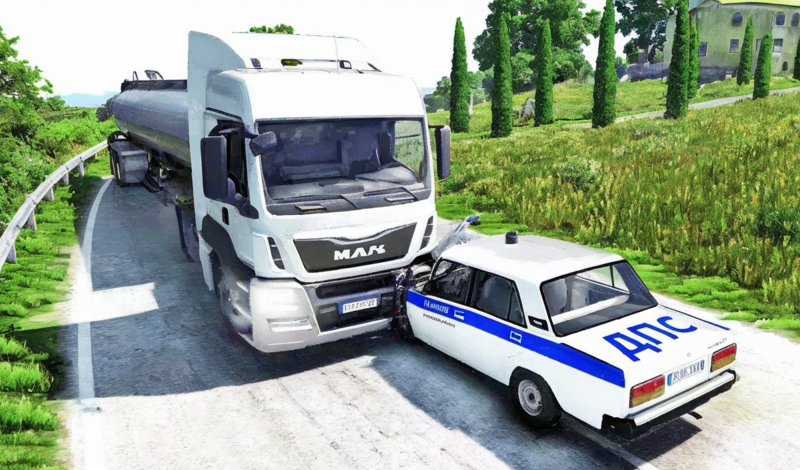
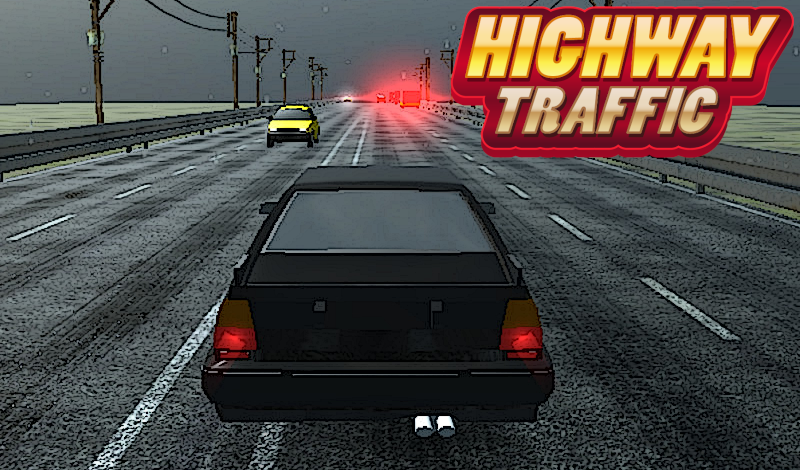
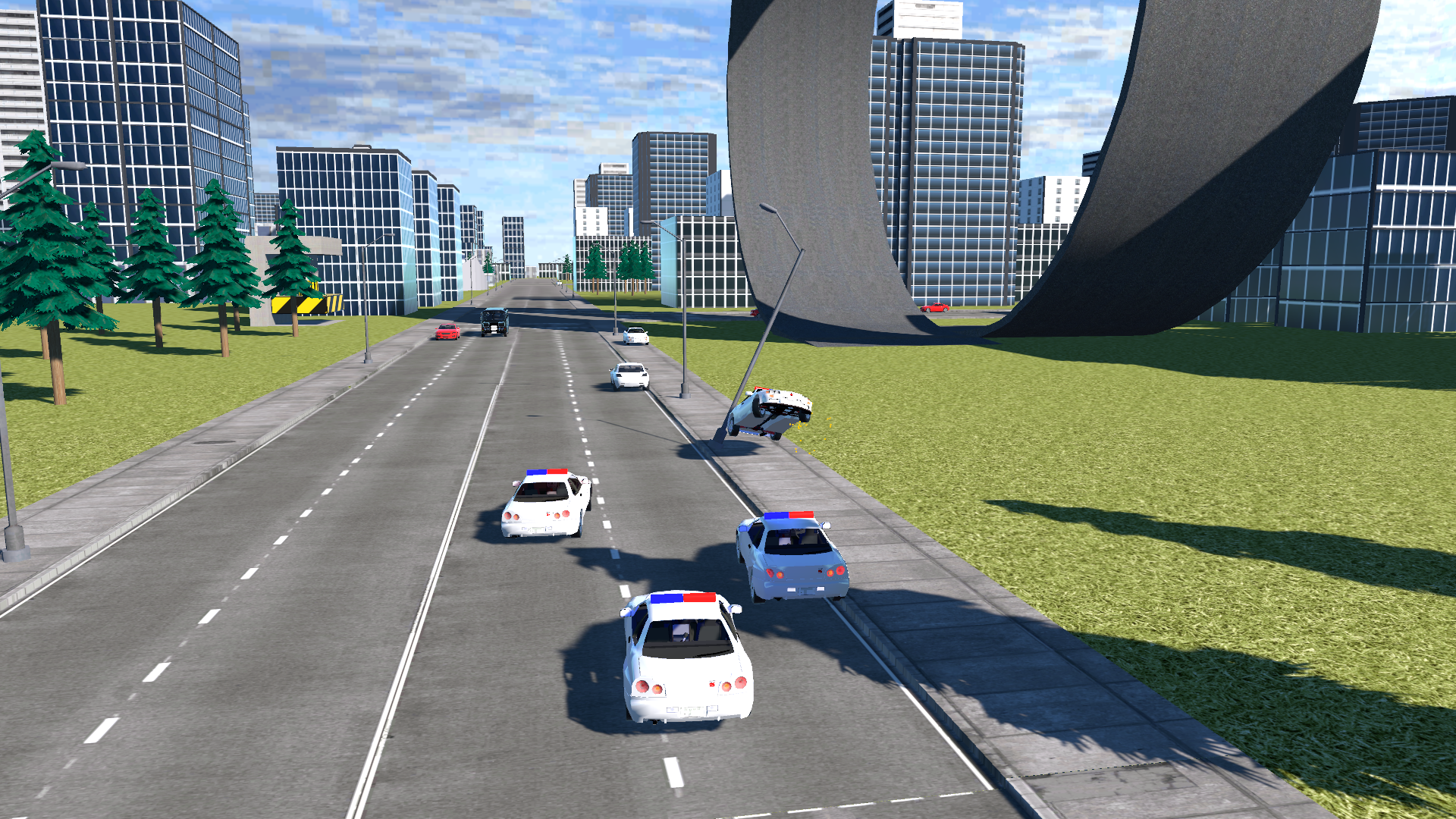
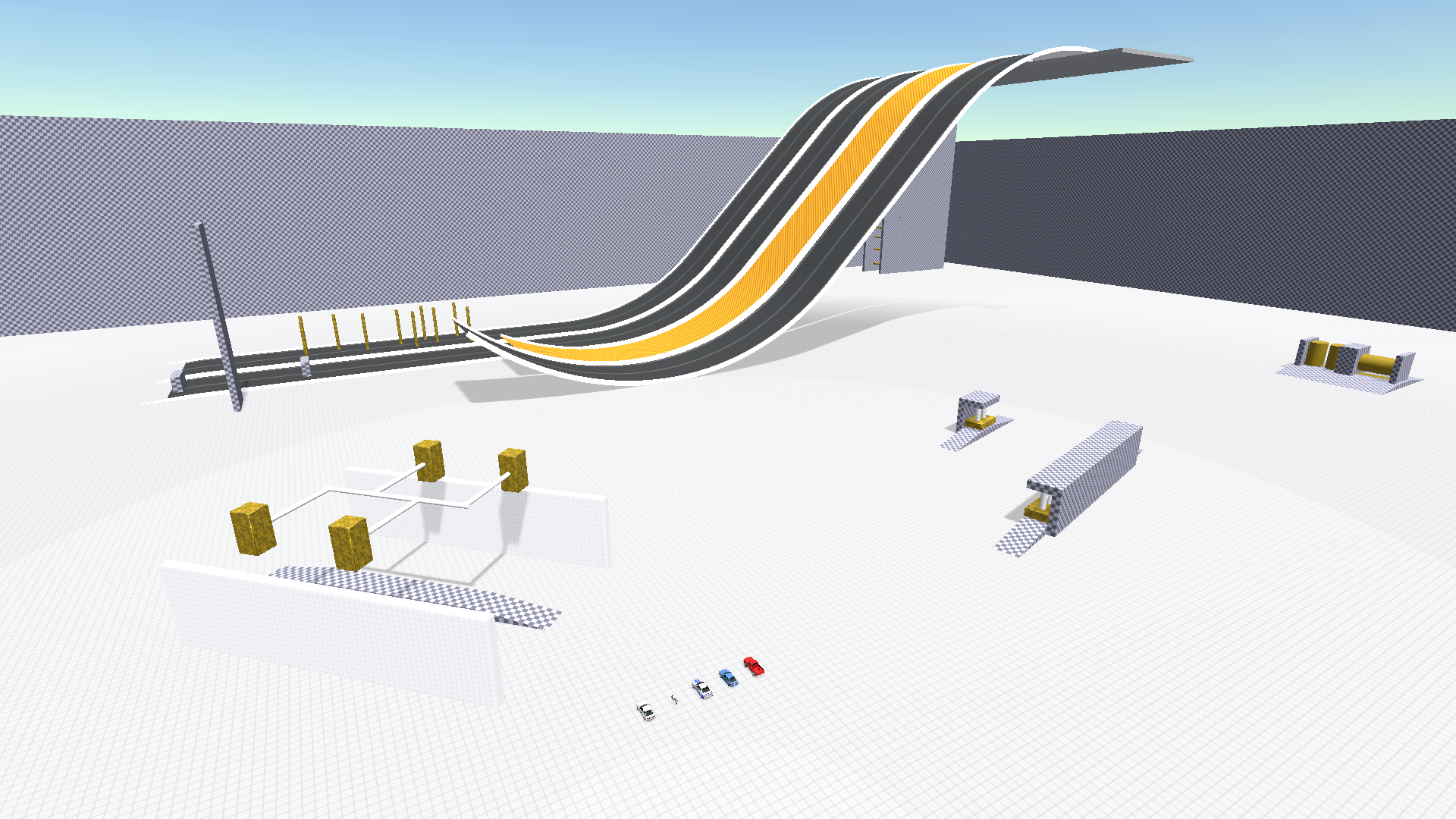
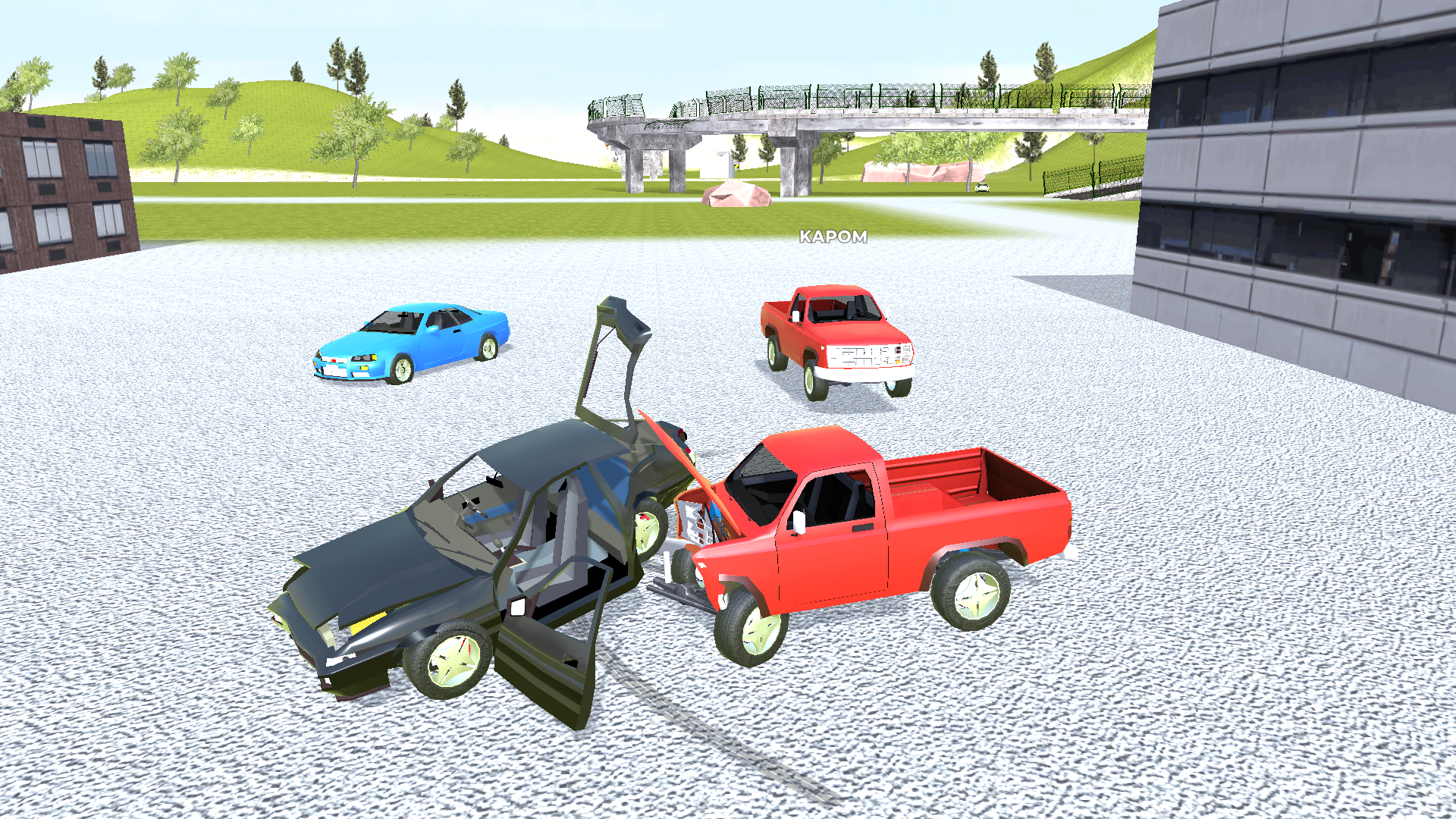
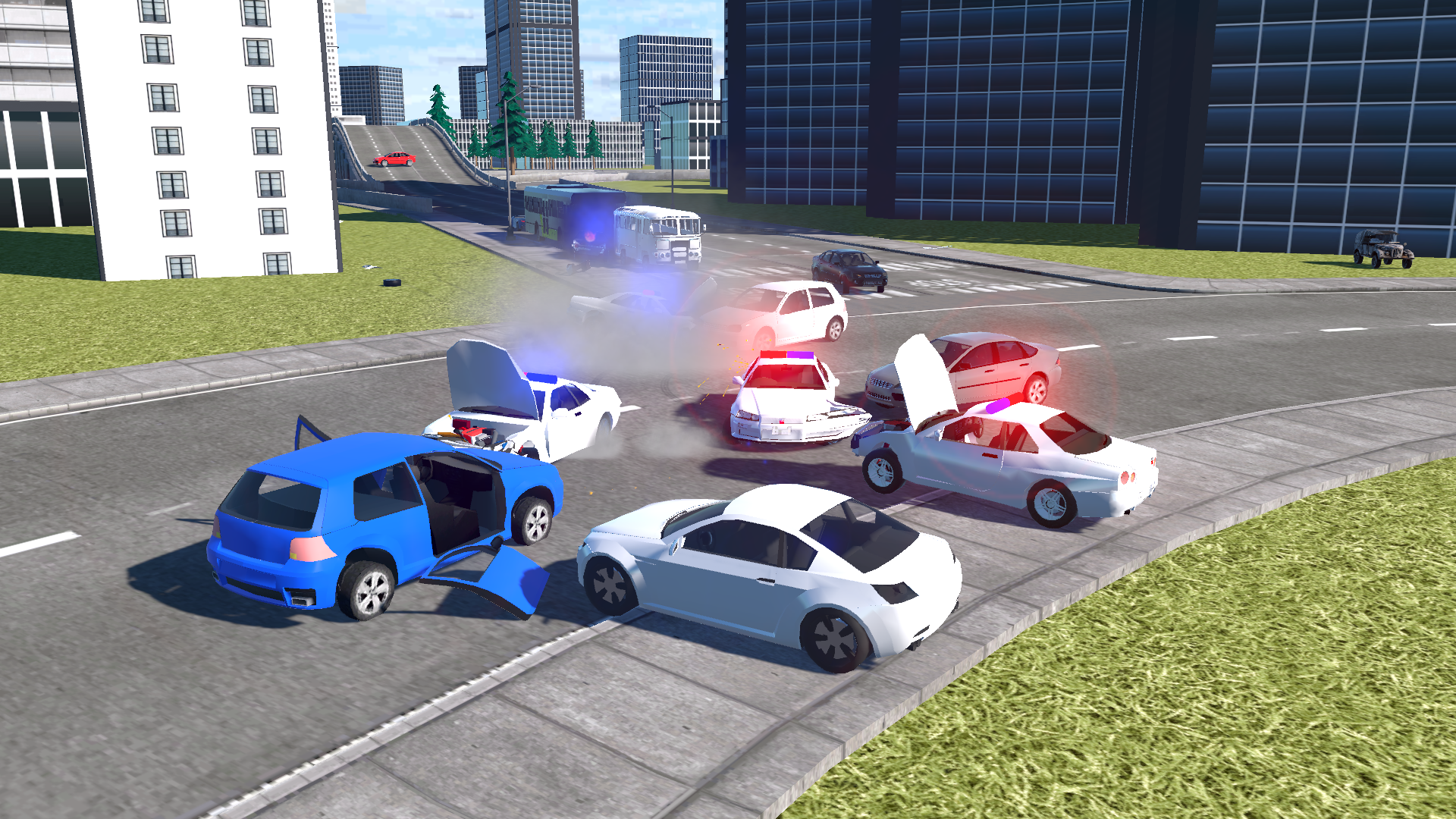
Drive fast and test your luck in the 3D virtual city! Dodge police cars and watch out for crashes. Realistic car physics for intense chases and destruction. Feel the thrill of a high-speed getaway.
Here's how you can control your game experience: Press [pause menu button] to access the game menu or use [emergency stop button]. To move your character, use the following keys: [forward], [backward], [left], and [right]. Use the [jump] key for the handbrake. Activate your nitro with the [boost] key. For camera adjustment, press [change angle]. When you need to reset your car, press the [reset] key. Restore your vehicle with the [repair] function. If you want to slow down time, press the [freeze] shortcut. Switch to a different car with the [vehicle change] option.
Yes. You can play Crime and Vice City Police online for free without buying the game or creating an account.
Yes. The game runs in a modern browser on phones, tablets, laptops, desktops, and Chromebooks.
No. Press Play and the browser game loads directly on this page.
Games related to Crime and Vice City Police.