Free • No download
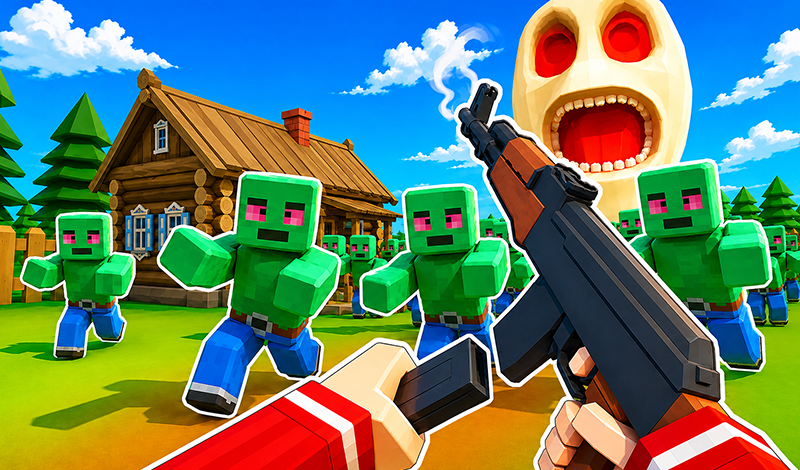
Hunt terrible monsters! Show off your hunting skills!
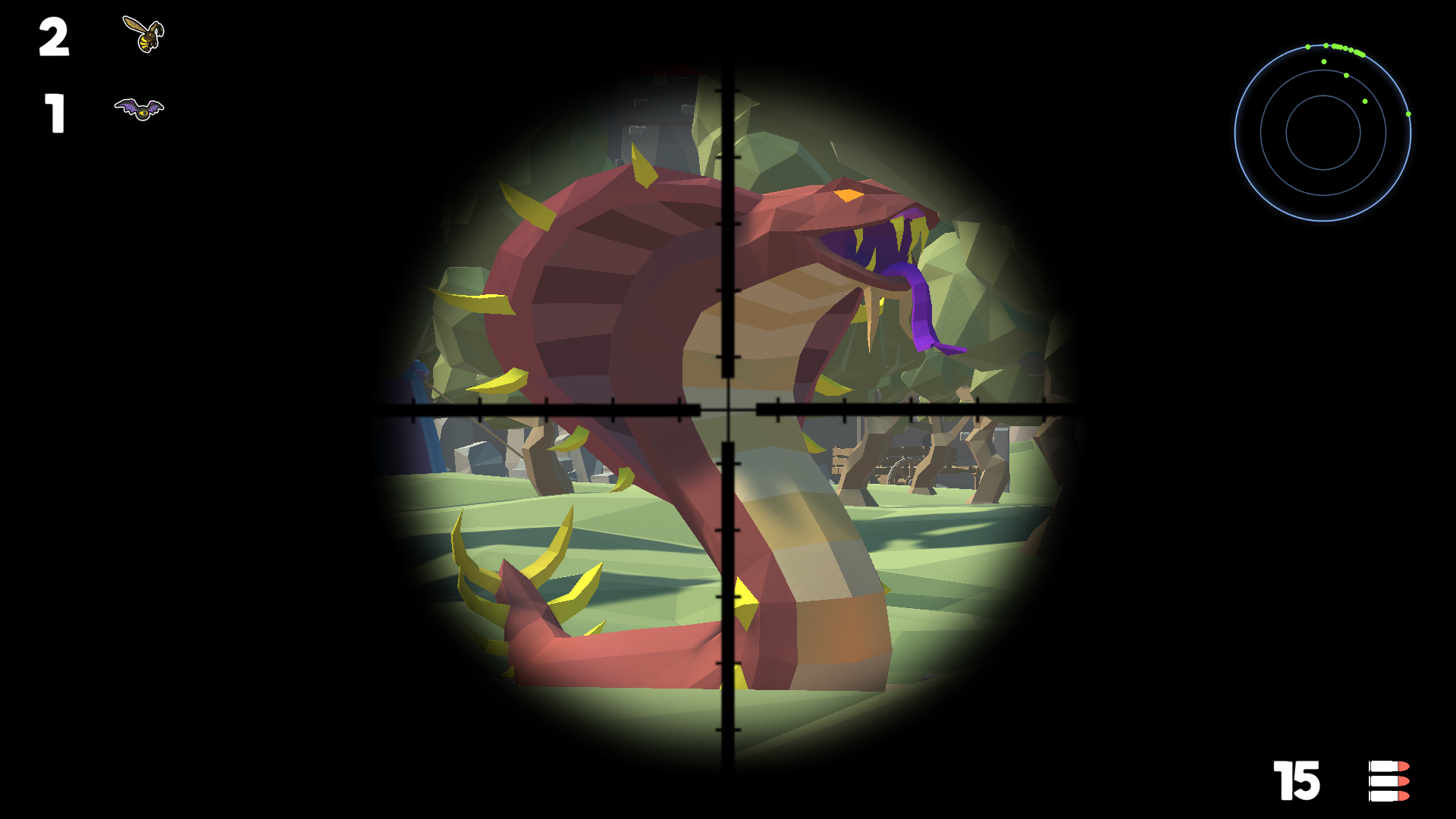
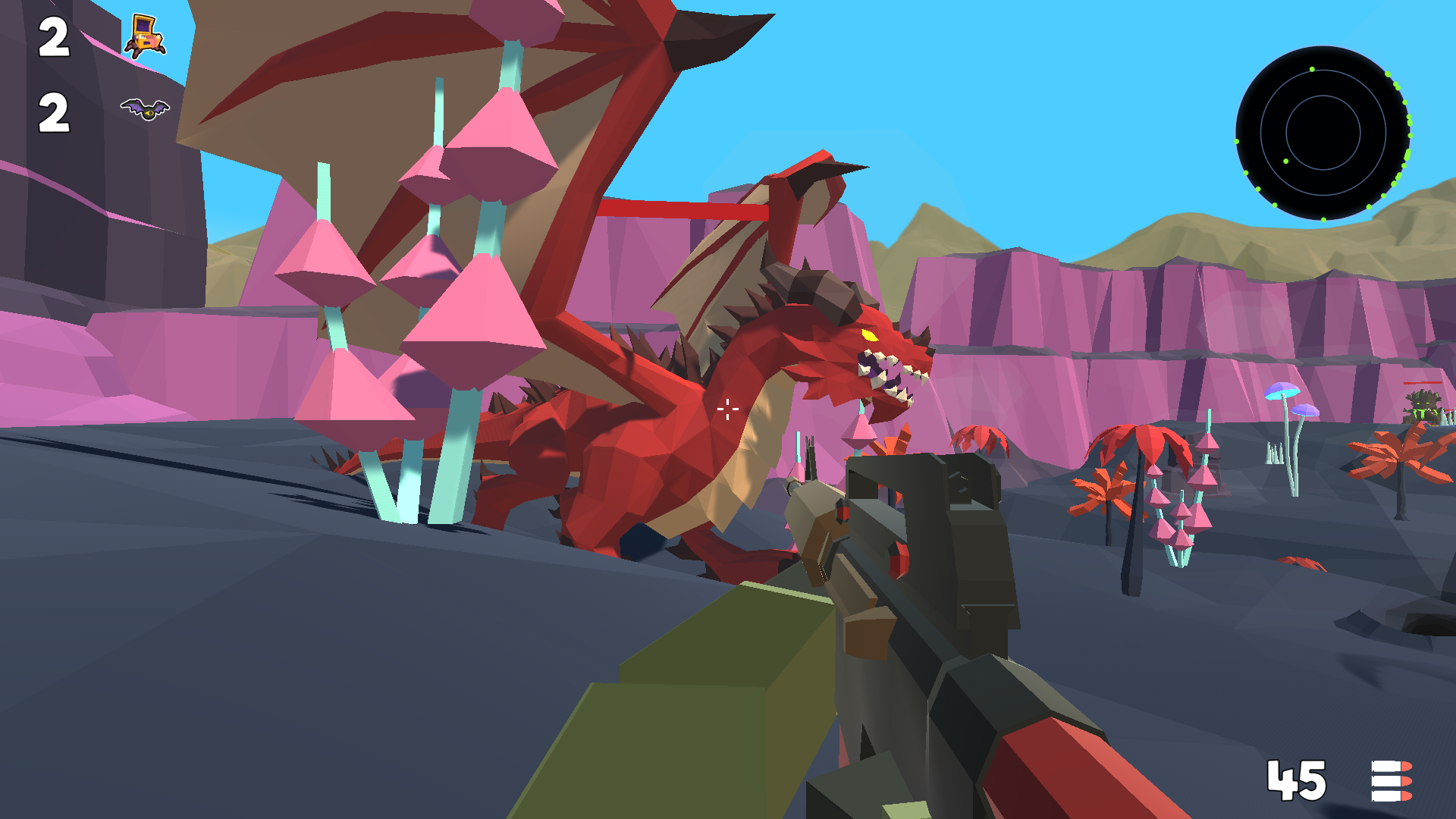
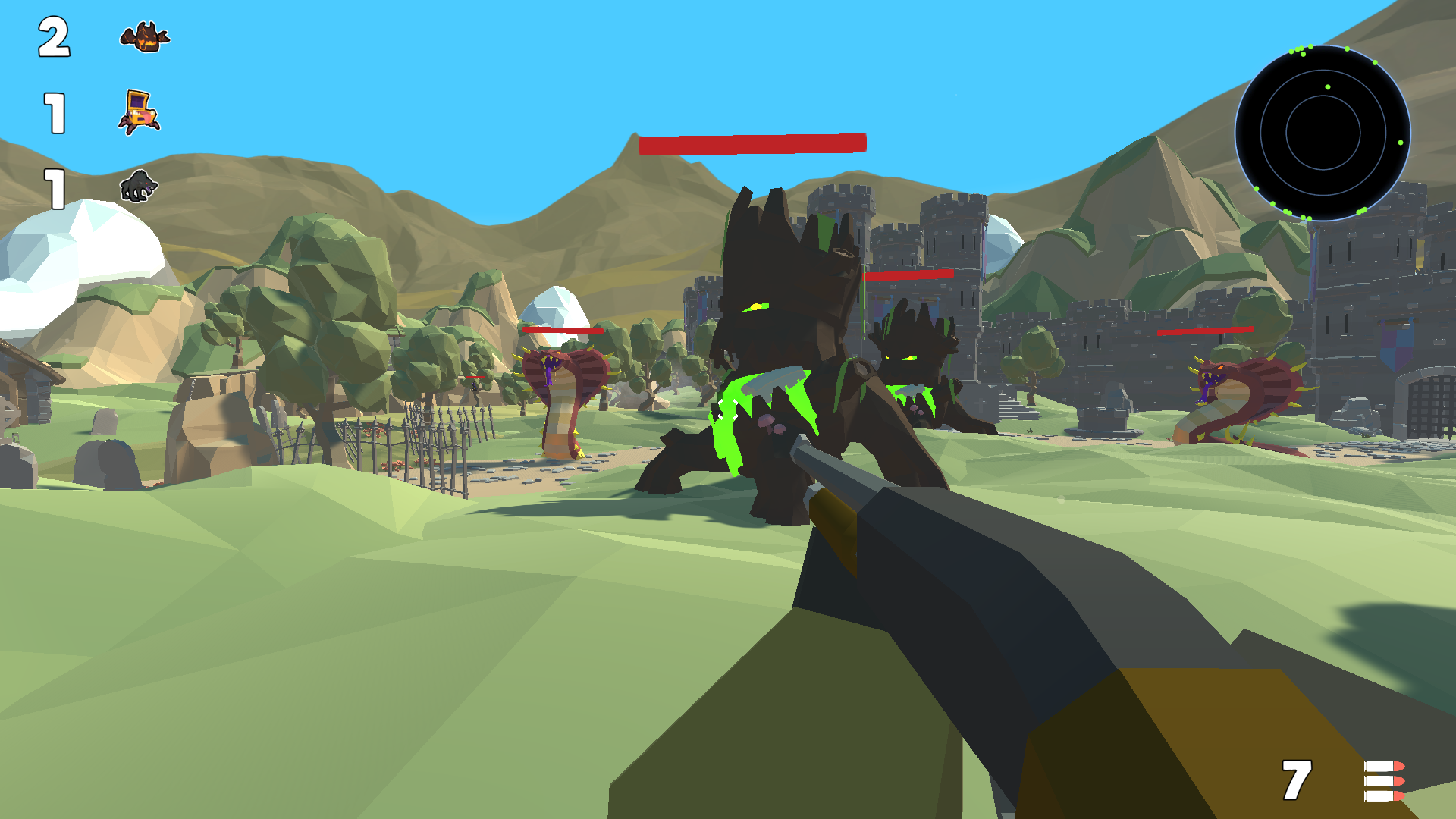
Firstly, choose the platform you want to play on. Here’s how you can control your character on a computer: * W and the up arrow make your character move forward. * A or the left arrow move your character to the left. * S or the down arrow make them move backward. * D or the right arrow directs your character to move to the right. * C makes your character sit down. * R helps you reload. * Shift is for acceleration. * Space helps your character jump. * Aim with the right mouse button. On your phone, you can use the joystick in the left corner of the screen to control your character's movement. To aim your weapon, use the area on the right side of the screen. Pressing the 'Attack' button lights it up and turns on auto-shooting at targets.
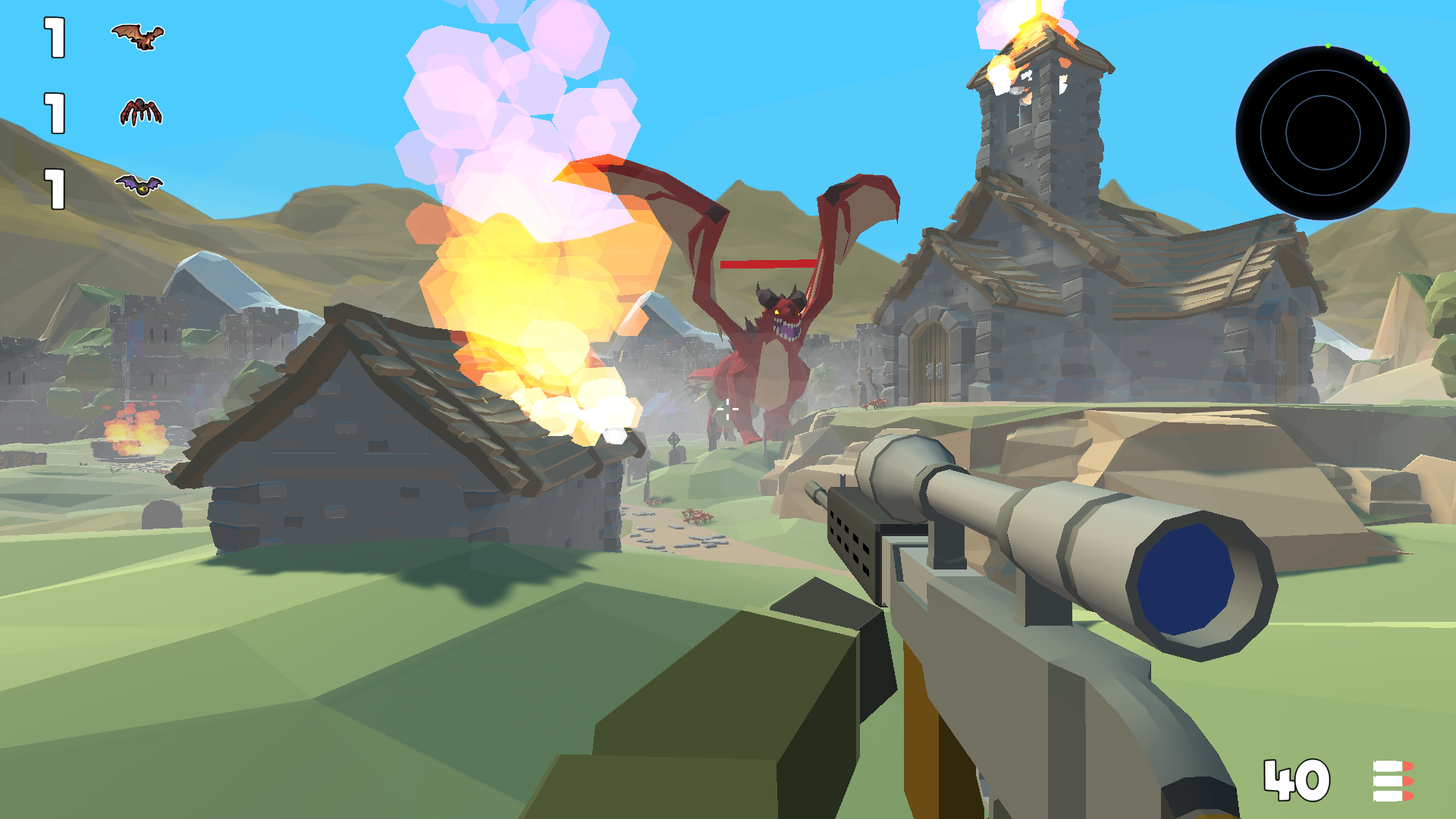
Yes. You can play Wildlife 4: Monster Hunting 3D online for free without buying the game or creating an account.
Yes. The game runs in a modern browser on phones, tablets, laptops, desktops, and Chromebooks.
No. Press Play and the browser game loads directly on this page.
Games related to Wildlife 4: Monster Hunting 3D.