Free • No download
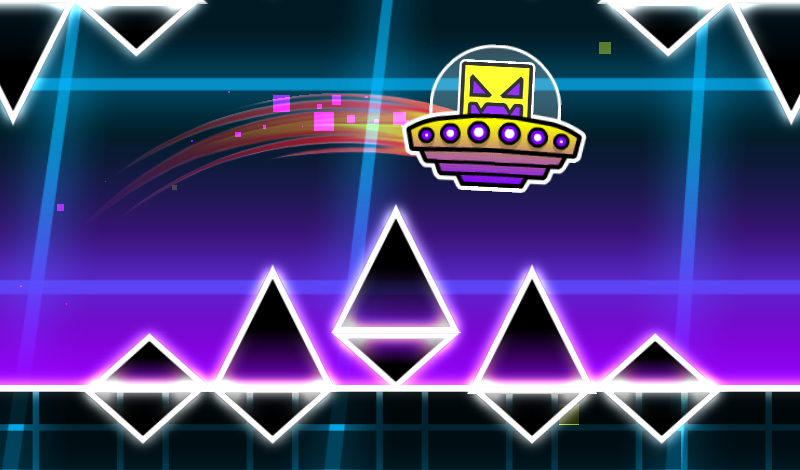
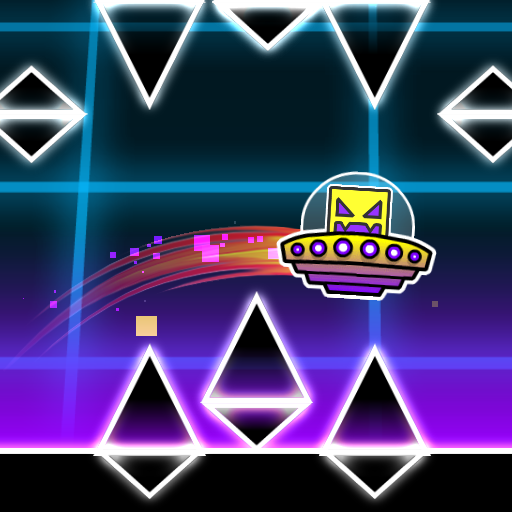
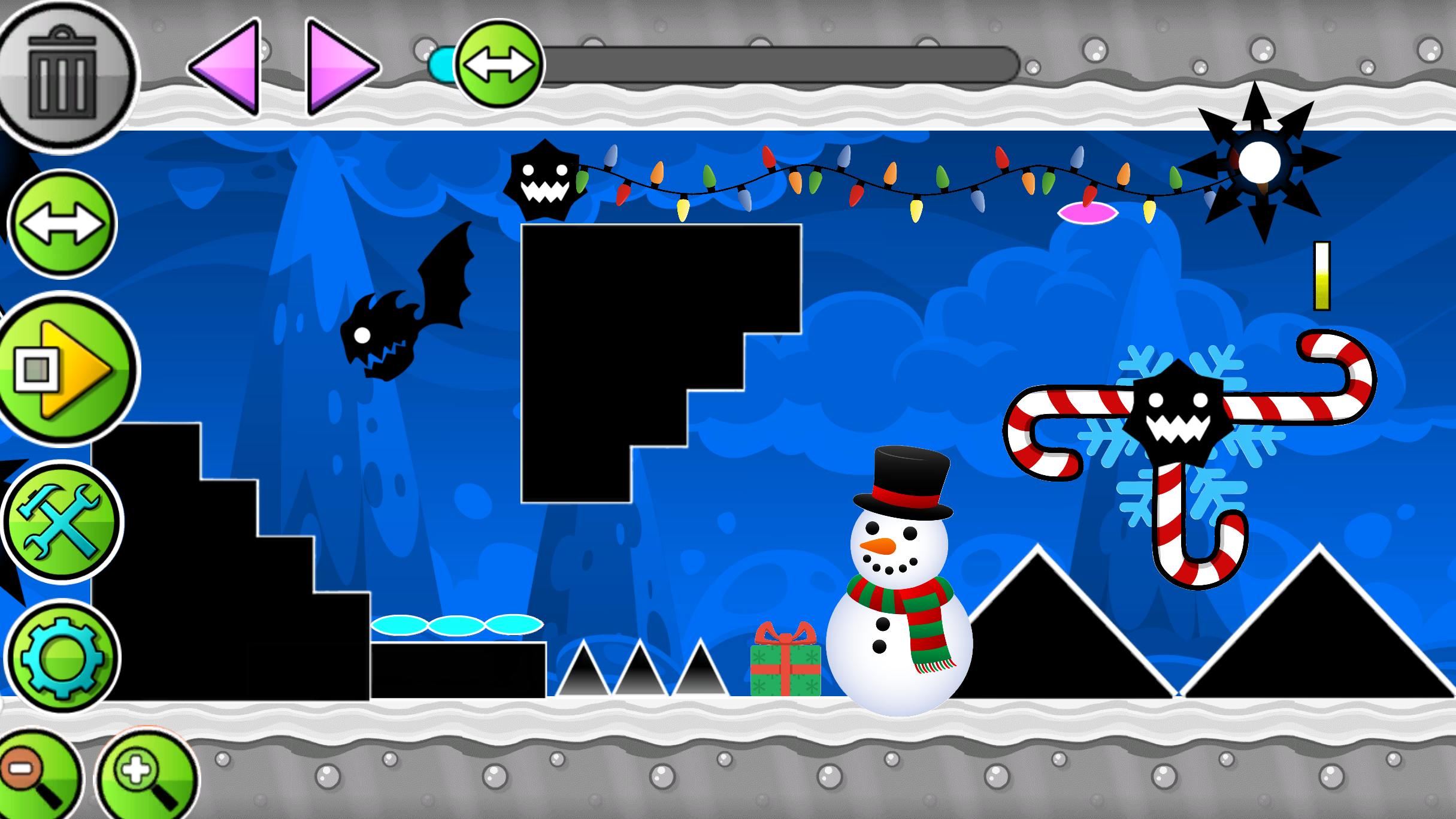
Feel free to challenge yourself with an exciting Geometry Dash activity – design a custom level of any complexity in the highly acclaimed UFO mode!
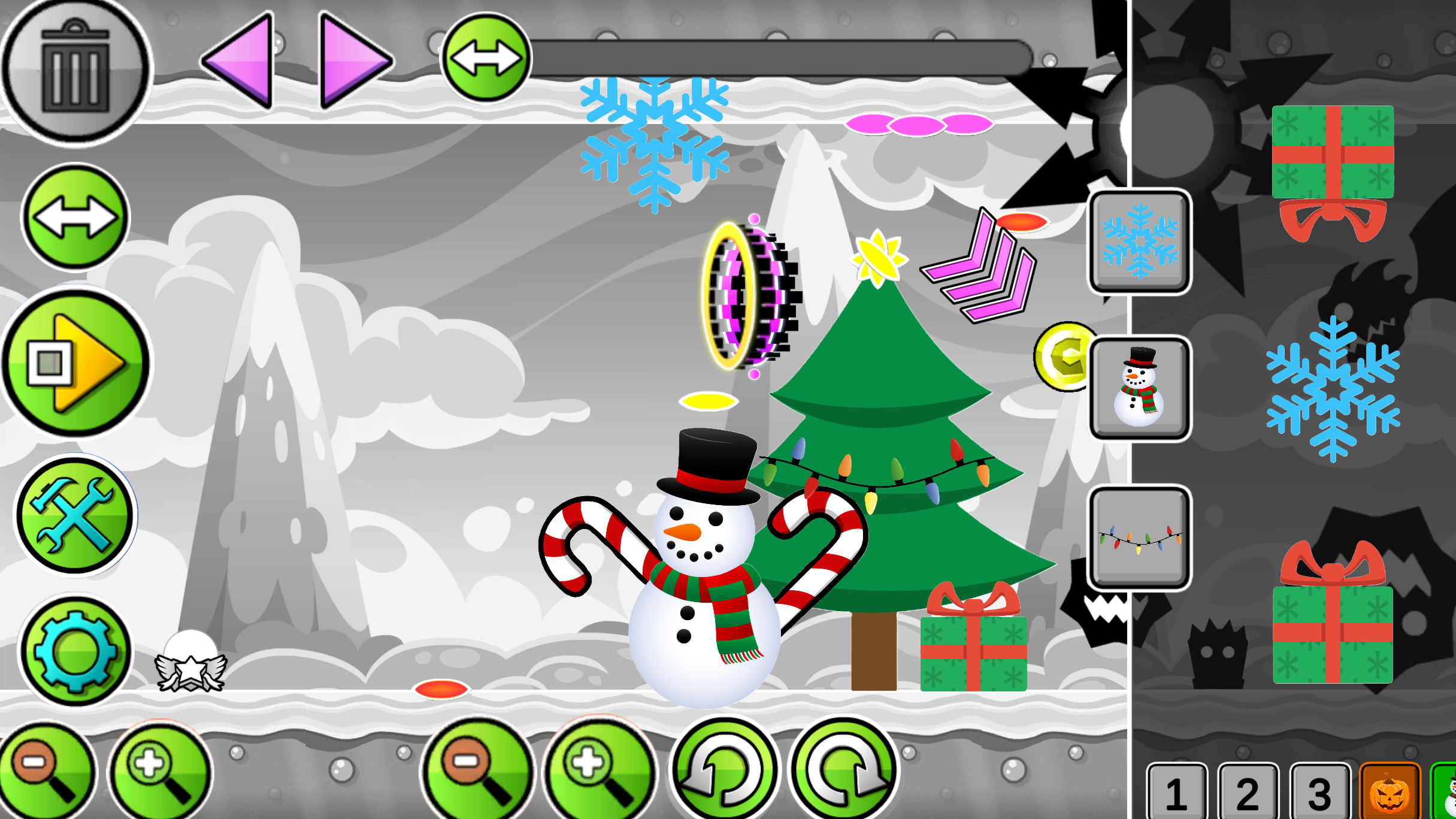
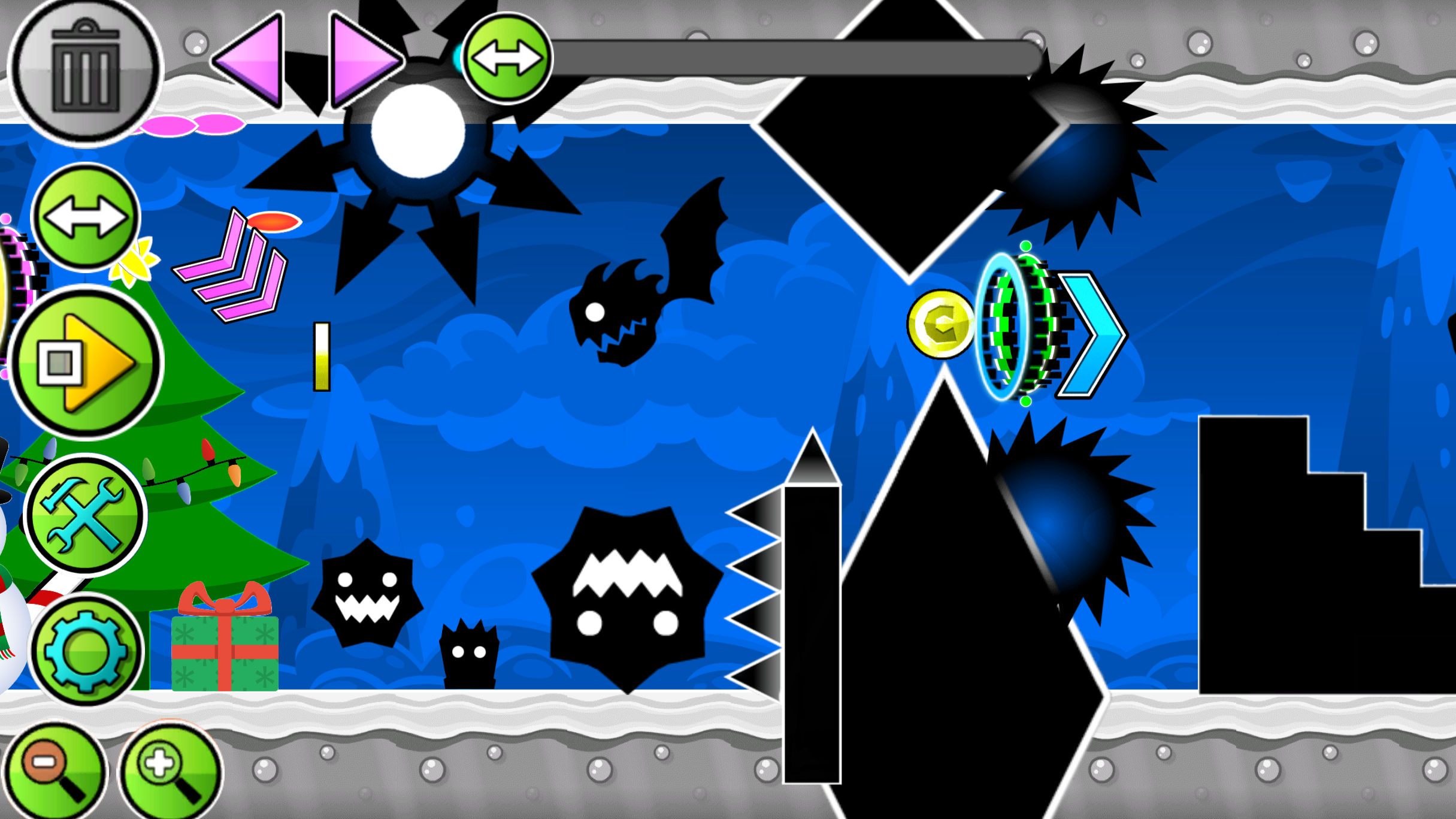
The game is a level editor where you can create all sorts of levels: simple, challenging, wild, or even impossible. There are various buttons on the screen, each controlling a different feature. The "Play" button lets you test your level. You control a falling UFO, and tapping the screen or left-clicking makes it bounce. Use this to guide the plate and dodge obstacles you've created. There are also buttons for crafting obstacles and portals. Select an image, and they'll appear in the center of the screen. Move them anywhere using the mouse or your finger. The two-arrow button lets you shift the screen to build further. The settings button adjusts the background color. To delete objects, use the trash can button; if it's red, deleted objects disappear.
Yes. You can play UFO Editor online for free without buying the game or creating an account.
Yes. The game runs in a modern browser on phones, tablets, laptops, desktops, and Chromebooks.
No. Press Play and the browser game loads directly on this page.
Games related to UFO Editor.