Free • No download
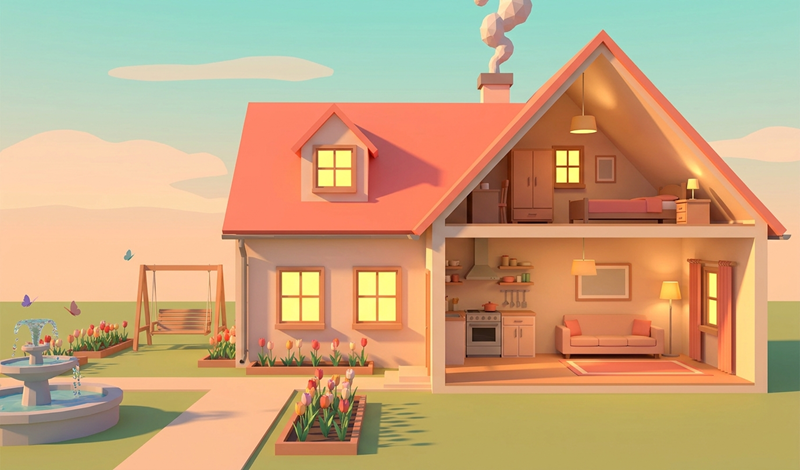
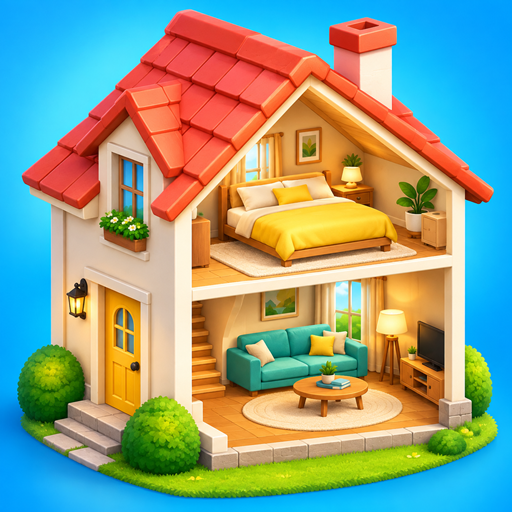
Create and customize your perfect home in a cozy 3D environment! Take on orders, rise through the levels, and immerse yourself in Turnkey Home in the first person.
Construct: choose the «Room» instrument and draw a rectangle — walls and floor will be created automatically. Add doors and windows directly into the walls using the items from the catalogue. Decorate: access the catalogue by pressing «Build», select furniture or decor, and place it on the plot. You can rotate, move, or sell objects. Colorize: use the paint tool to change the color of walls and wallpapers — both sides of each wall can be colored. Explore: press the walk button to enter the house and view it from a first-person perspective. Fulfill tasks: in the goals menu, accept a client order, build according to the requirements, and submit your work. Controls on PC: mouse — for building and camera control (right button — rotate, wheel — zoom), WASD/arrows — to move the camera, R — to rotate an object, Delete — to sell, Esc — to exit walk mode. Controls on mobile: tap — to build and select, two fingers — to rotate and zoom the camera, joystick — to move around in walk mode.


Yes. You can play Turnkey Home online for free without buying the game or creating an account.
Yes. The game runs in a modern browser on phones, tablets, laptops, desktops, and Chromebooks.
No. Press Play and the browser game loads directly on this page.
Games related to Turnkey Home.