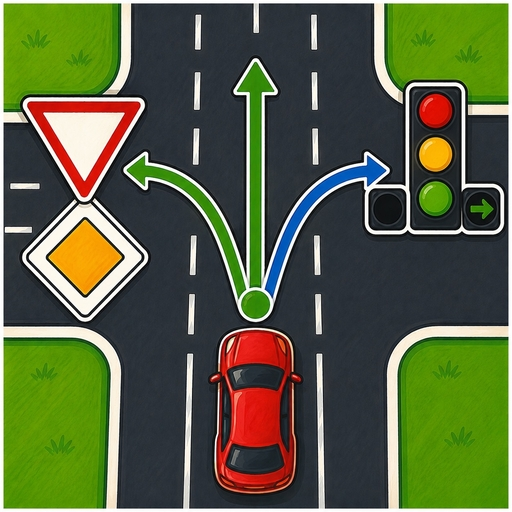
Free • No download
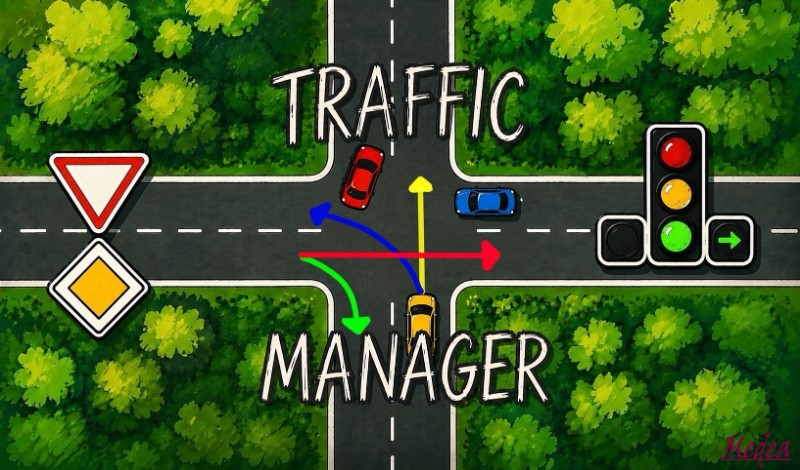
Take control of the roads! In Traffic Manager, strategically manage traffic lights, adjust lanes, and optimize traffic flow to prevent gridlocks in a realistic city environment.
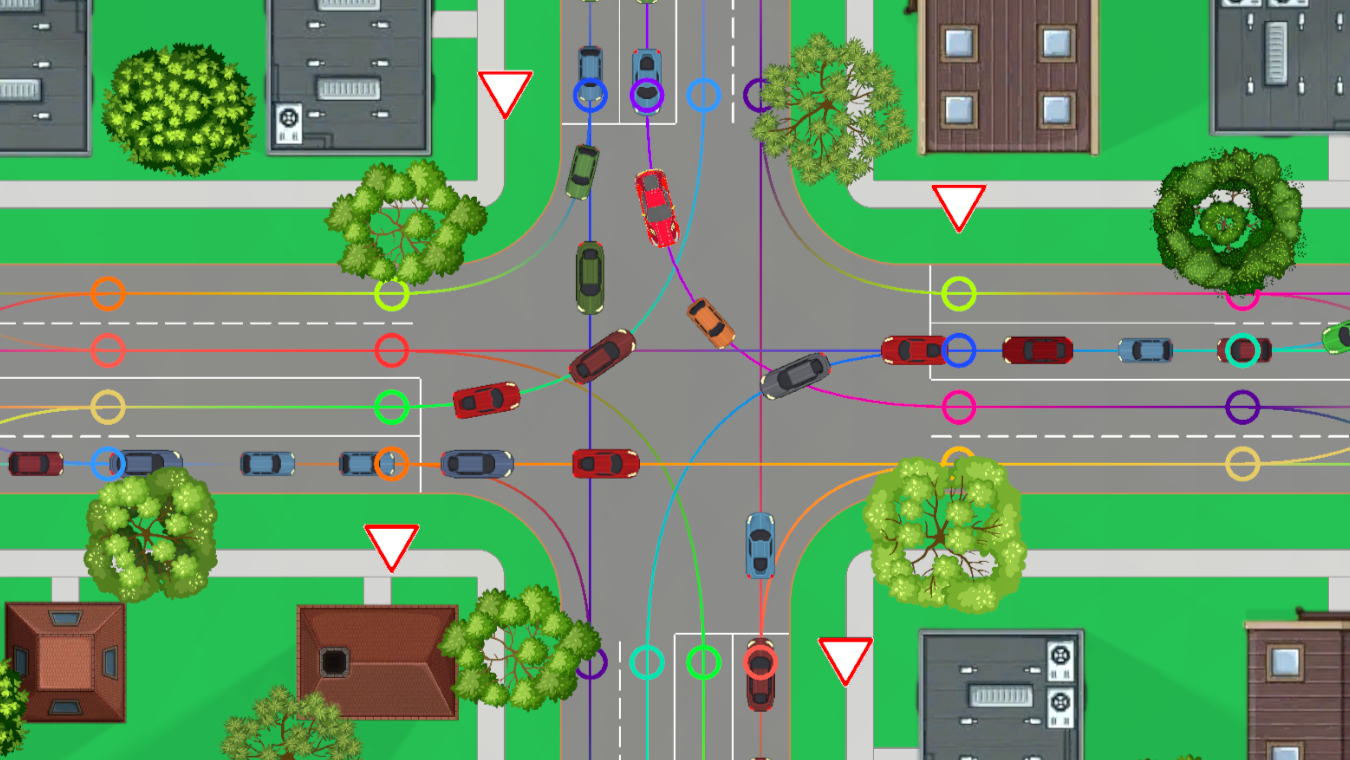
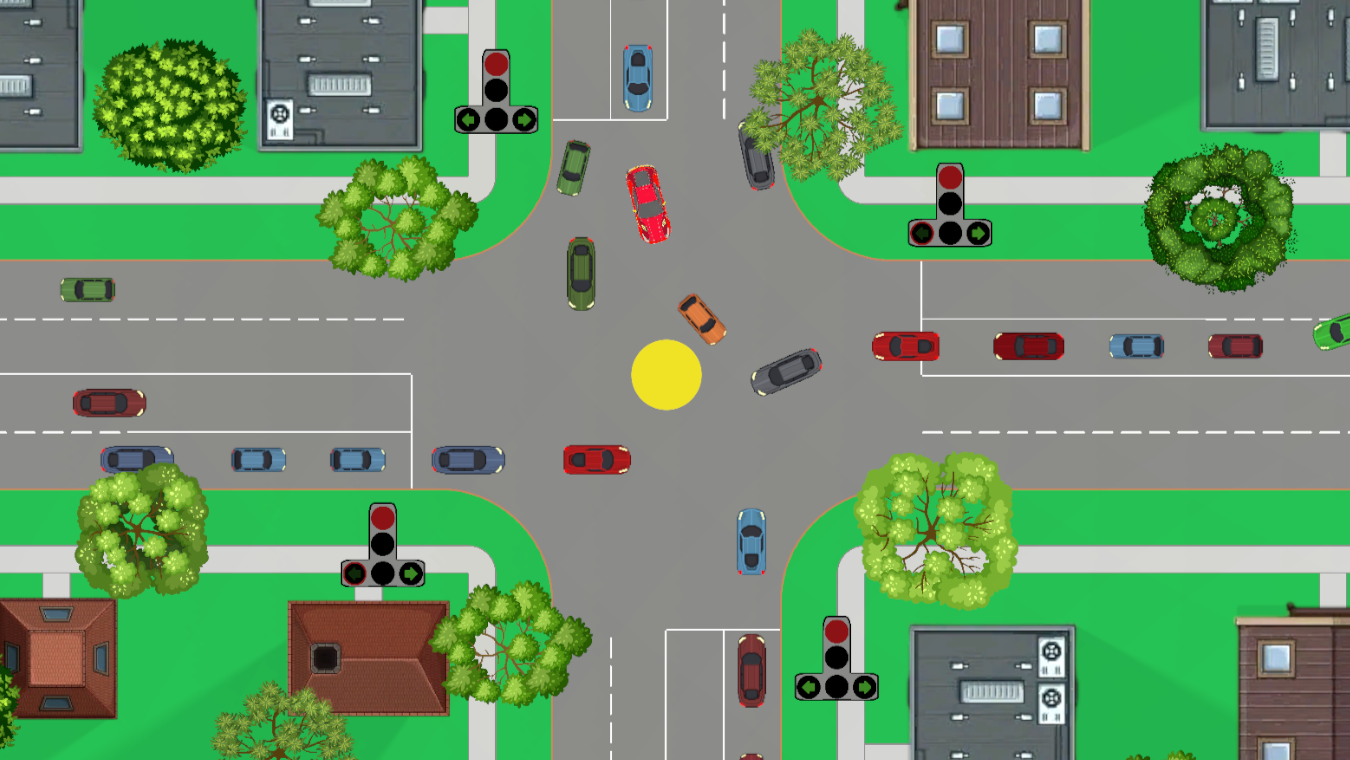
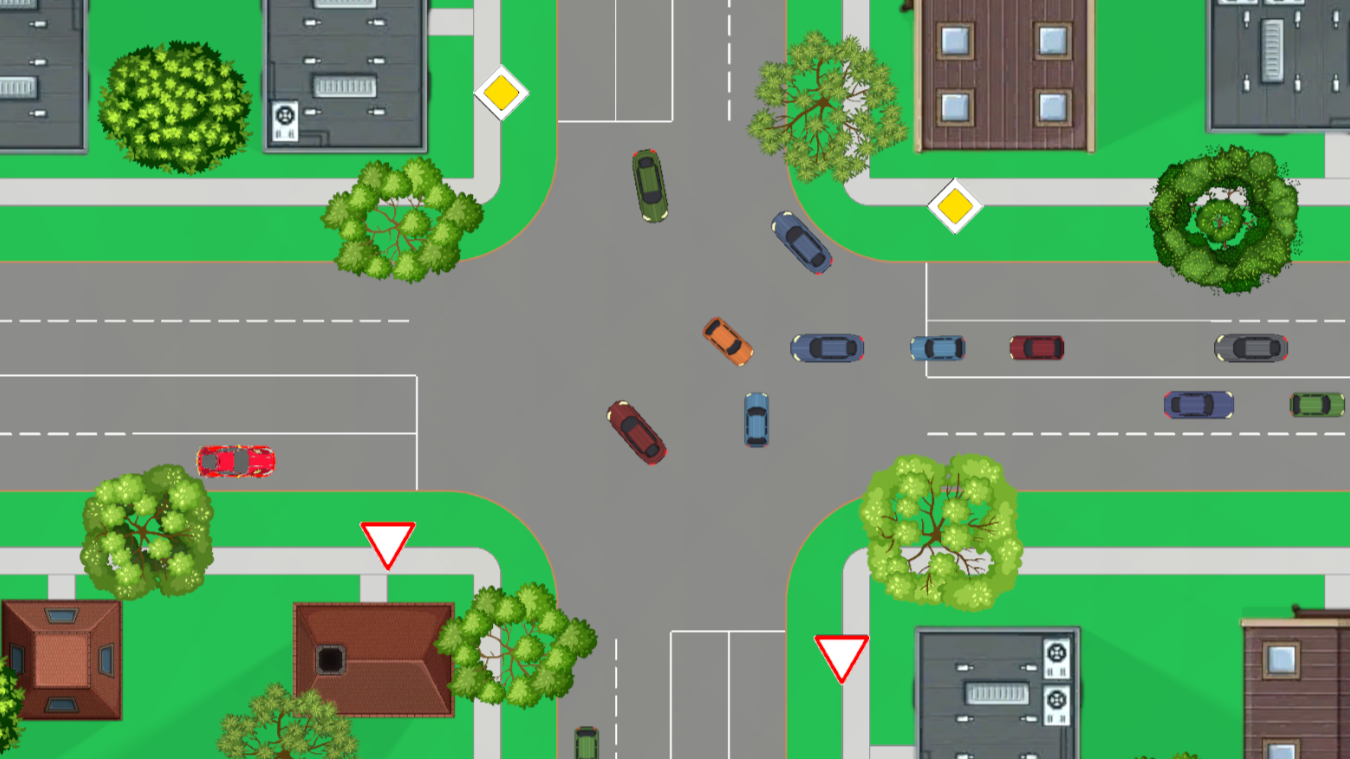
Your goal is to ensure smooth traffic and prevent any traffic jams. Here's how the controls work: - **Lanes Button**: press it, then click on the road segments to set up connections between lanes. Vehicles will follow the specified routes precisely. - **Priority Signs**: click on the signs themselves to switch between main road and yield priorities. - **Traffic Light Setup**: select the Lights option, choose an intersection marked with a yellow circle, create light signals by clicking on them, adjust the phase length, and confirm with Add. - **Run Lights**: start the traffic light cycle by clicking Run. To stop it, click the traffic light again. Note that vehicles will ignore signals while you're editing phases. If traffic comes to a complete standstill, use the Reset Cars button to clear the roads and revise your approach.
Yes. You can play Traffic Manager online for free without buying the game or creating an account.
Yes. The game runs in a modern browser on phones, tablets, laptops, desktops, and Chromebooks.
No. Press Play and the browser game loads directly on this page.
Games related to Traffic Manager.