
Free • No download
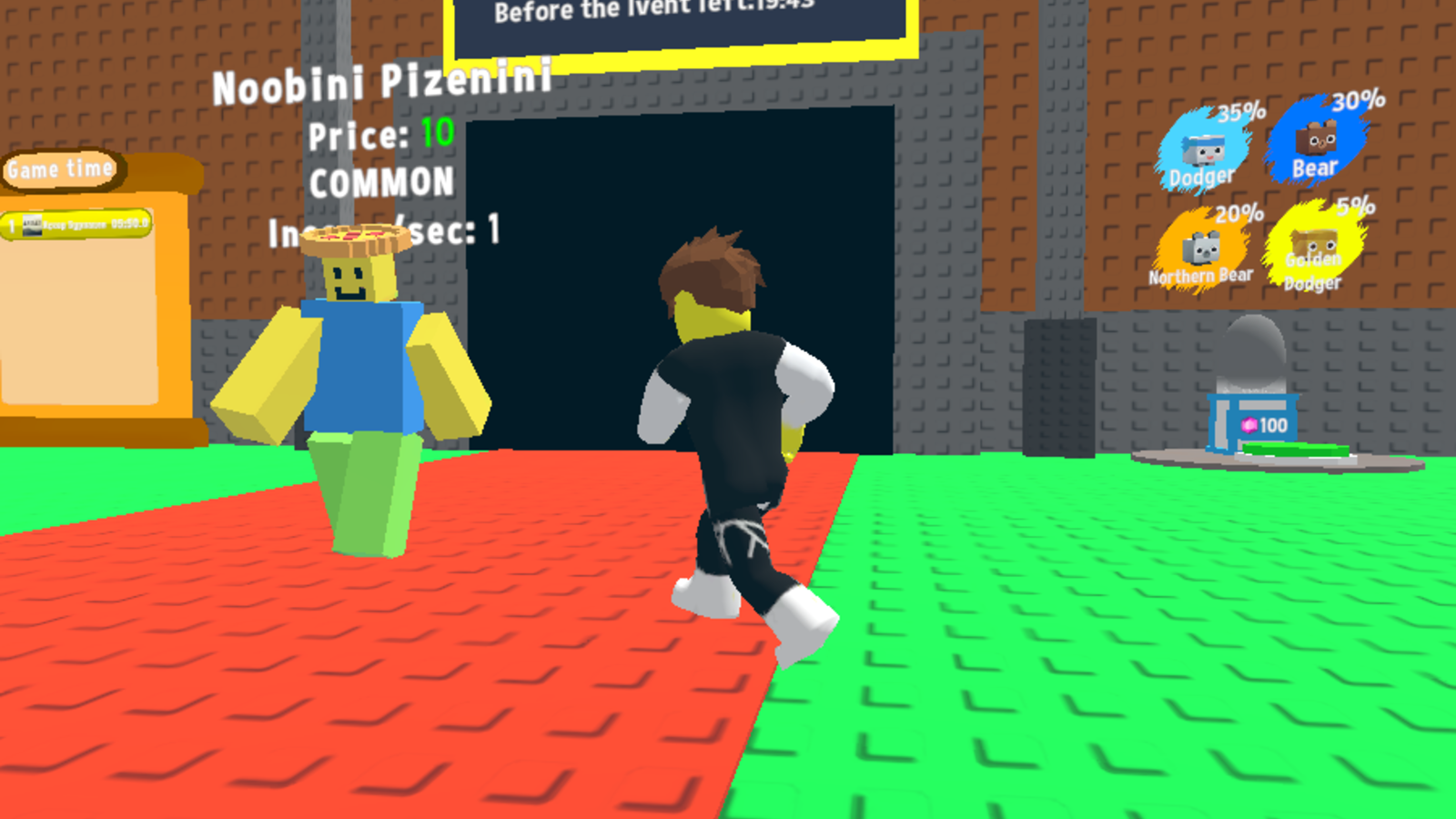
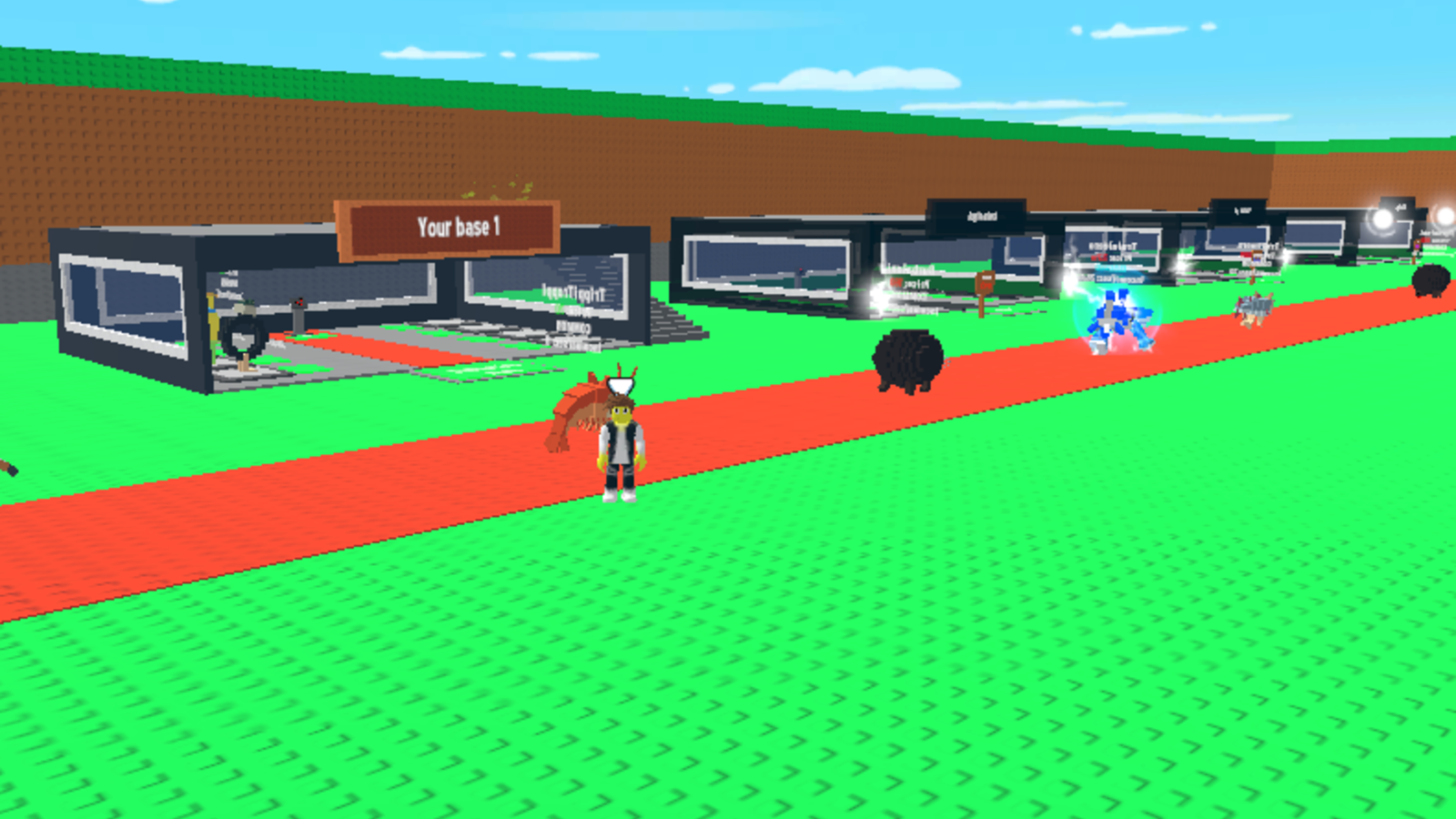
This game brilliantly merges two sought-after modes: Tycoon and Steal a Brainroot!
Computer controls: * WASD — move. * Move the mouse to look around. * Hold the right mouse button to turn the camera. * SPACE BAR — jump. * E — purchase. * F — sell. * 1, 2, 3, 4 — activate bonuses. Phone controls: * Use the left stick to move. * Swipe your finger right to look around. * The right button with the up arrow lets you jump. In the settings, you can adjust the mouse sensitivity and the music volume.

Yes. You can play Steal a Laptop: A Private Server online for free without buying the game or creating an account.
Yes. The game runs in a modern browser on phones, tablets, laptops, desktops, and Chromebooks.
No. Press Play and the browser game loads directly on this page.
Games related to Steal a Laptop: A Private Server.