Free • No download
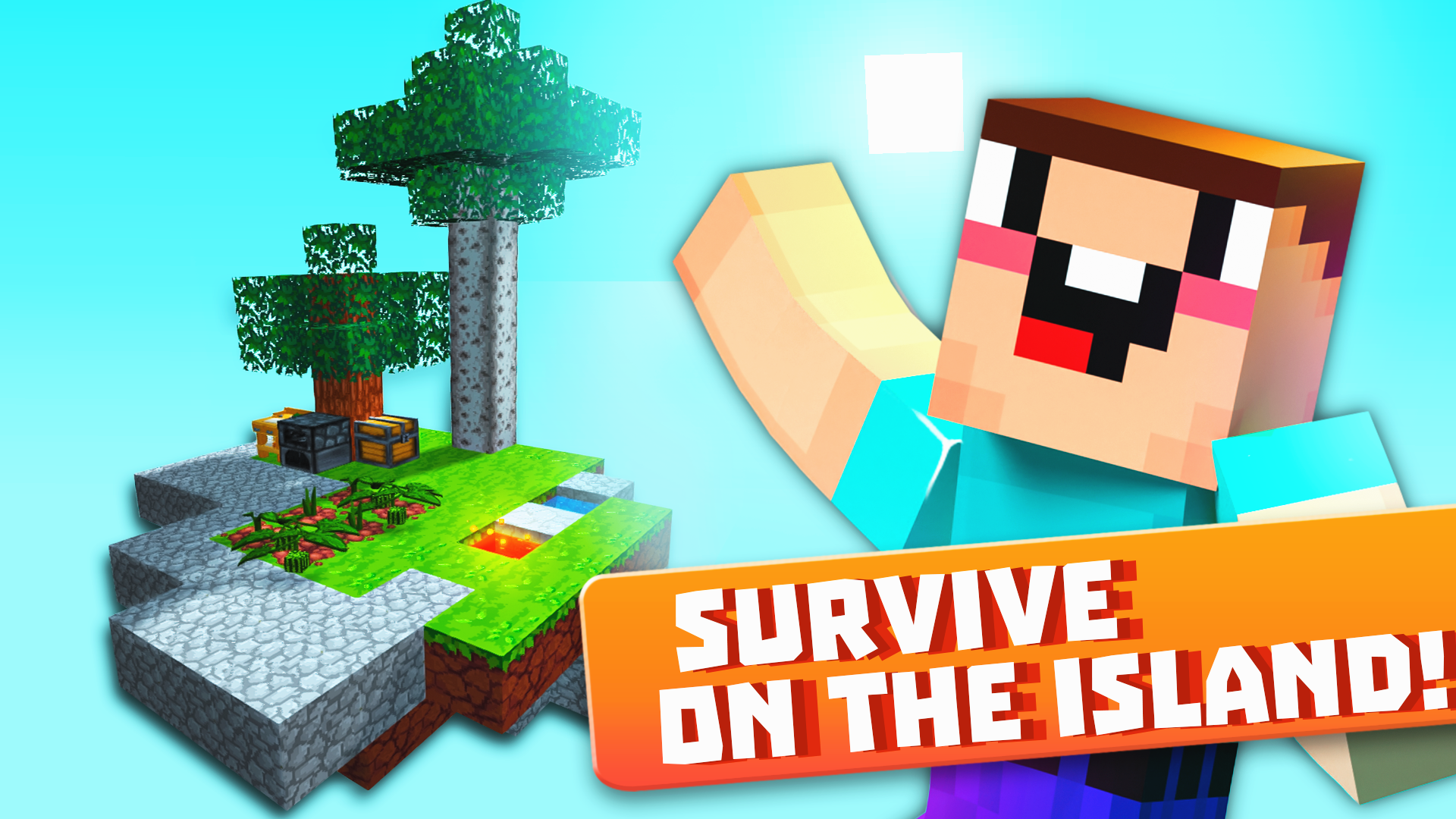
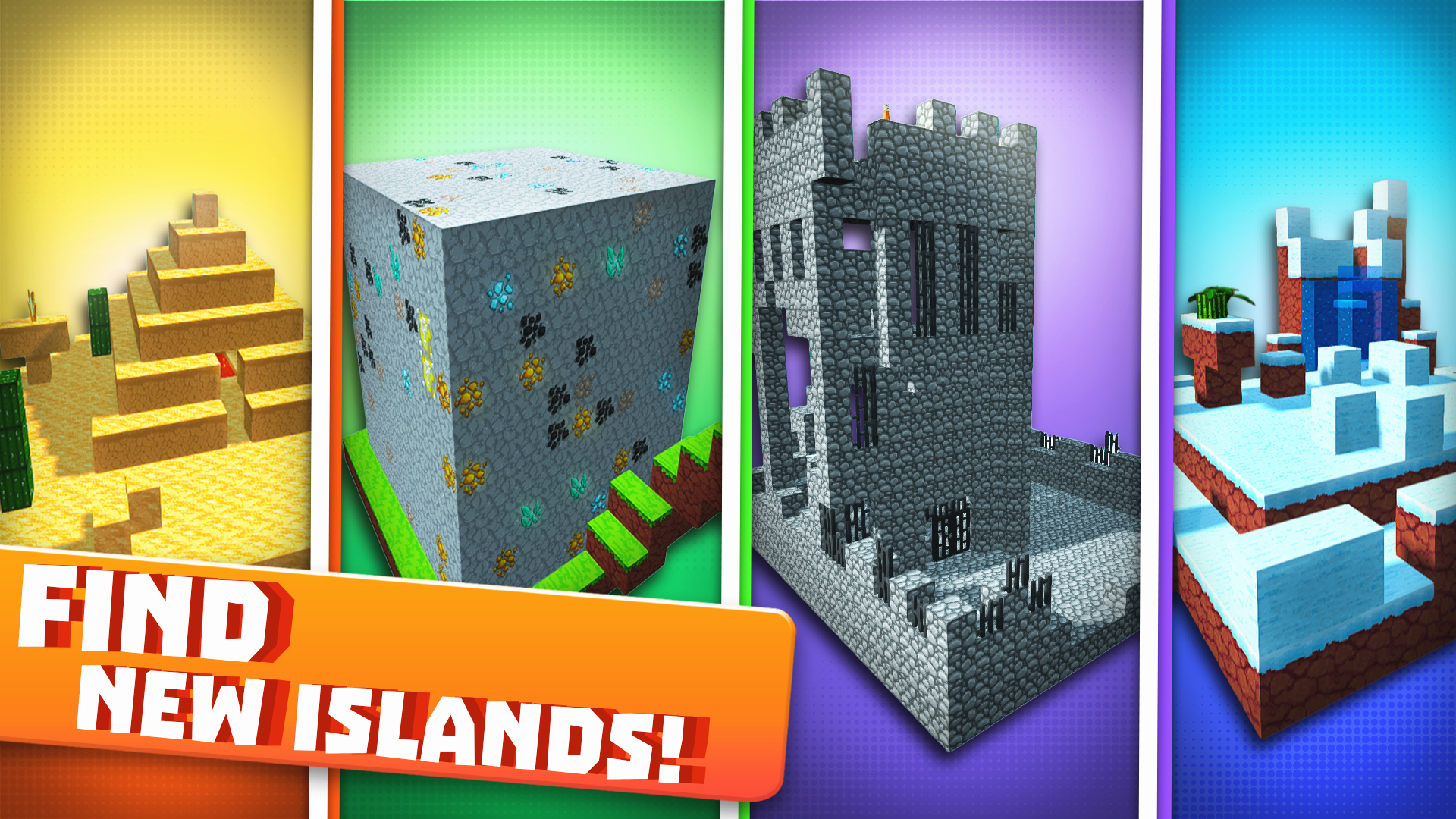
Survive in the floating world of Skyblock 3D! Traverse the skies, grow crops, battle creatures, and trade with island dwellers. Adventure is calling!
To play the game on a computer, use the following controls: - Move using the W, A, S, D keys. - Jump by pressing the spacebar. - Hold down the left mouse button to break blocks. - Right-click or press F to place blocks. - Press E to open your inventory. - Use Tab to pause the game. - If you need help, press J. - To drop an item, press Q (to drop a full slot, press Shift + Q). On mobile devices, the controls are as follows: - Use the left joystick to move. - Tap the arrow icon button for jumping. - Break blocks by holding down the sword icon button. - Stack blocks by holding the cross icon button - The orange button in the middle of the screen opens your inventory - Pause the game with the purple button in the upper right corner of the screen.
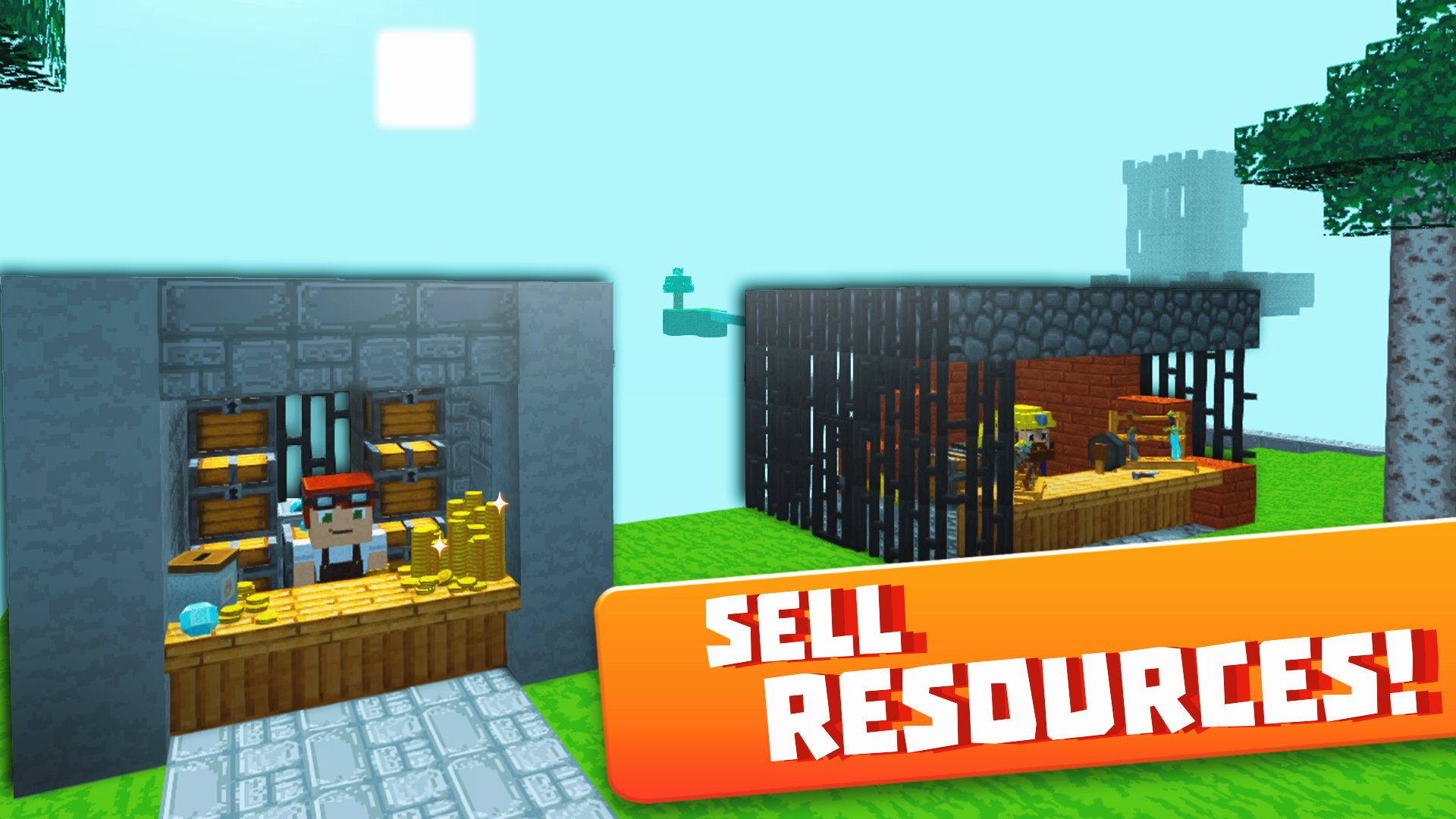
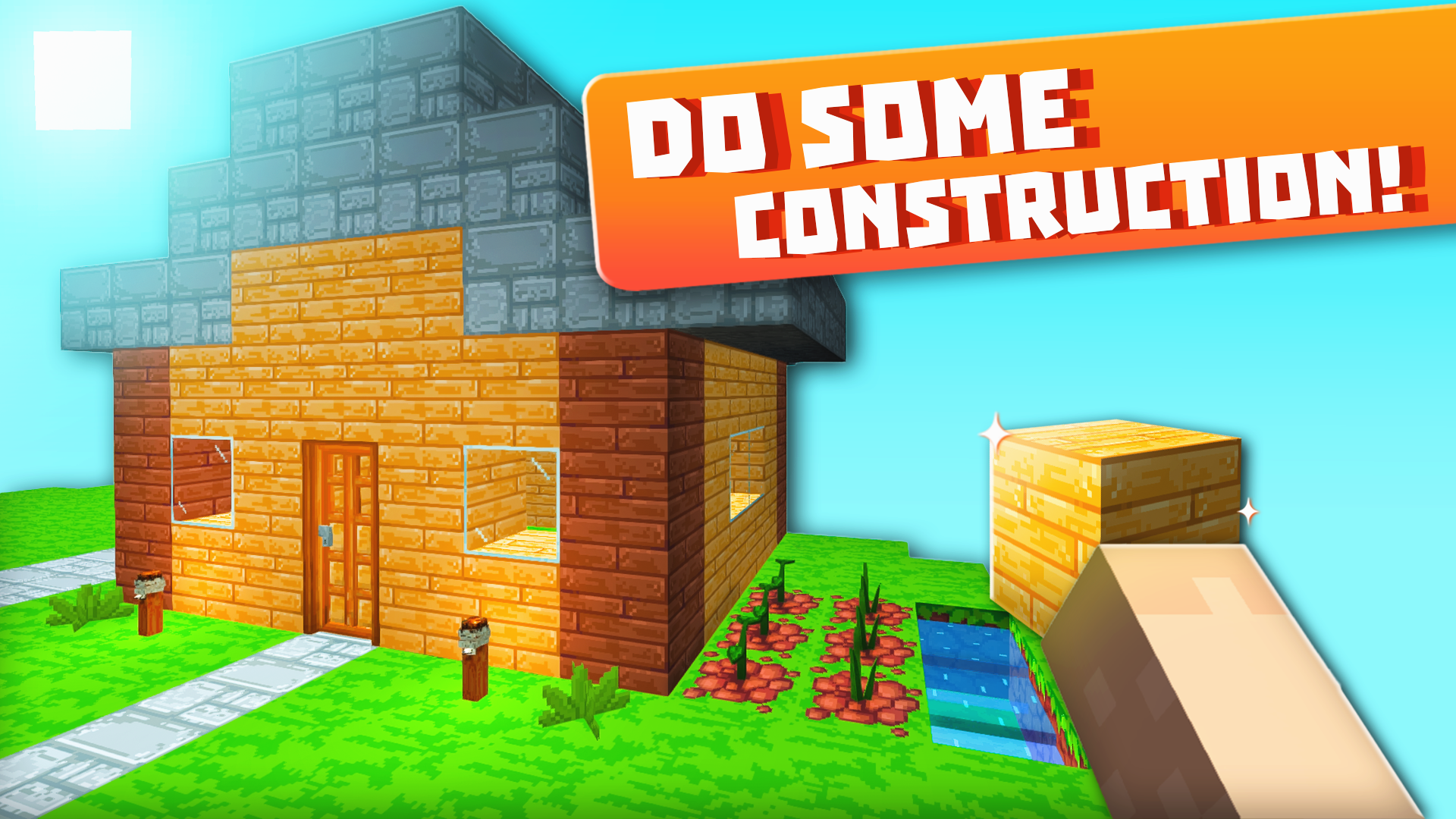
Yes. You can play Skyblock 3D: Survival online for free without buying the game or creating an account.
Yes. The game runs in a modern browser on phones, tablets, laptops, desktops, and Chromebooks.
No. Press Play and the browser game loads directly on this page.
Games related to Skyblock 3D: Survival.
 Boo Scared 5: Barry Prison
 CraftedSurvival 2: Mine Survival & Building
 Monster School vs Siren Head
 Noob Miner 2: Escape from Prison
 Noob survival: In search of adventures
 Noob vs Pro 2
 Schoolboy and Granny 2: Survival in the Forest

 Action 10: The Finale
 Alternate World - Age of Dead
 Angry Boy Pedro and His Friend

 Baby in Yellow

 Blackriver Mystery. Hidden Objects