Free • No download
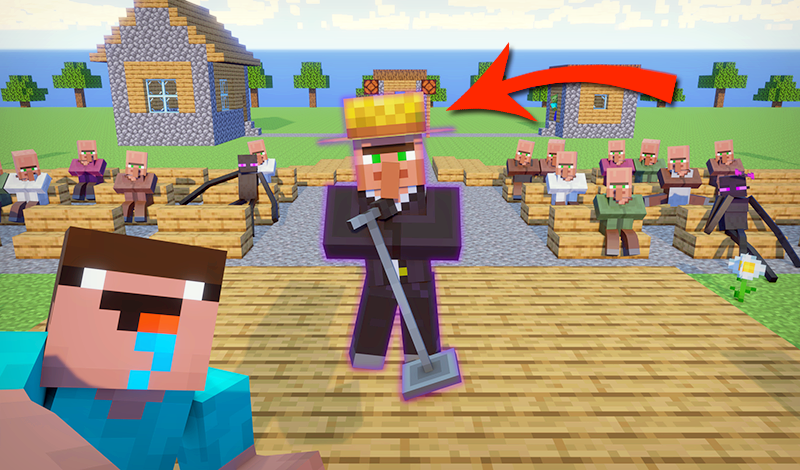
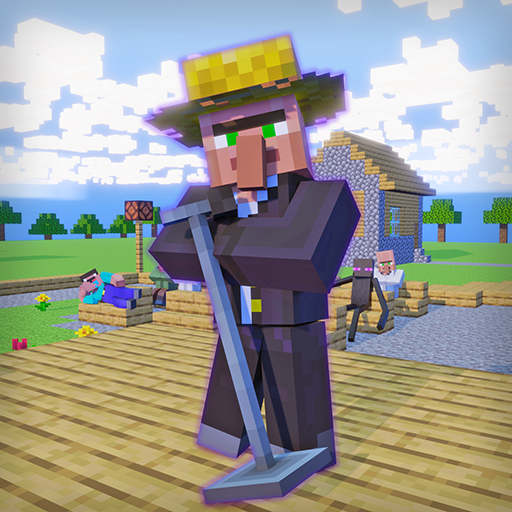
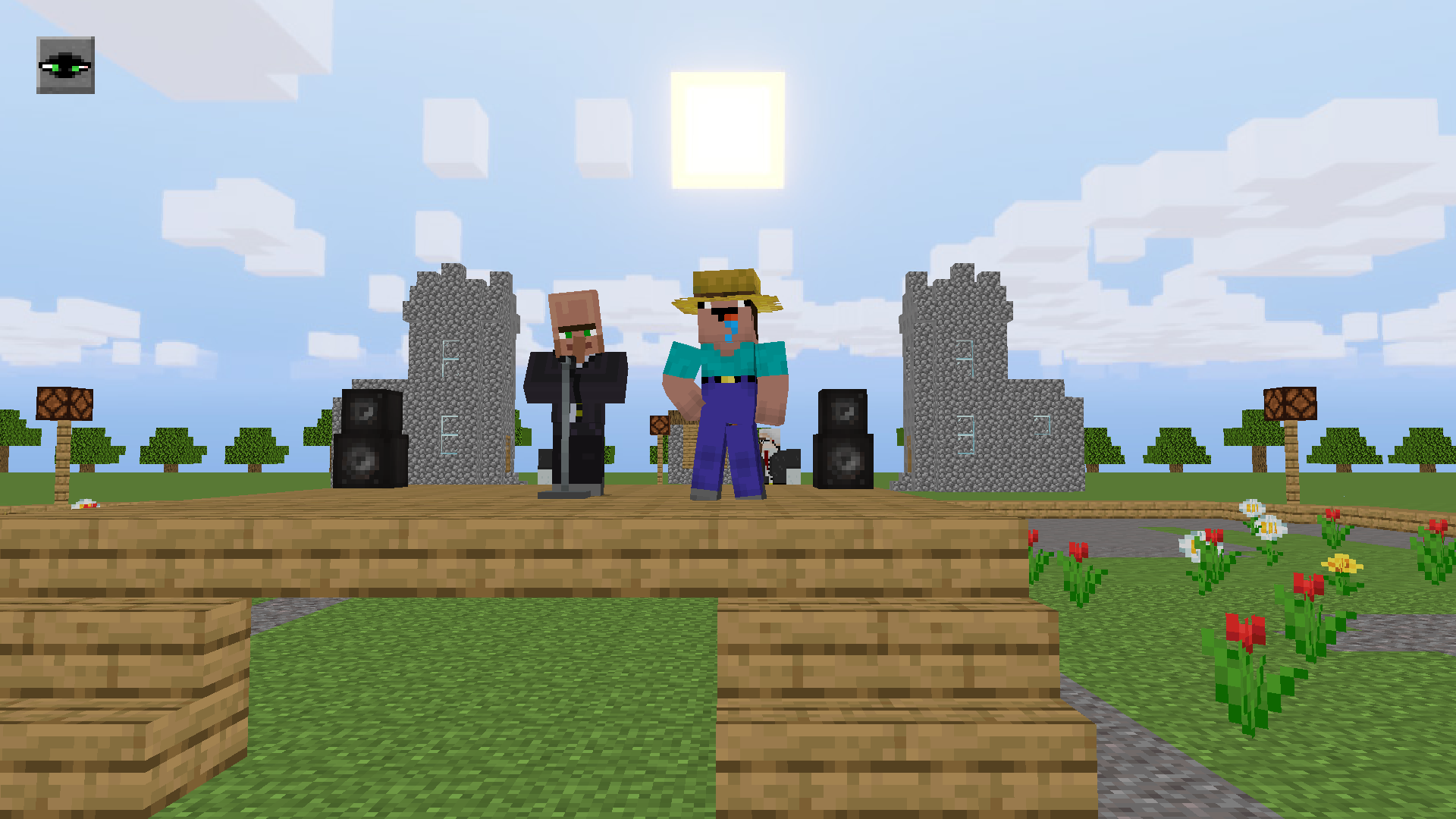
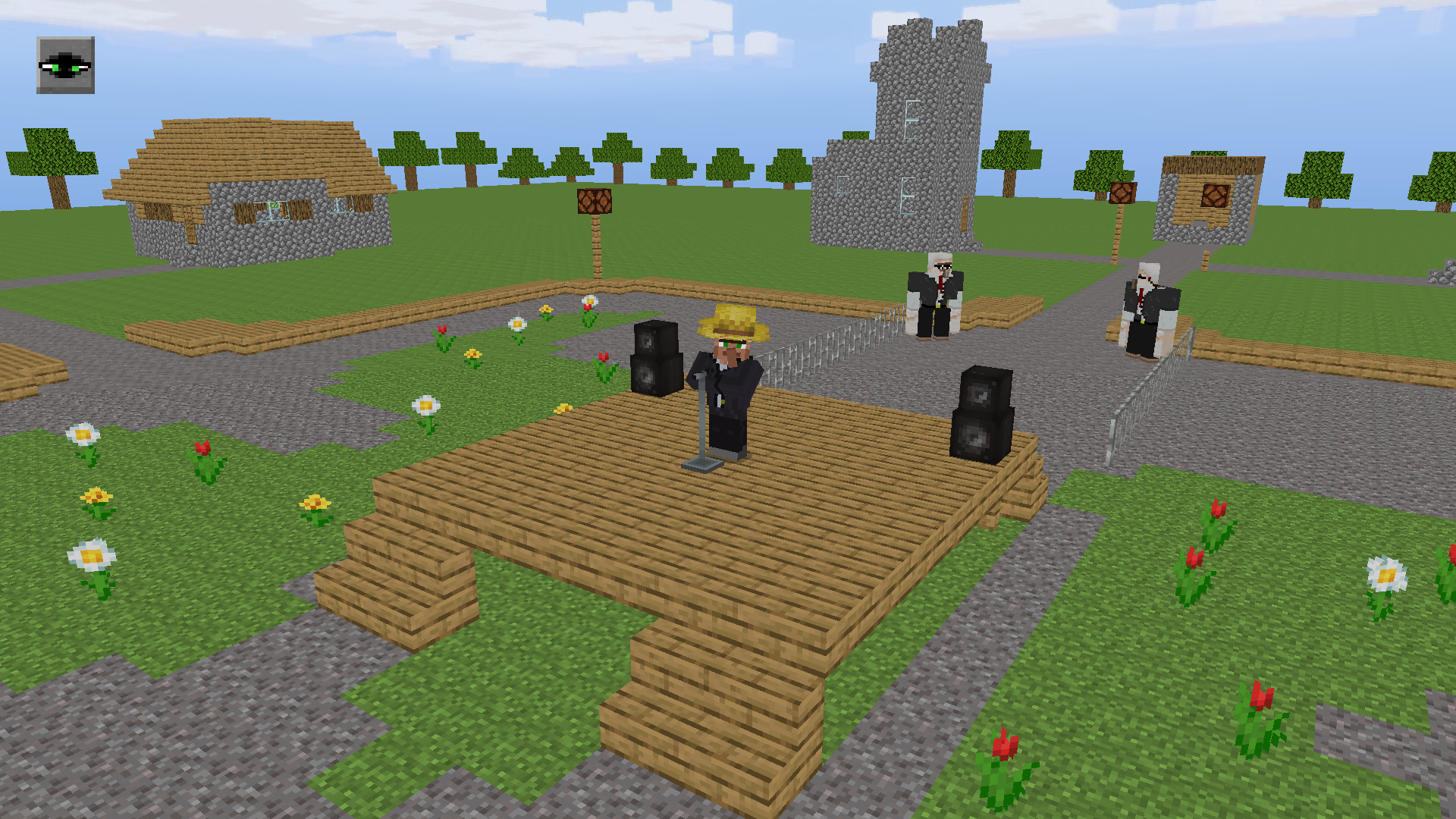
Get ready for an amazing musical experience! Noob and the Villagers invite you to a spectacular concert featuring the amazing singing talents of the Villager. Even the Endermen will be there!
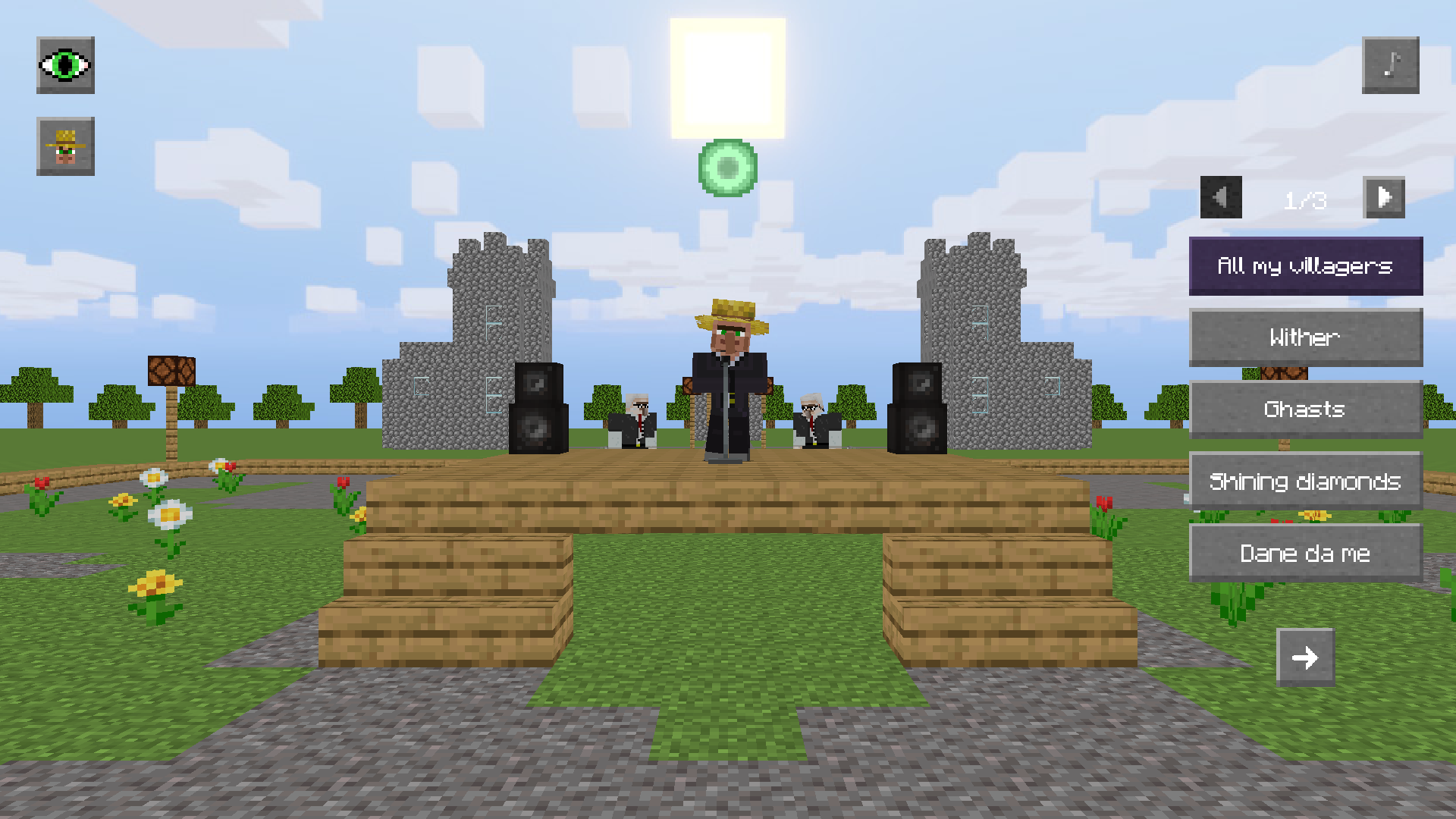
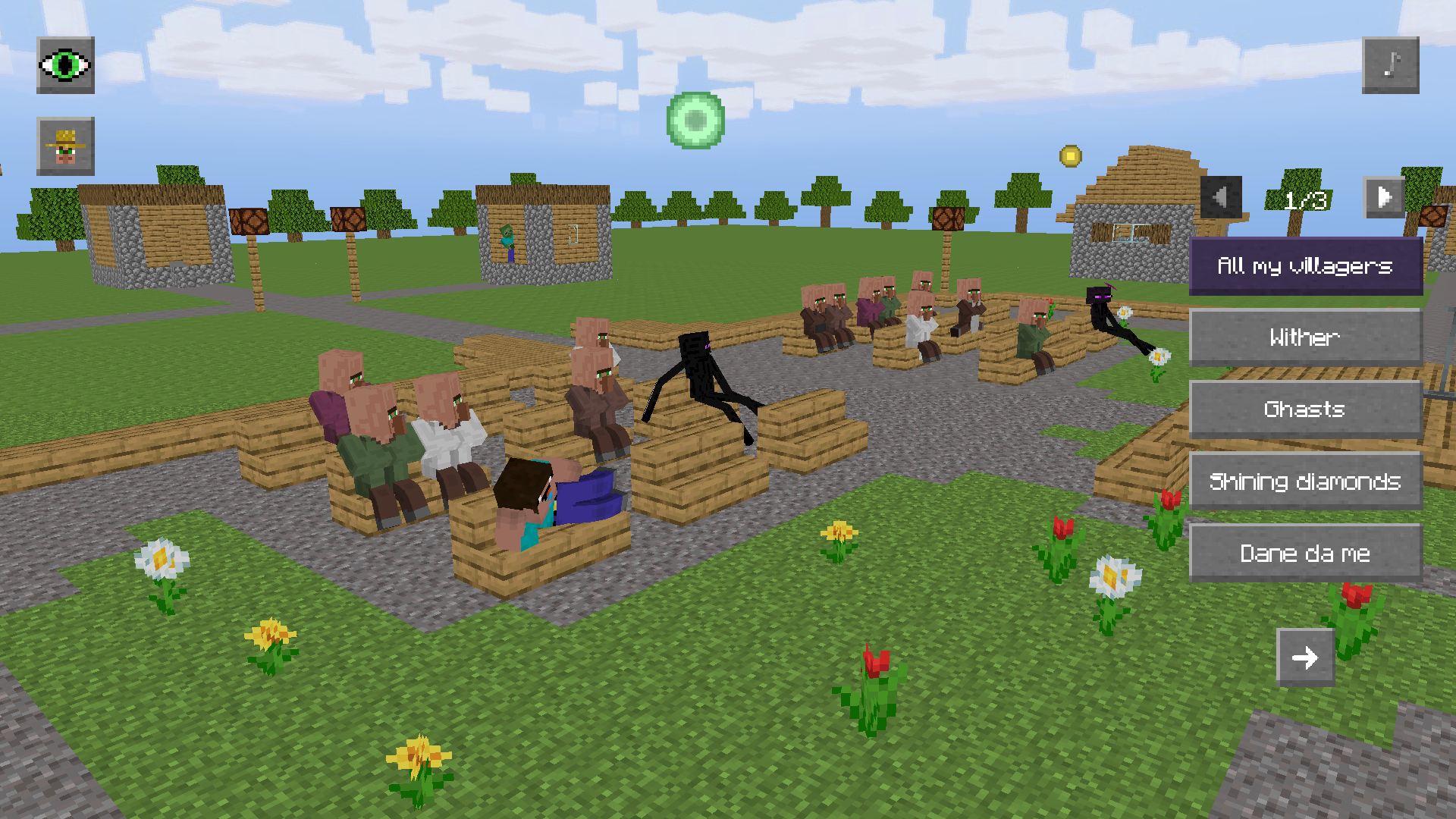
Singing villager: how to play Press the buttons with the song titles on the right side of the screen to make your villager sing. Press the button again to turn the song off. The arrows at the top allow you to scroll through the list of songs. Note: you need an internet connection to listen to songs. How to use the interface To hide or show the interface, press the eye icon in the top left corner of the game screen. Changing the camera focus To adjust the camera's focus, select one of the available options (yellow circle) on the screen. The focus can be directed at different scenes or the Noob character. Controls PC users: - Use the [W], [A], [S], and [D] keys to move the character. - Press and hold the [Shift] key while moving to run. - Hold down the [LMB] in an empty area of the screen to look around. - Zoom in or out by using the [Mouse wheel]. Mobile devices: - To move, use the joystick. - To look around, tap and hold on the right side. - Pinch the screen in or out to zoom the camera. To sit on a bench, tap the yellow circle on it. To get up from it, make the Noob start walking.
Yes. You can play Singing villager online for free without buying the game or creating an account.
Yes. The game runs in a modern browser on phones, tablets, laptops, desktops, and Chromebooks.
No. Press Play and the browser game loads directly on this page.
Games related to Singing villager.