
Free • No download
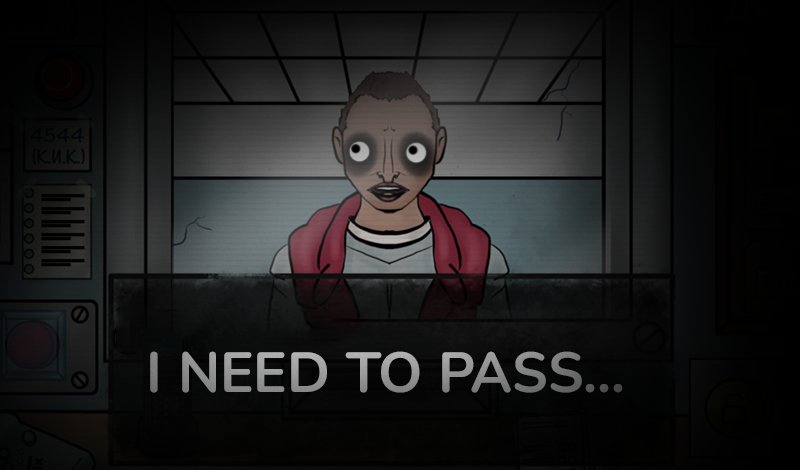
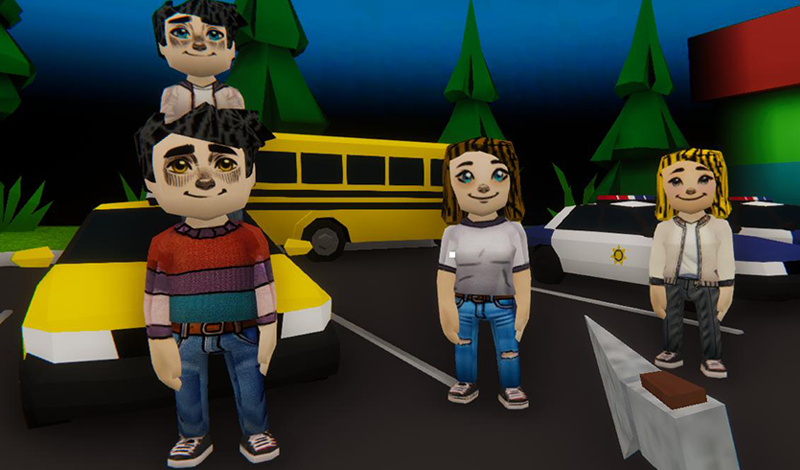
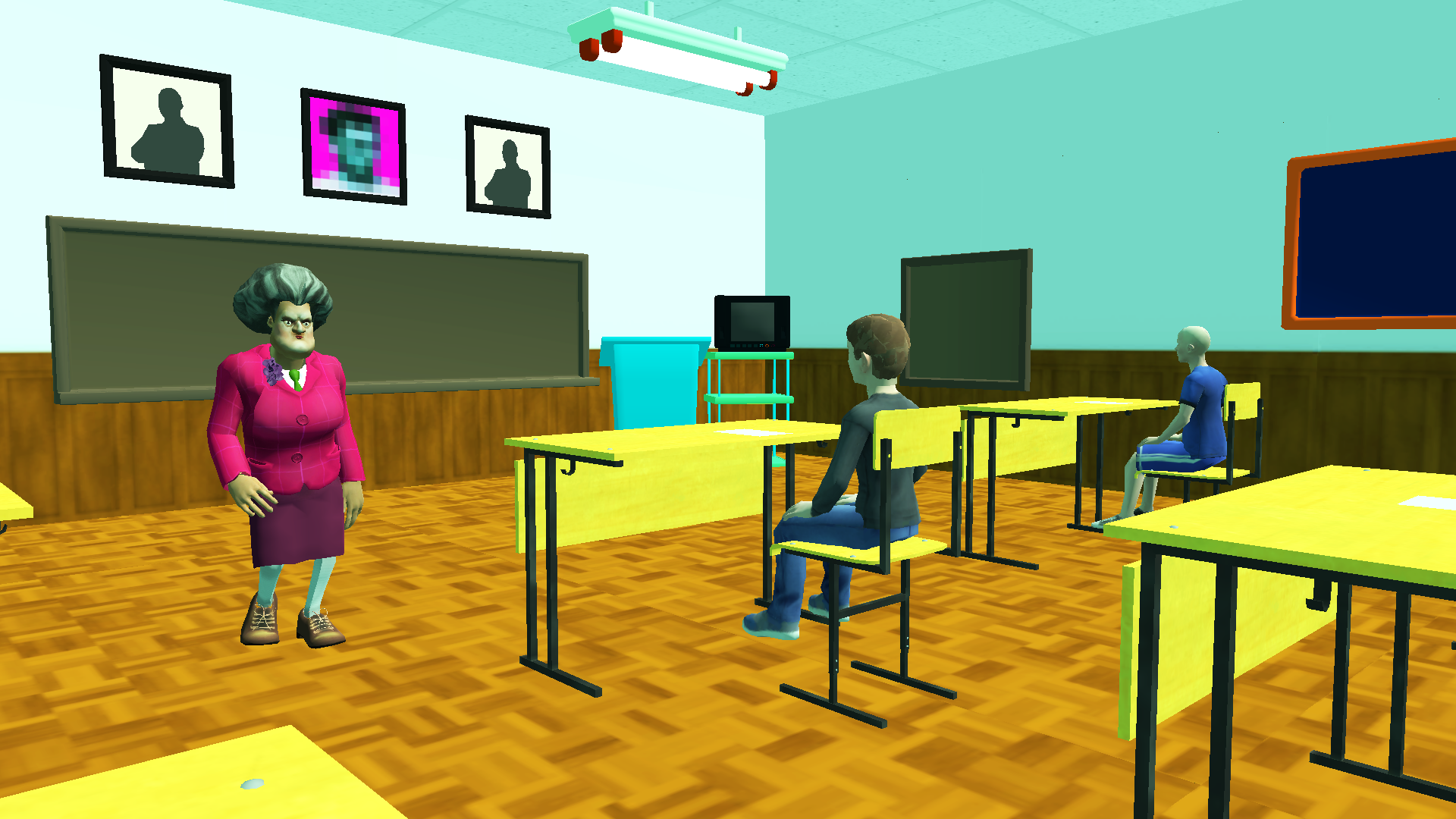
In the horror game Schoolboy Runaway: Examine, you play as a student taking a tough exam. Survive and do well!
Here's how you control the character in the Schoolboy Runaway: Examine game: * Computer: WASD keys — move the character. Mouse — turn the camera. Left mouse button — interact with objects. ESC — pause the game. ALT — get a hint. C — make the character crouch. SHIFT — make the character run. TAB — take the phone out. * Phone: Joystick on the left side of the screen — move the character (swipe left or right). Screen swipes — turn the camera (swipe up or down). Buttons on the screen — perform actions (tap icons). • If you don't know what to do next, you can always get a helper tip for some coins! • In the pause menu, you can change how sensitive the camera is.


Yes. You can play Schoolboy Runaway: Examine online for free without buying the game or creating an account.
Yes. The game runs in a modern browser on phones, tablets, laptops, desktops, and Chromebooks.
No. Press Play and the browser game loads directly on this page.
Games related to Schoolboy Runaway: Examine.