Free • No download
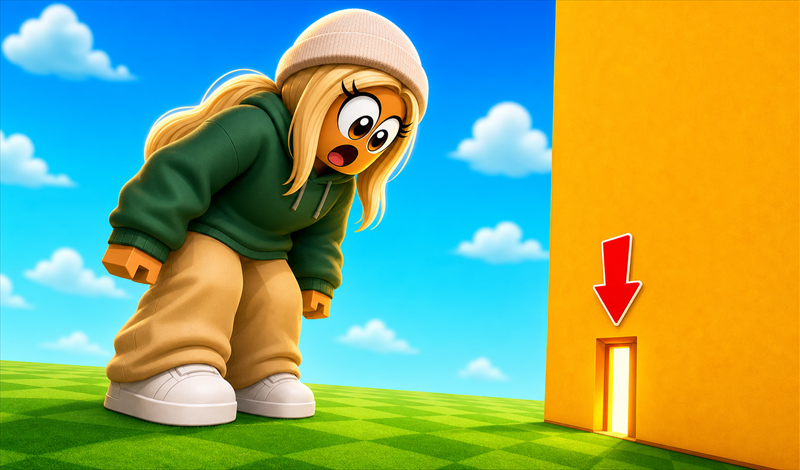
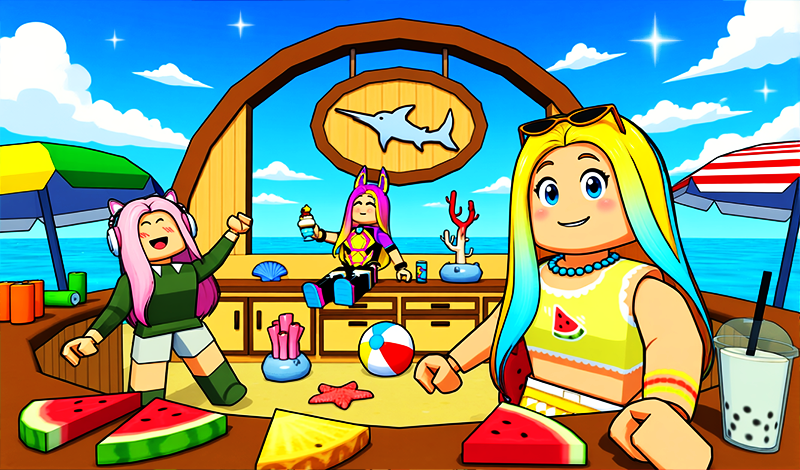
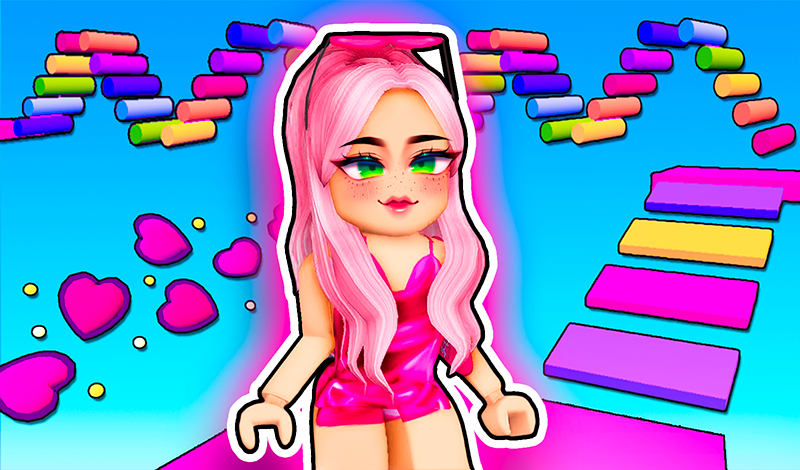
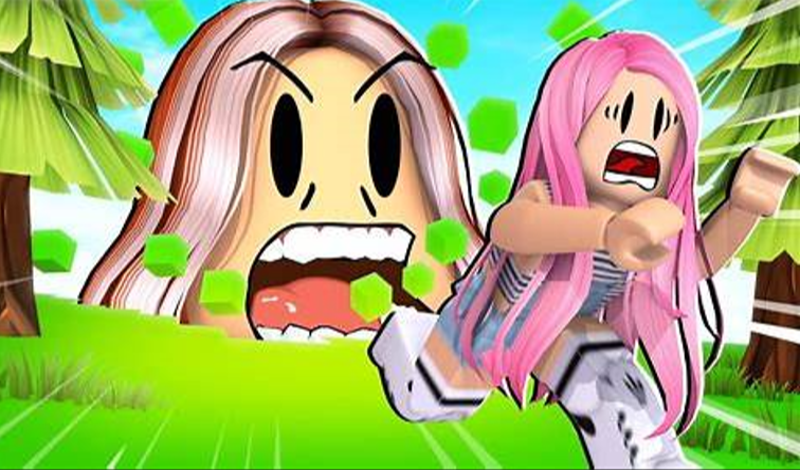
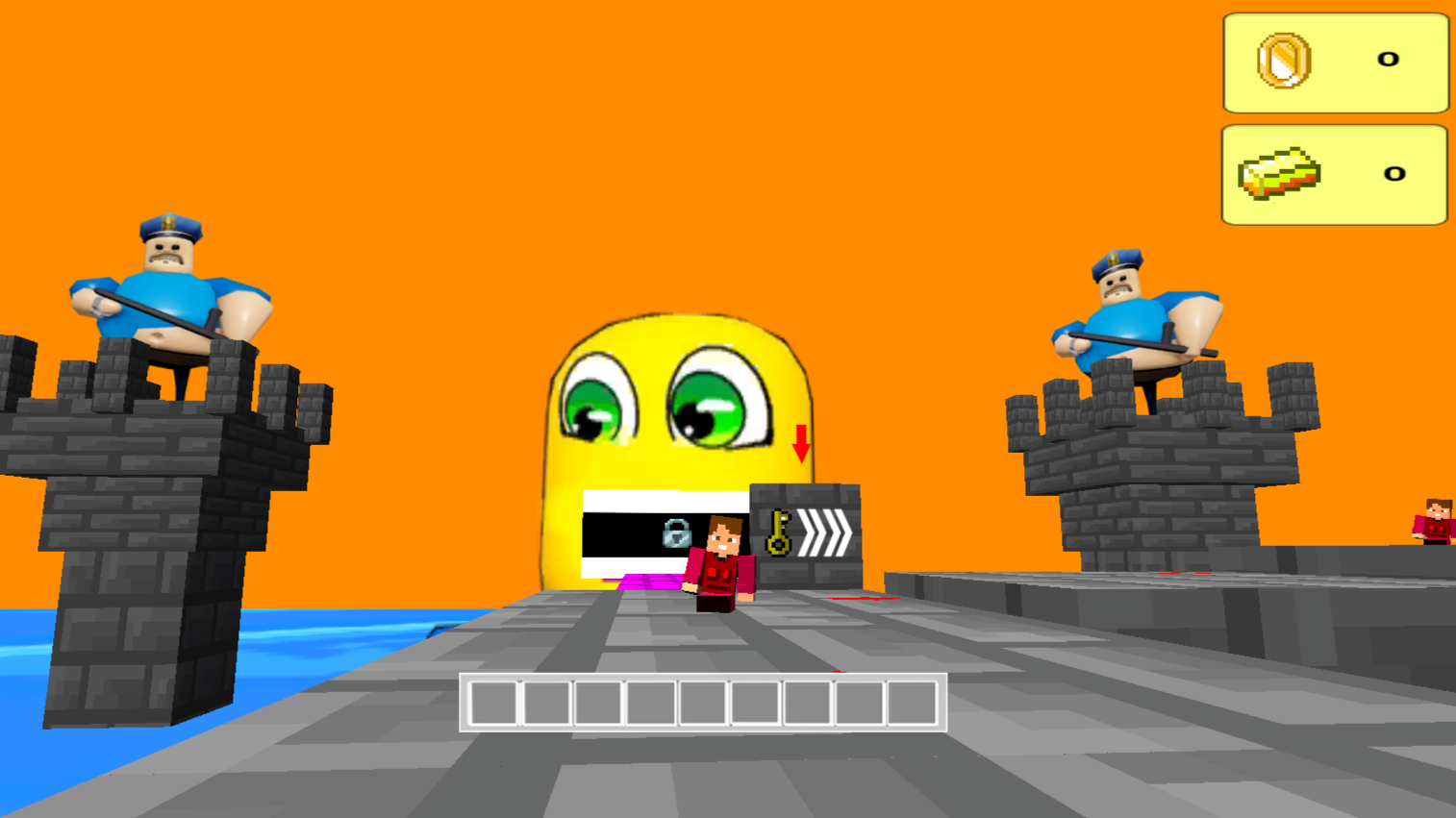
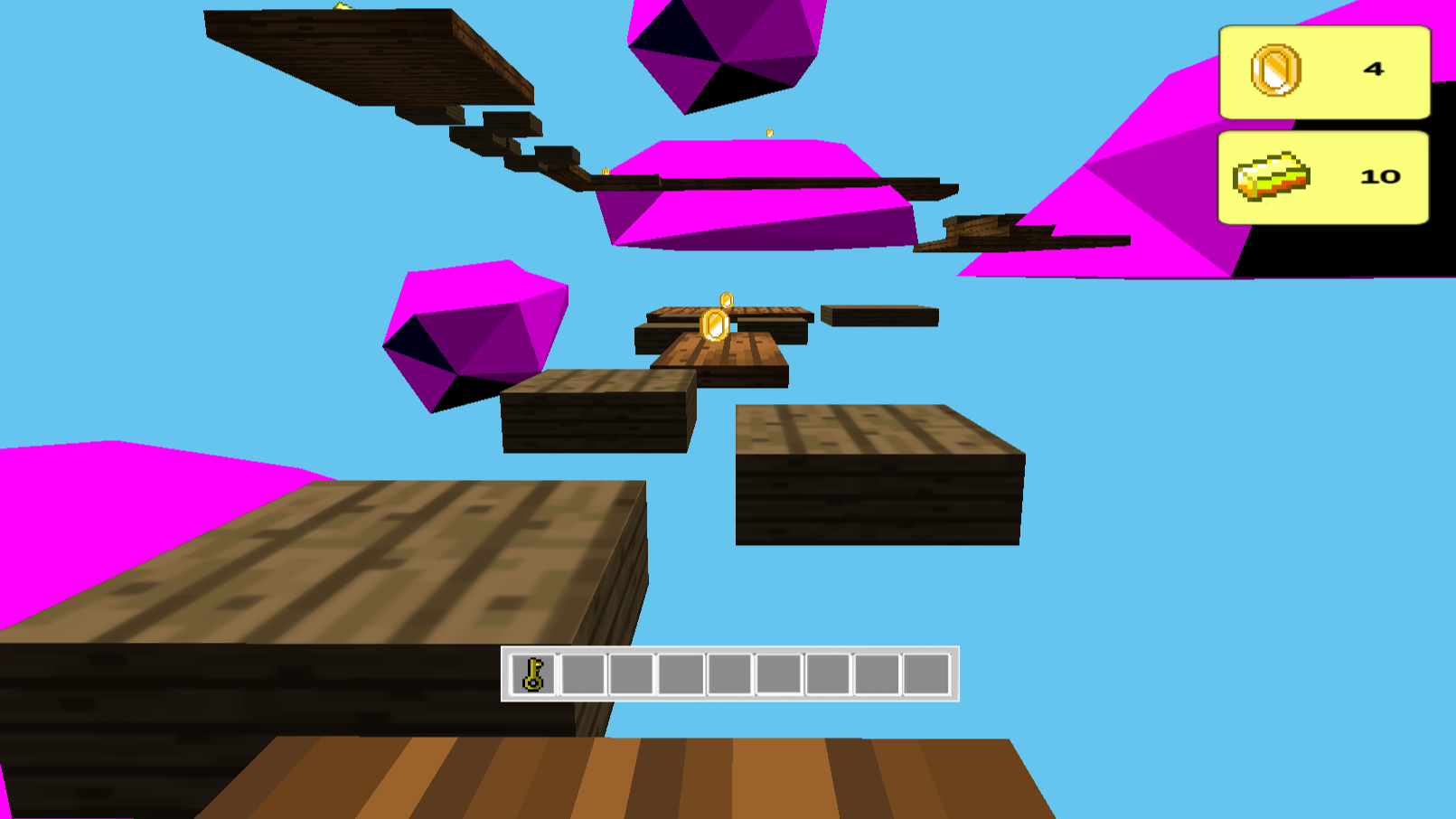
The large heads have created some fun challenges for you! Can you conquer them all?
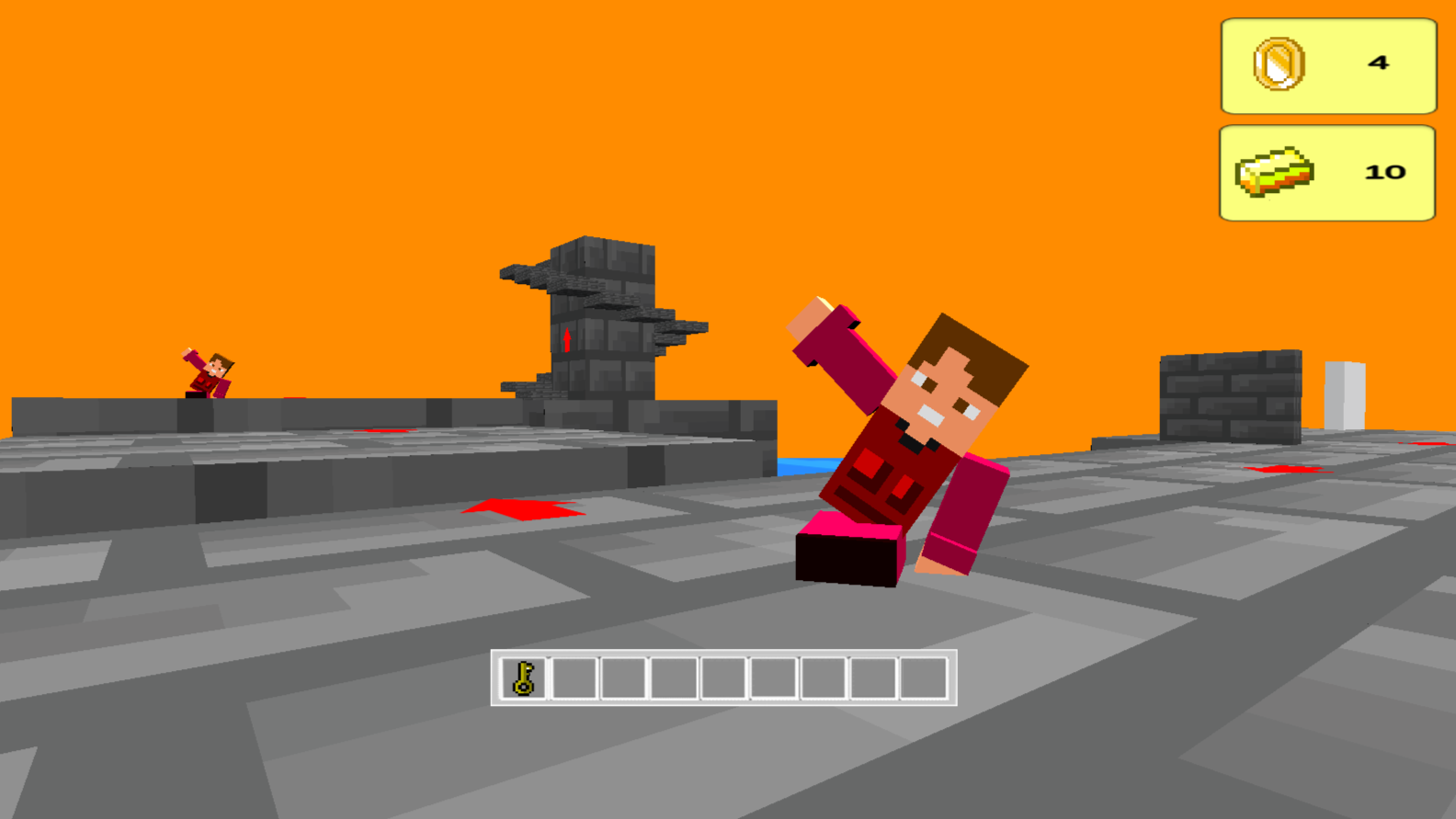
Controlling the character: On mobile devices, use the touch joystick on the left side of the screen to move your character. The button above the joystick will help you to accelerate. To rotate the camera, use the right side of the screen. The jump button is located in the lower right corner. If you're playing on a computer, use WASD keys to move the character, space bar to jump, and shift to accelerate. Rotate the camera by moving the mouse.

Yes. You can play Roblox Head online for free without buying the game or creating an account.
Yes. The game runs in a modern browser on phones, tablets, laptops, desktops, and Chromebooks.
No. Press Play and the browser game loads directly on this page.
Games related to Roblox Head.