Free • No download
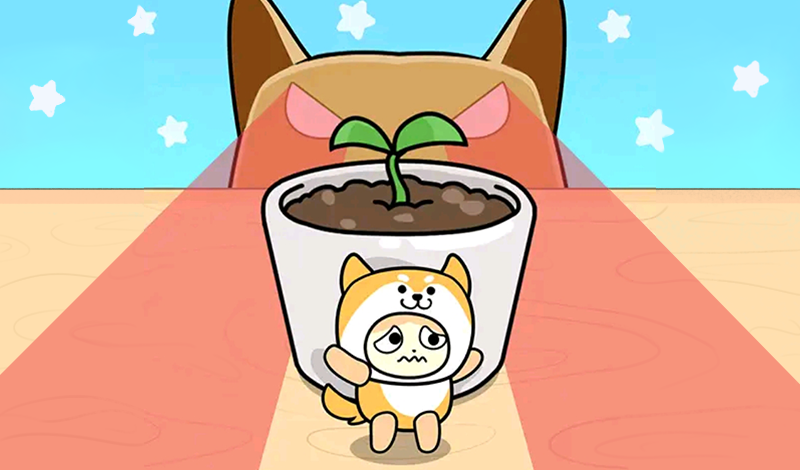
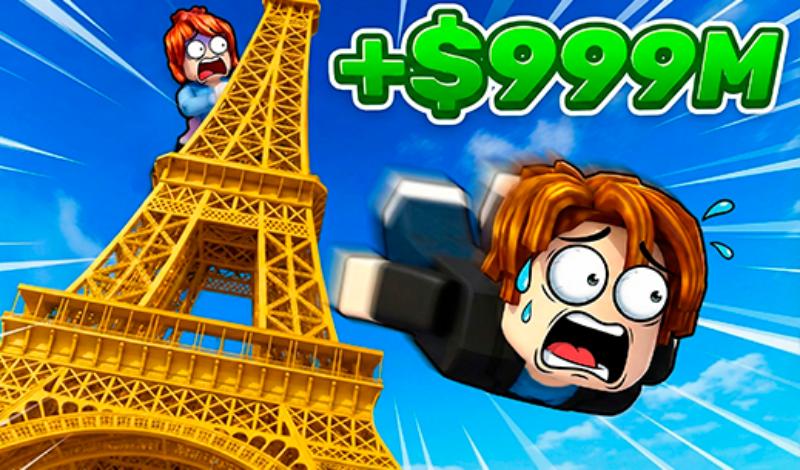
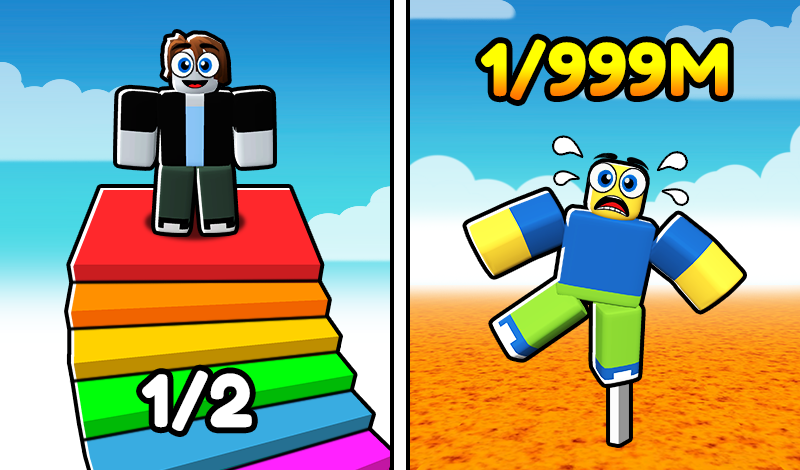
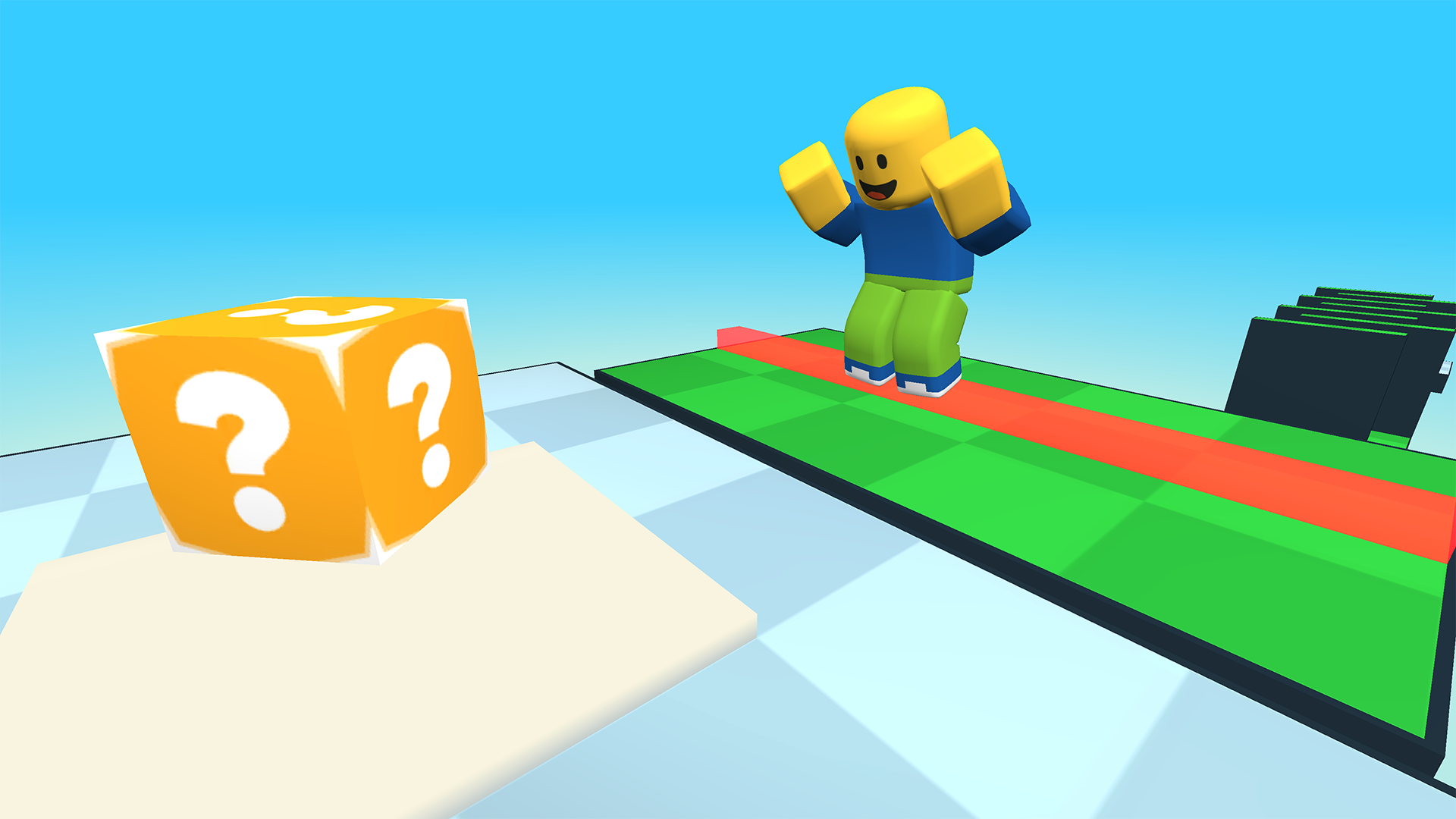
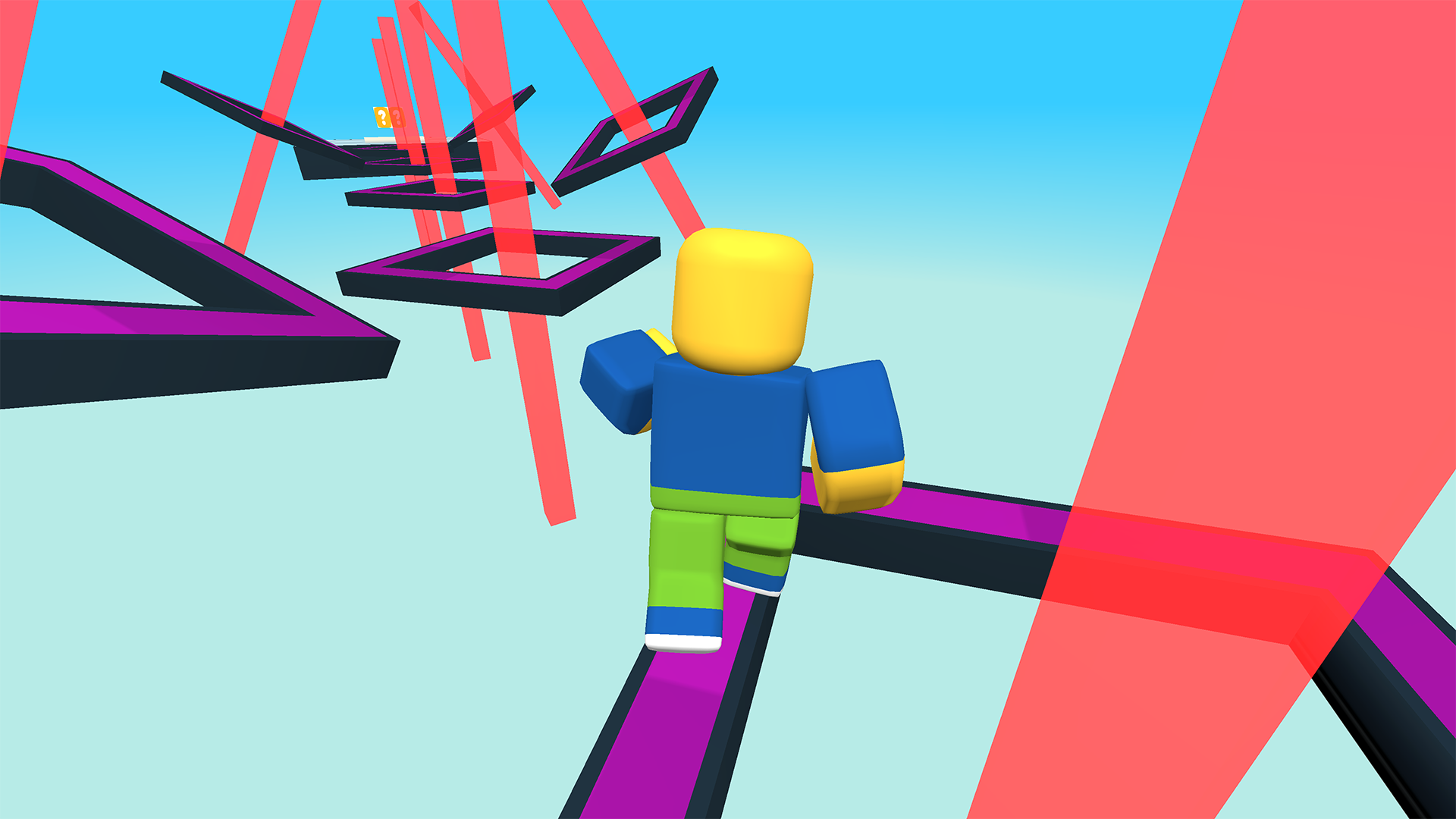
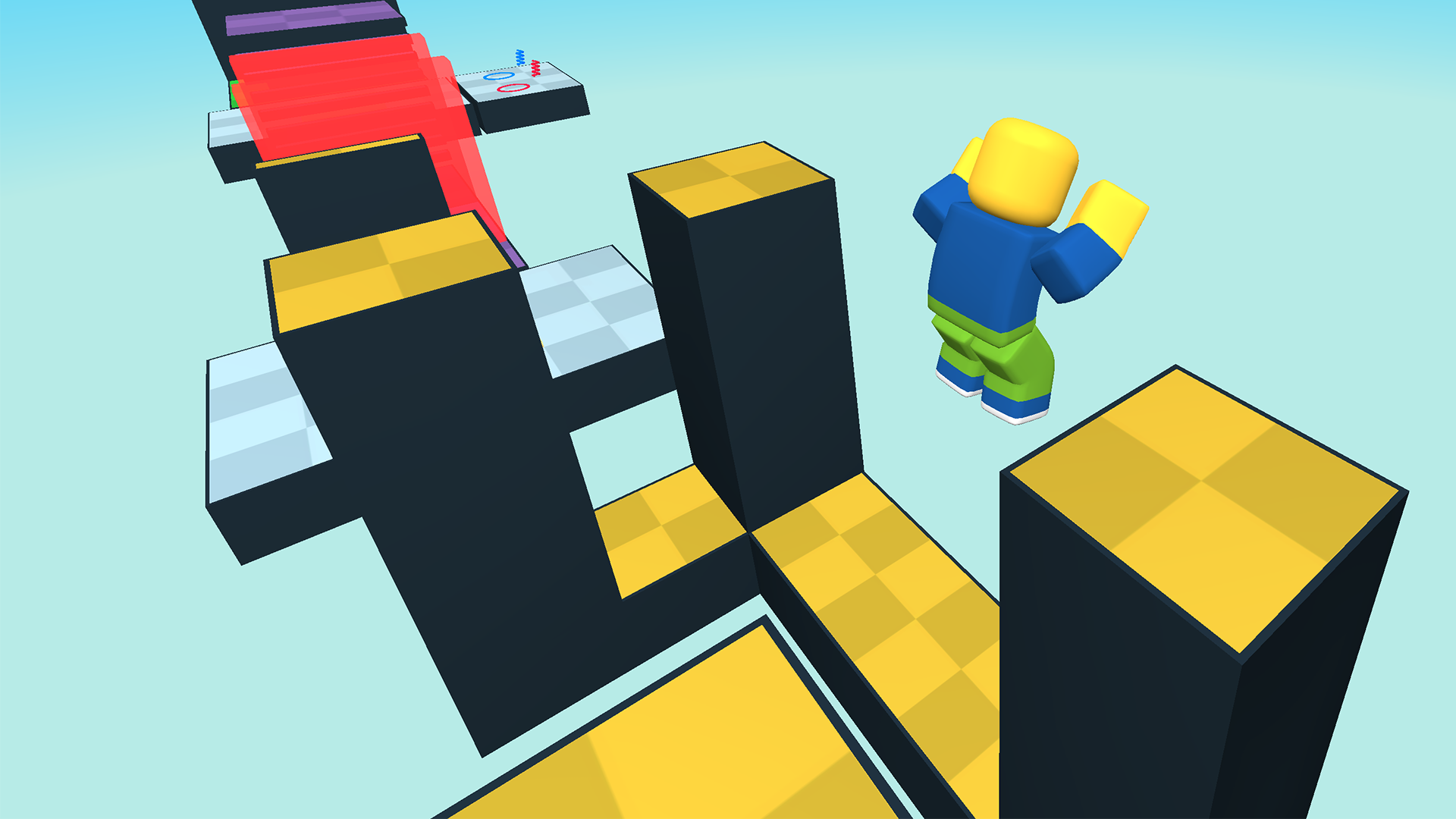
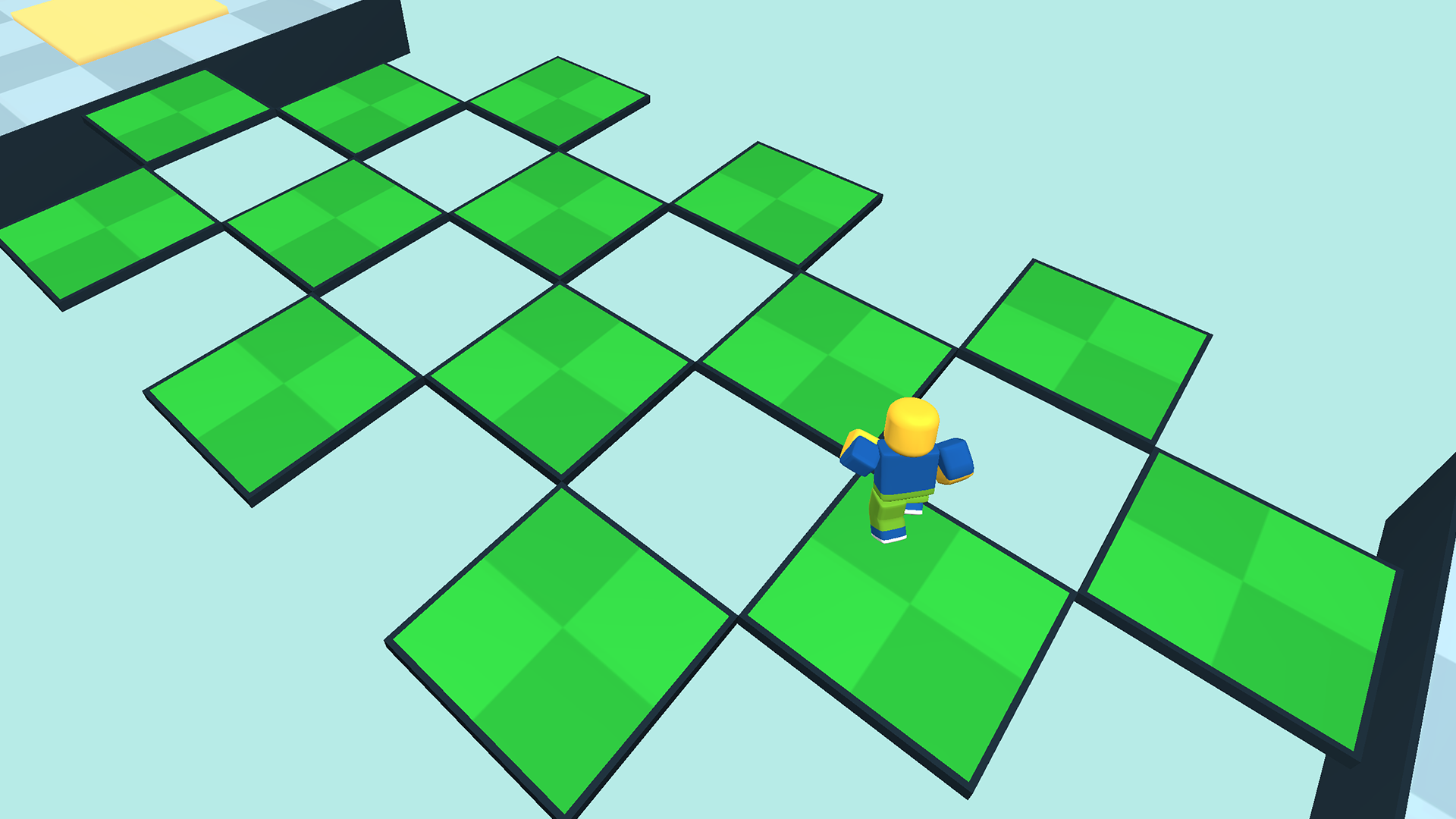
Put your luck to the test in this unique Roblox style obstacle course game! Navigate through randomly generated challenges ranging from simple to complex.
Here’s how to play: On a PC, use the W, A, S and D keys to move your character in the desired direction. Jump by hitting the space bar. To look around, press and hold the right mouse button and move the mouse. Use the scroll wheel to zoom the camera in and out. On mobile or tablet, tap and hold on the left side of the screen and slide your finger in the direction you want your character to move. For camera rotation, tap and slide on the right side of the interface. Zoom in or out by pinching the screen with two fingers. Finally, jump by tapping the jump button on the screen.
Yes. You can play Random Obby: Noob or Pro? online for free without buying the game or creating an account.
Yes. The game runs in a modern browser on phones, tablets, laptops, desktops, and Chromebooks.
No. Press Play and the browser game loads directly on this page.
Games related to Random Obby: Noob or Pro?.