Free • No download
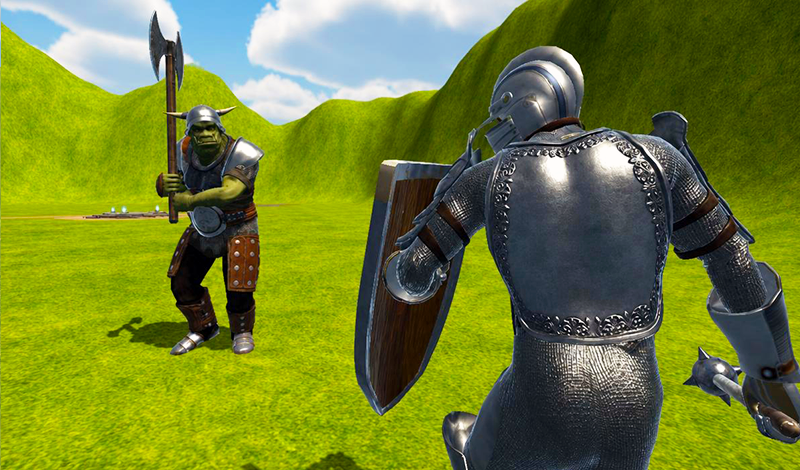
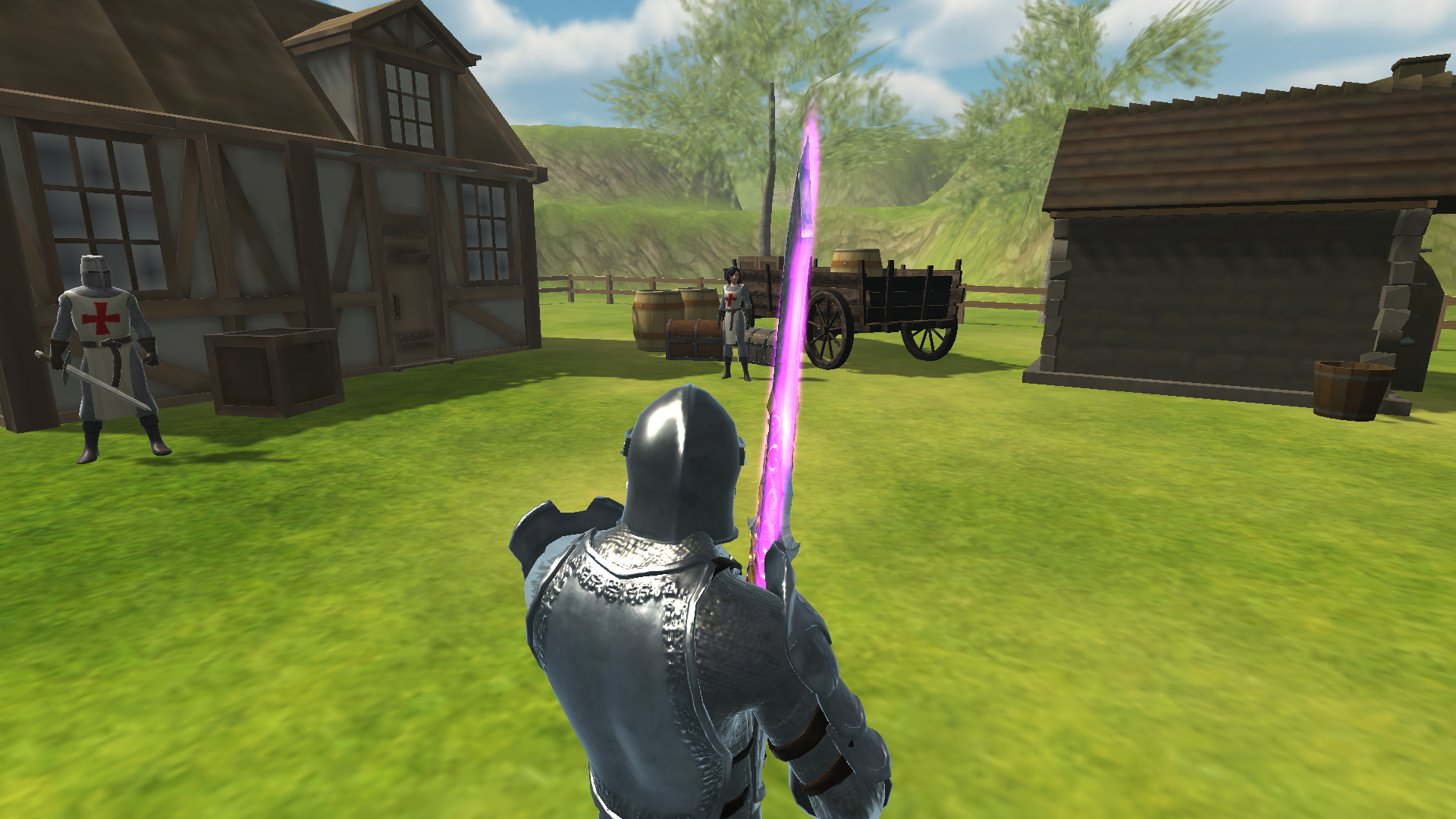
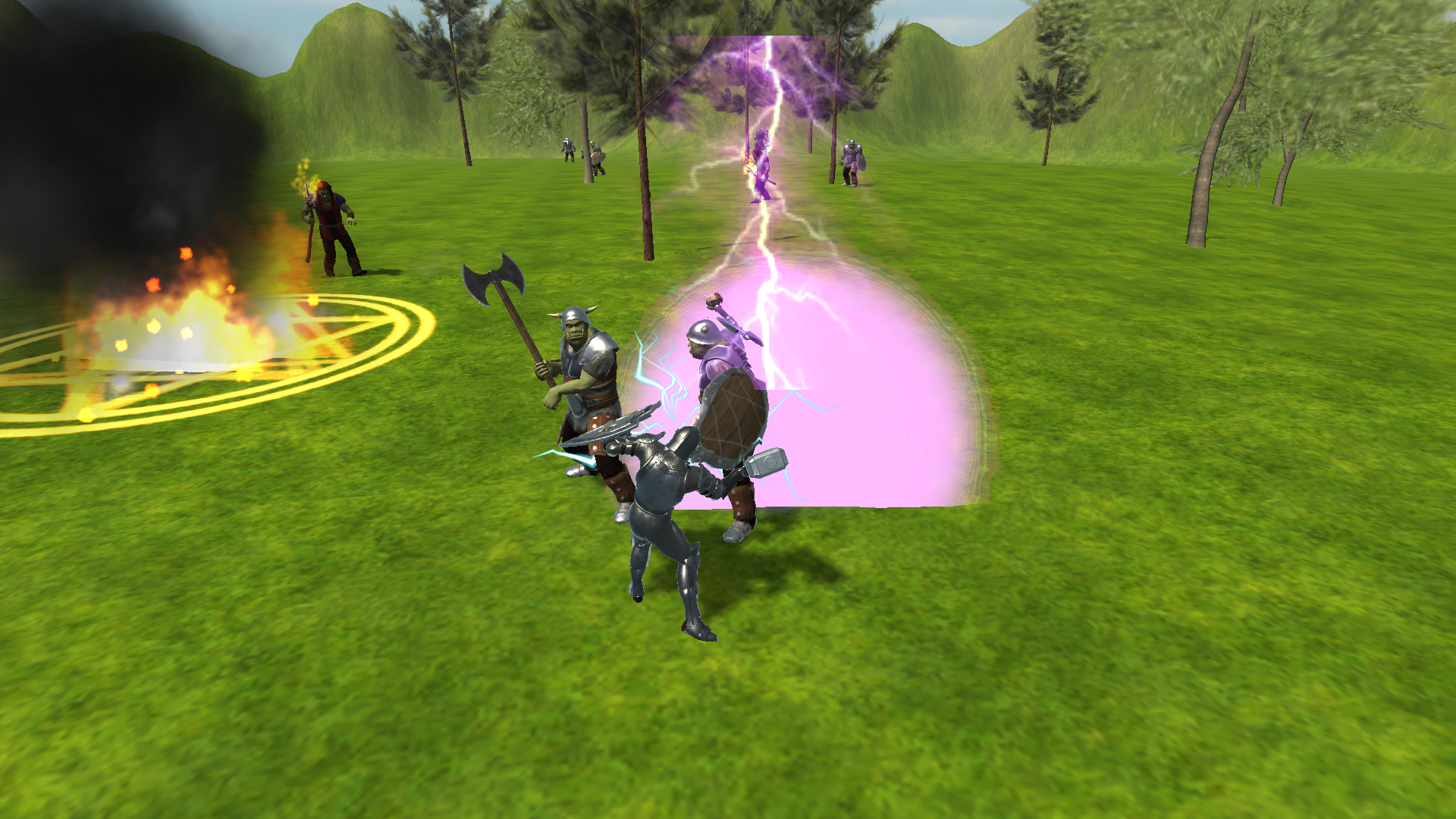
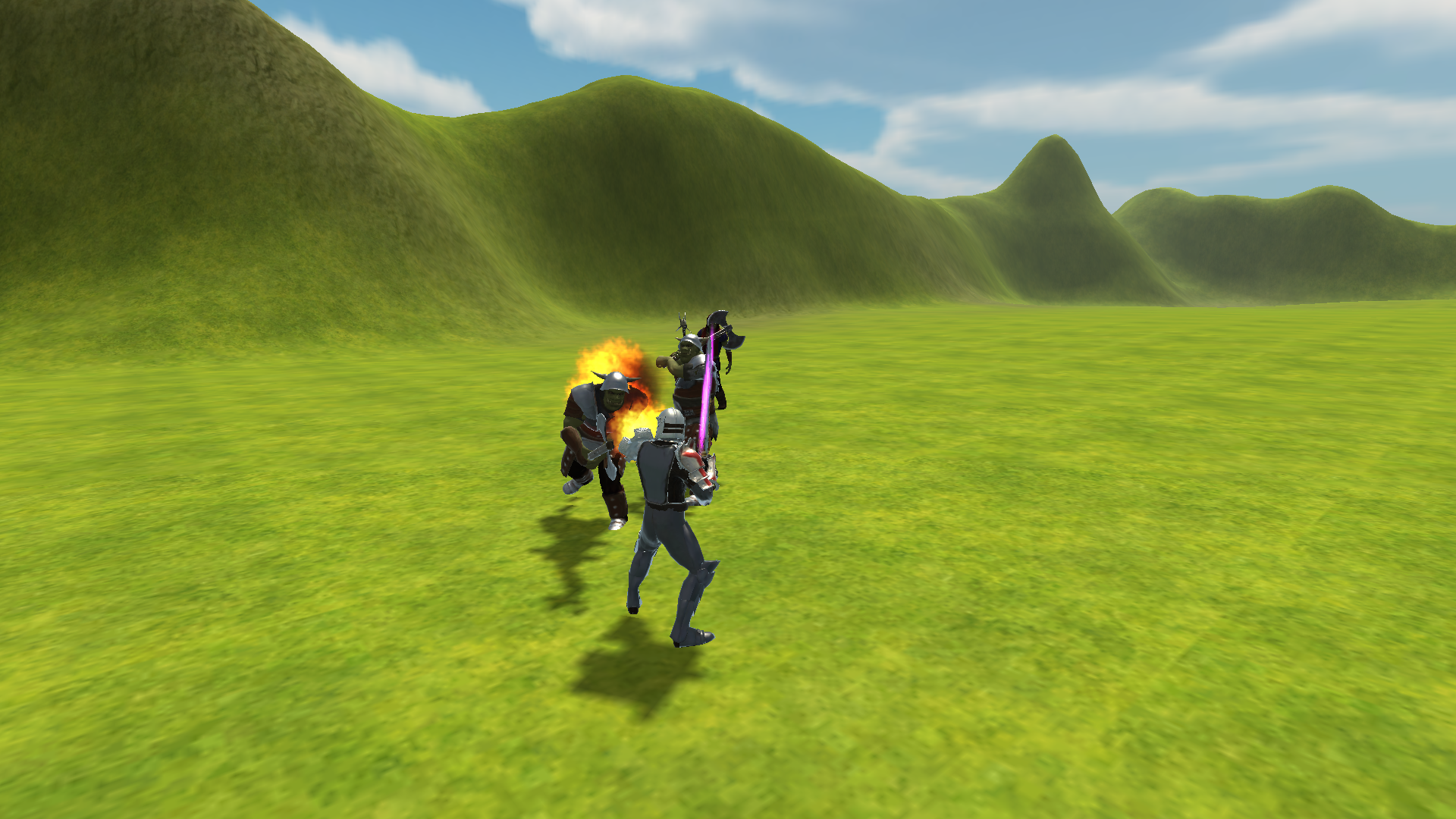
Raid of Champions is an action role-playing game where you play as a fearless warrior tasked with vanquishing invading orcs and reestablishing order.
Raid Of Champions is compatible with a variety of devices, including PC and mobile (Android). On a PC, the controls are: * W, A, S, D — move; * space bar — jump; * left mouse button — attack; * right mouse button — second attack; * right mouse button + W — third attack; * mouse wheel — zoom in and out; * Q, R, F (buttons 1–5) — use abilities; * Tab or Caps — use potions; * E — use an item; * C — open the status window; * I — open your inventory; * K — skill tree; * J — view tasks; * Shift — run; * M — open main menu; * H — get help. On mobile devices, you control the game using interface buttons. Turning is done using the touchpad on the screen.
Yes. You can play Raid Of Champions online for free without buying the game or creating an account.
Yes. The game runs in a modern browser on phones, tablets, laptops, desktops, and Chromebooks.
No. Press Play and the browser game loads directly on this page.
Games related to Raid Of Champions.