
Free • No download
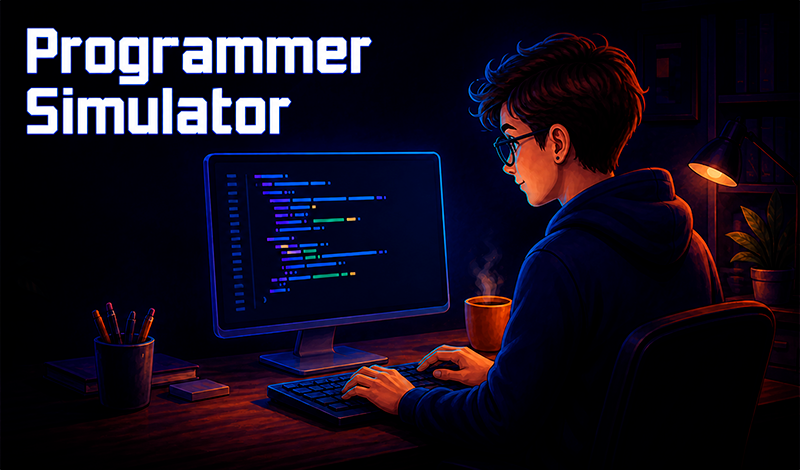
Become a coding wizard and climb the career ladder in Programmer Simulator! Write code, manage projects, improve skills, hire a team, and rise from an intern to the CTO. Click and idle your way to success!
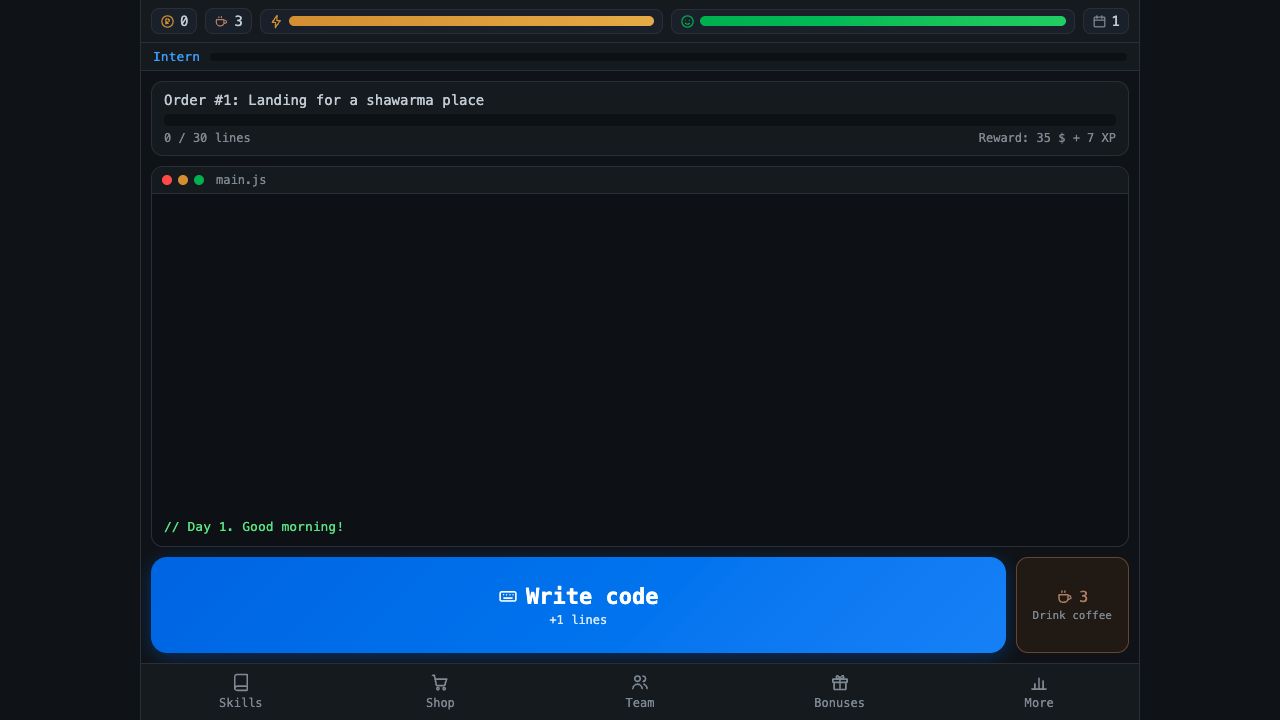
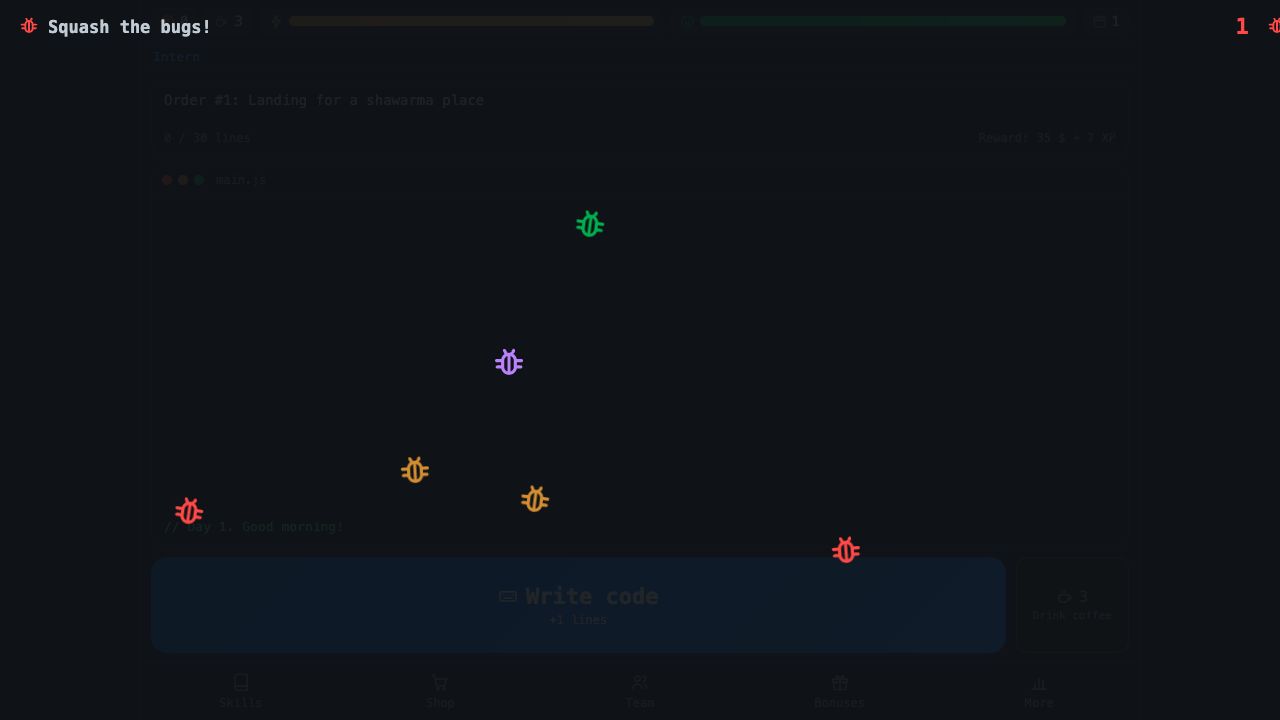
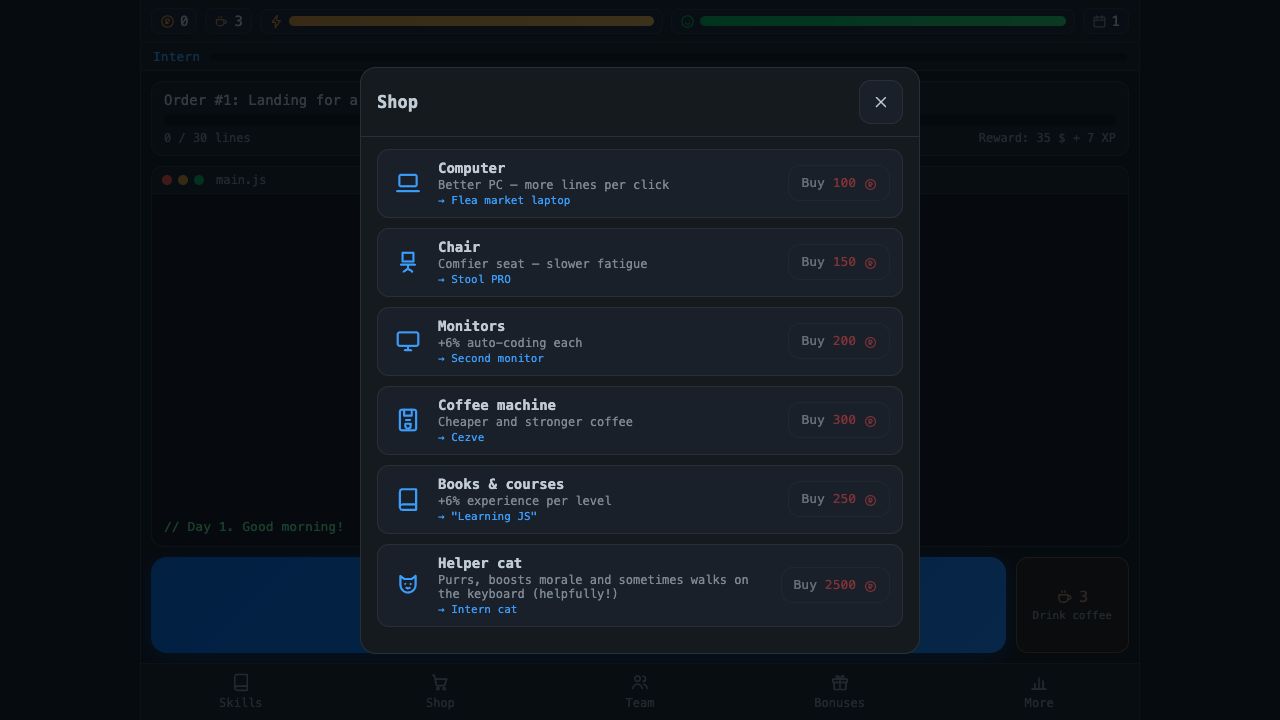
To write code in Programmer Simulator, press the «Write code» button to add lines of code and advance the progress bar for the current task. Completing tasks brings in money and experience. You can spend your earnings in the Skills, Shop, and Team sections. Purchasing upgrades will increase your income per click, speed up automated coding, boost rewards, and improve stamina. Keep an eye on your energy and morale levels. Energy replenishes slowly on its own, but you can use coffee to restore it more quickly. At the end of each day, you can choose to sleep and recover or work through the night for extra income, though this will affect your morale. When events happen, don't forget to press their buttons. Deal with bugs, give correct answers in code reviews, and tap quickly during deadline challenges to get additional rewards. Your progress is saved automatically. You can change the language and sound settings in the main menu and under «More».
Yes. You can play Programmer Simulator online for free without buying the game or creating an account.
Yes. The game runs in a modern browser on phones, tablets, laptops, desktops, and Chromebooks.
No. Press Play and the browser game loads directly on this page.
Games related to Programmer Simulator.