Free • No download
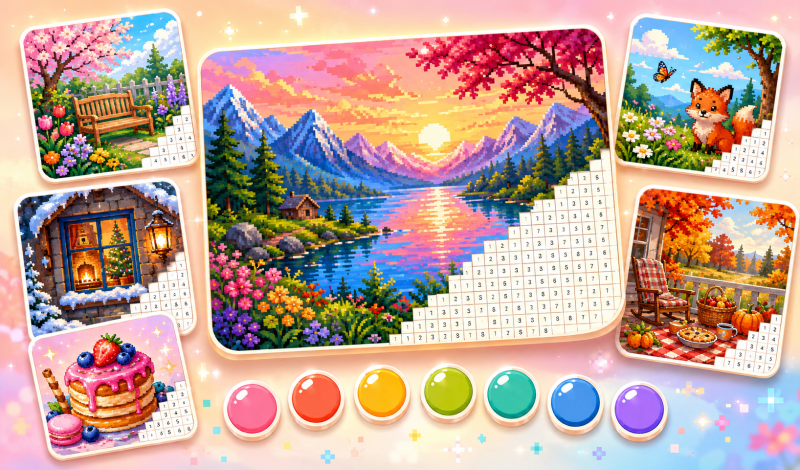
Paint pixel images by numbers, discover new levels and enjoy vibrant, comforting scenes in the easy casual game Pixel Coloring.
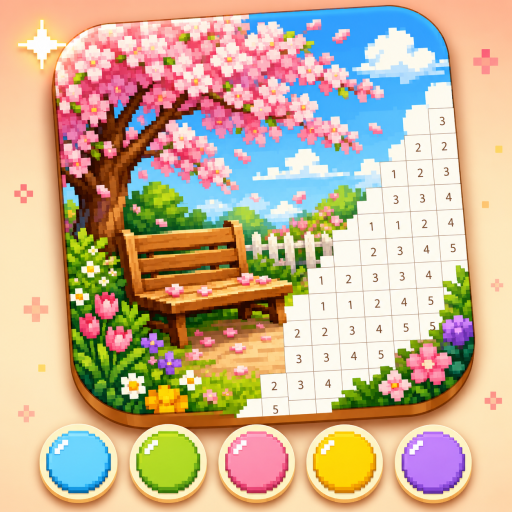
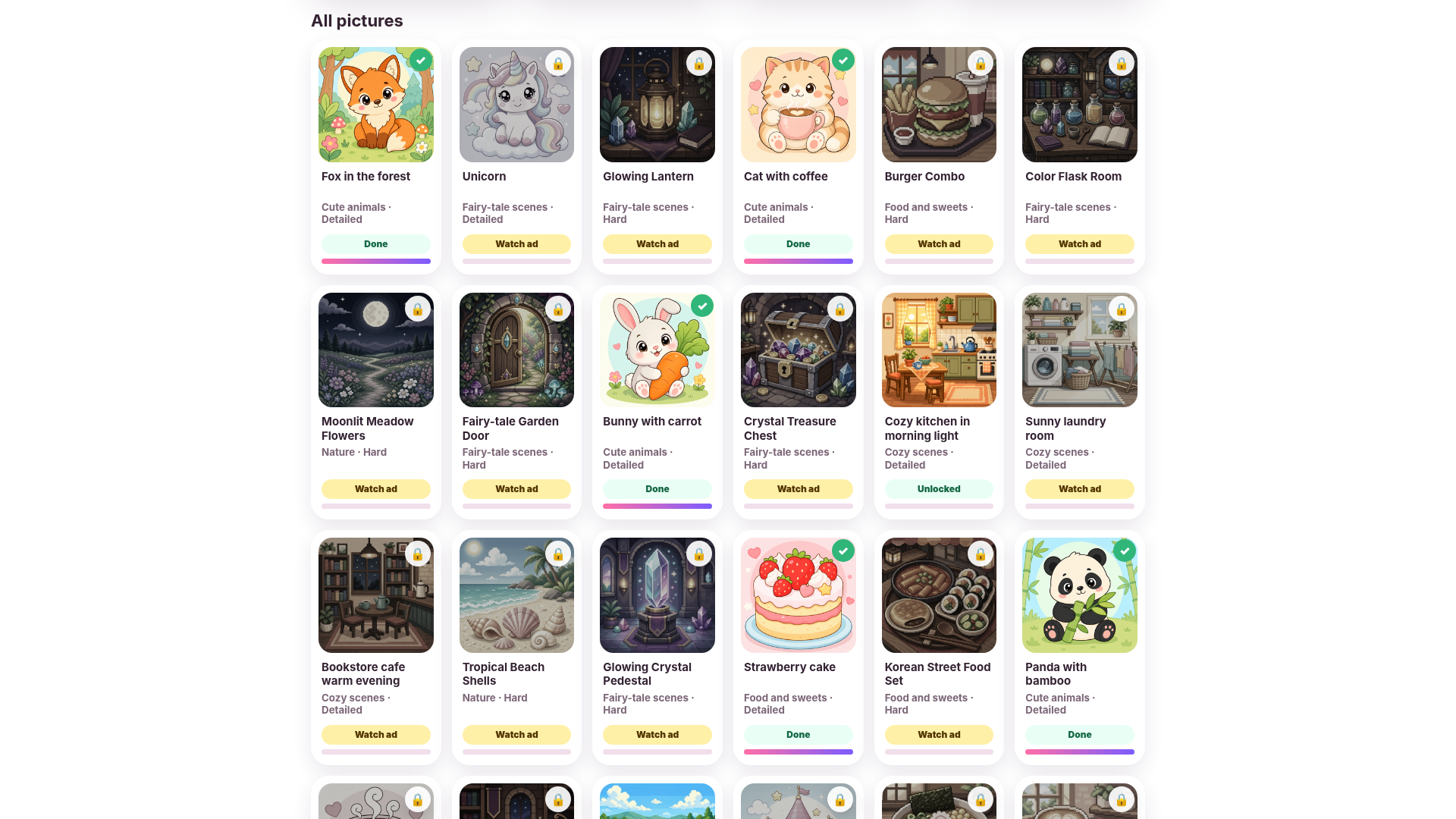
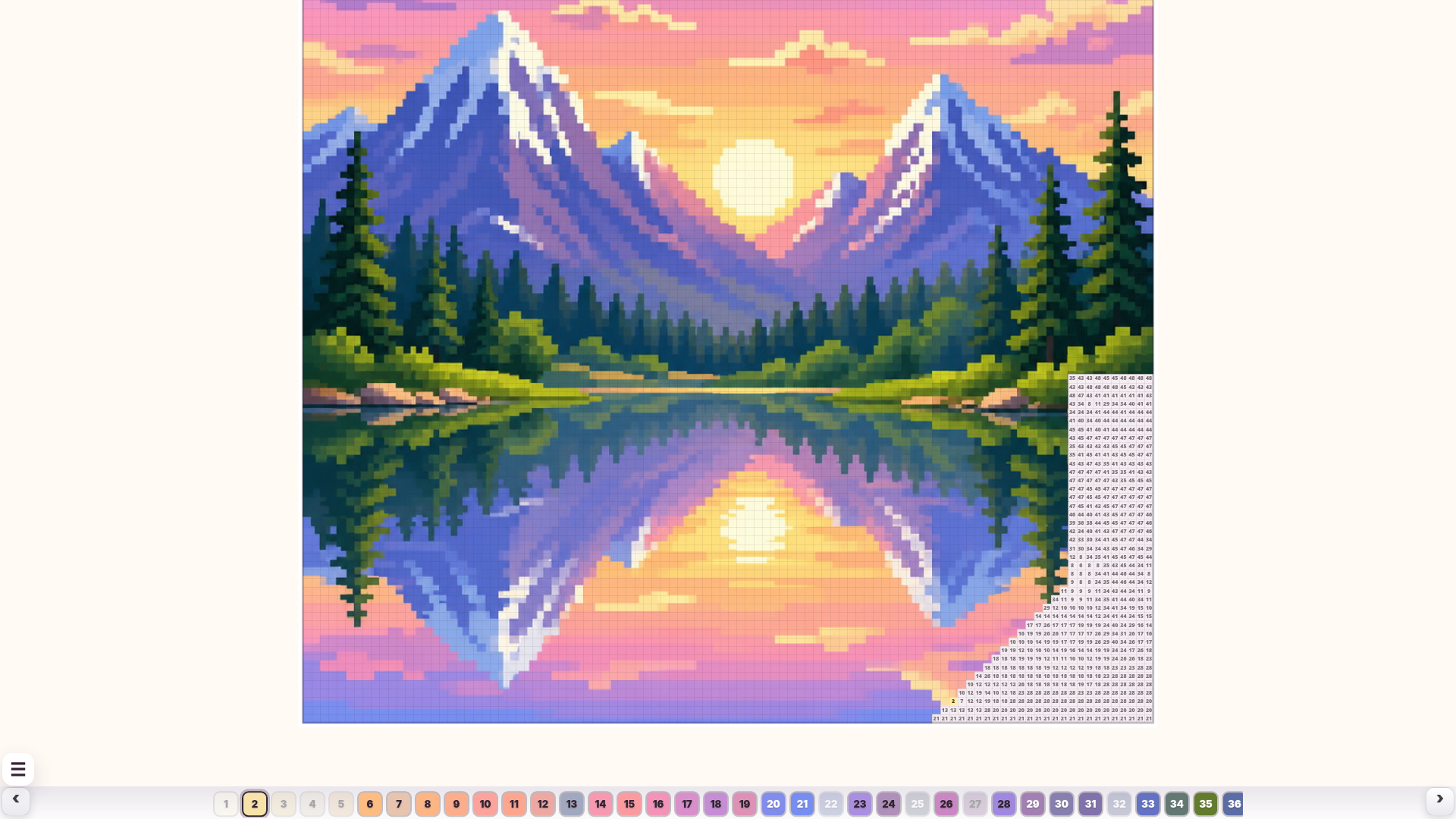
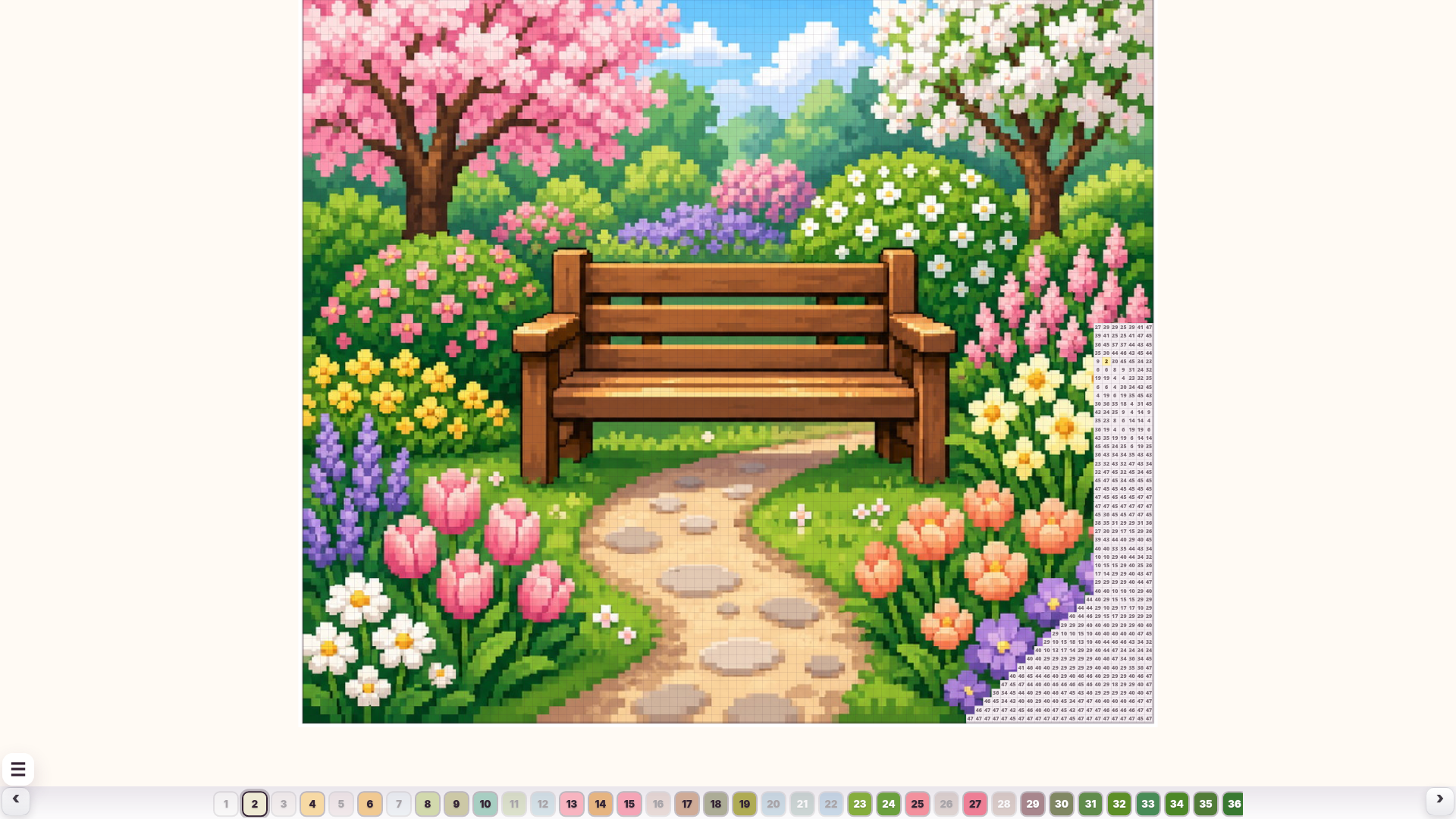
Select a picture from the gallery and open it to begin coloring. The color palette is located at the bottom of the screen. Choose a color by its number, then find and color the corresponding cells on the picture by tapping or clicking. On mobile devices, pinch to zoom in and out. On computers, use the mouse to color cells and the mouse wheel to adjust the zoom. Coloring is disabled if the picture is zoomed out too much to prevent accidentally coloring the wrong cells. Keep an eye on the progress bar at the top of the screen — once all the necessary cells are colored, the picture will be complete. Some pictures are available right away, while others can be unlocked by watching an ad, becoming accessible forever afterwards.
Yes. You can play Pixel Coloring online for free without buying the game or creating an account.
Yes. The game runs in a modern browser on phones, tablets, laptops, desktops, and Chromebooks.
No. Press Play and the browser game loads directly on this page.
Games related to Pixel Coloring.