Free • No download
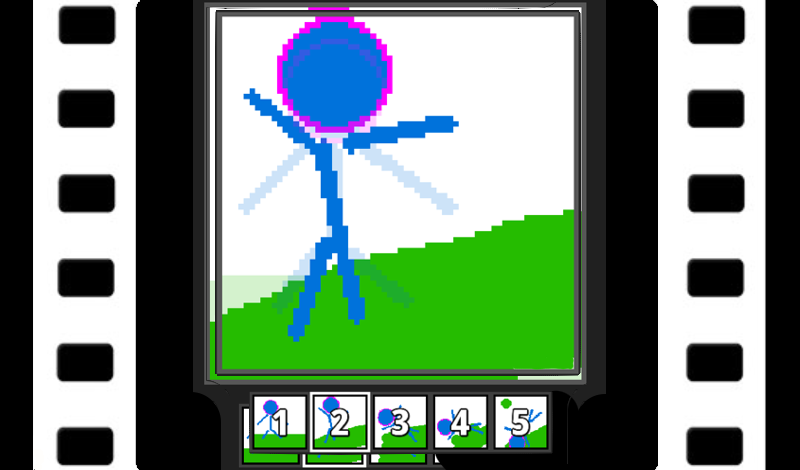
Design your own cartoons, avatars and icons. Then convert them into GIF animations with the help of Pixel Animator 2! It's a joy to use!
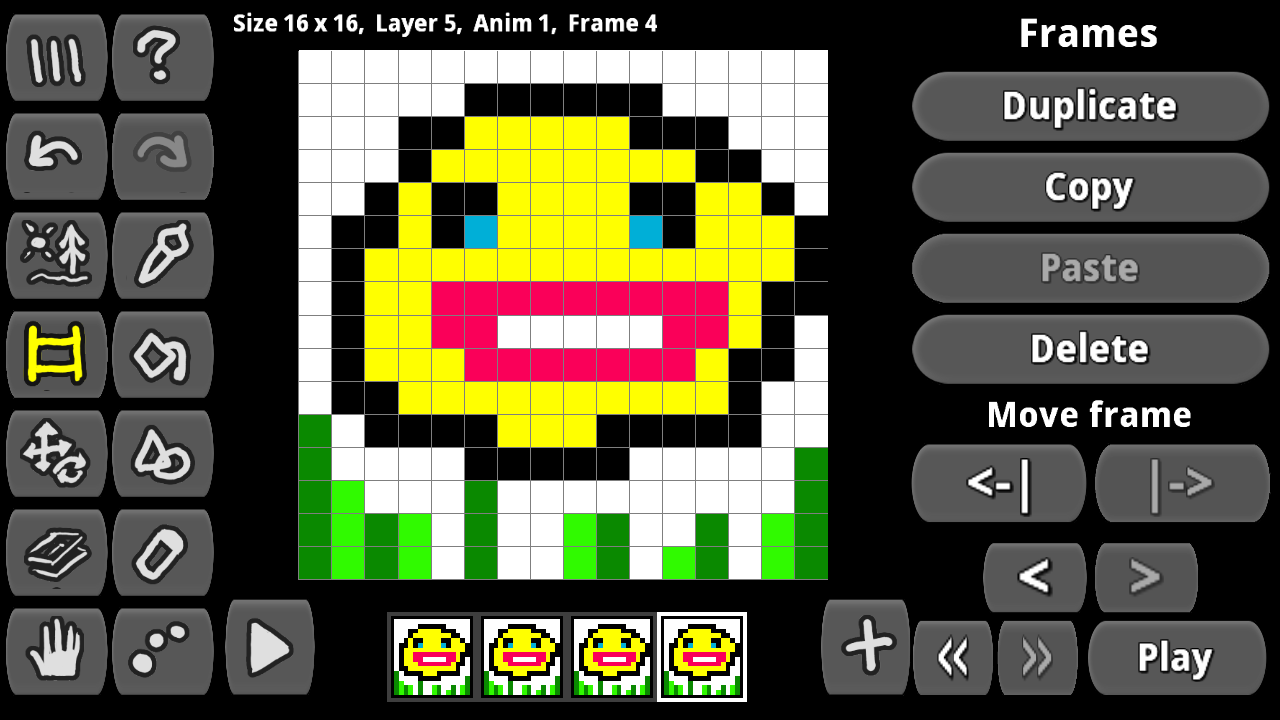
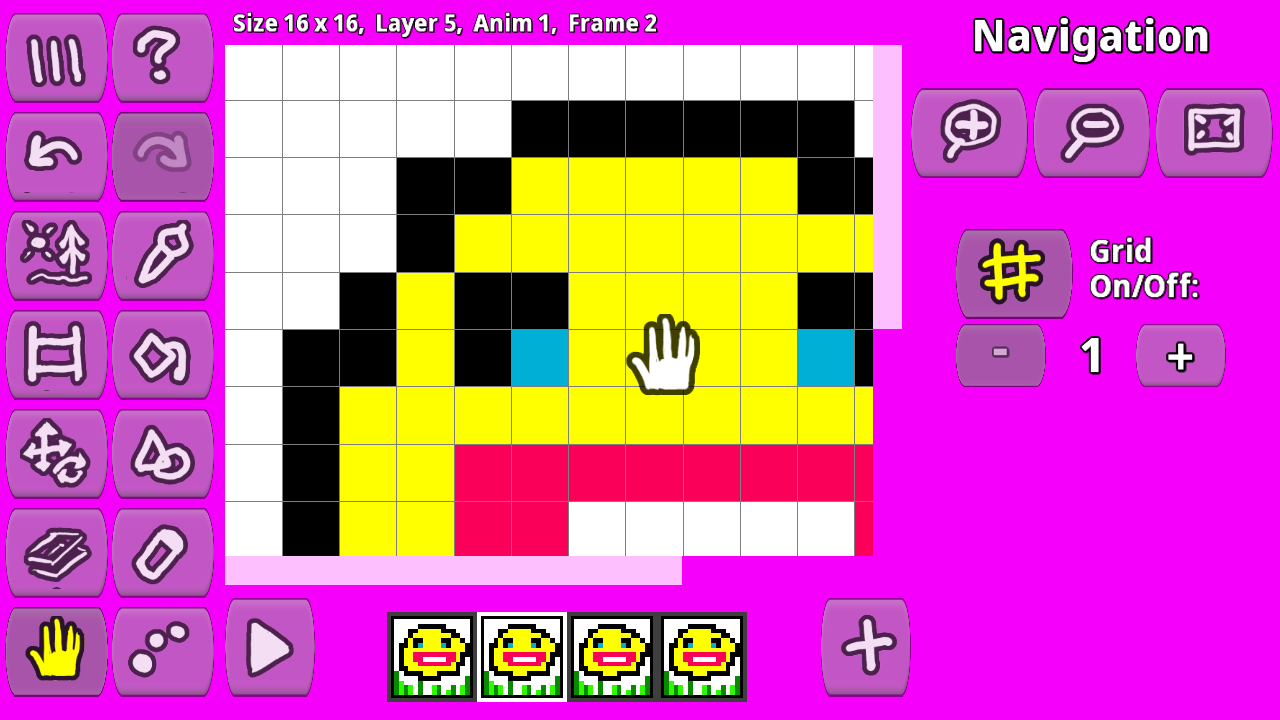
Start a new project and adjust your canvas to the desired dimensions. Pick your tools – the color, size, and type of your brush. You can now get creative! Use your mouse or graphics tablet to bring your imagination to life. As you create, remember to work on separate layers for elements that need their own movement or transformation. Once your masterpiece is complete, it's time to share it with the world. You can choose to export your animation as a series of frames, a spritesheet that contains all the images used in the animation, a tilemap for games, or perhaps opt for a popular animated GIF format. Don't forget to save your work regularly. Whether it's on your computer, a local storage device, or in the cloud, make sure your progress is backed up so you can always come back to it.
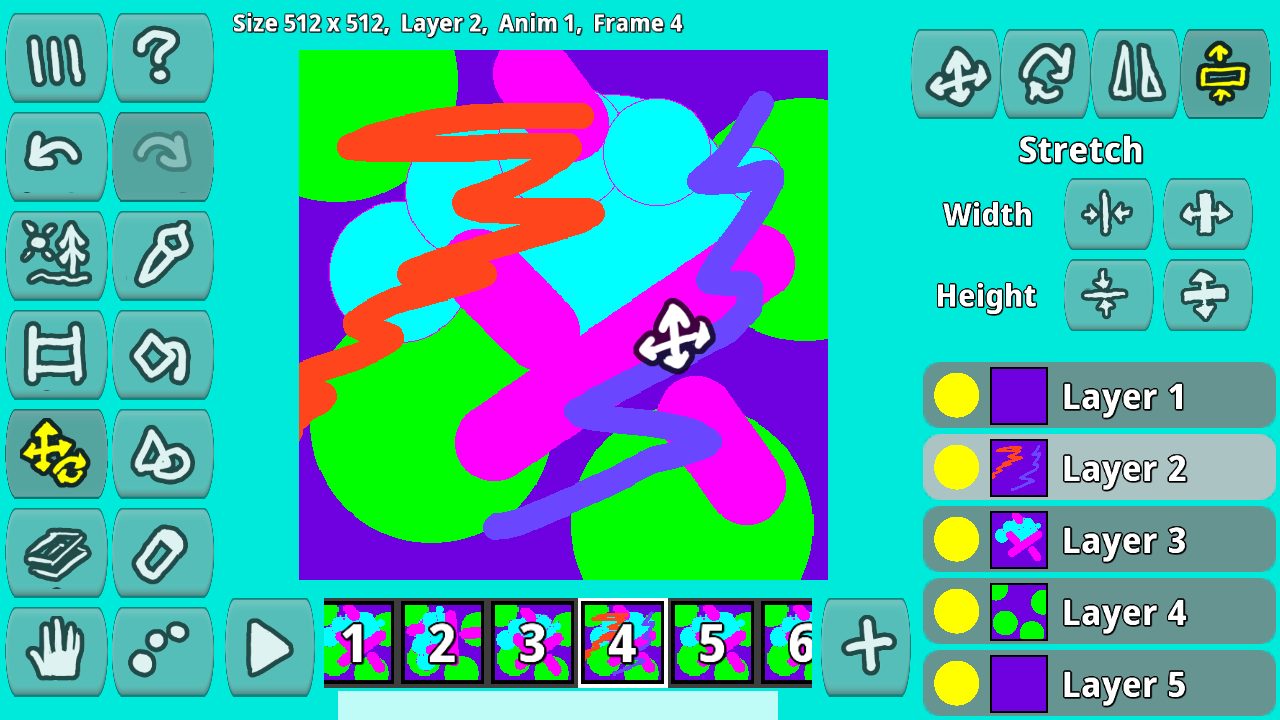
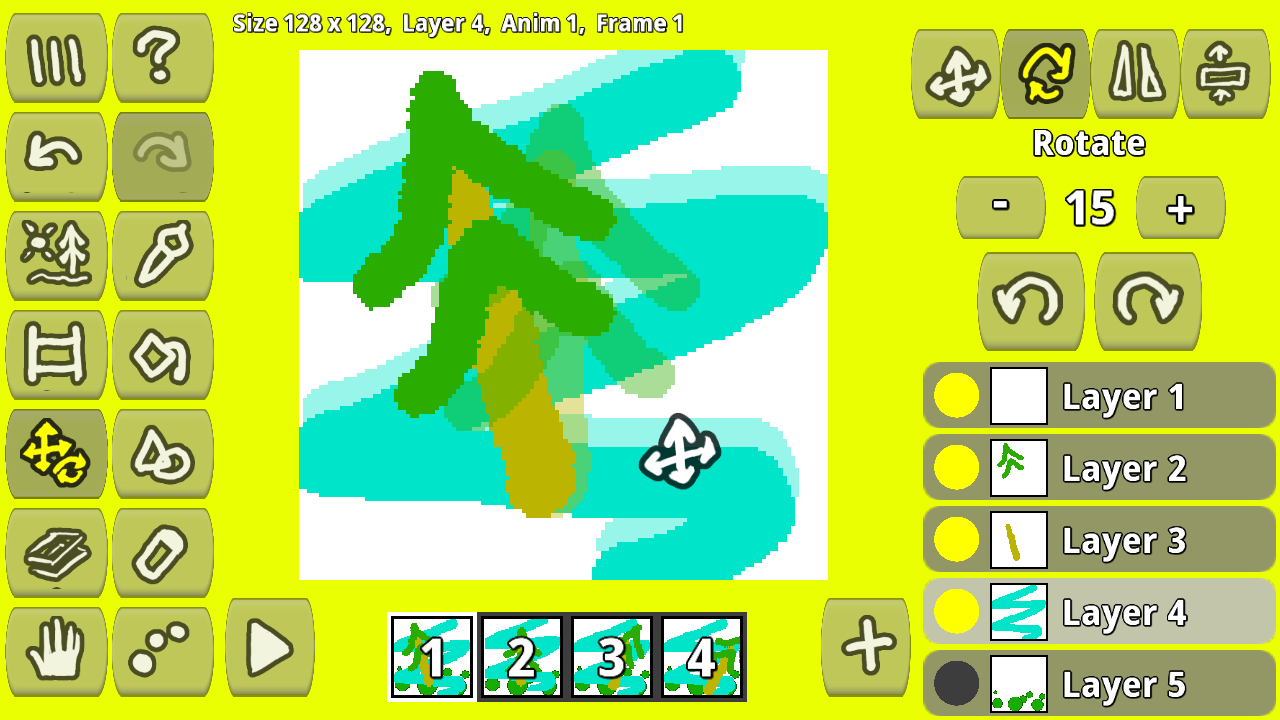
Yes. You can play Pixamator (Pixel Animator 2) online for free without buying the game or creating an account.
Yes. The game runs in a modern browser on phones, tablets, laptops, desktops, and Chromebooks.
No. Press Play and the browser game loads directly on this page.
Games related to Pixamator (Pixel Animator 2).
 +1 Speed: Escape Prison
 Blend Sprunki in Mixer 3D: Create Your Own Sprunki
 BlockWorld Sandbox - Craft simulator
 Build Lego Cars
 Capybara Life
 Cat Chef vs Fruits - 2 Player
 Hot
Hot
 Catch up with Noob | Game of Catch
 Chicken Chase
 Chinese Brawlik
 Coloring Cool pictures!
 Coloring for kids Free
 Come in New Year