Free • No download
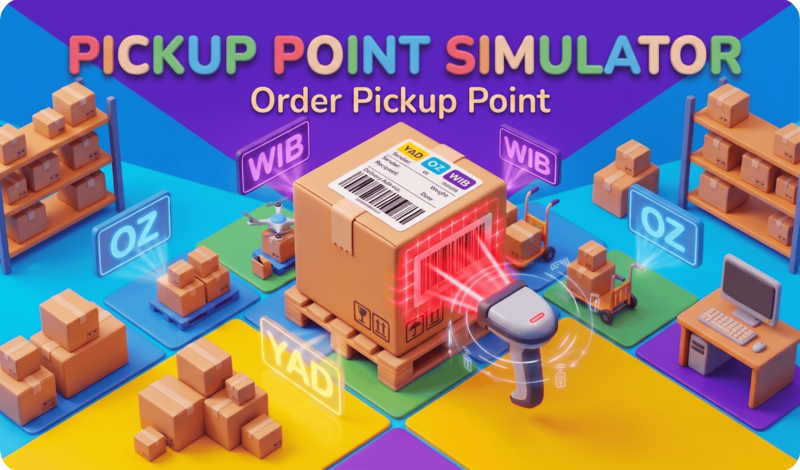
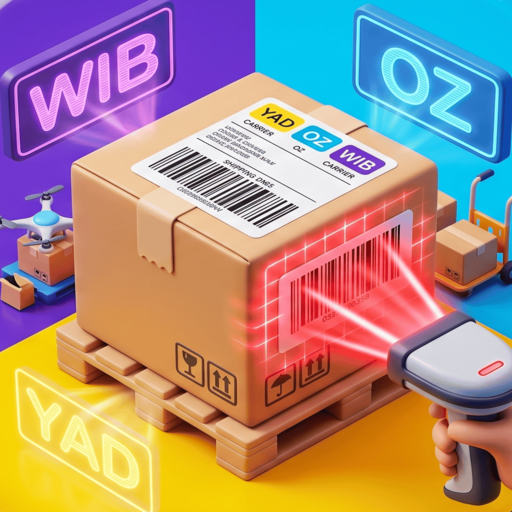
Turn your pickup point into a logistics hub! Scan barcodes, ensure timely deliveries, and enhance your interior. Get to work!
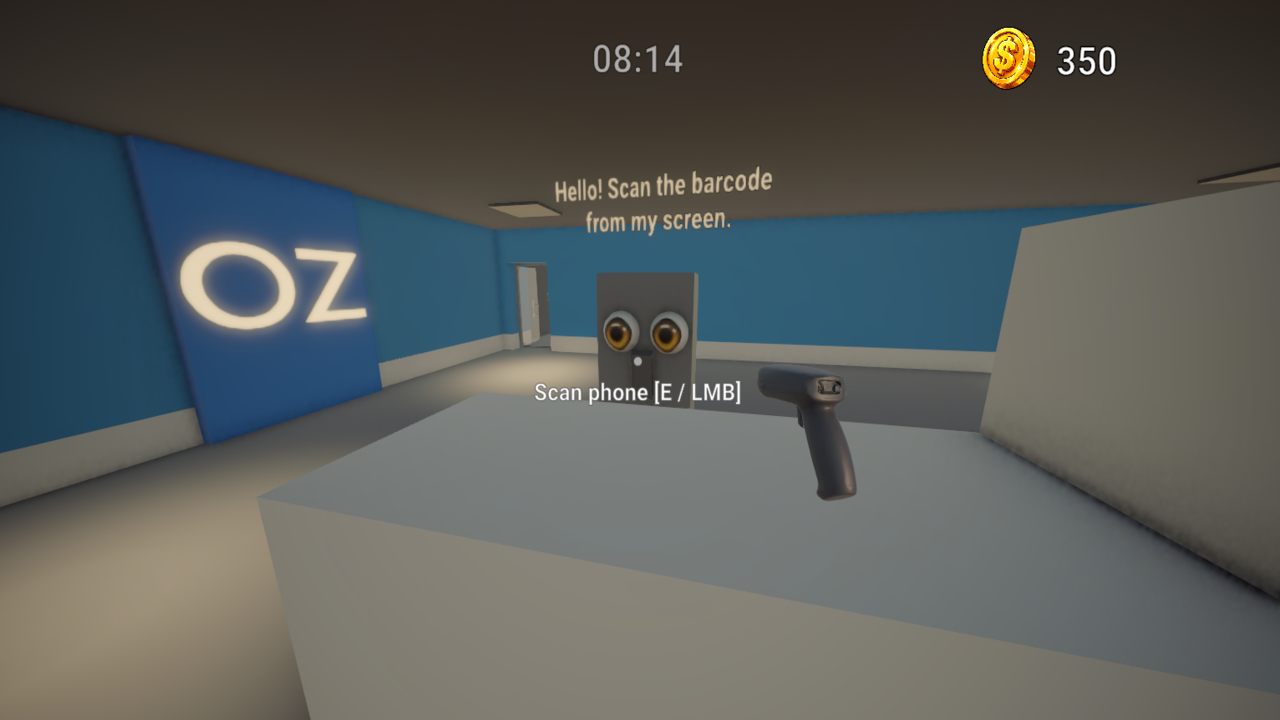
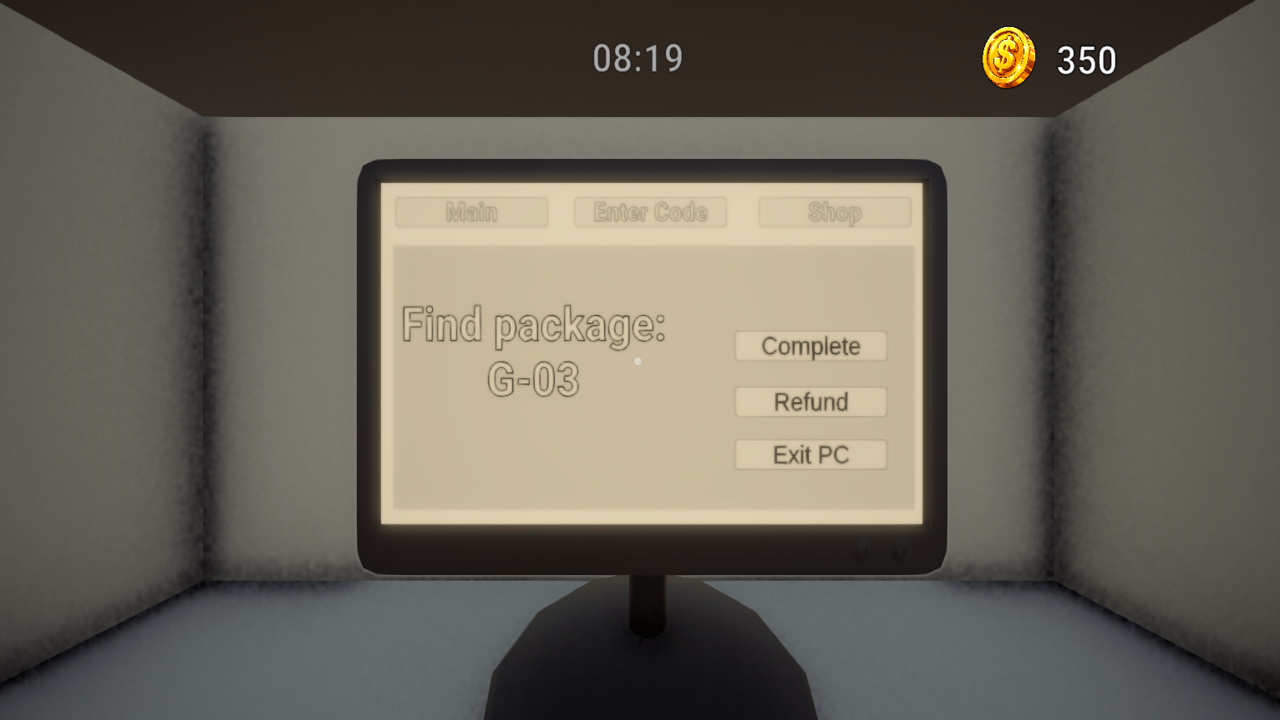
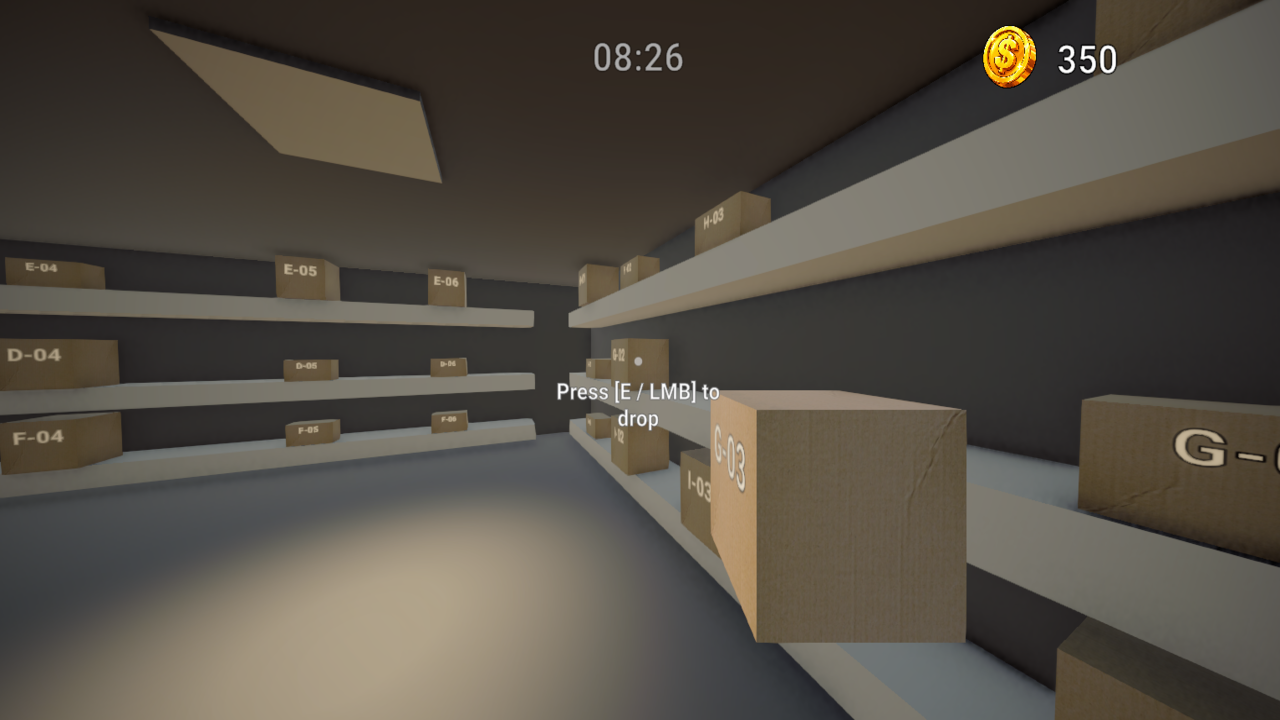
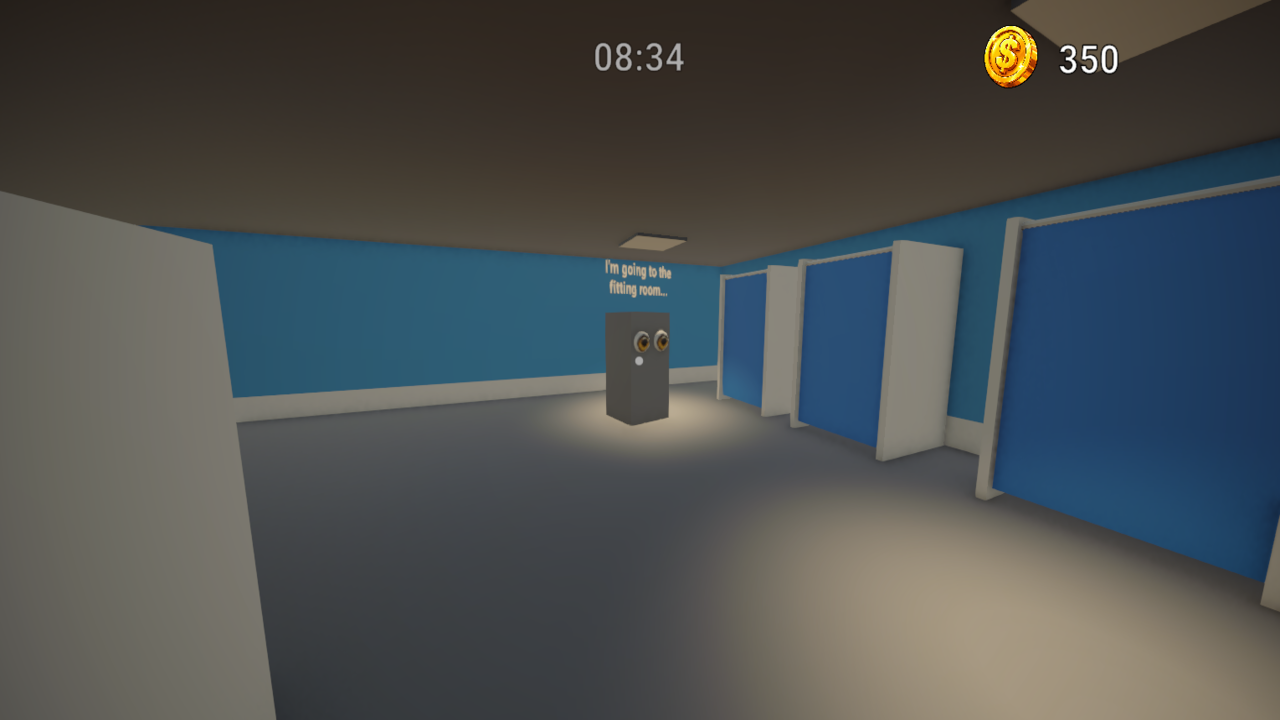
Keyboard Controls (PC): - W, A, S, D — to move around. - Mouse — to look around. - E / Left Mouse Button — to interact (pick up scanner/box, sit at the PC, scan). - Q / G — to put down a box (alternative: E / Left Mouse Button). - C / Left Ctrl — to crouch. - Space — to jump. - Escape — to open the pause menu or exit the game. Touchscreen Controls (Mobile): - Left joystick — to move. - Right side of the screen — to rotate the camera. - UI buttons — for interacting, dropping items, crouching, and pausing. Game Process: 1. Get the code from the customer using the scanner or enter it via the PC in the "Enter Code" tab. 2. Locate the box with the matching code on the warehouse shelves. 3. Place the box on the delivery counter. 4. Wait for the customer's decision and complete the order on the PC!
Yes. You can play Pickup Point Simulator: Order Pickup Point online for free without buying the game or creating an account.
Yes. The game runs in a modern browser on phones, tablets, laptops, desktops, and Chromebooks.
No. Press Play and the browser game loads directly on this page.
Games related to Pickup Point Simulator: Order Pickup Point.