Free • No download
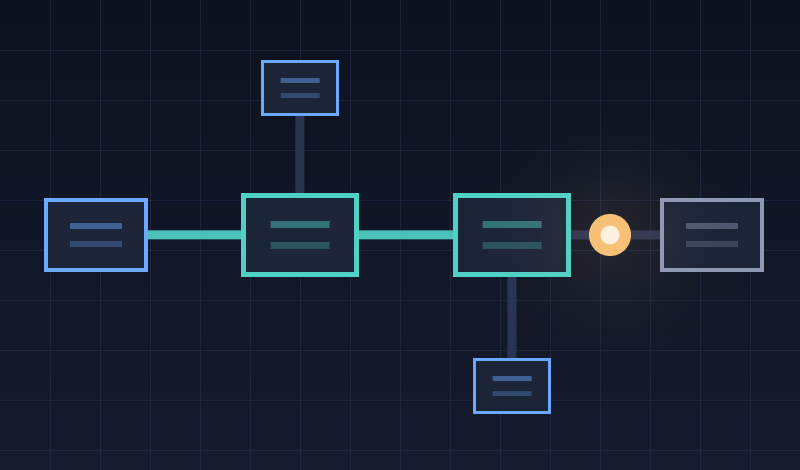
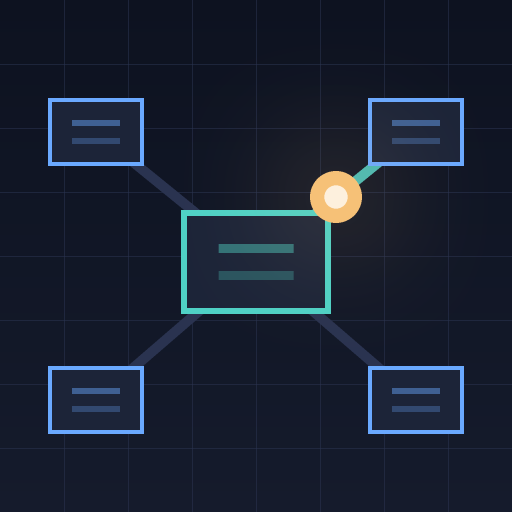
Explore the intricacies of computer networks in Packet Path! Tackle 17 levels, master addresses, masks, switches, and routing protocols. Build, send, and trace packets to see networks in action.
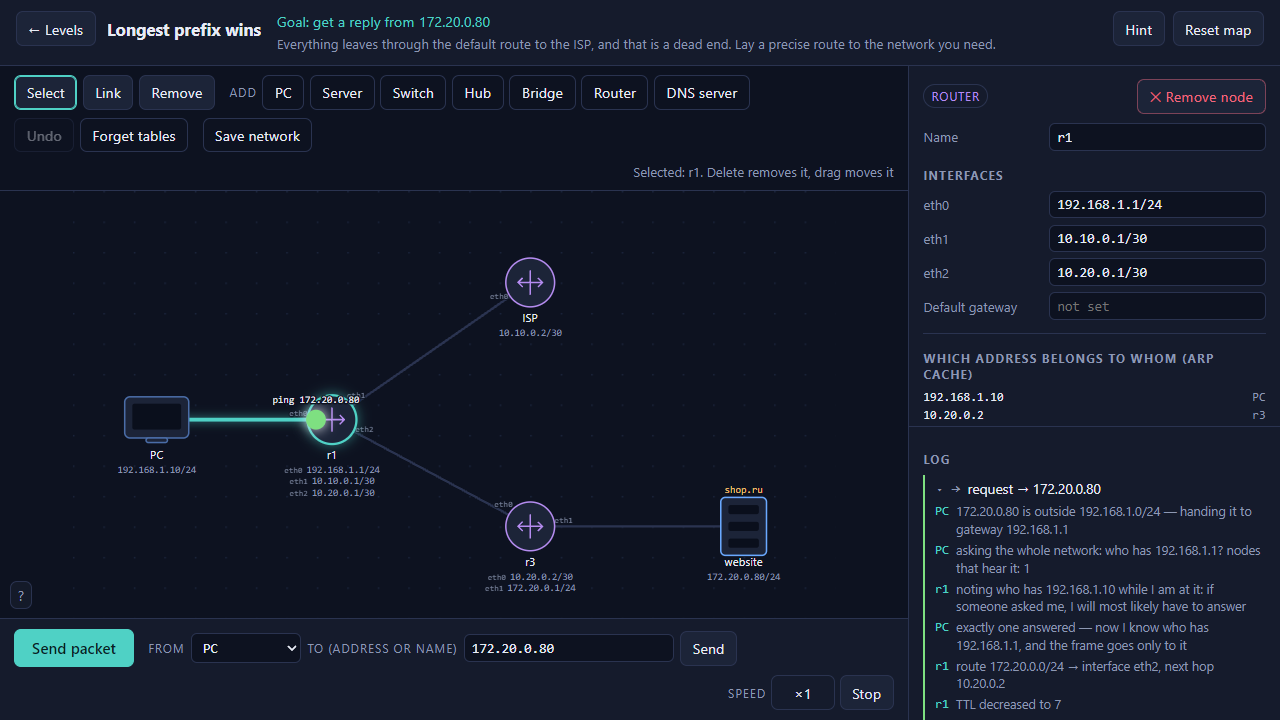
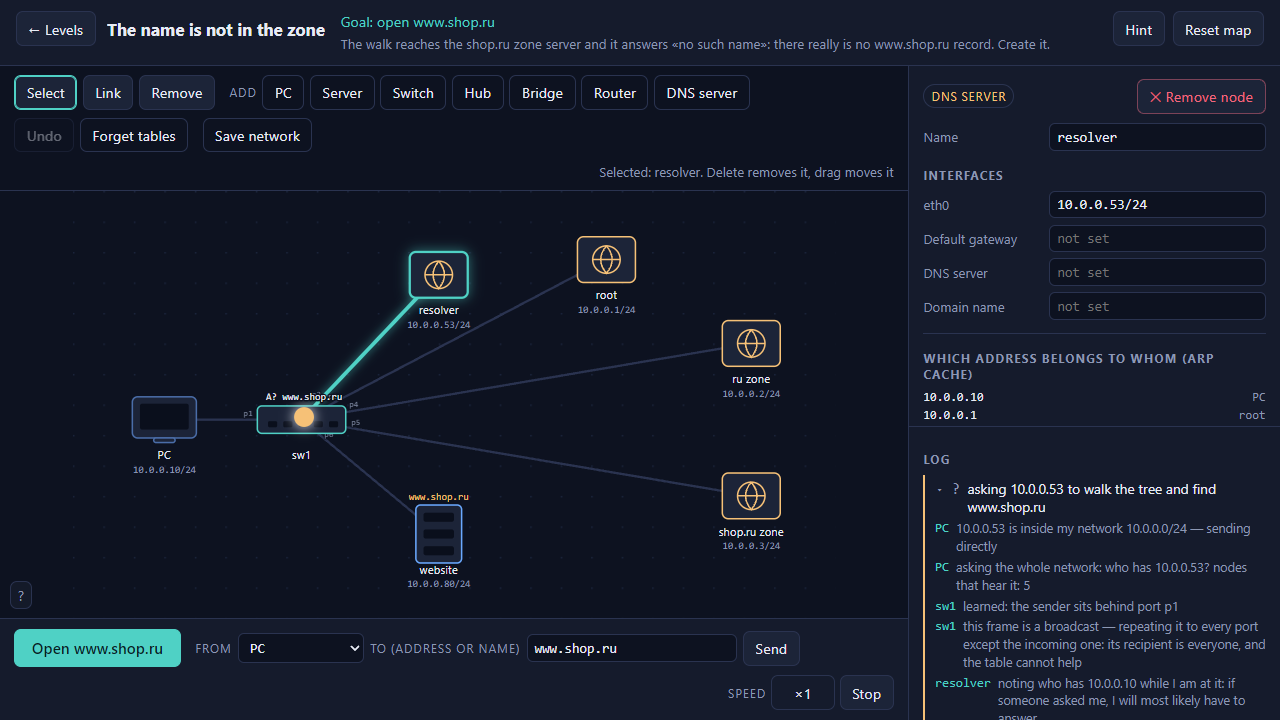
The task is displayed at the top of the screen — typically, you need to ensure that a packet reaches a specific node. The game is controlled with the mouse. When you click on a node, its settings appear on the right: address with a mask, default gateway, routing table, DNS server address — the specifics depend on the device. You can enter the values and apply them by pressing Enter or moving out of the field. You can move a node around the map by dragging it. Use the «Link» button to connect two nodes with a cable: click the button, then select one node and then the other. «Remove» lets you delete a node or a cable, while the «Add» row allows you to add new devices. To begin the walkthrough, click «Send packet»: the packet will traverse the map, and the log on the right will explain each step. The speed can be adjusted, and clicking on any log entry provides more details. If you get stuck, there's a «Hint» next to the goal. «Reset map» will return the level to its initial state.
Yes. You can play Packet Path online for free without buying the game or creating an account.
Yes. The game runs in a modern browser on phones, tablets, laptops, desktops, and Chromebooks.
No. Press Play and the browser game loads directly on this page.
Games related to Packet Path.