Free • No download
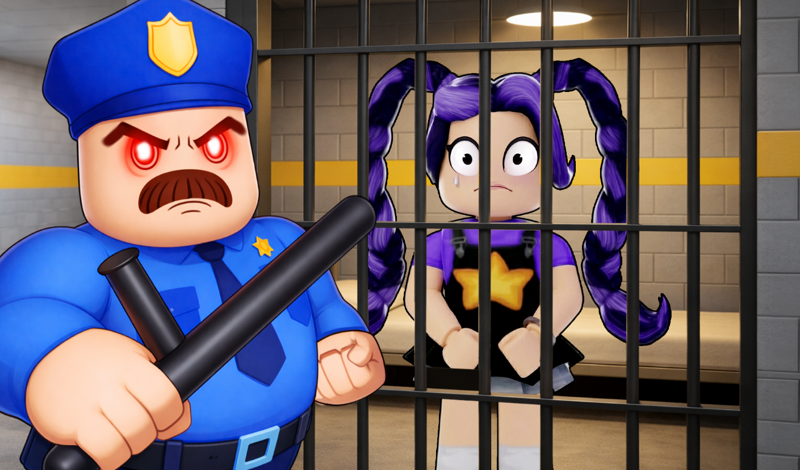
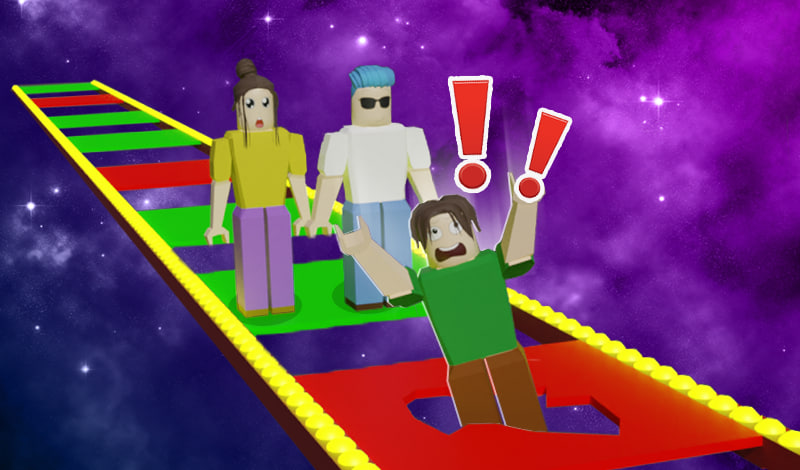
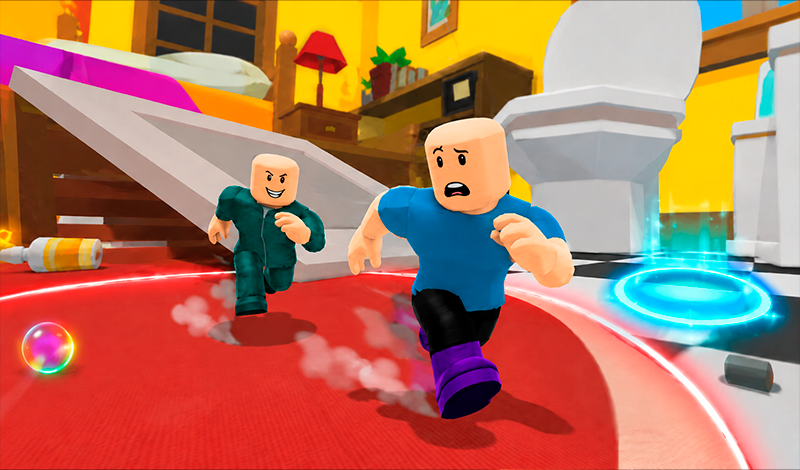
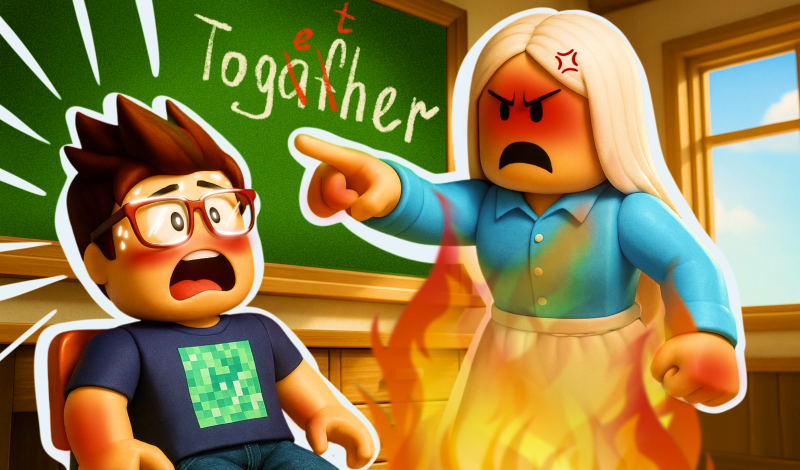
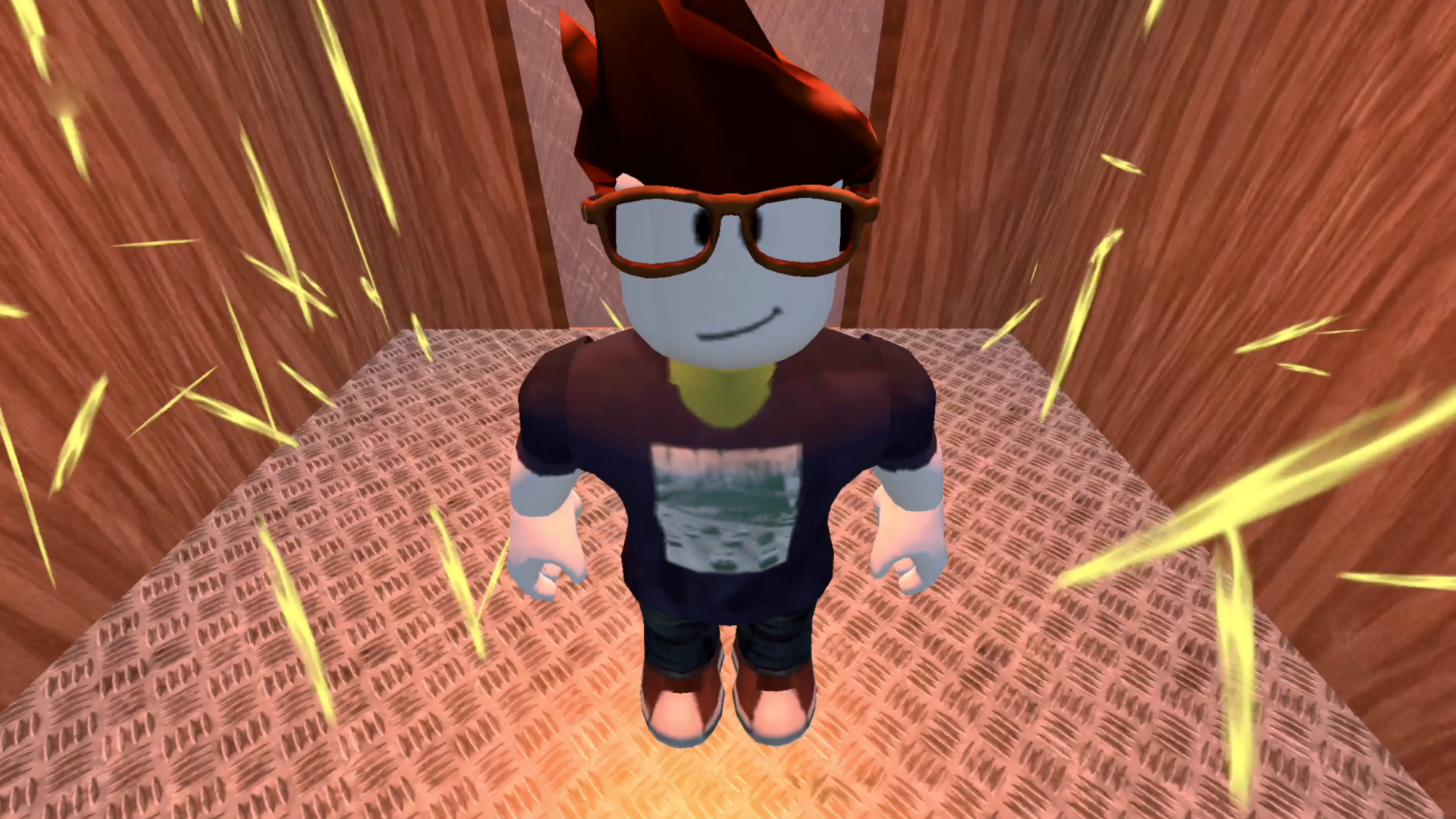
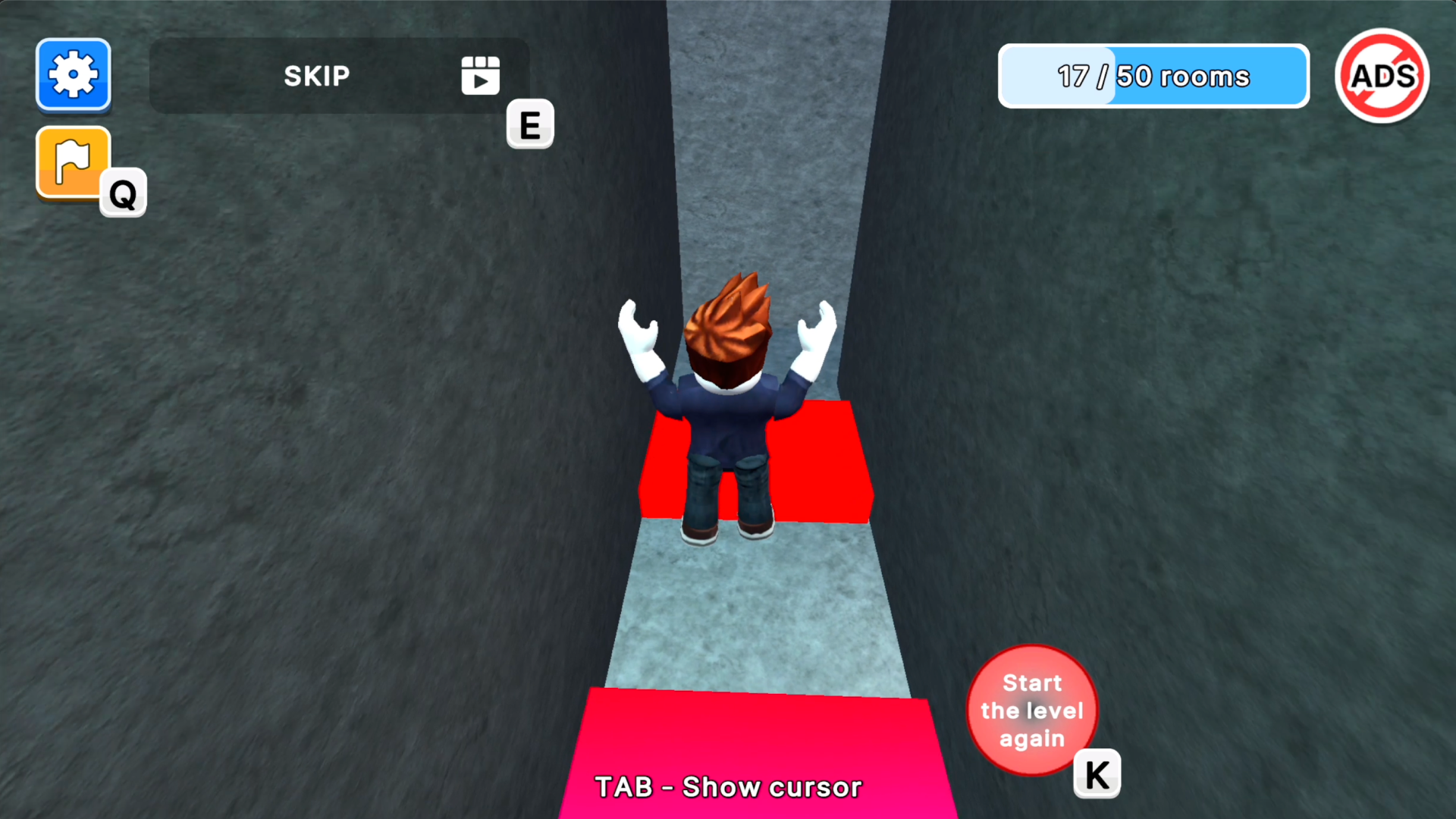
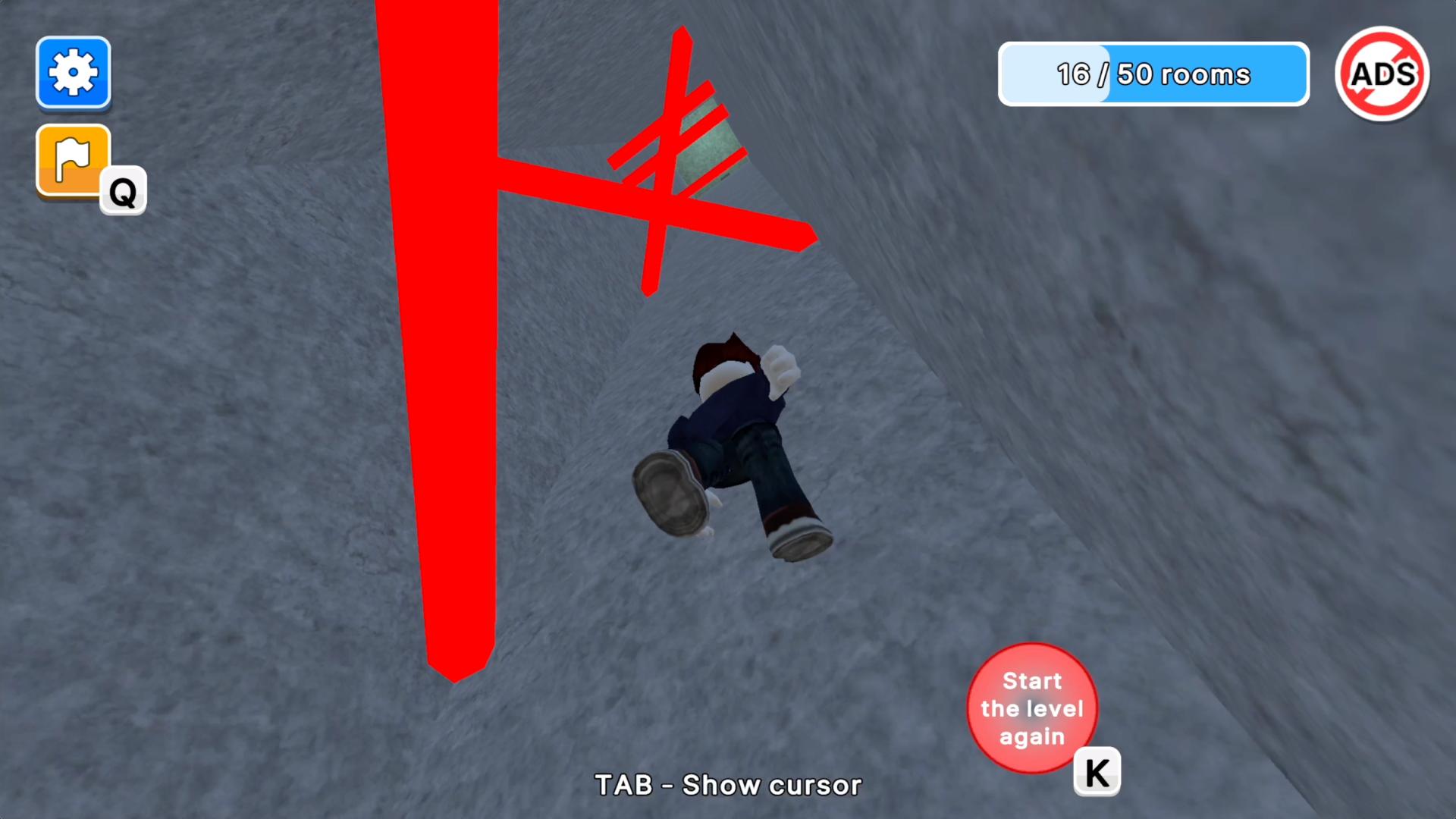
"Obby: Teacher's punishment" is a hilarious 3D platformer where you have to escape from school! Dodge 50 obstacles and then take the exam.
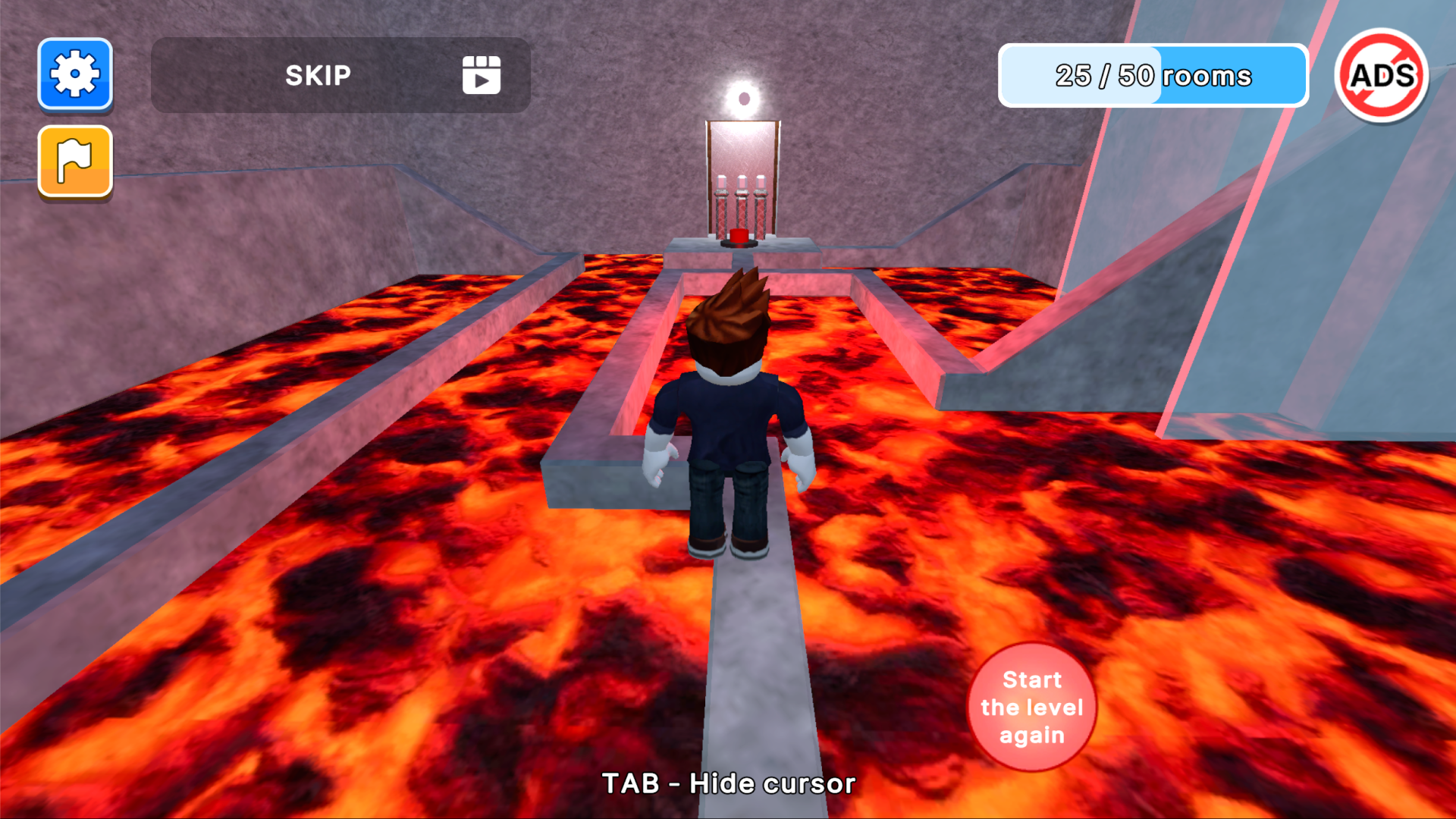
On mobile: Use the virtual control stick on the left to move your character around. The jump button is located on the right. Slide your finger across the screen to rotate the camera. You don't need to tap objects, just get close to them and they will activate or a button will appear for further interaction. On PC: To control your character, use the arrow keys or WASD. Spacebar — jump. Move the mouse around to spin the camera in different directions. Press TAB to hide or show the cursor. Objects can be interacted with by clicking the left mouse button, when applicable.
Yes. You can play Obby: Teacher's punishment online for free without buying the game or creating an account.
Yes. The game runs in a modern browser on phones, tablets, laptops, desktops, and Chromebooks.
No. Press Play and the browser game loads directly on this page.
Games related to Obby: Teacher's punishment.