
Free • No download
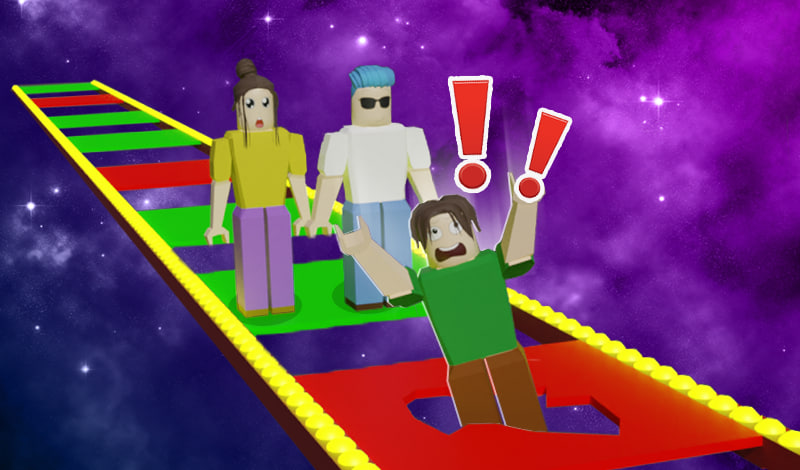
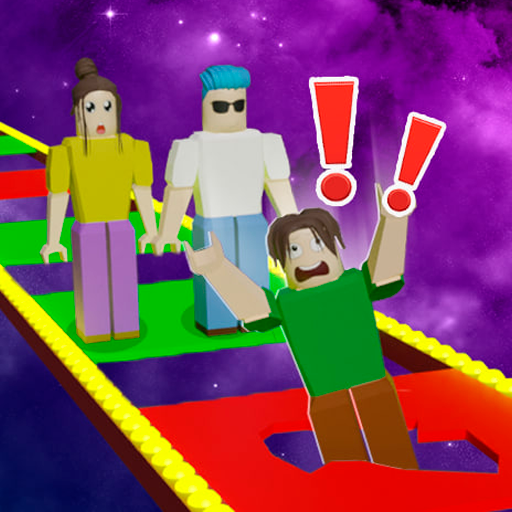
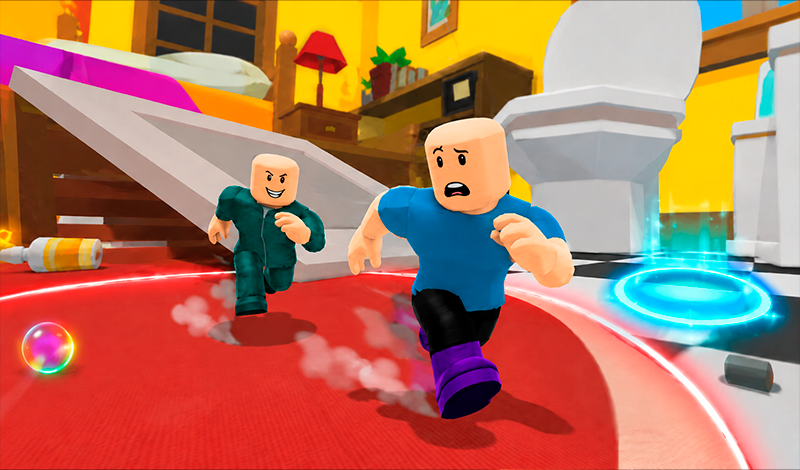
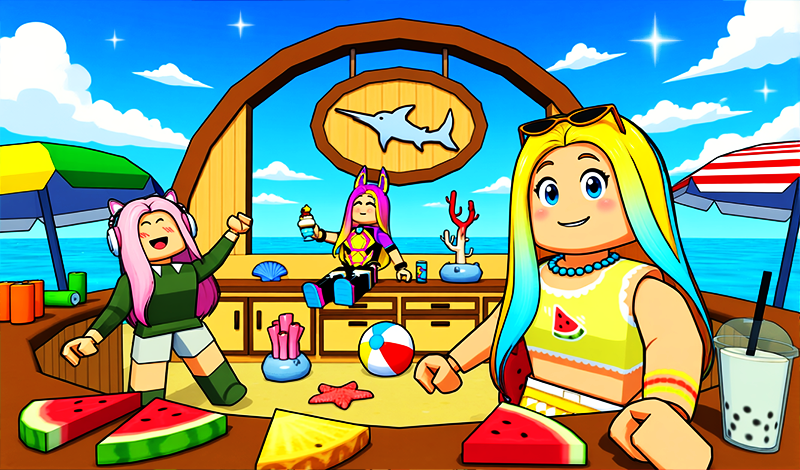
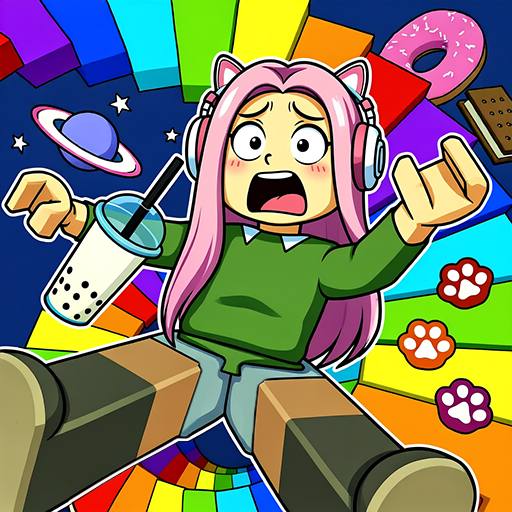
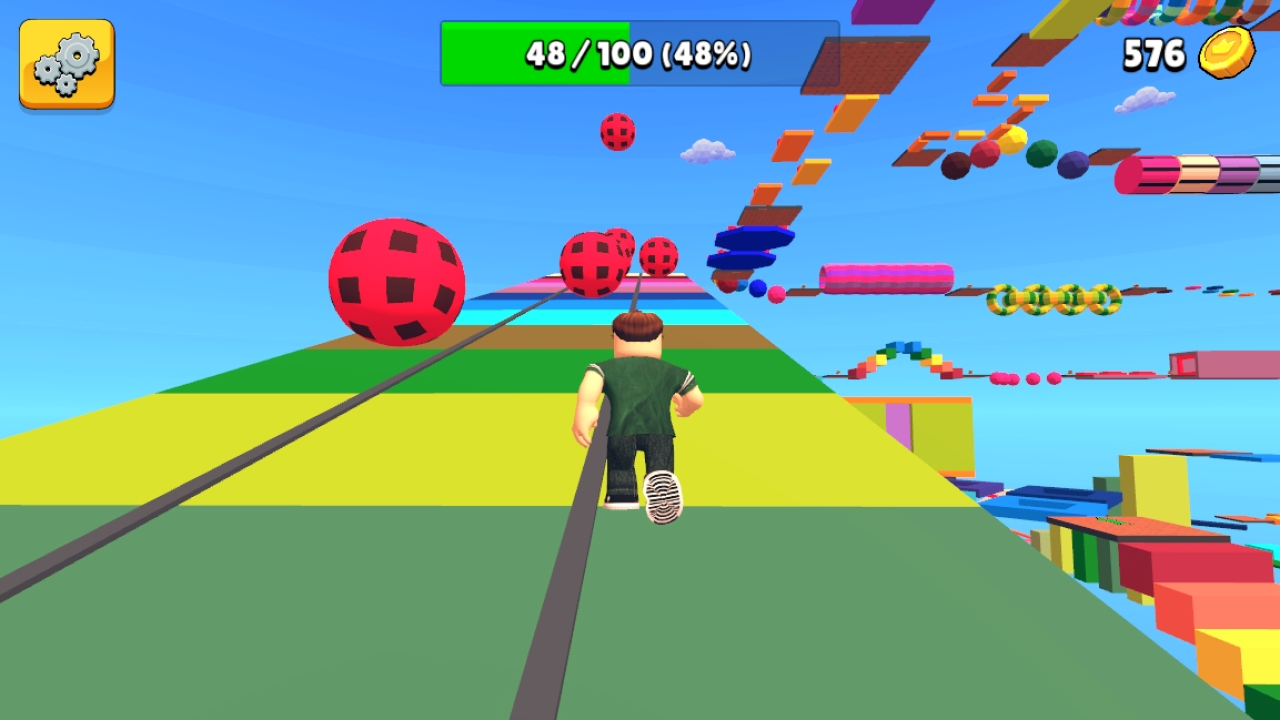
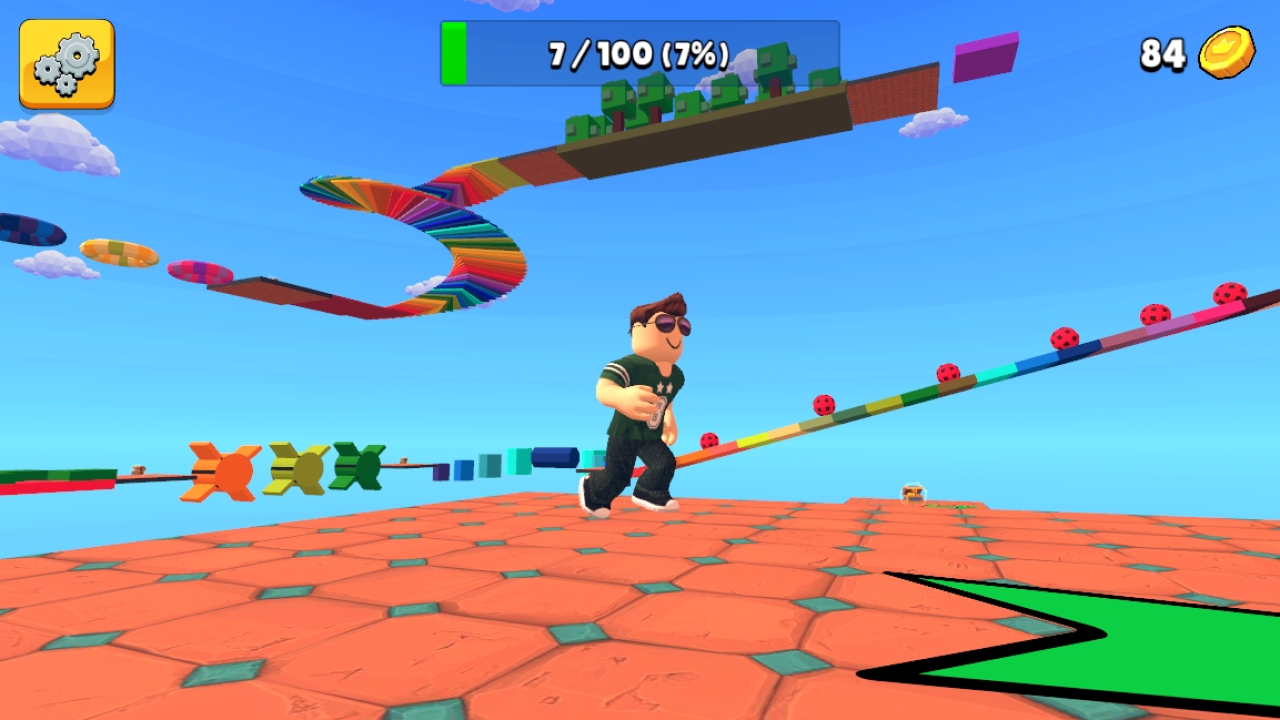
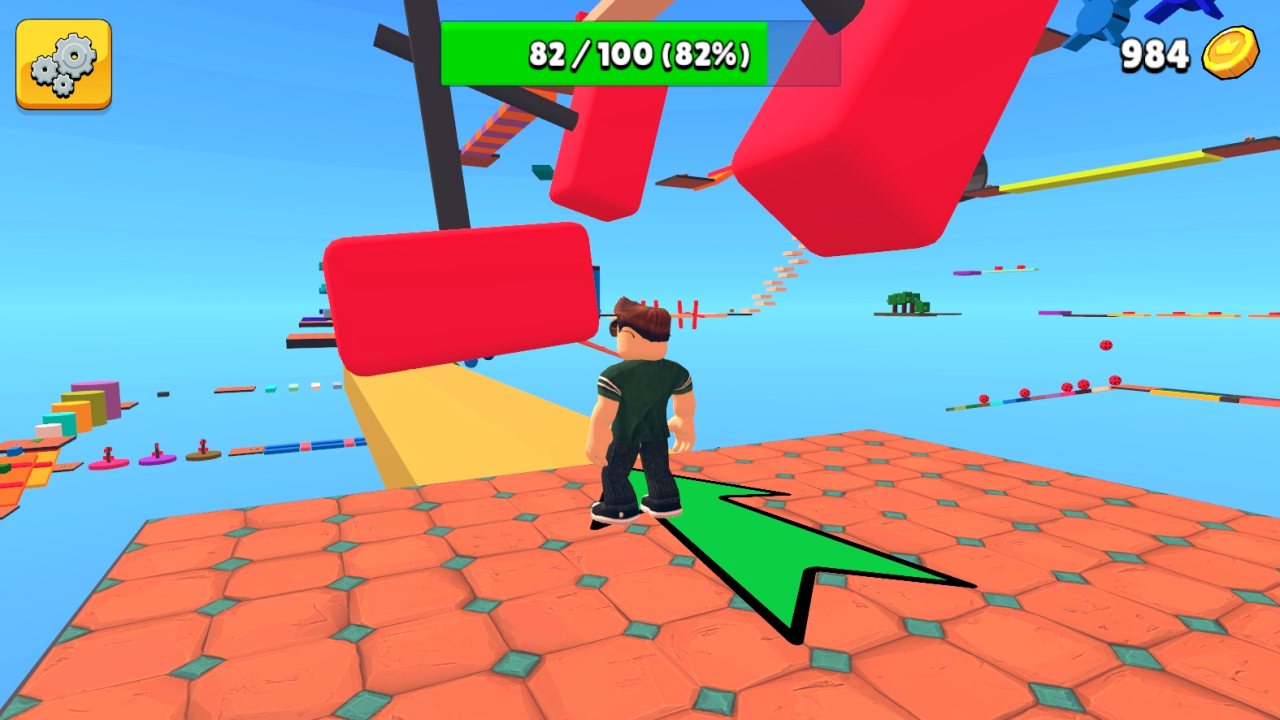
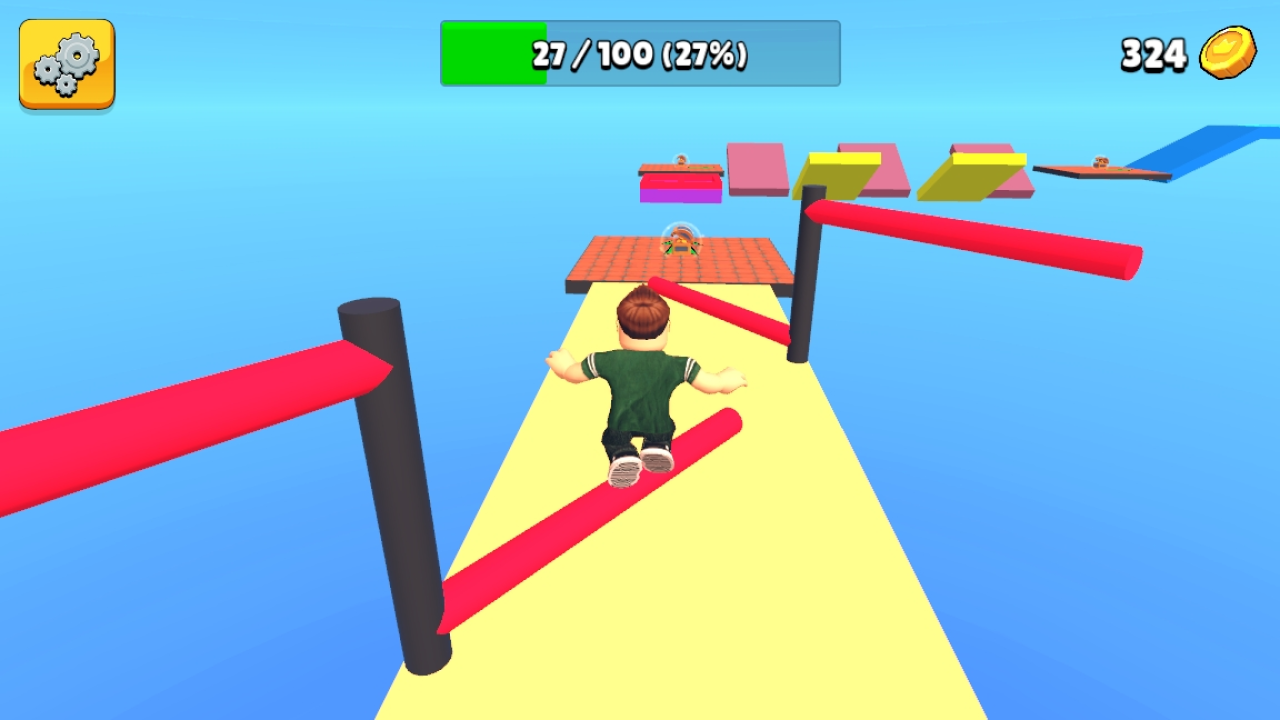
Obby Parkour: Tower is an obstacle course game where you must overcome challenges to reach the finish line. Get to the end first to win the ultimate prize – a golden cup!
Controls: * Computer: * Use the WASD keys for movement. * Look around with your mouse. * Press and hold the left shift button to run. * Jump by pressing the space bar. * Right-click (RCM) to toggle the mouse cursor on and off. * Phone: * Control your character using the joystick and buttons on the screen. * Pinch and move your fingers anywhere on the screen to change the camera view. * Access settings by tapping the gear button. In the game, collecting chests allows you to save and earn coins. Spend these coins to unlock cool-looking outfits for your character.
Yes. You can play Obby Parkour: Tower online for free without buying the game or creating an account.
Yes. The game runs in a modern browser on phones, tablets, laptops, desktops, and Chromebooks.
No. Press Play and the browser game loads directly on this page.
Games related to Obby Parkour: Tower.