
Free • No download
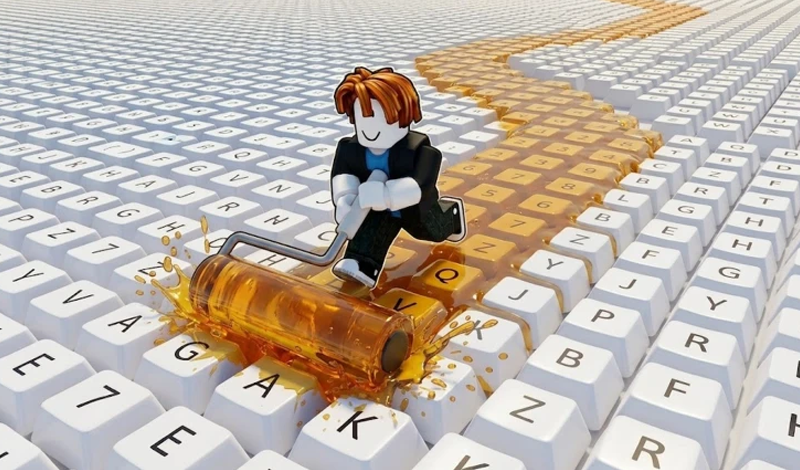
Create your own colorful keyboard empire in Obby: Paint My Keyboard! Collect coins, unlock new paints, and expand your keyboard to make it the biggest in the world. Start painting now!
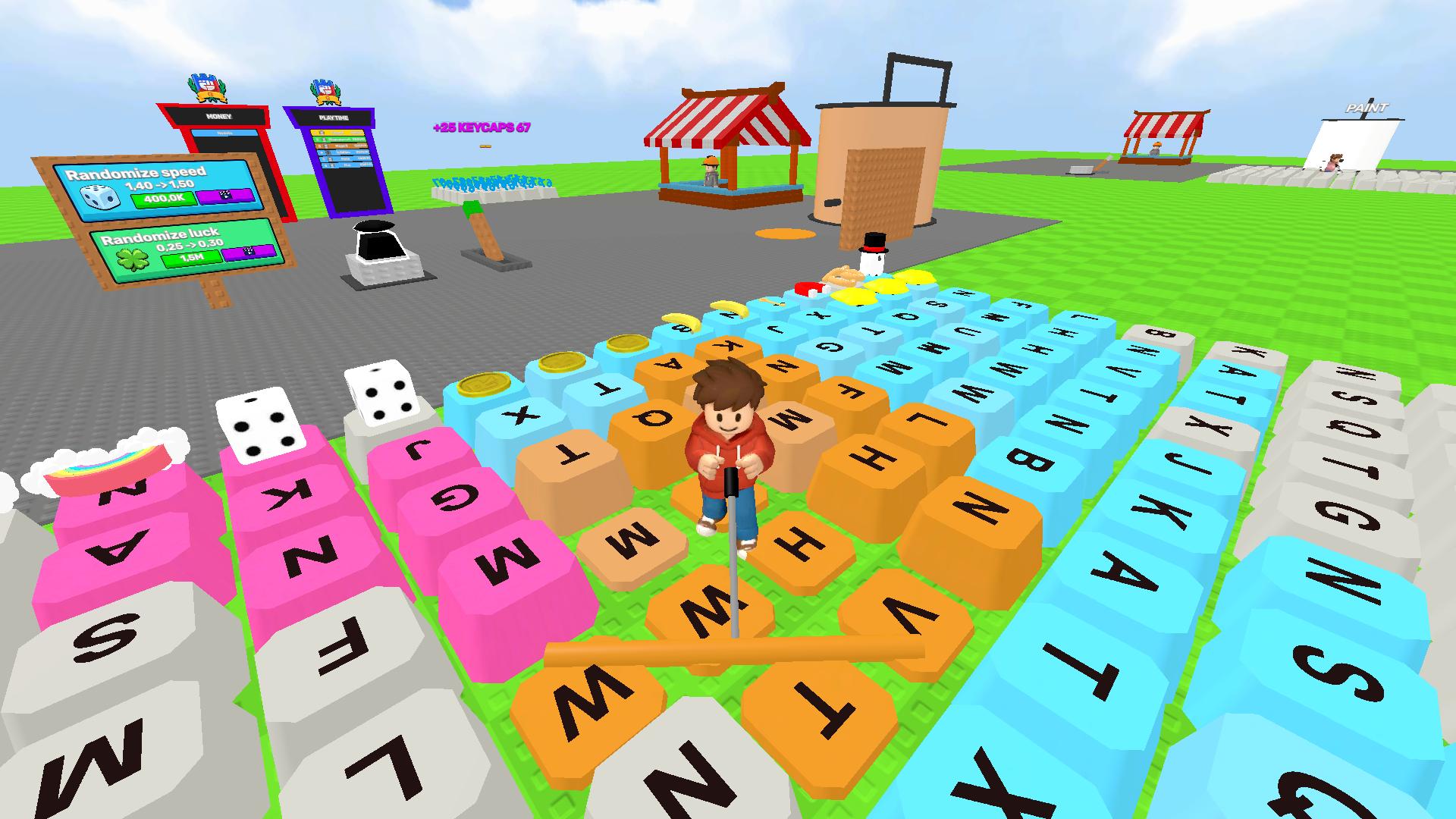
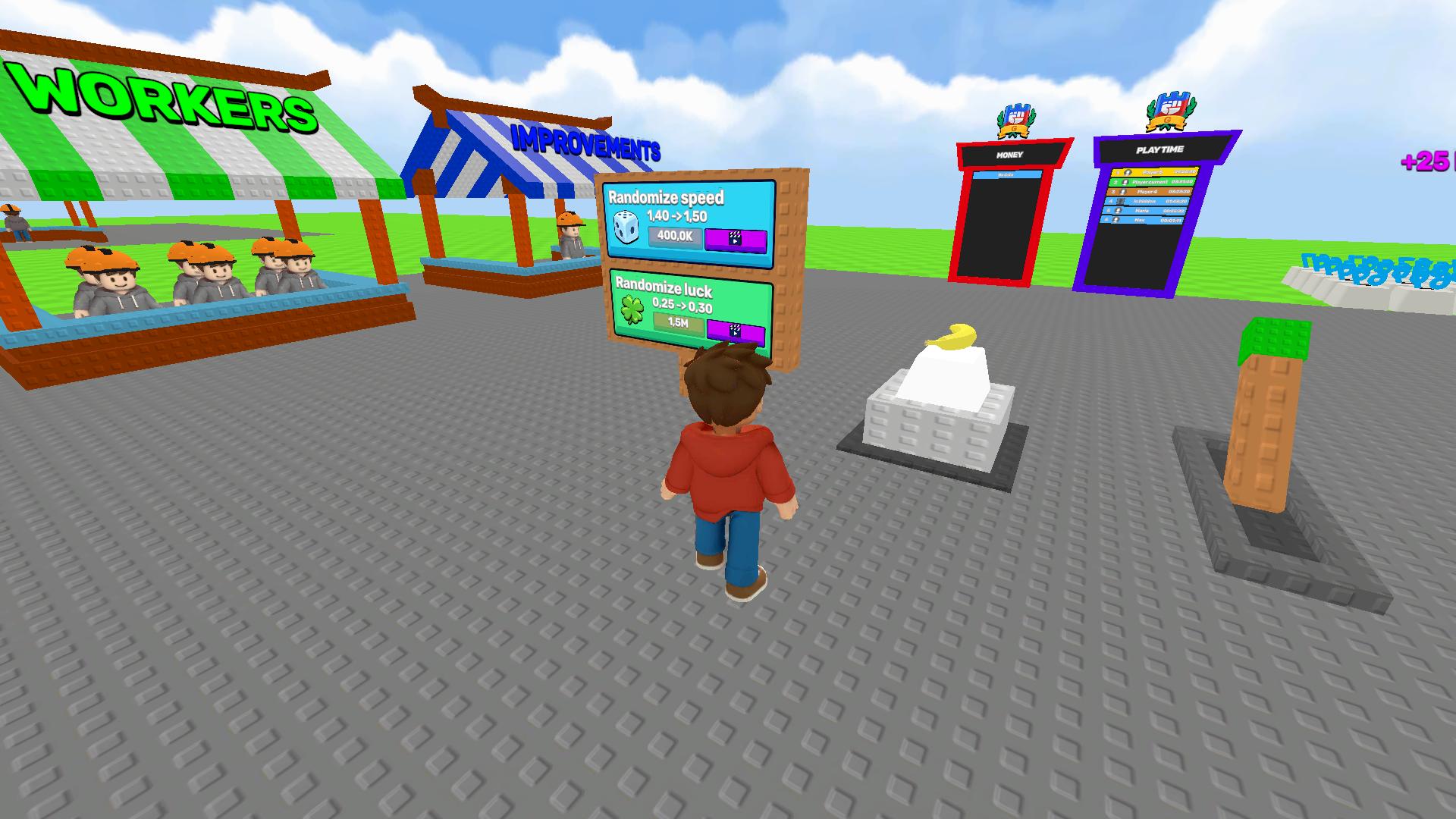
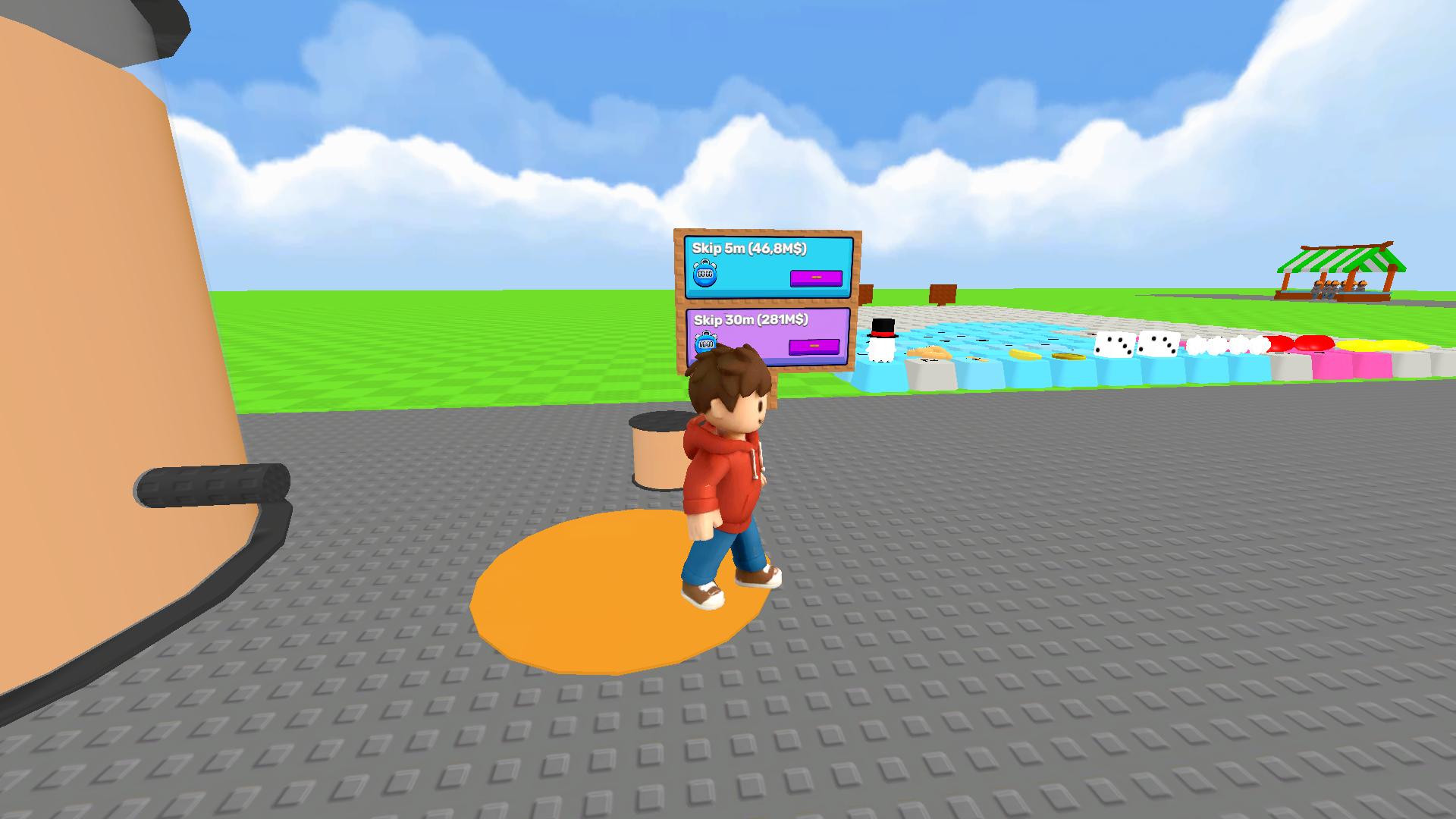
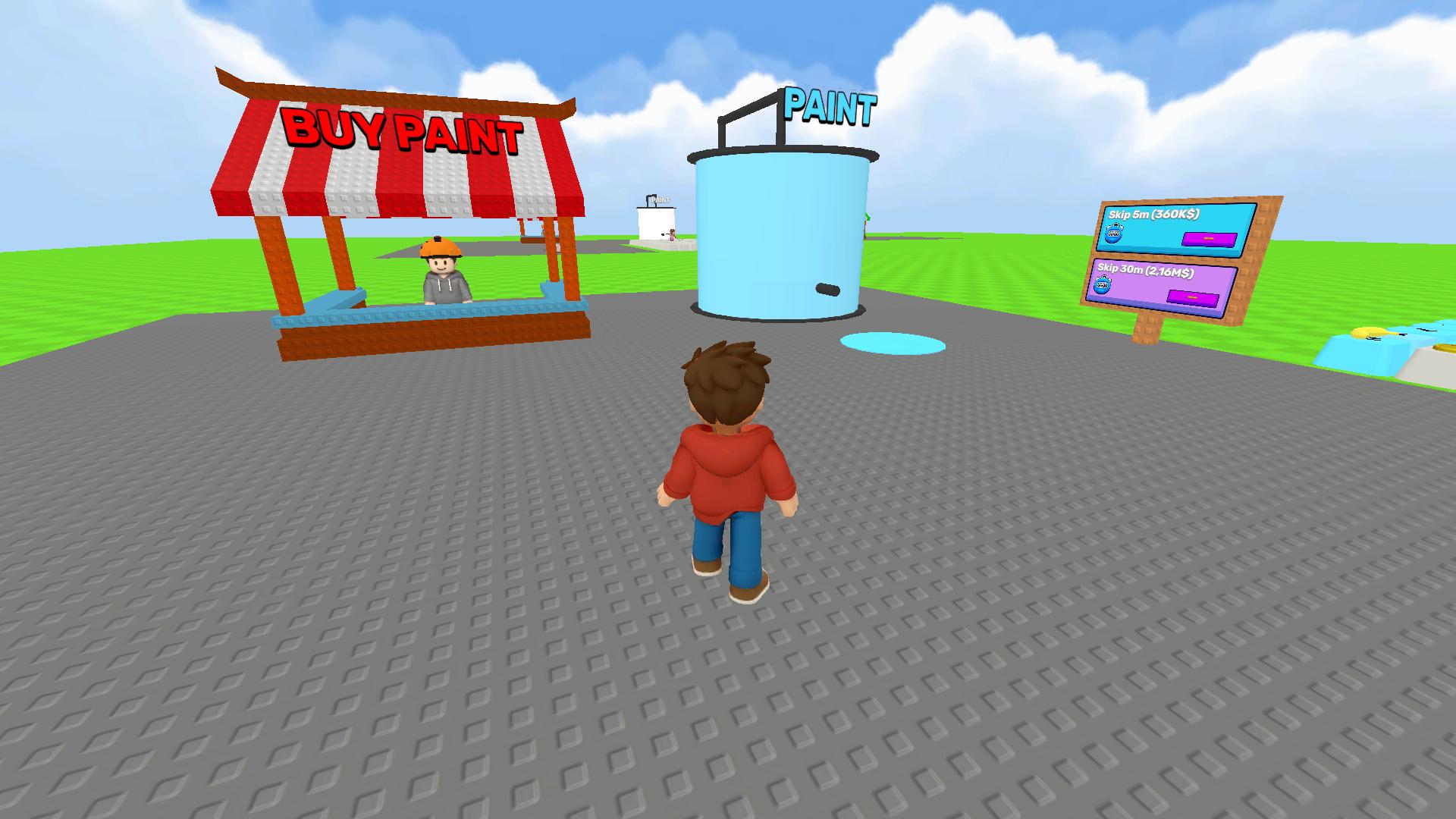
Controls: WASD or arrows — to move your character; Mouse — to control the camera. Gameplay: * Paint keys: go to unpainted keys on the keyboard and start colouring them completely. * Collect coins: once a key is painted, it will automatically generate coins. Keep an eye on your balance at the top of the screen. * Unlock new paints: visit the shop and spend your coins on new paint colours. More expensive paints yield higher profits per key! * Upgrade tools: purchase upgrades to increase painting speed and efficiency. * Expand your keyboard: after painting all available keys, buy a keyboard expansion to unlock new rows and sections with even more keys to paint!
Yes. You can play Obby: Paint My Keyboard online for free without buying the game or creating an account.
Yes. The game runs in a modern browser on phones, tablets, laptops, desktops, and Chromebooks.
No. Press Play and the browser game loads directly on this page.
Games related to Obby: Paint My Keyboard.