Free • No download
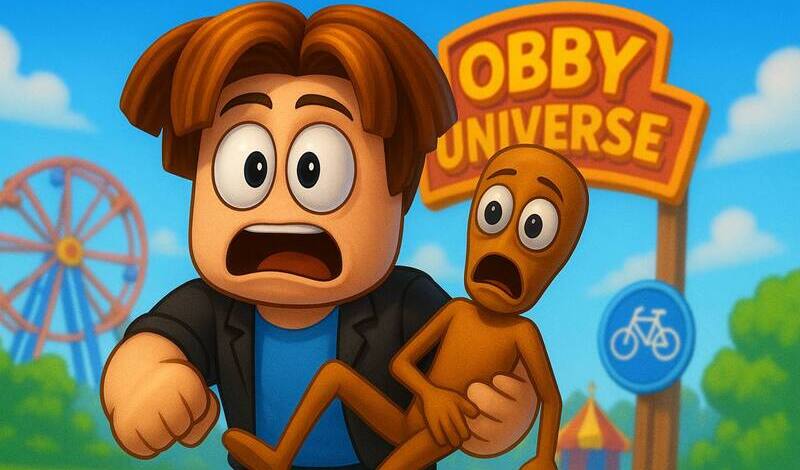
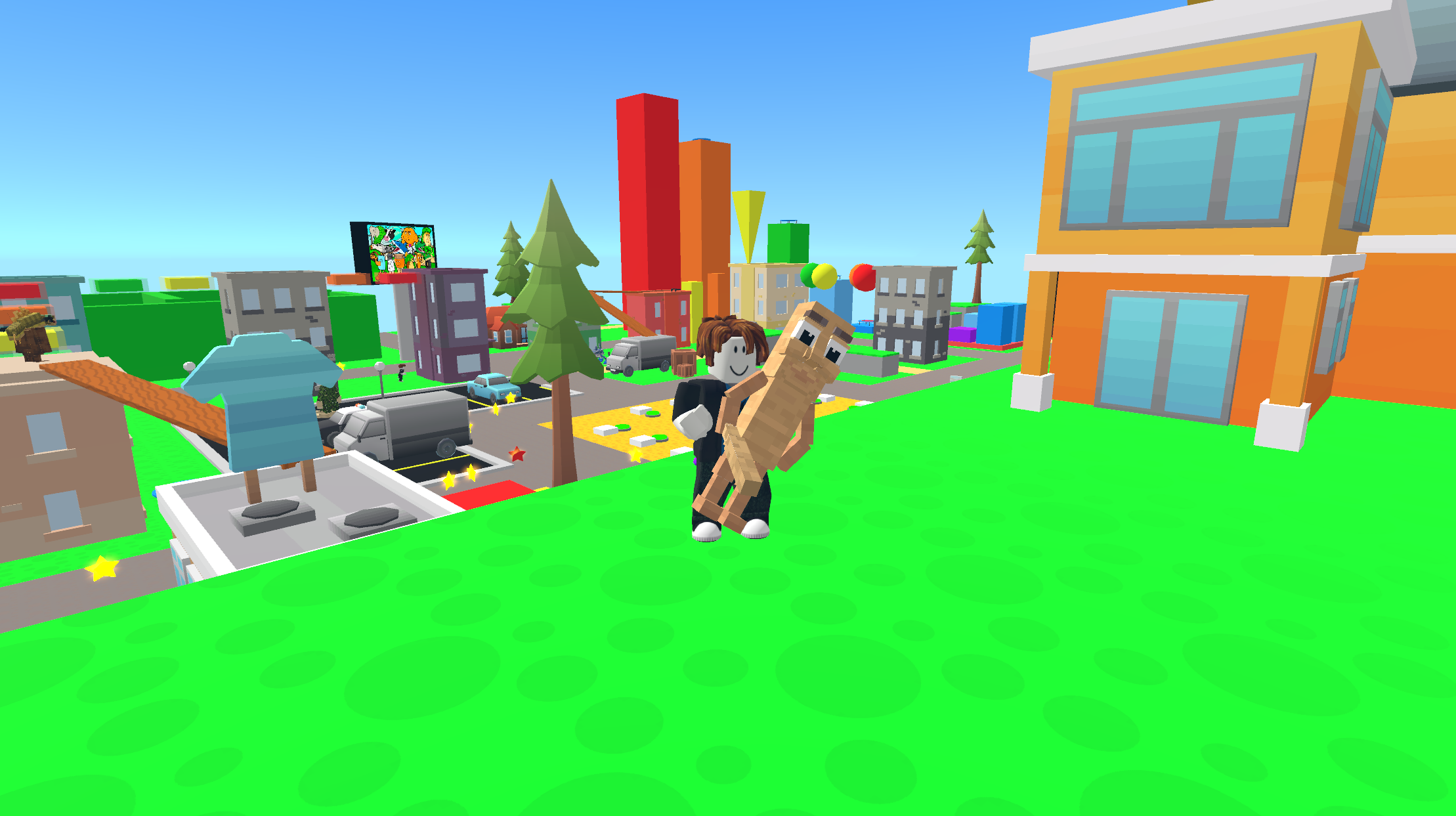
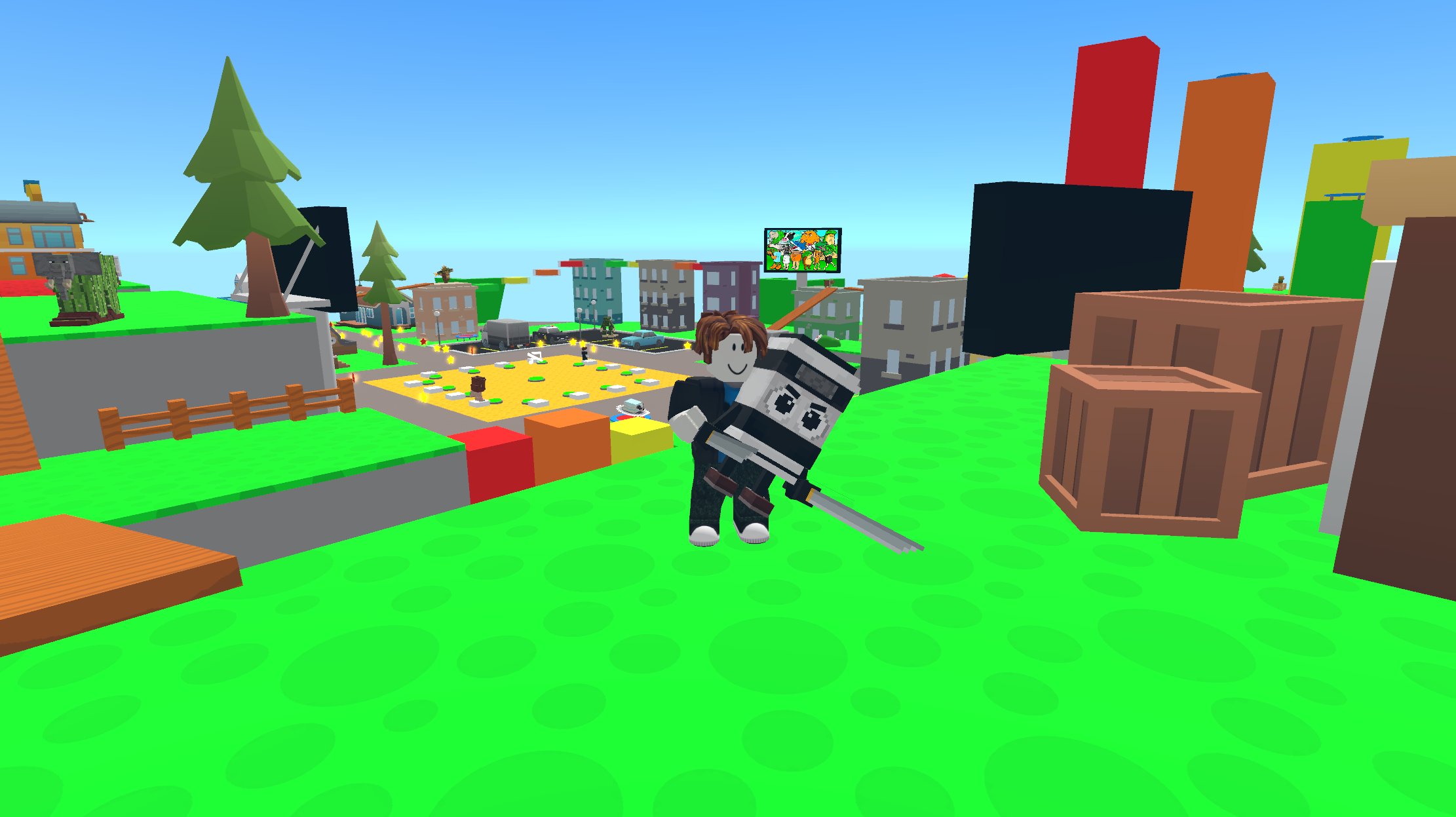
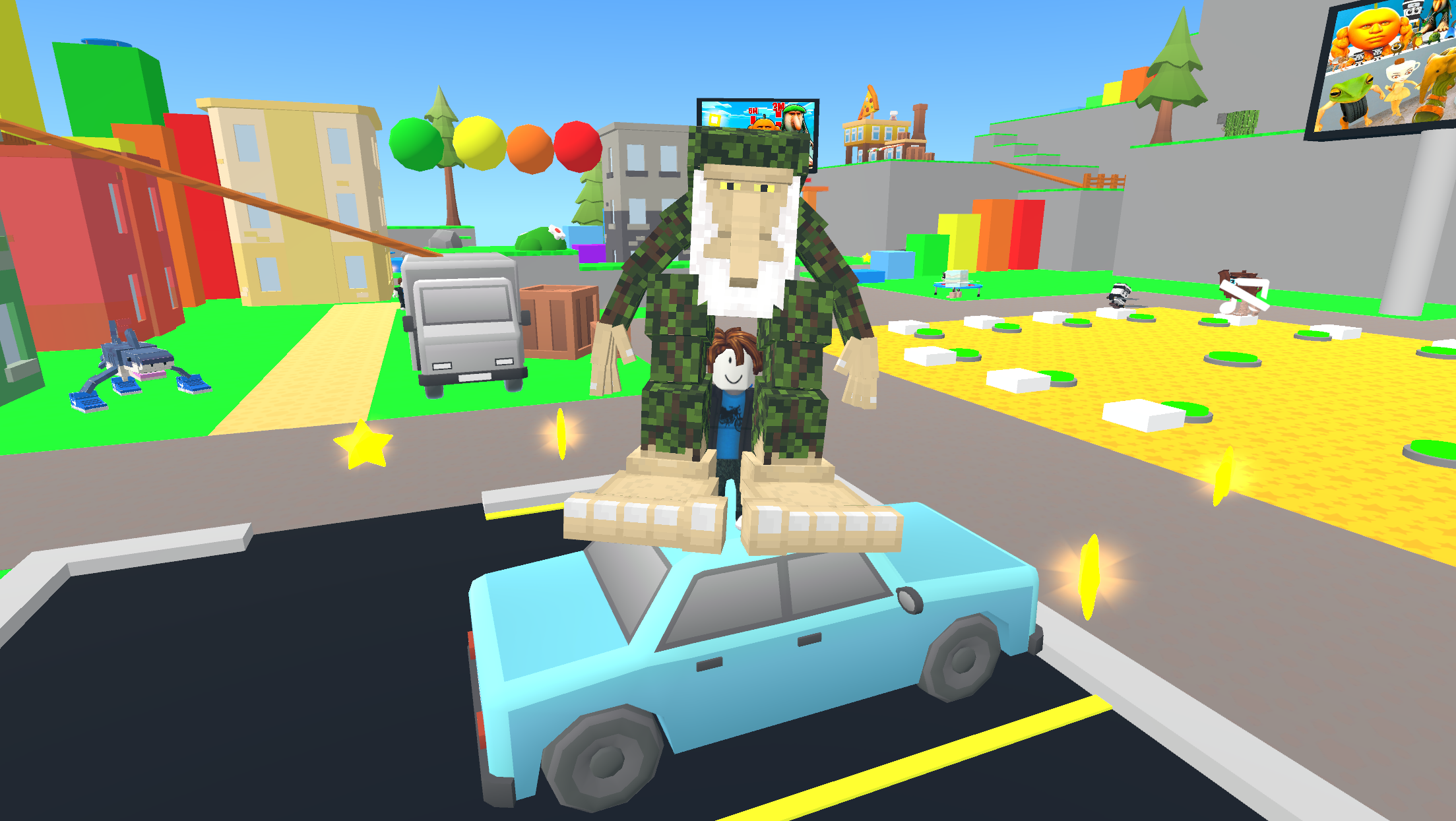
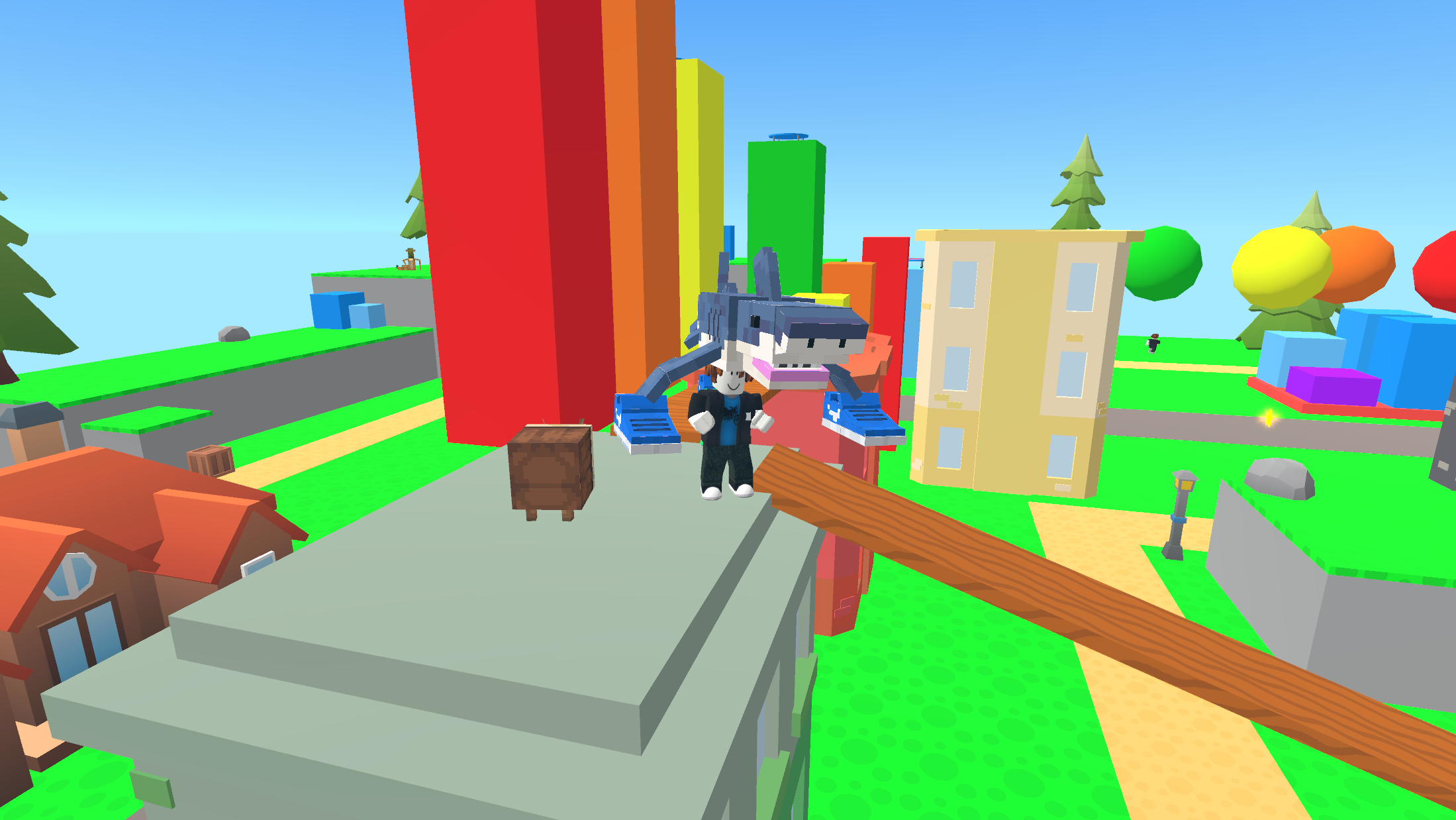
"Obby: BrainRot" is a super-fun online game. Explore the world of Roblox and discover the awesome background music of Brainrot!
Embark on an adventure, navigate the surroundings, unearth all the Brainrot and groove to the best funky beats! For PC players: Use the WASD keys to move your character. Rotate the camera by moving your mouse. Press the space bar to make your character jump. Hold down the shift key for a run. Change your camera zoom by rolling the mouse wheel. If you're playing on a mobile device: Control your character's movement with the left joystick, found on the left side of the screen. The right joystick controls your character's jumps. Swipe your finger on the right side of the screen to adjust the camera angle. Zoom in or out of the camera view by using two fingers to spread or pinch them together on the right part of the screen..
Yes. You can play Obby: BrainRot online for free without buying the game or creating an account.
Yes. The game runs in a modern browser on phones, tablets, laptops, desktops, and Chromebooks.
No. Press Play and the browser game loads directly on this page.
Games related to Obby: BrainRot.