Free • No download
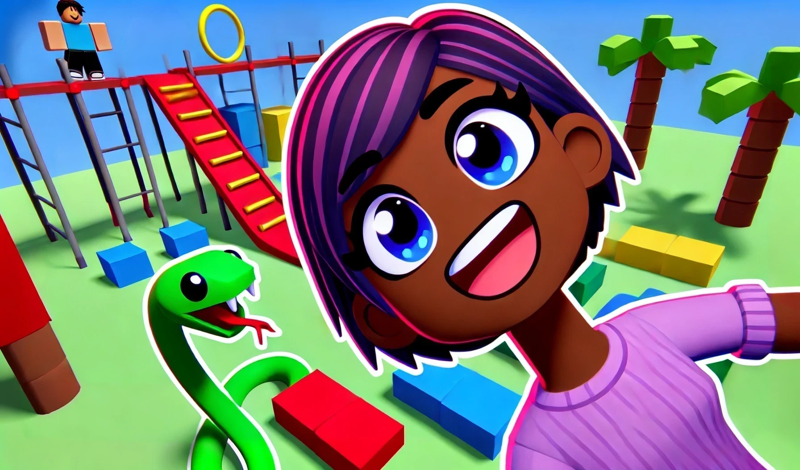
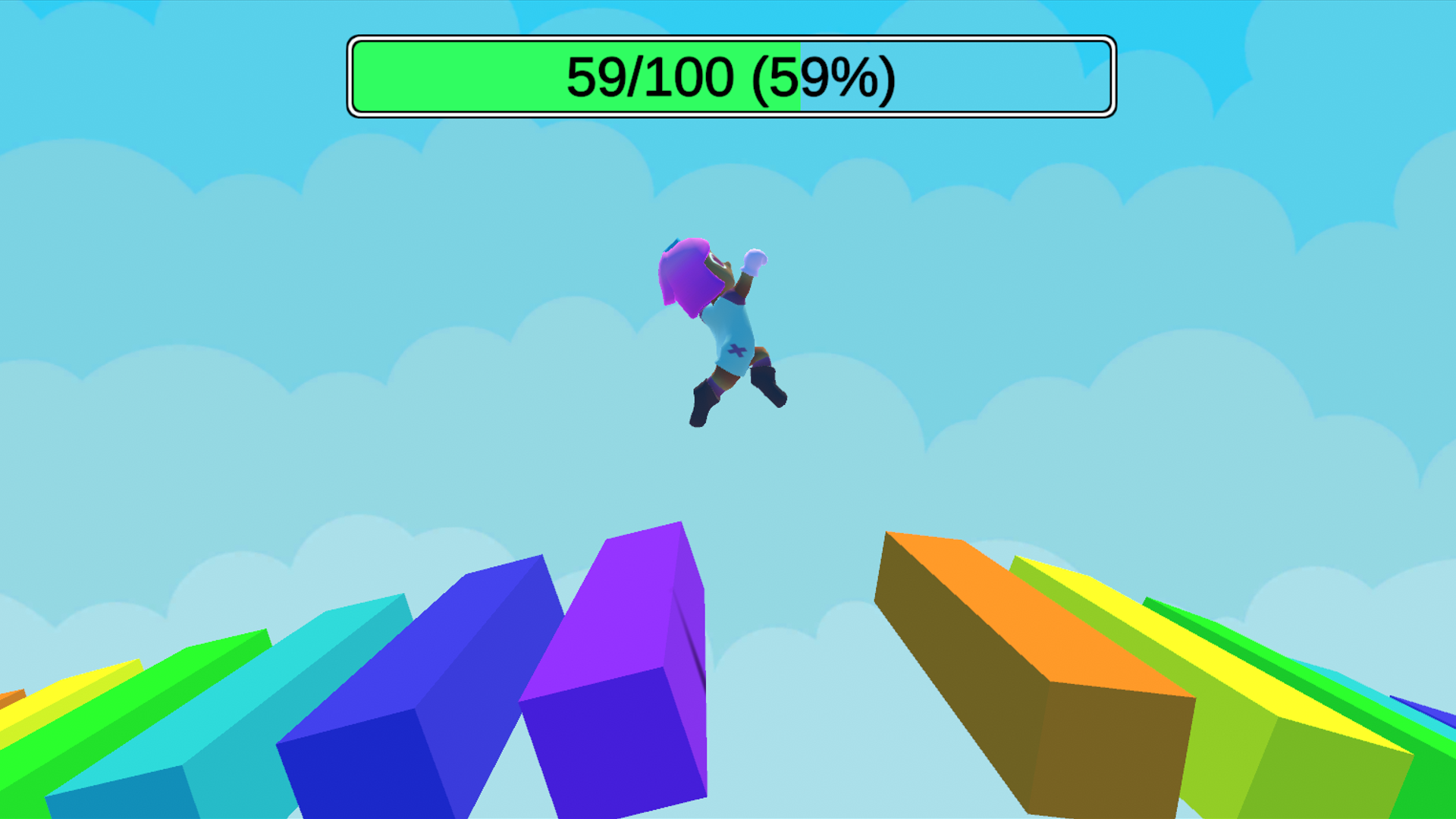
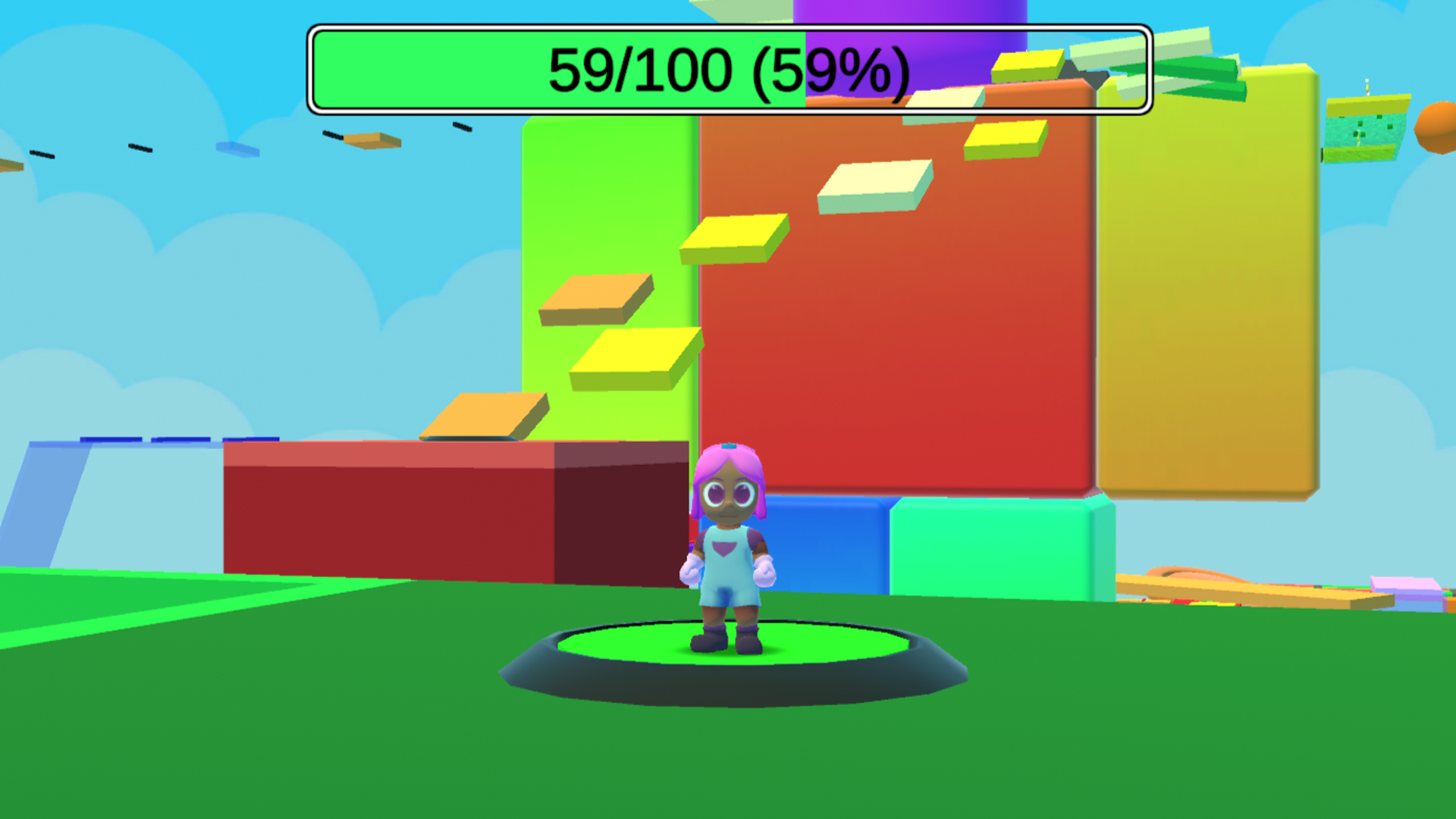
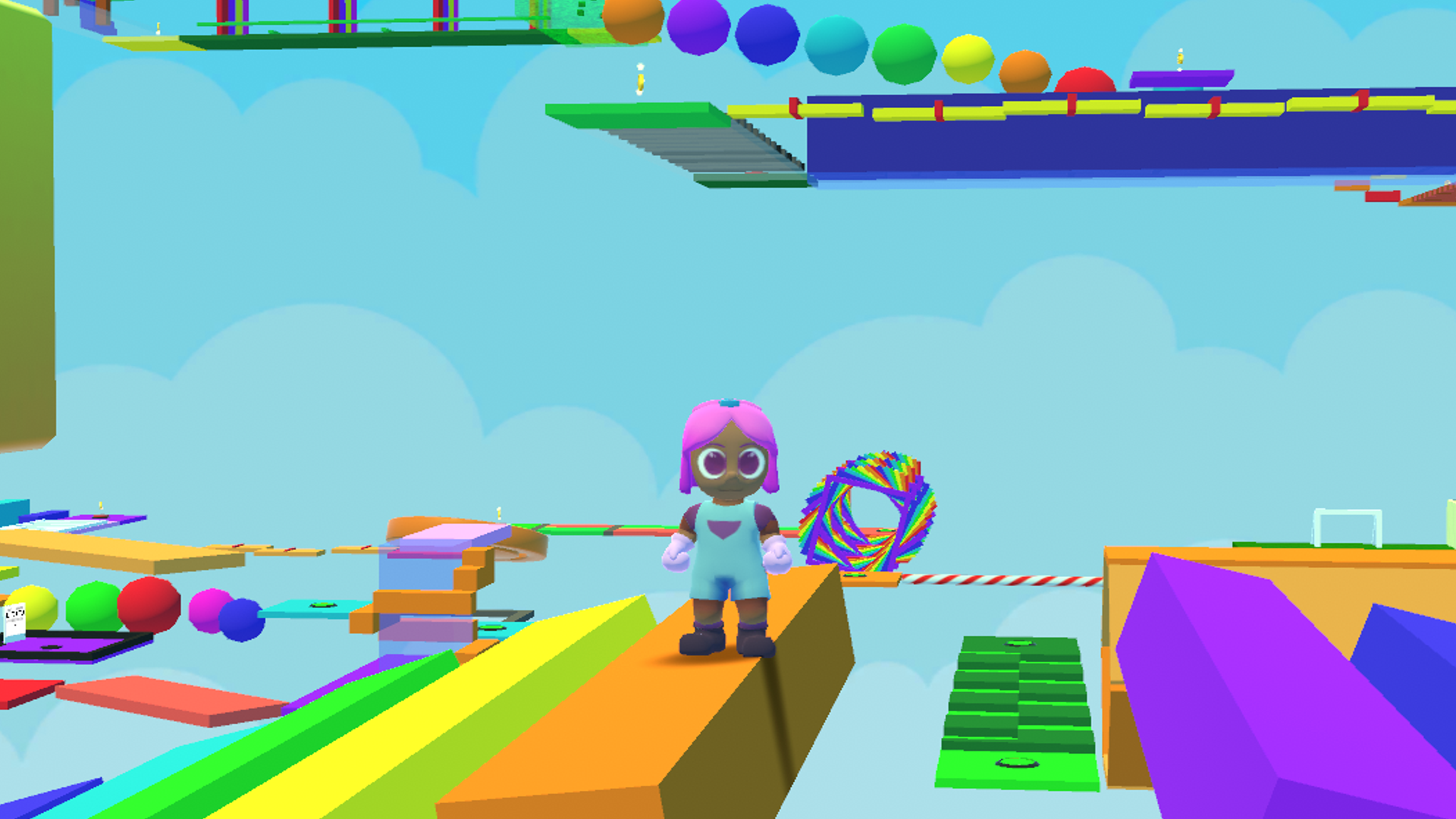
Obby Blox: Leela and the Tower of Hell. Easy-to-learn controls, but difficult to master. Overcome challenges with a double jump and a coyote jump. Balance is key, and the reward is epic!
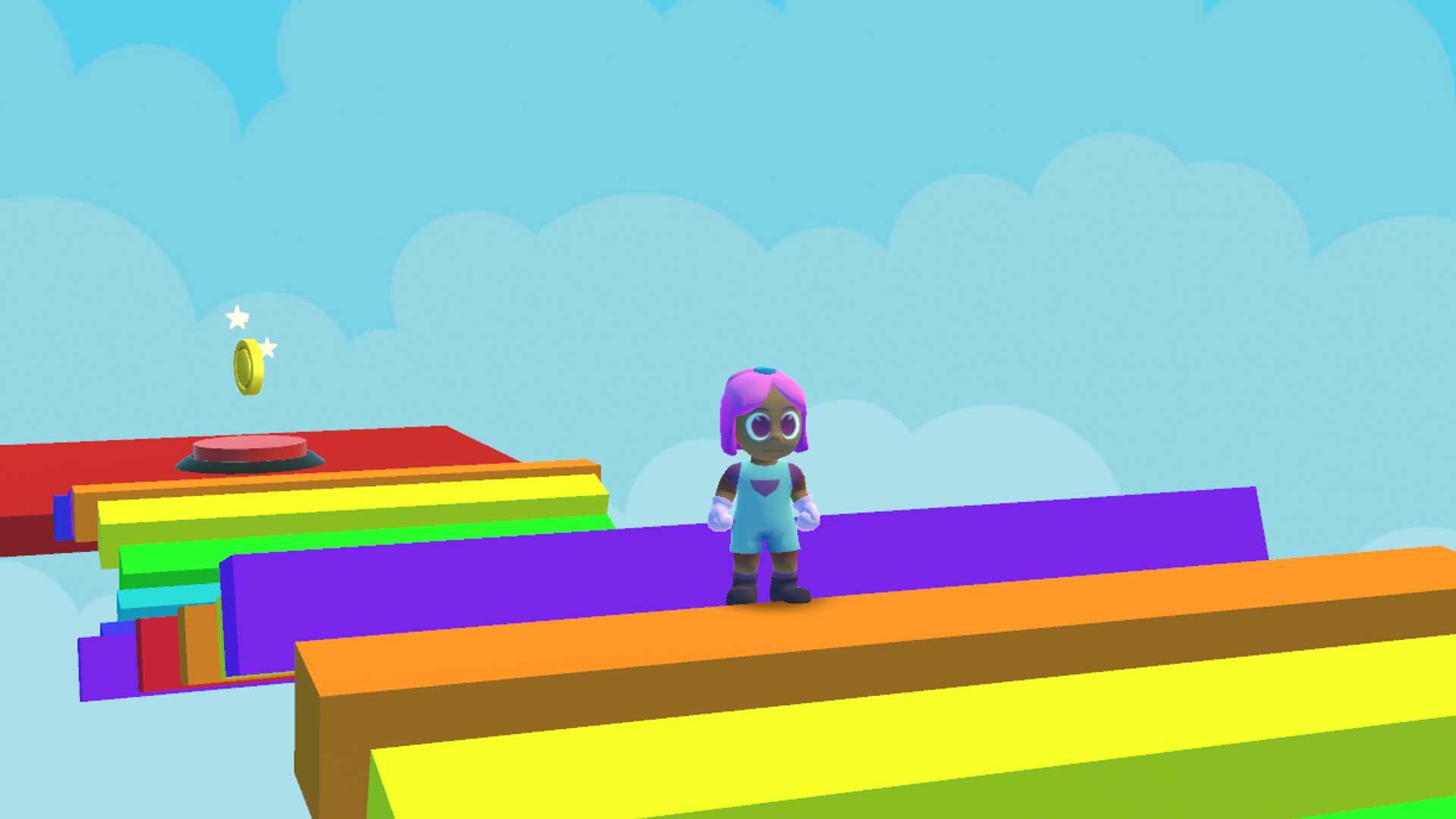
Control your character Leela using the keyboard: * W, A, S, D – to move Leela in different directions; * Space – for jumping and double jumping in the air; * Shift – for a sprint (hold down for faster movement). To access the settings menu or pause the game, press the Tab key. Use the mouse to look around. If you're playing on a mobile device, use the joystick located in the bottom left corner to move Leela. The jump and sprint buttons are in the bottom right corner, and the pause and settings button is located at the top left. To change the direction of view, simply swipe on the screen. Collect coins as you progress through the course, and don't forget to save your progress by pressing the designated button. If you fall, you will respawn at the last saved point. You can play on your phone and continue in the browser, or vice versa. Your progress is saved in the cloud, so you can seamlessly switch between devices. Best of luck on your obstacle course adventure!
Yes. You can play Obby Blox: Leela and the Tower of Hell online for free without buying the game or creating an account.
Yes. The game runs in a modern browser on phones, tablets, laptops, desktops, and Chromebooks.
No. Press Play and the browser game loads directly on this page.
Games related to Obby Blox: Leela and the Tower of Hell.