
Free • No download
Sharpen your memory and boost your concentration with Number Memory! Train your brain by memorizing numbers and enhancing your cognitive skills.
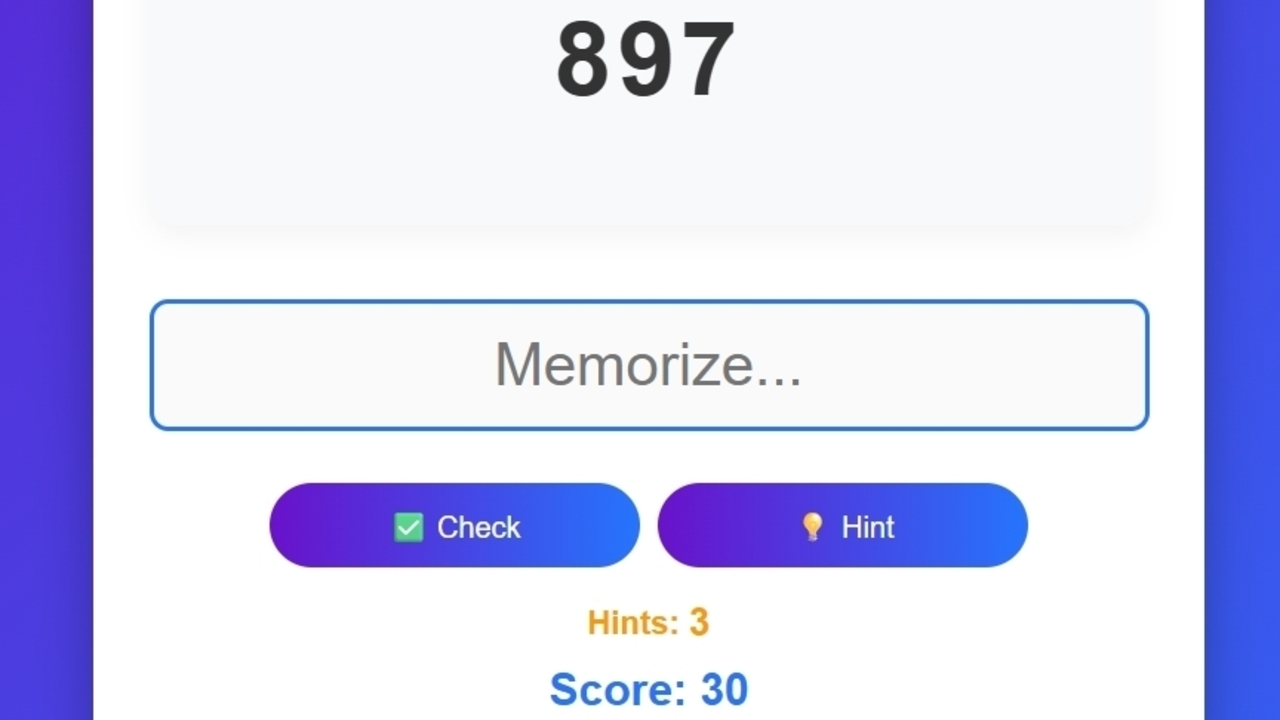
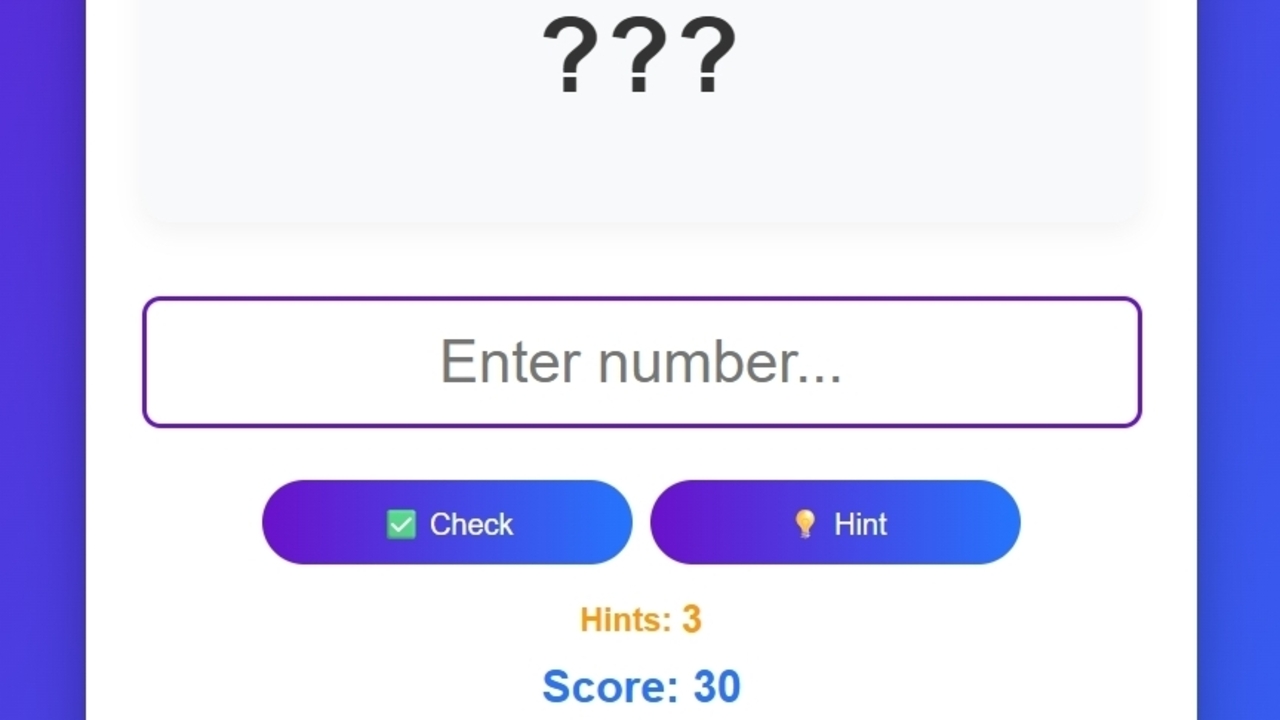
Controls for PC: LMB — select any button. Enter — confirm your answer. Number keys — enter the number. Click on the input field — begin typing. Controls for mobile: Screen tap — press any button. Numeric keypad — shows up automatically when you tap the input field. «Check» button — submit your answer. How to play: 1. Press «Start Game» — a number will appear on the screen to remember. 2. After 3 seconds, the number will disappear and the input field will appear. 3. Enter the remembered number and press «Check». - Correct — you get points, the next number will be longer by one digit. - Wrong — you lose one life. 4. After 3 mistakes — game over. Additional buttons: Hint — shows the number again. Restore — allows you to continue after game over. Gift — daily bonuses. Tasks — daily quests.
Yes. You can play Number Memory online for free without buying the game or creating an account.
Yes. The game runs in a modern browser on phones, tablets, laptops, desktops, and Chromebooks.
No. Press Play and the browser game loads directly on this page.
Games related to Number Memory.