Free • No download
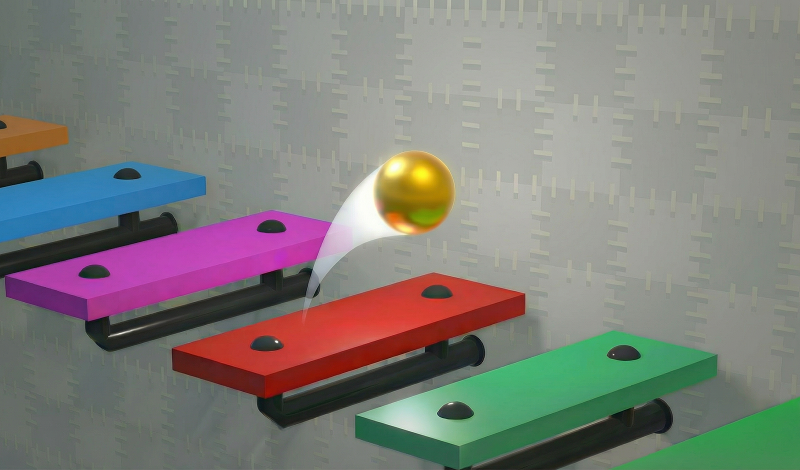
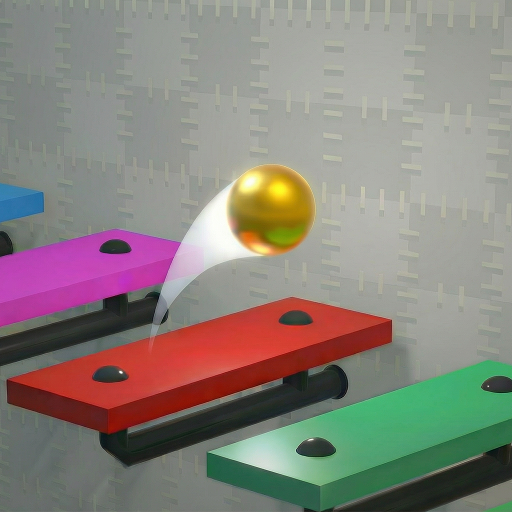
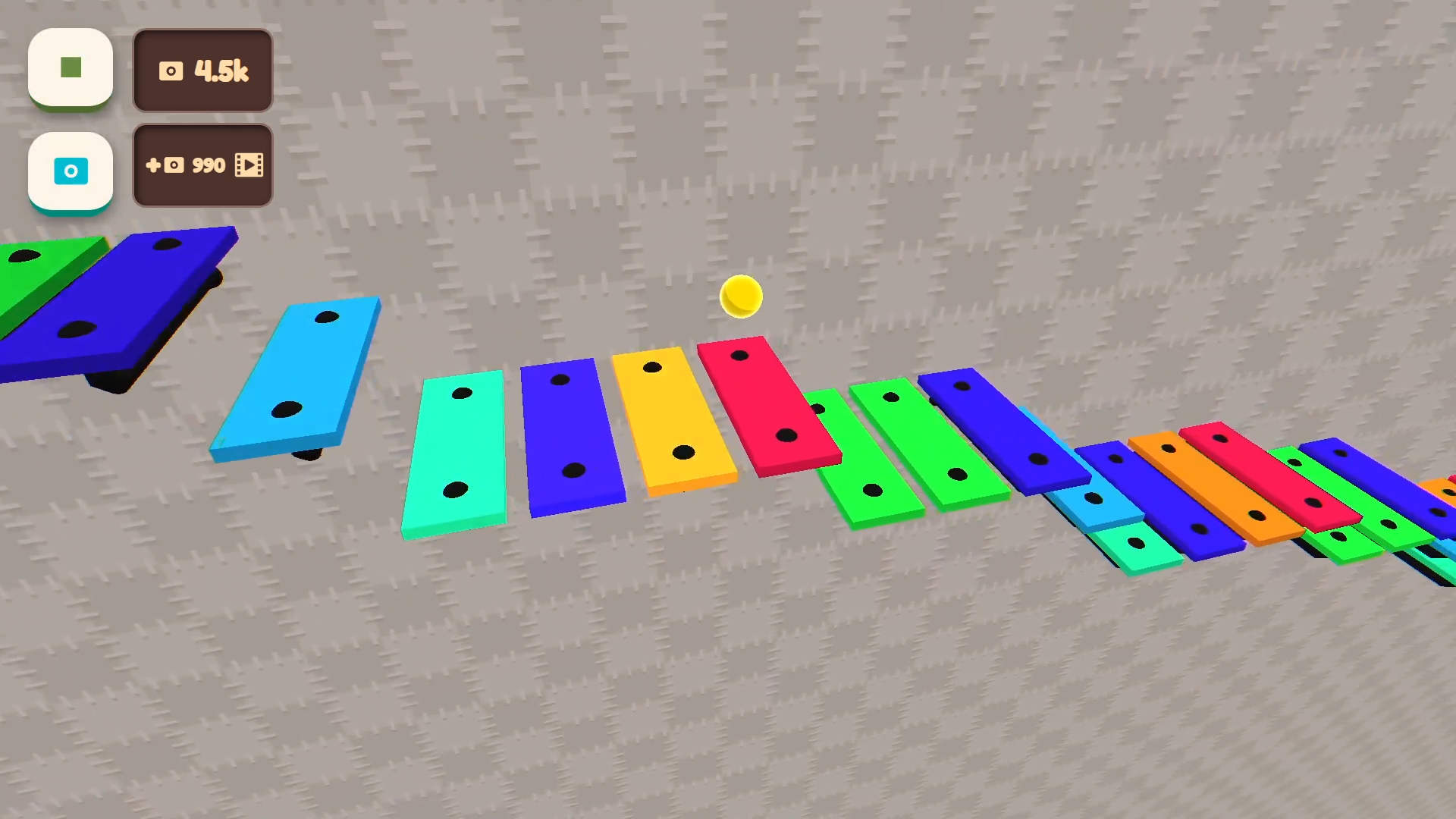
In Musical Ball: create your own melody, you craft tunes by positioning colorful note-platforms. The ball ricochets, generating sound — it's your endless symphony!
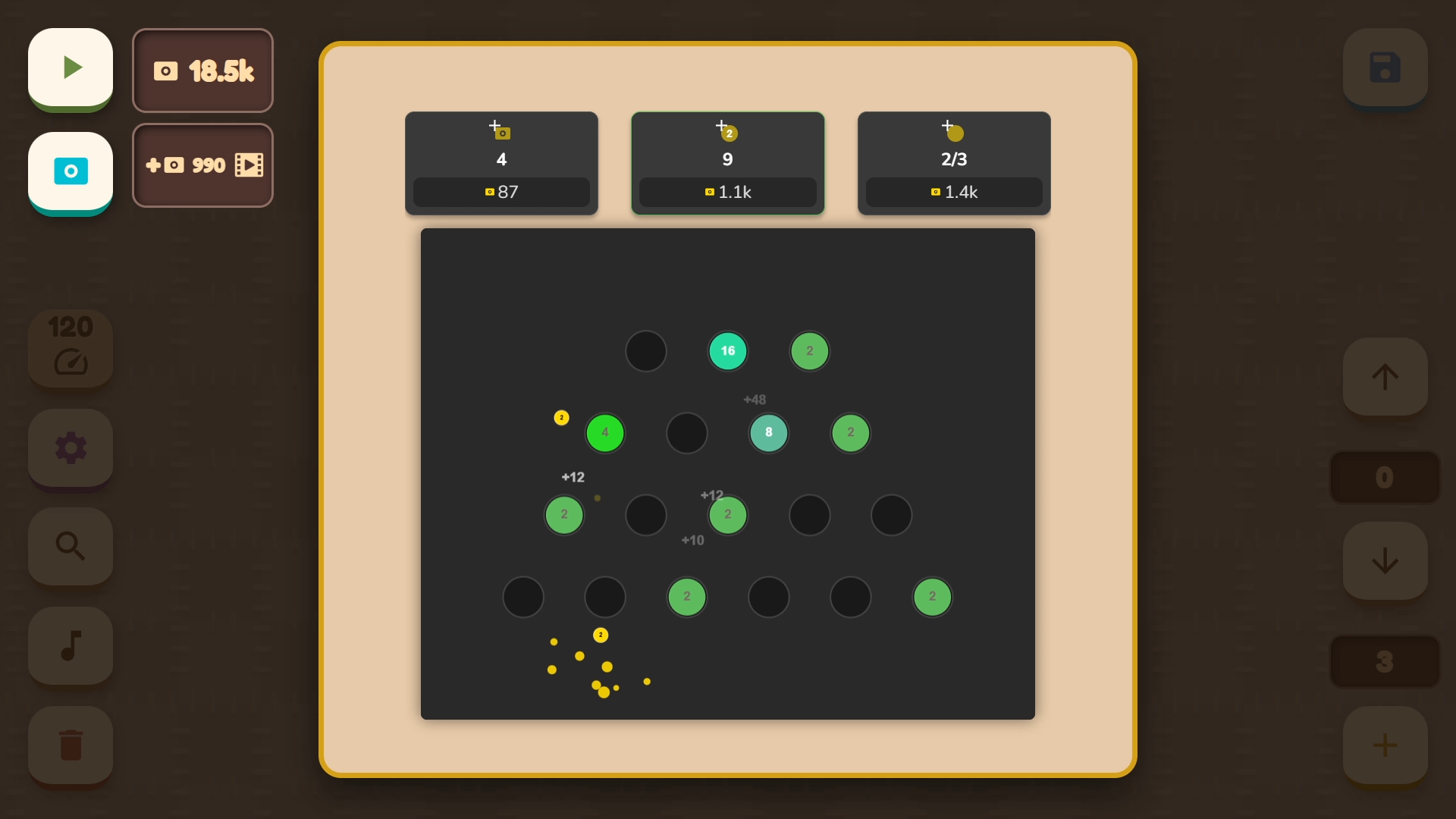
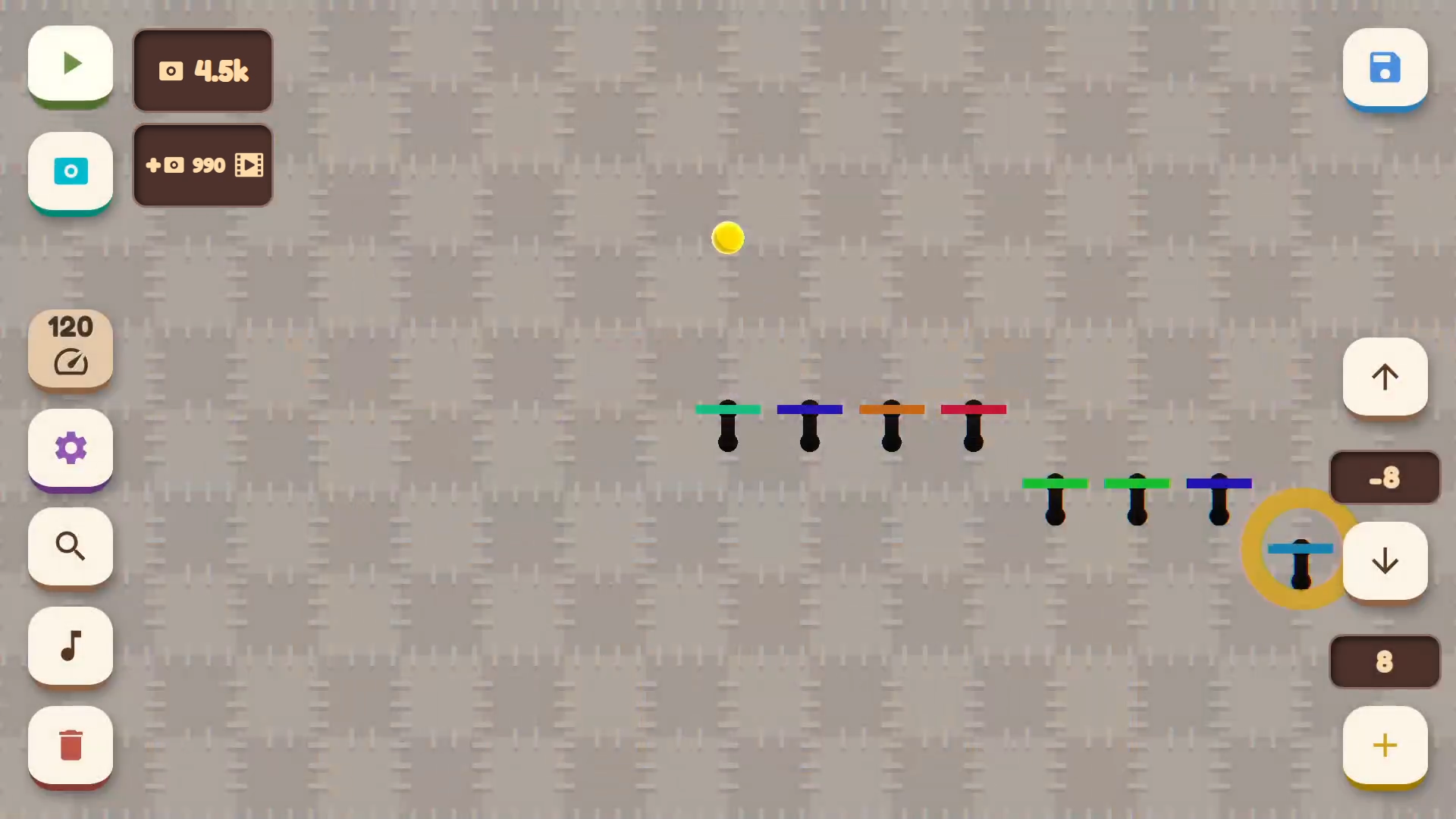
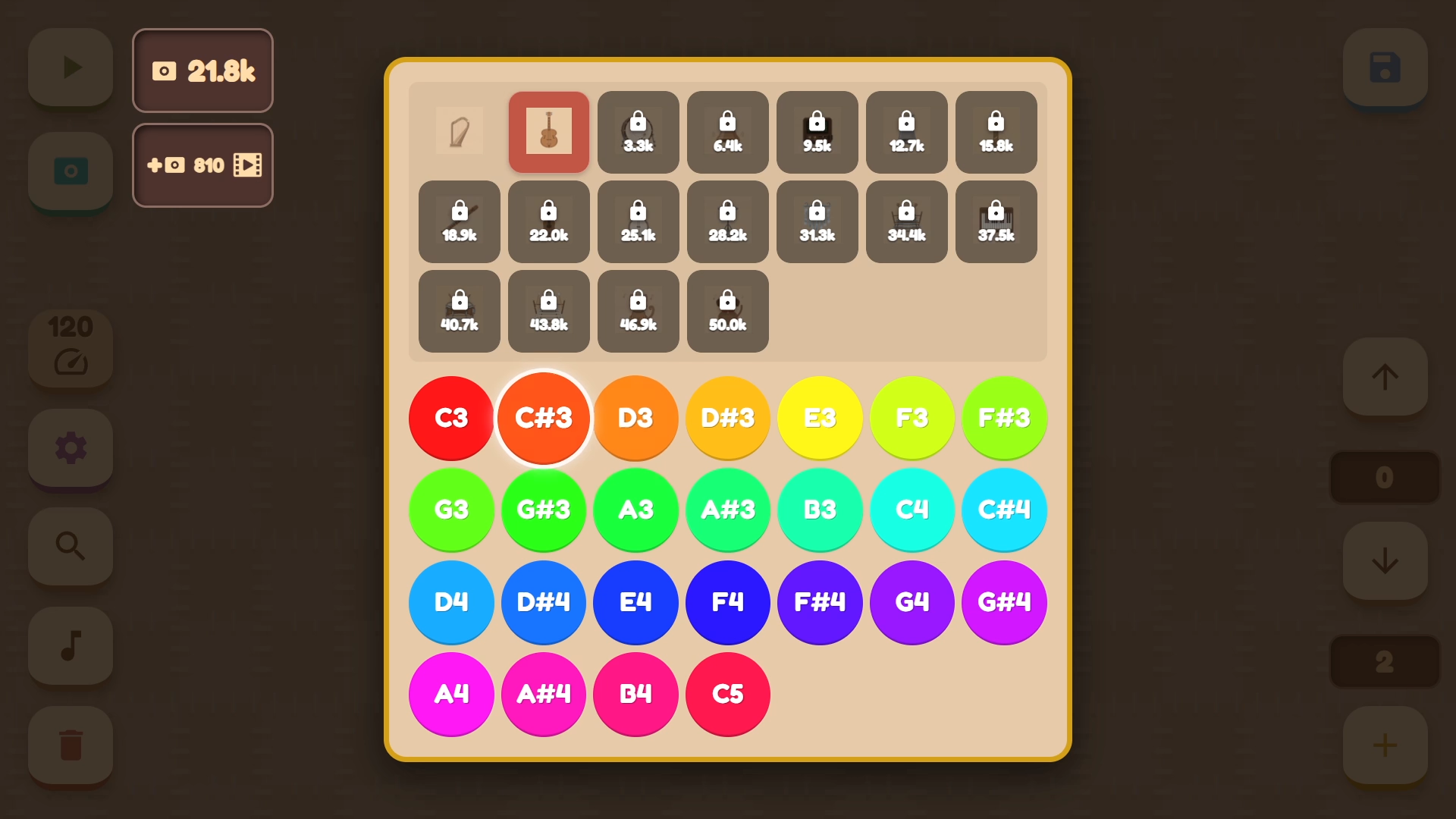
- To play, click the left mouse button or tap the screen. - In the bottom left corner, you'll find buttons to delete a platform, adjust the instrument and note for the chosen object, return the camera to the ball, change the ball and background colours, and adjust the tempo. - The buttons in the bottom right corner are for creating and moving notes up or down. Keep in mind that a note can't go higher than the previous one or lower than the next. - In the top left corner, there are buttons to start the melody and access the mini-game. You can use the points you earn to unlock new instruments, colours, and backgrounds. - Save and load your progress using the button in the top right corner.
Yes. You can play Musical Ball: create your own melody online for free without buying the game or creating an account.
Yes. The game runs in a modern browser on phones, tablets, laptops, desktops, and Chromebooks.
No. Press Play and the browser game loads directly on this page.
Games related to Musical Ball: create your own melody.