
Free • No download
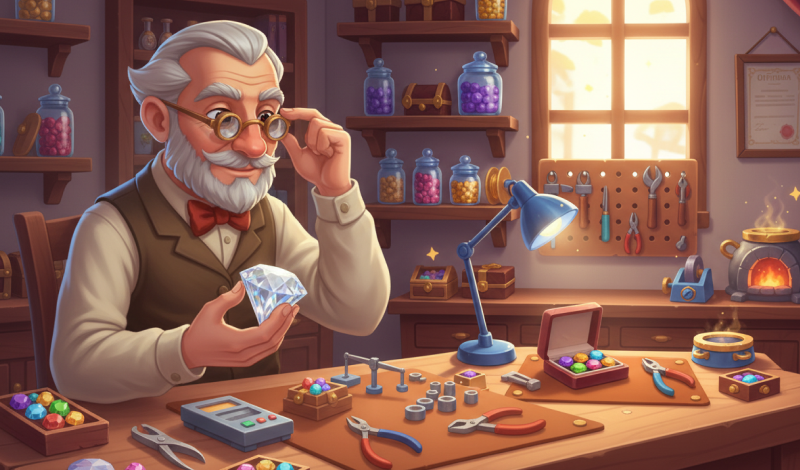
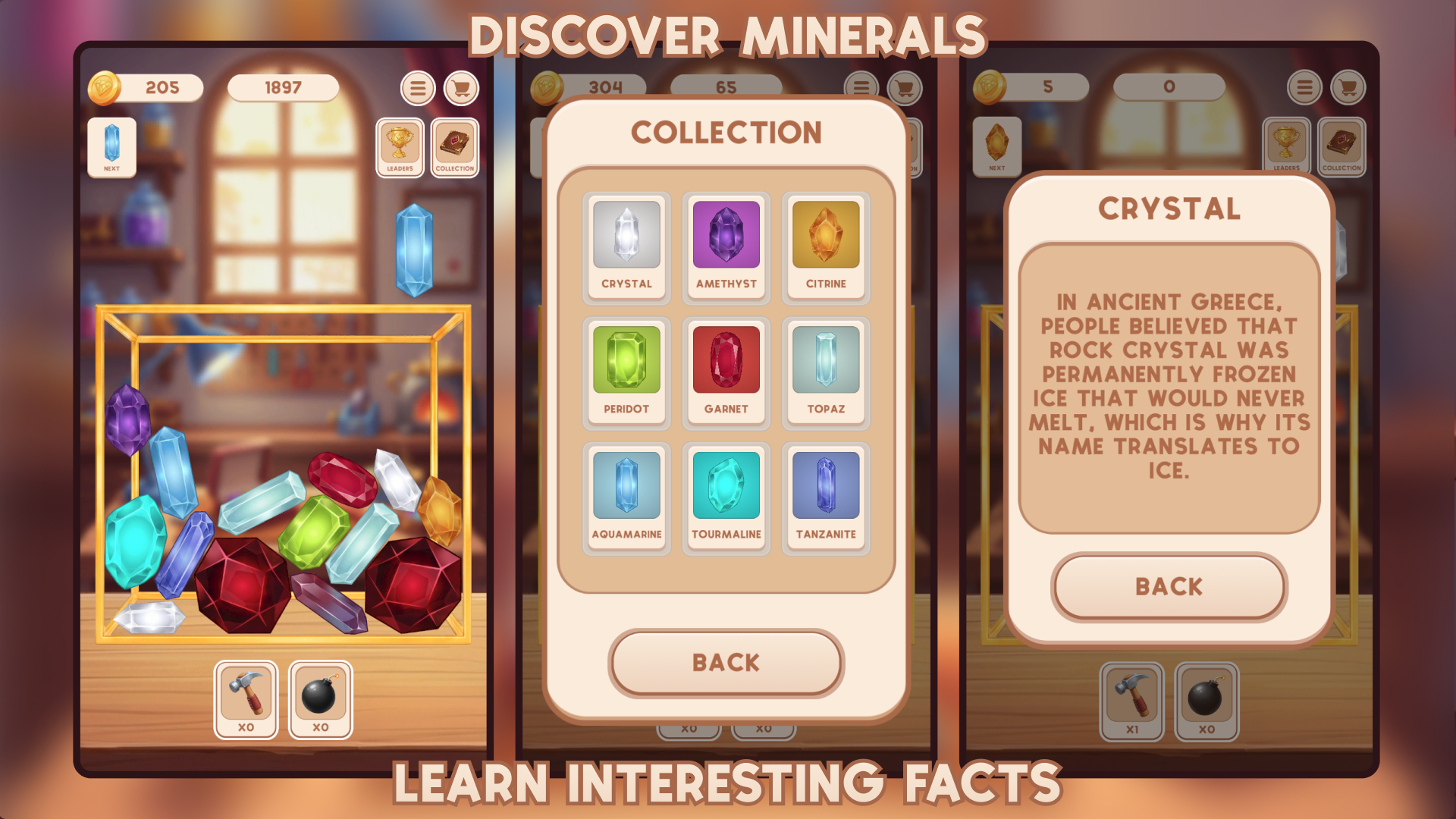
Merge gemstones in Minerals: Merge & Learn! Collect coins, purchase boosters, and discover unique minerals hidden in the treasure box.
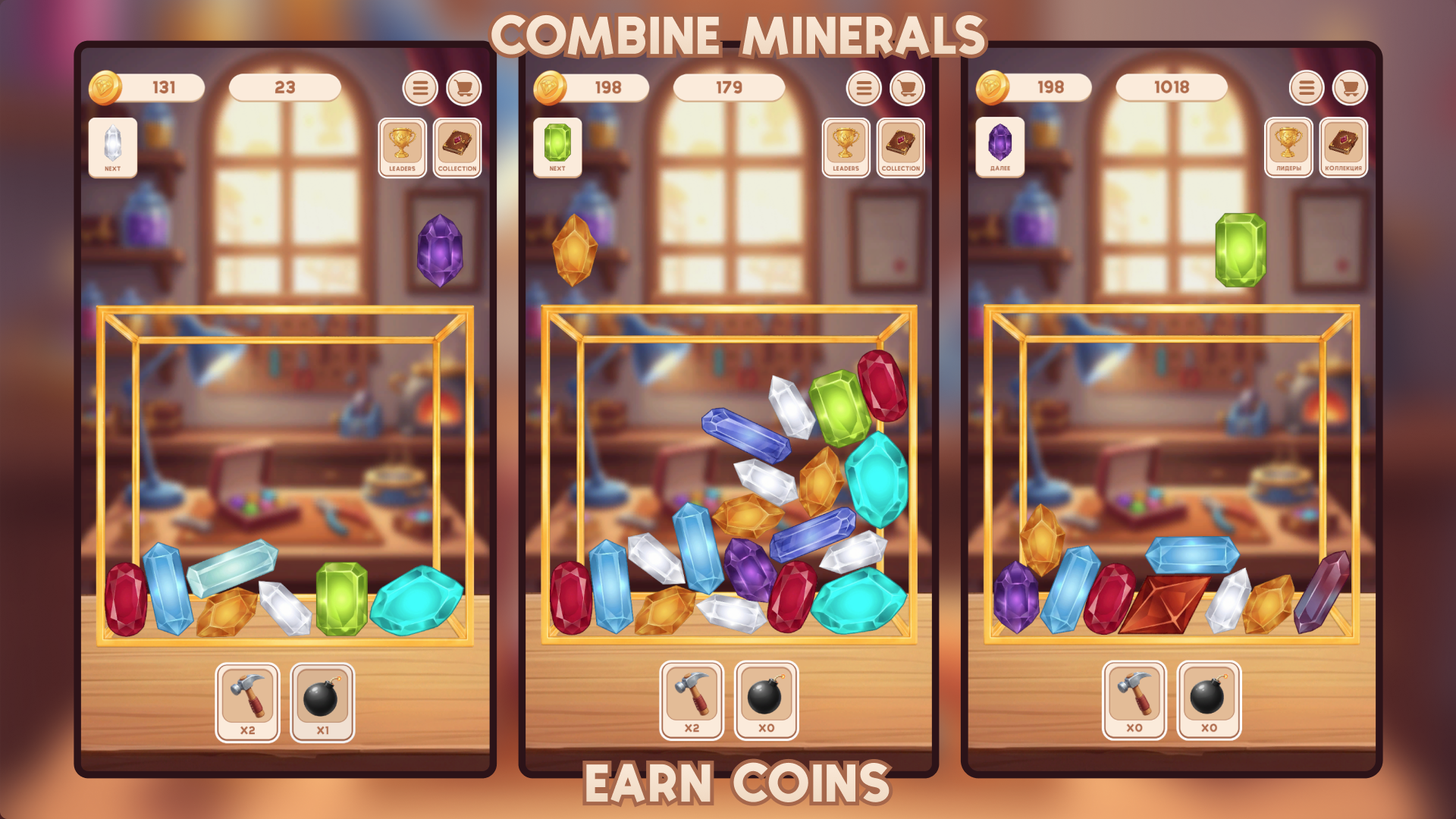
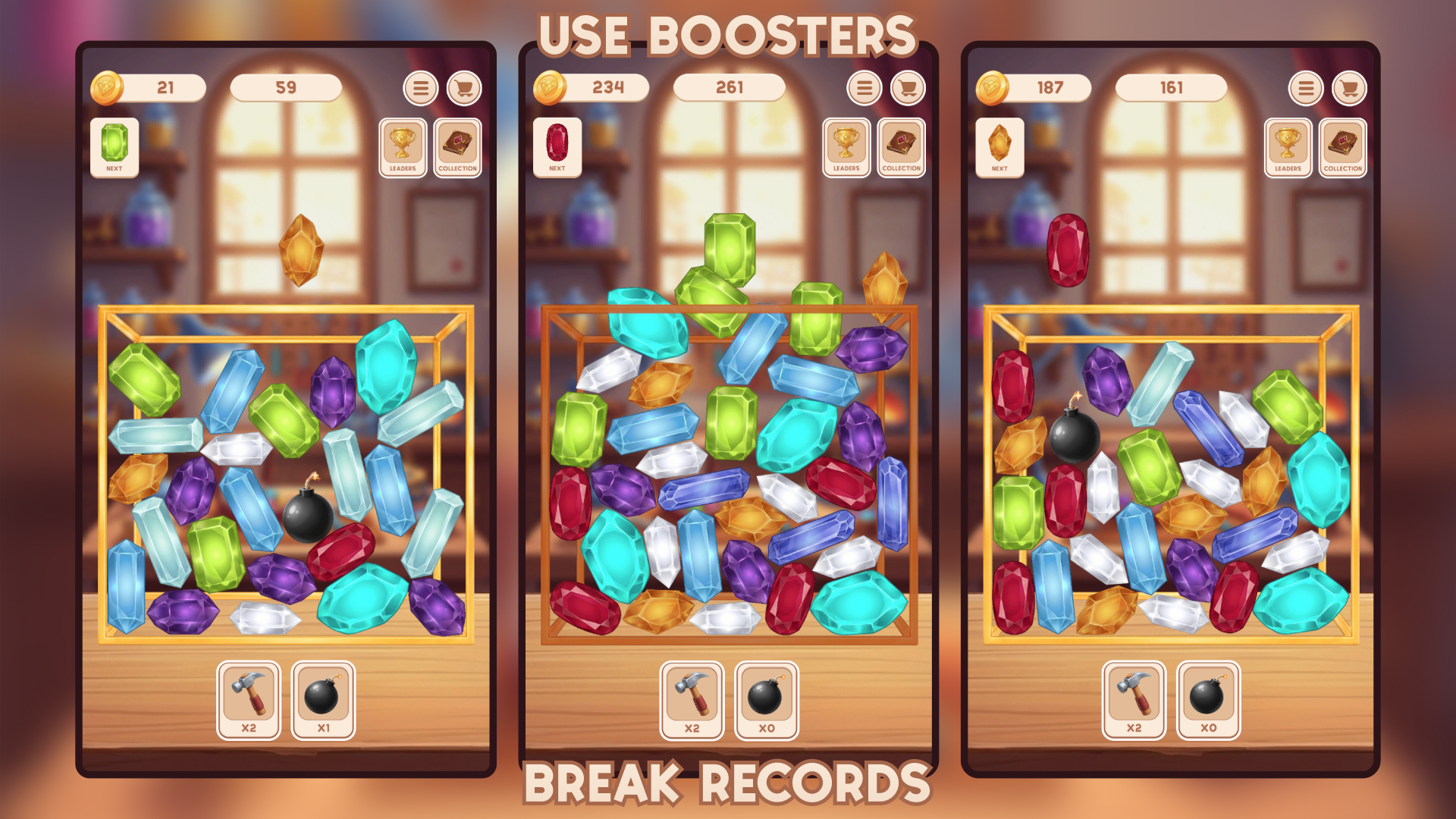
The aim of the game Minerals: Merge & Learn is to combine identical gems to create larger ones and earn points. The game ends when the gems spill over the upper boundary of the box. **Controls on PC:** * To move a gem, use the left and right arrow keys, the [A] and [D] keys, or move the mouse. * To drop a gem, press the [Spacebar] or click the left mouse button. **Mobile controls:** * Slide your finger across the screen to direct the gem, then release your finger or tap to drop it into the box. Using boosters (Bomb and Hammer): * Tap the booster icon at the bottom of the screen, then tap the gem in the box that you want to eliminate or explode.
Yes. You can play Minerals: Merge & Learn online for free without buying the game or creating an account.
Yes. The game runs in a modern browser on phones, tablets, laptops, desktops, and Chromebooks.
No. Press Play and the browser game loads directly on this page.
Games related to Minerals: Merge & Learn.