Free • No download
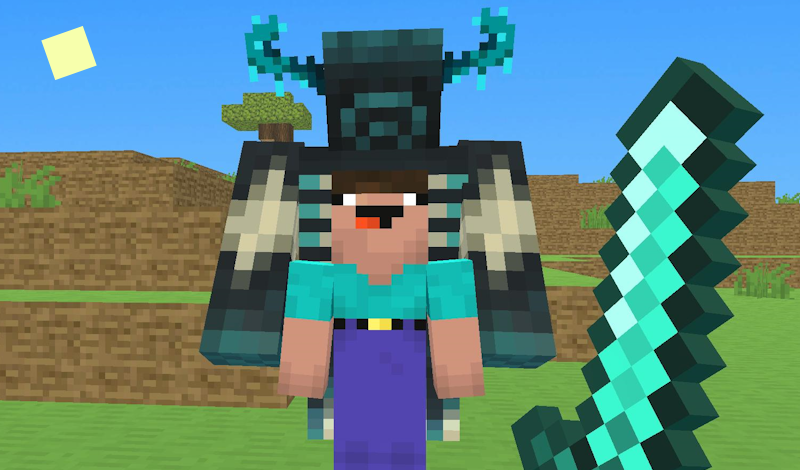
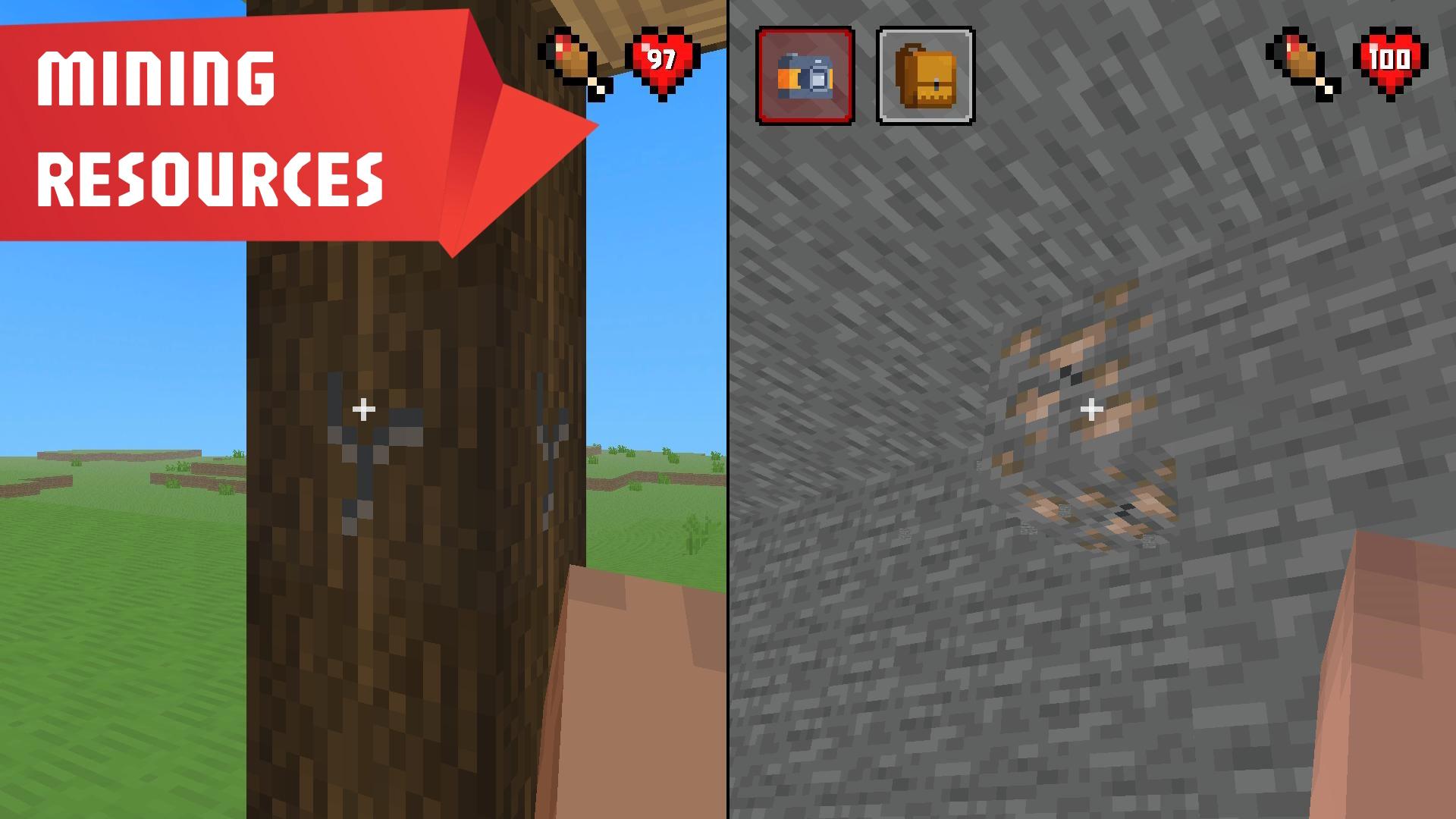
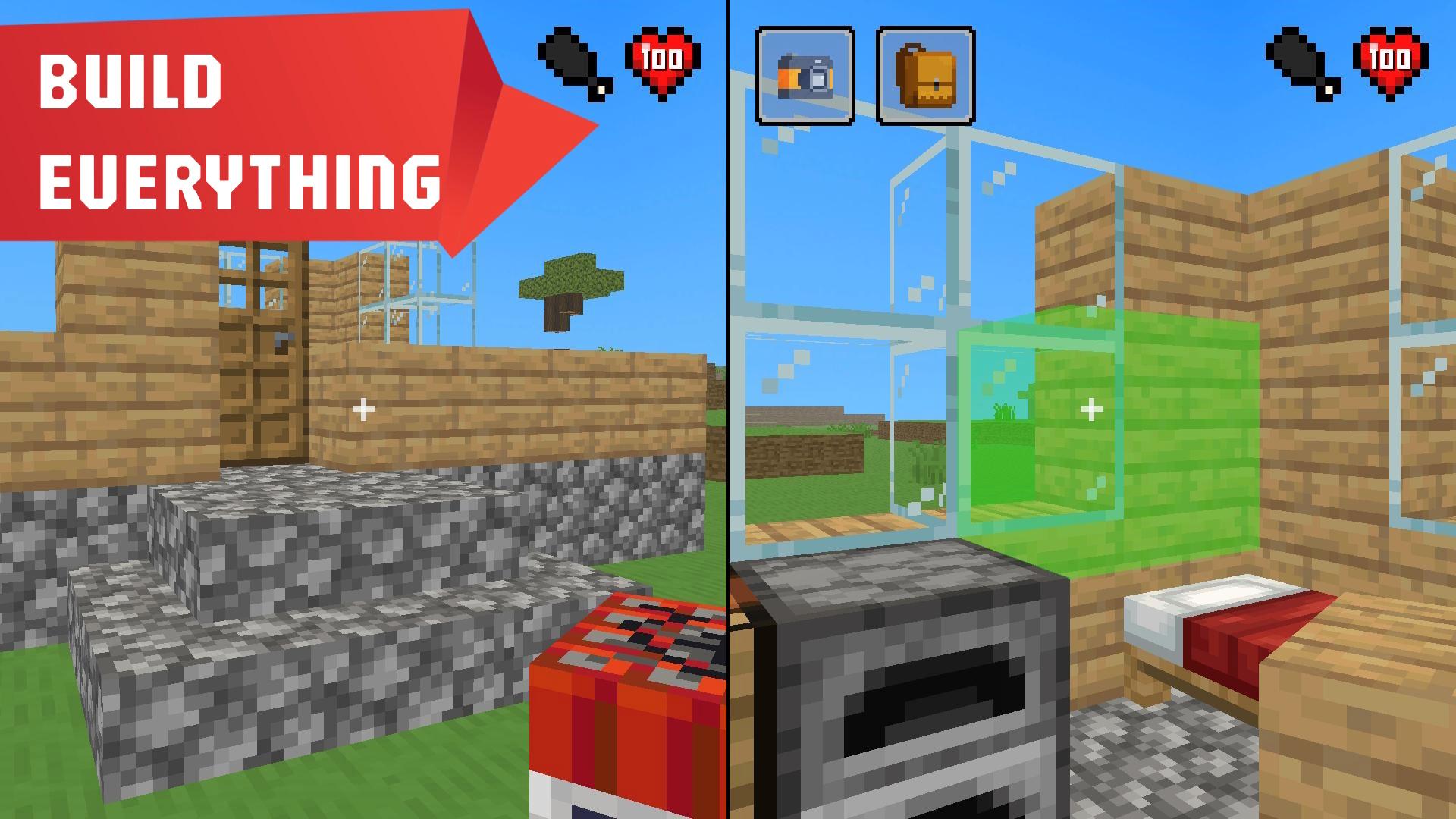
Explore caves, fight mobs, build defenses, and create tools and potions. Confront the Warden!
Whenever you suffer defeat, all your gear is lost, except for resources and in-game acquisitions. For mobile devices, utilize the on-screen graphic controls. Controls for Desktop: Player 1: * Move using "W" and "S". * Rotate with "A" and "D". * Jump by pressing "Space". * Attack using the "F" key. * Aim with the "E" key. * Change item with "Q". * Open inventory with "R". (Alternatively, use mouse for single-player mode). Player 2: * Navigate with "Up" and "Down" arrows. * Rotate using "Left" and "Right" arrows. * Jump with "RightControl". * Execute attack with "KeypadEnter" or "K". * Aim using "KeypadPlus" or "L". * Switch items with "KeypadMinus" or "J". * Access inventory with "P".
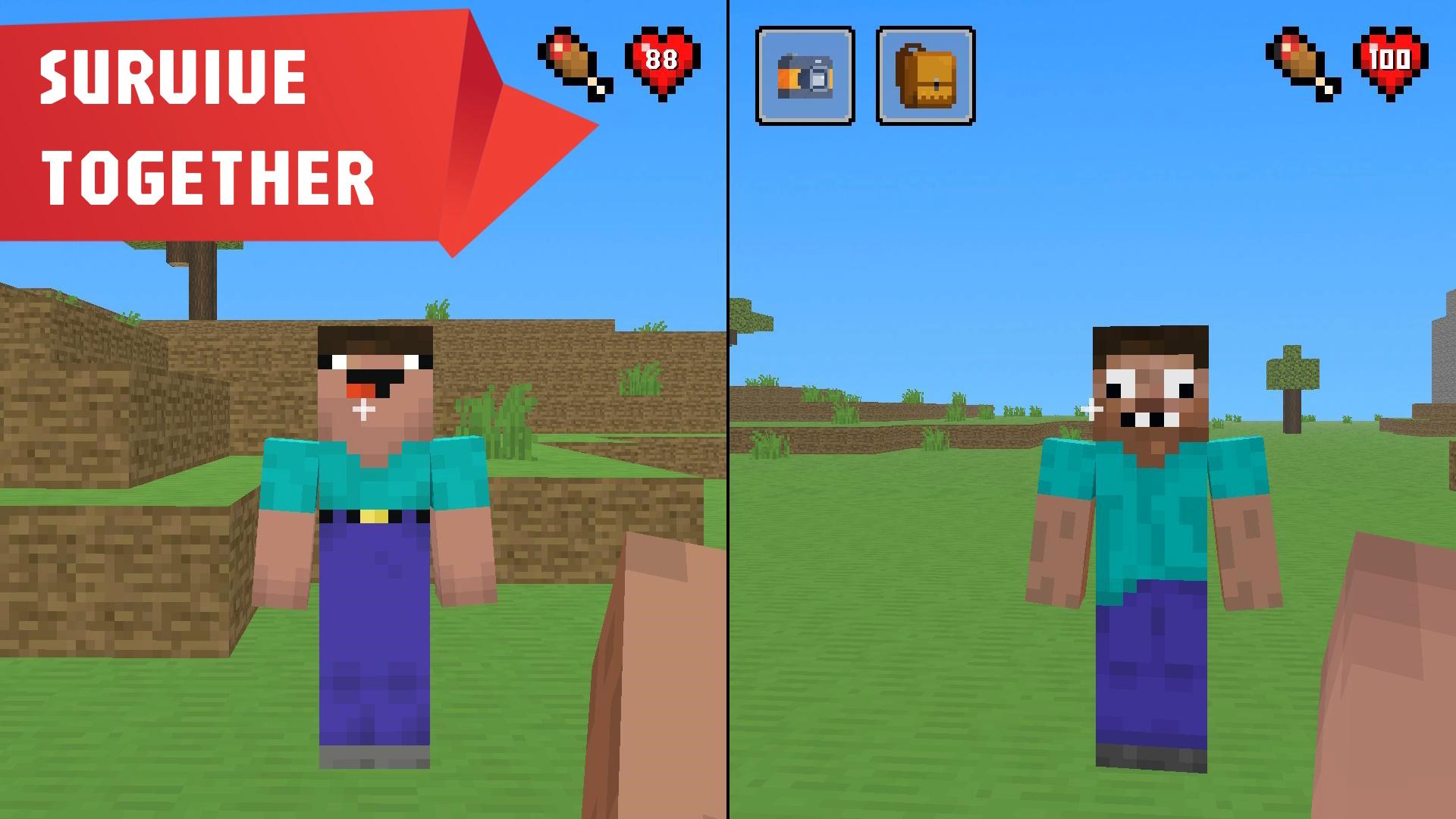
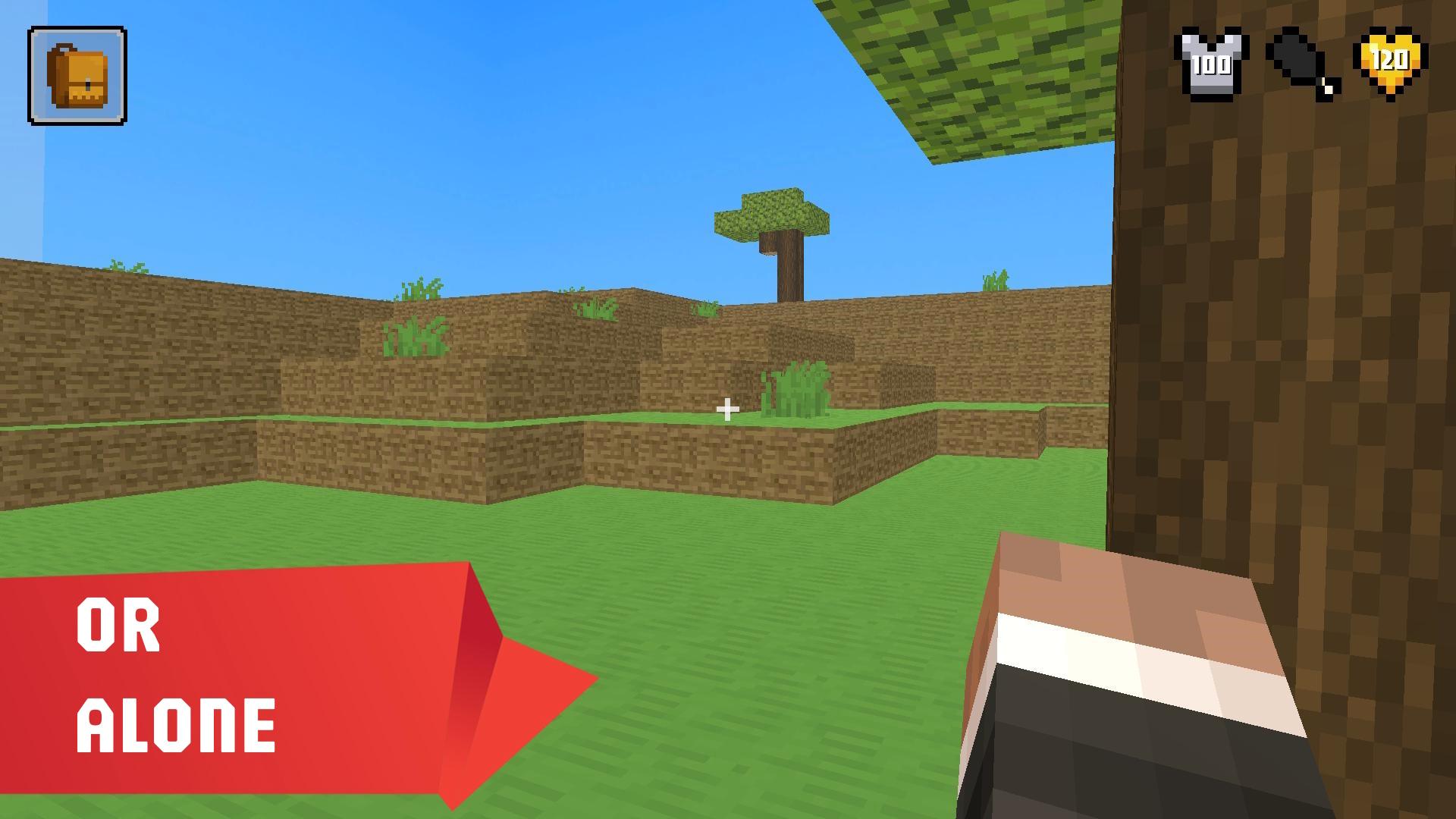
Yes. You can play Mine Together online for free without buying the game or creating an account.
Yes. The game runs in a modern browser on phones, tablets, laptops, desktops, and Chromebooks.
No. Press Play and the browser game loads directly on this page.
Games related to Mine Together.

 Noob vs FNAF
 99 Nights in the Forest with Noob and Pro!
 Mine Pixel Shooter
 Mine Survival: Noob and Pro
 Ninja Obby Parkour
 Noob and Pro Moon Survival
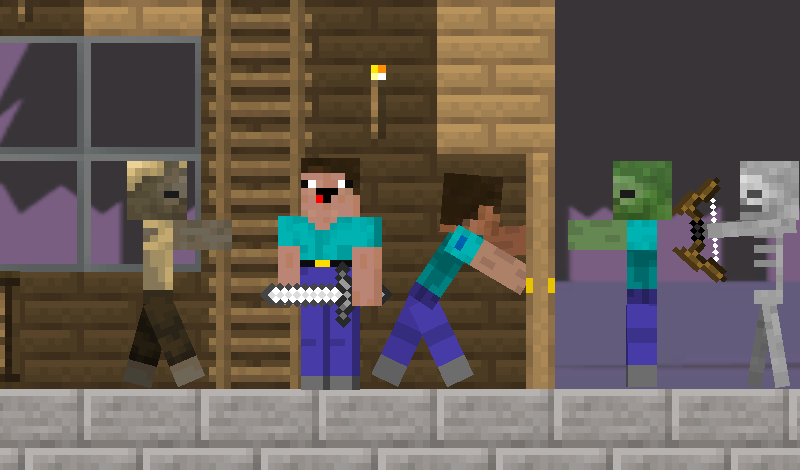
 Noob and Pro: Survival Together
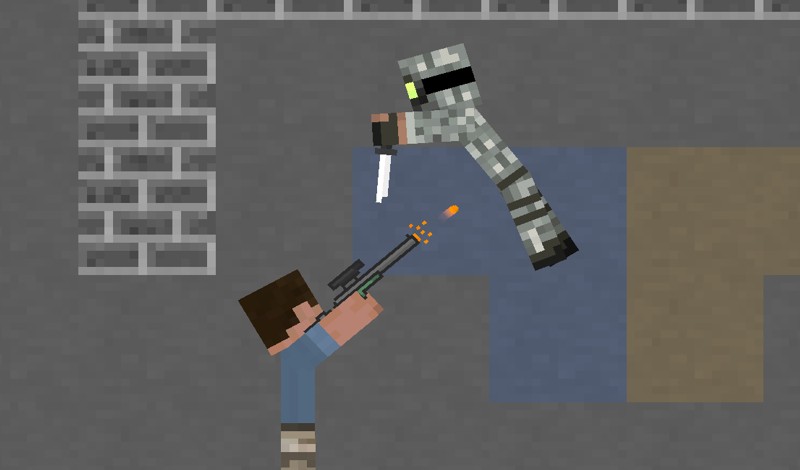
 Noob vs Pro: War
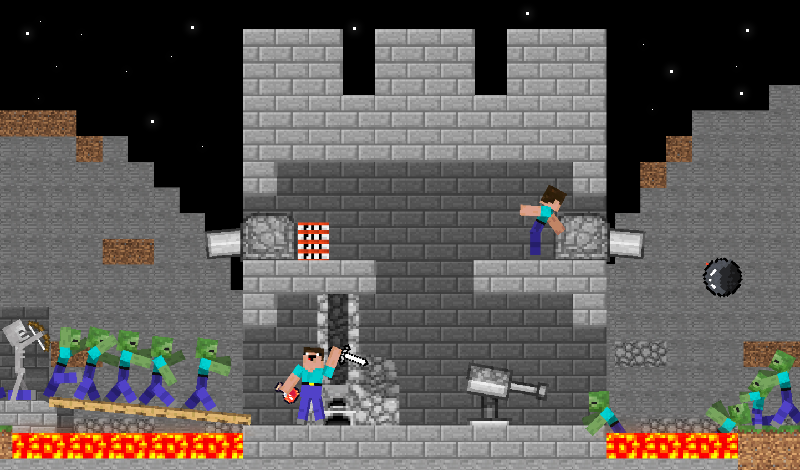
 Noobs are building a base against zombies
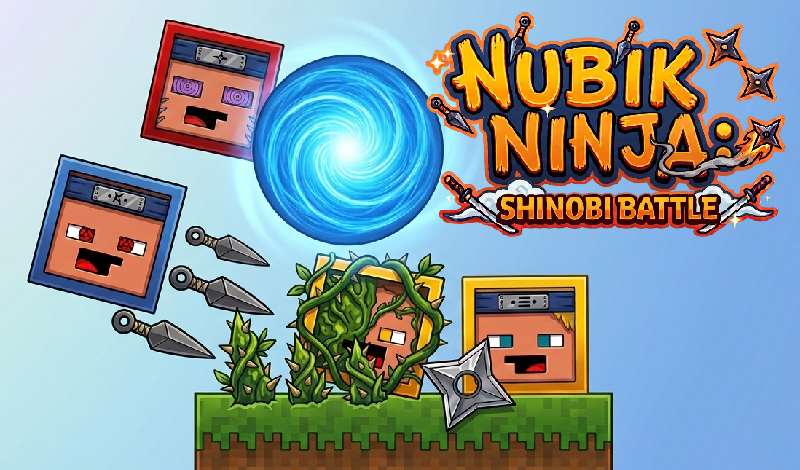
 Nubik Ninja: Shinobi Battle
 Nubiks build a defense vs zombies
 99 Nights in the forest! Nubiki