Free • No download
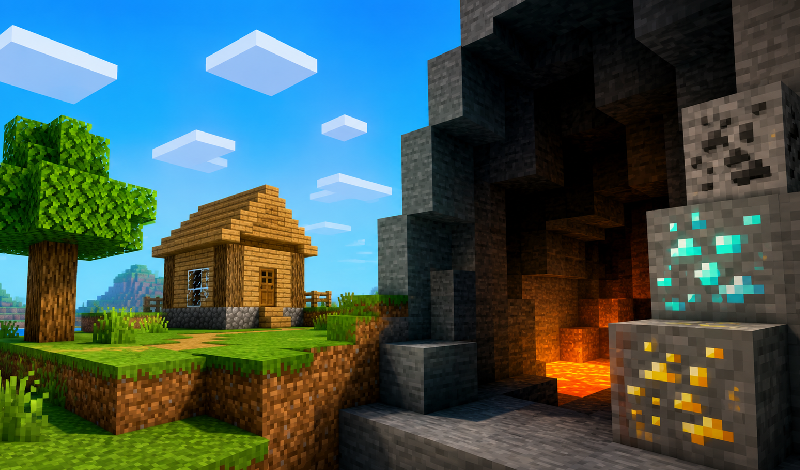
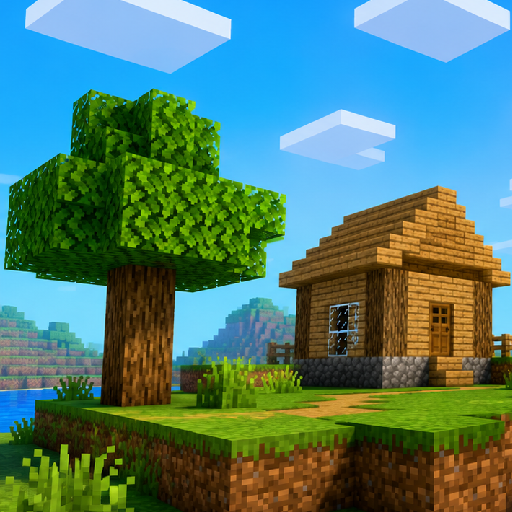
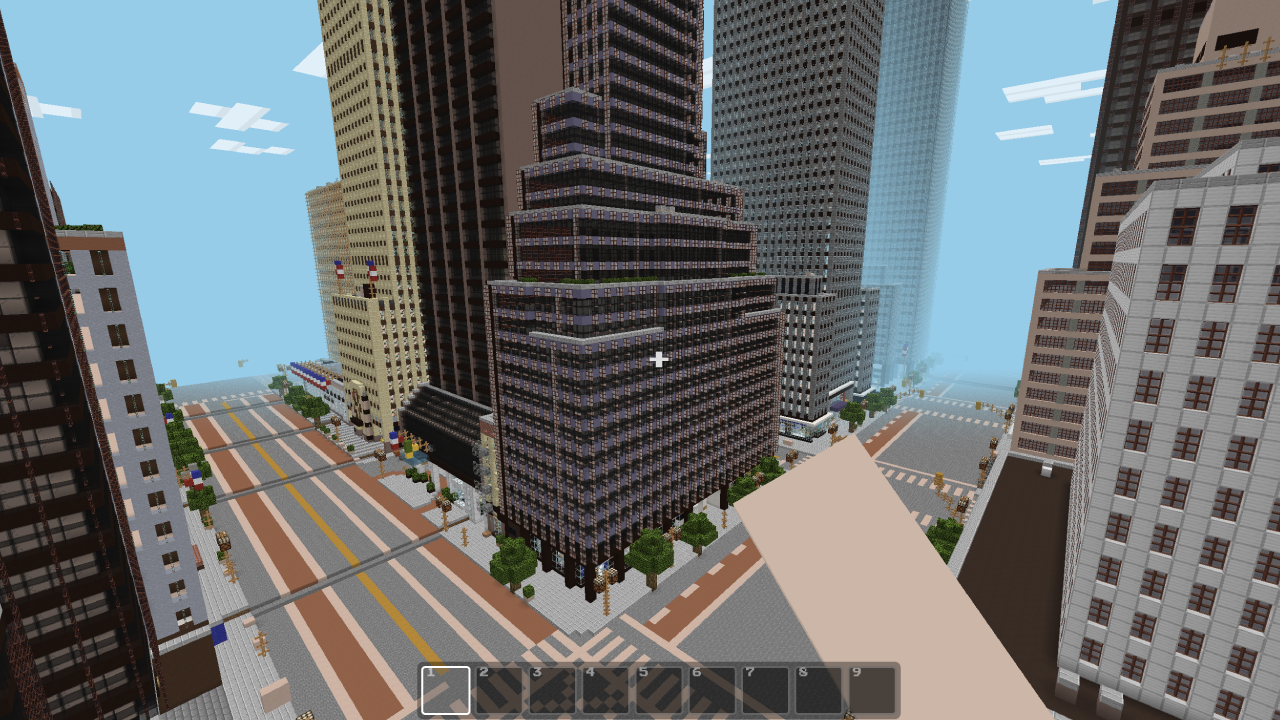
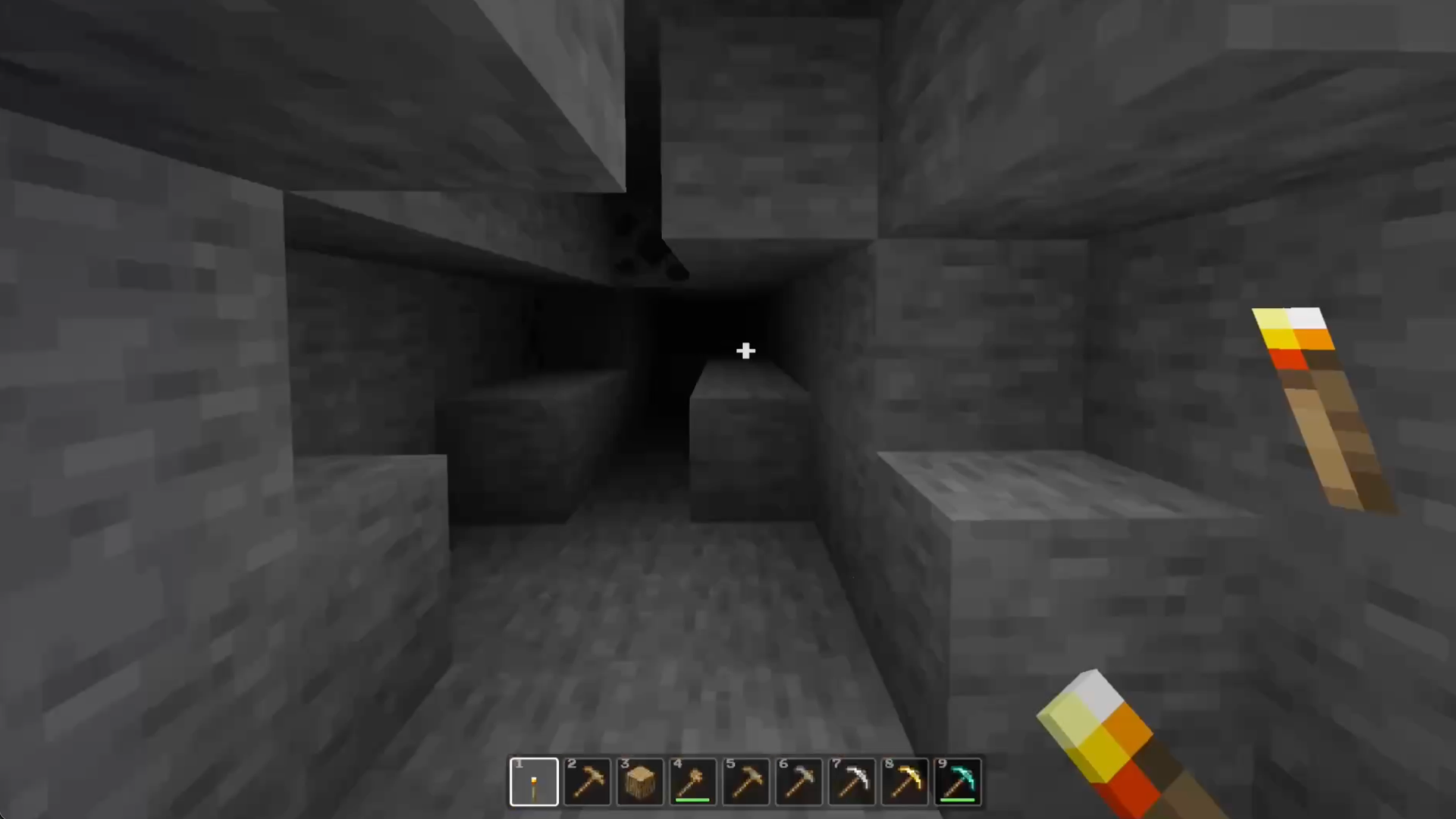
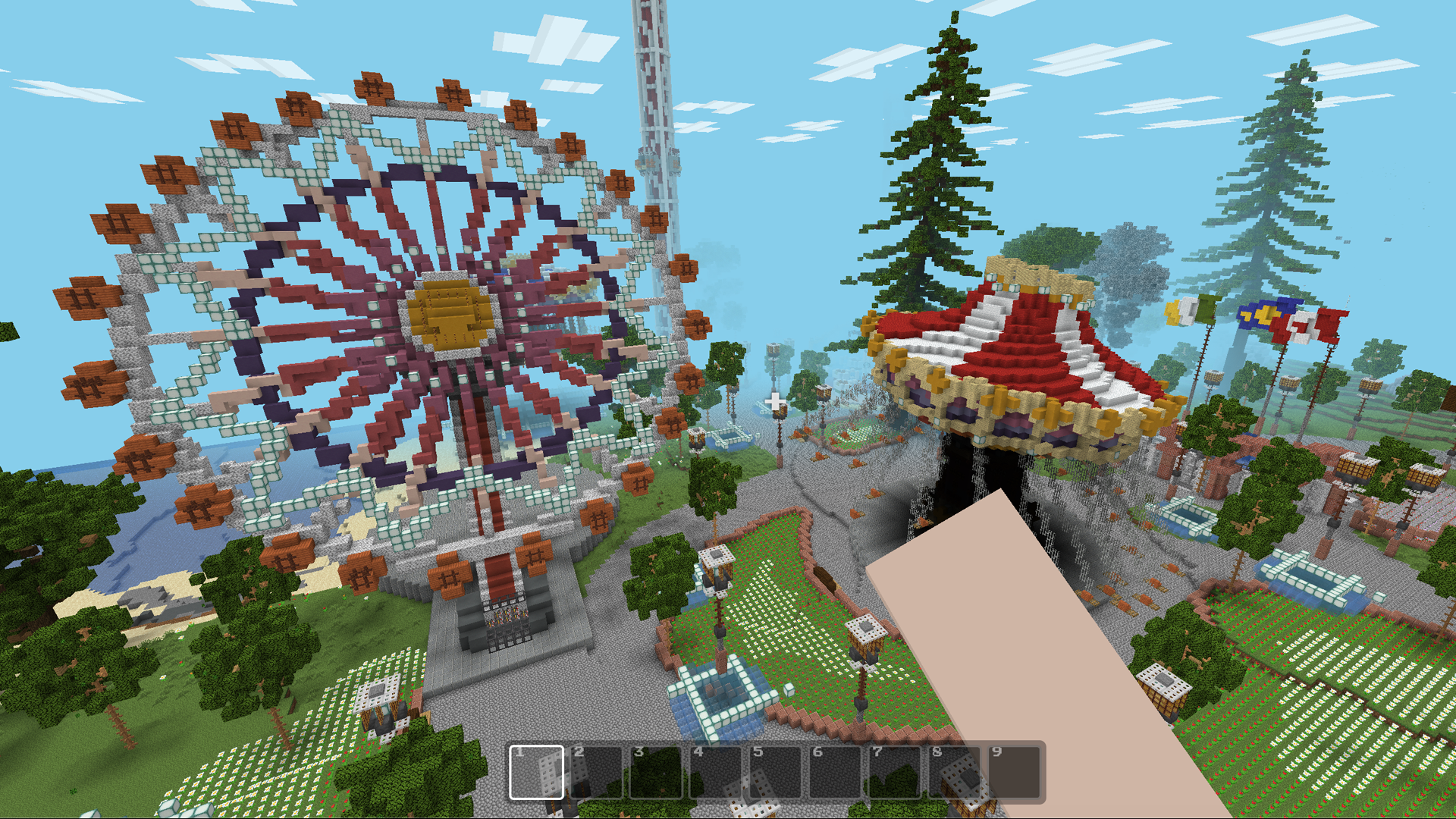
Dive into the voxel world of Mine - Survival and Creative! Gather resources, craft tools, uncover secrets in caves and biomes, and defend your base against mobs. Explore and build to survive!
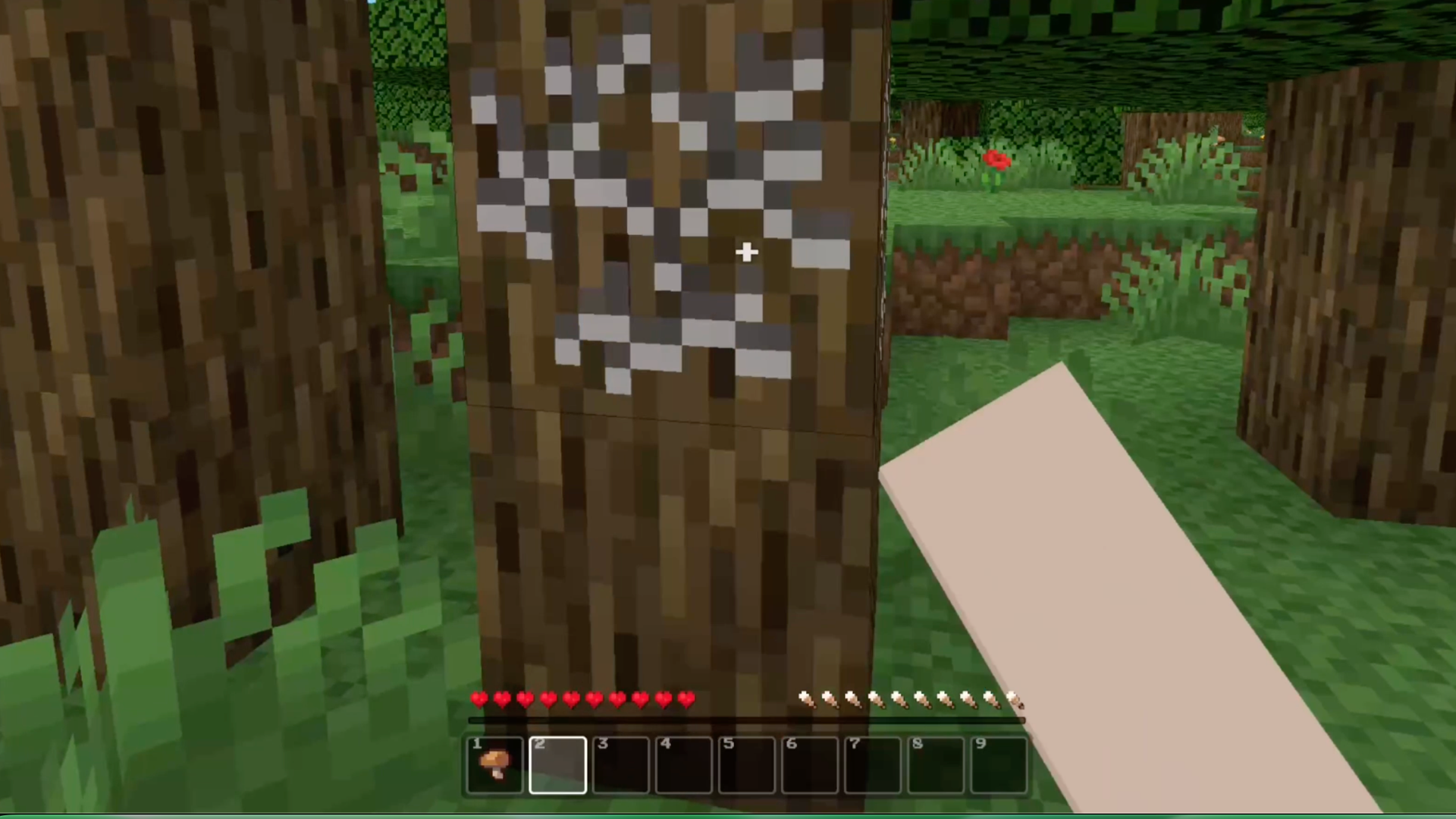
On a PC: move with WASD, press Space to jump, use Ctrl or double-tap W to run, and Shift to crouch. The left mouse button destroys blocks or attacks, while the right mouse button places blocks, uses items, or allows you to eat. Press numbers 1–9 to select a hotbar slot, E for inventory, Q to discard an item, and Esc to pause the game. On mobile devices, control the character using the on-screen joystick and buttons. If the controls obscure your view, rotate your device to landscape mode. In survival mode, begin by collecting wood and stone, then create tools, a crafting table, and torches. Keep an eye on your health and hunger levels, explore caves with caution, mine ores, and upgrade your equipment. Before night falls, find a safe place to sleep or build a shelter. In creative mode, activate flight and select blocks from the palette to quickly build large projects. You can create multiple worlds, rename them, and return to your saved constructions later. Start with a small house and then decide how you want to shape your block world.
Yes. You can play Mine - Survival and Creative online for free without buying the game or creating an account.
Yes. The game runs in a modern browser on phones, tablets, laptops, desktops, and Chromebooks.
No. Press Play and the browser game loads directly on this page.
Games related to Mine - Survival and Creative.