Free • No download
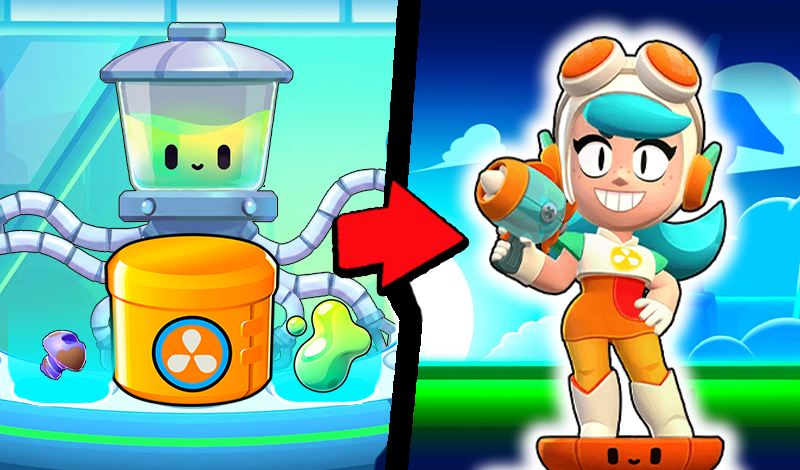
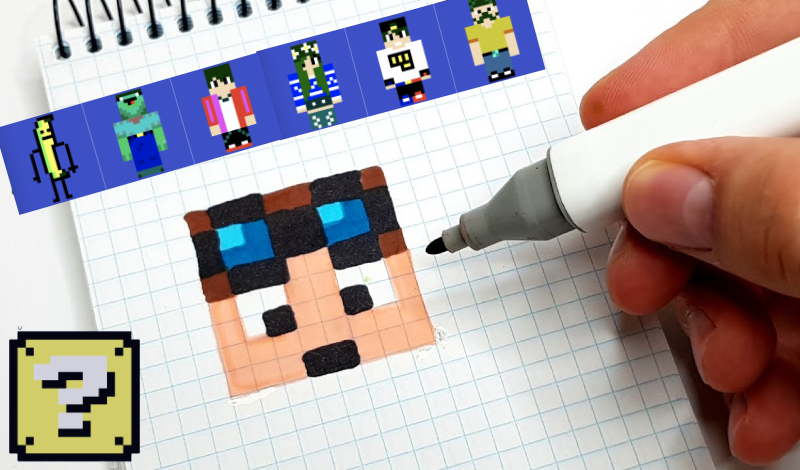
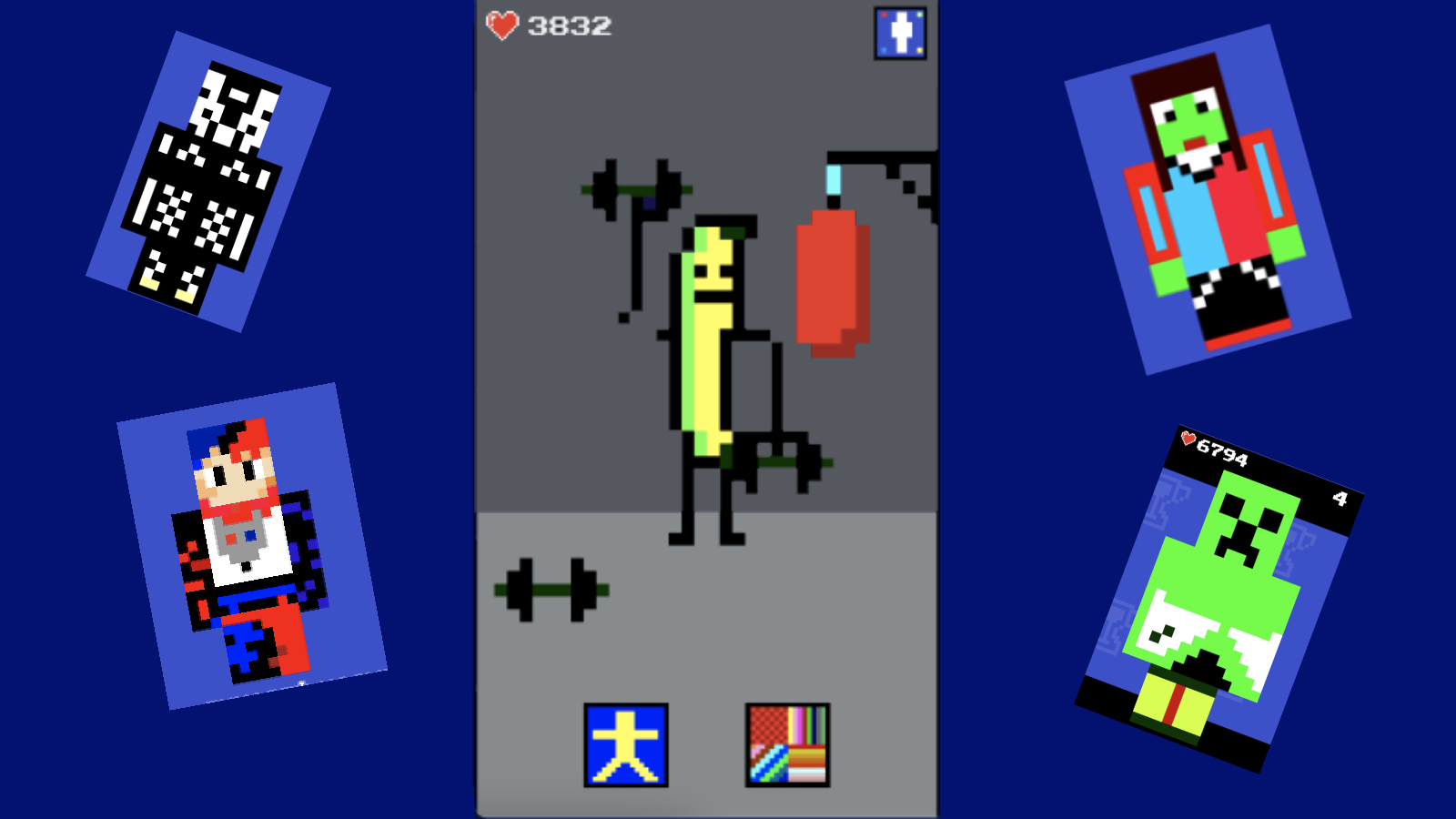
A fun game where you can design your own skin or modify an existing one. After designing a skin, you can select an animation for it and view it in different scenarios.
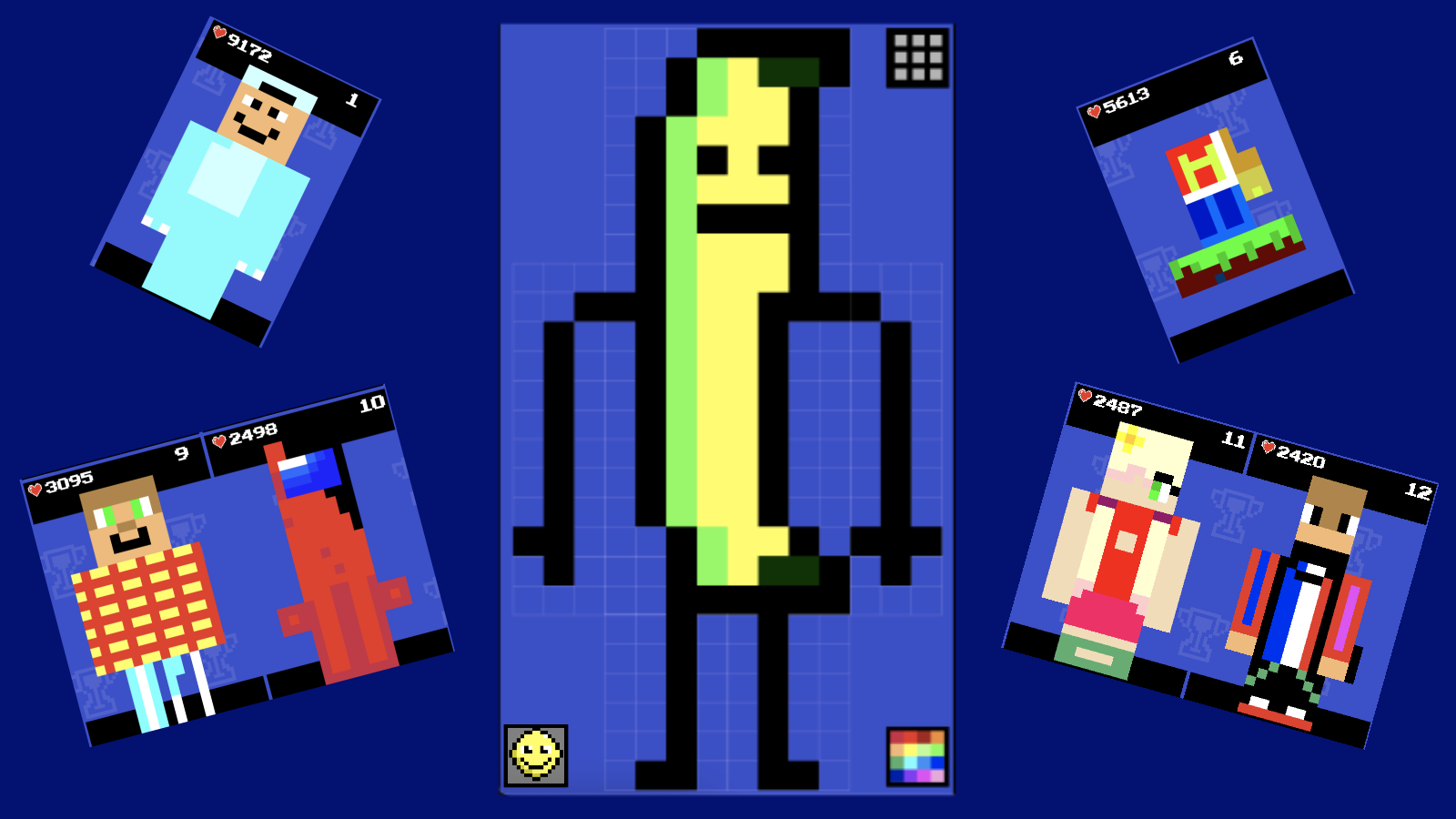
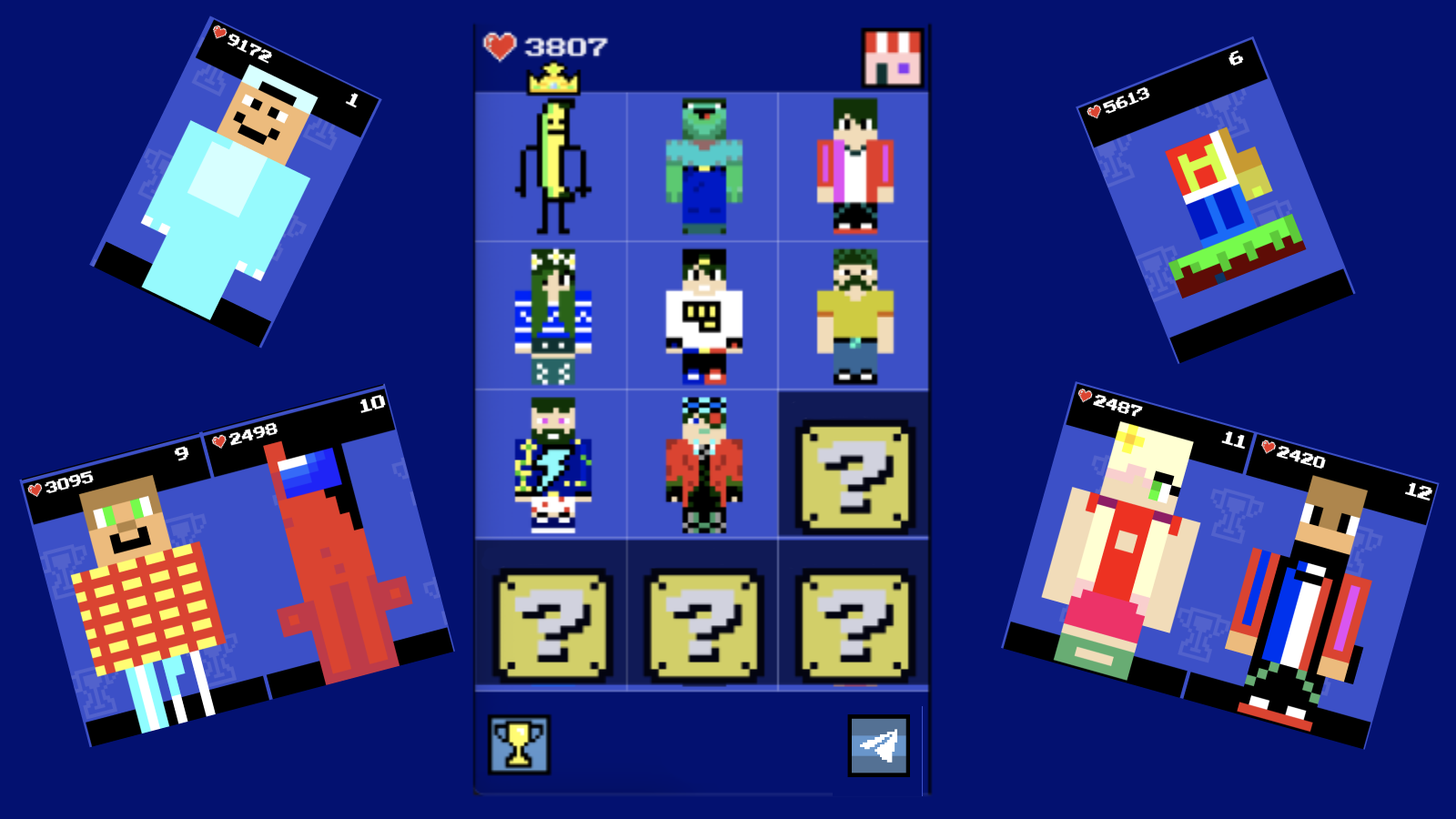
To play, use the mouse if you're playing on a computer or your finger if you're using a phone or a tablet. Choose an empty space to make your own skin. Pick a color in the bottom right corner of the screen and use it to fill in the area you want to color in. If you want to see who's winning the game, look for the trophy in the top left corner of the main menu. Once you've finished making your skin, you can make it move by clicking on the special button in the top left while you're in the editing mode.
Yes. You can play Make a skin online for free without buying the game or creating an account.
Yes. The game runs in a modern browser on phones, tablets, laptops, desktops, and Chromebooks.
No. Press Play and the browser game loads directly on this page.
Games related to Make a skin.