Free • No download
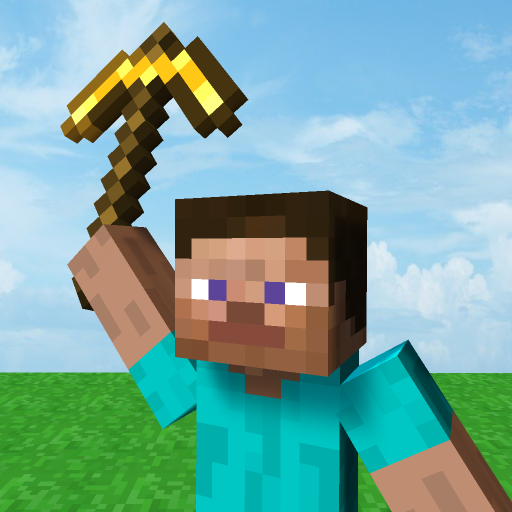
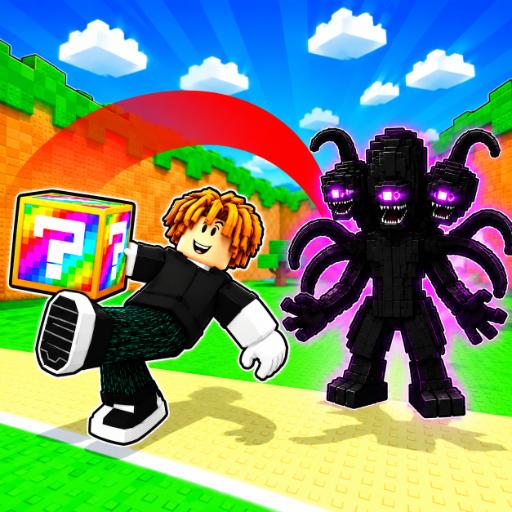
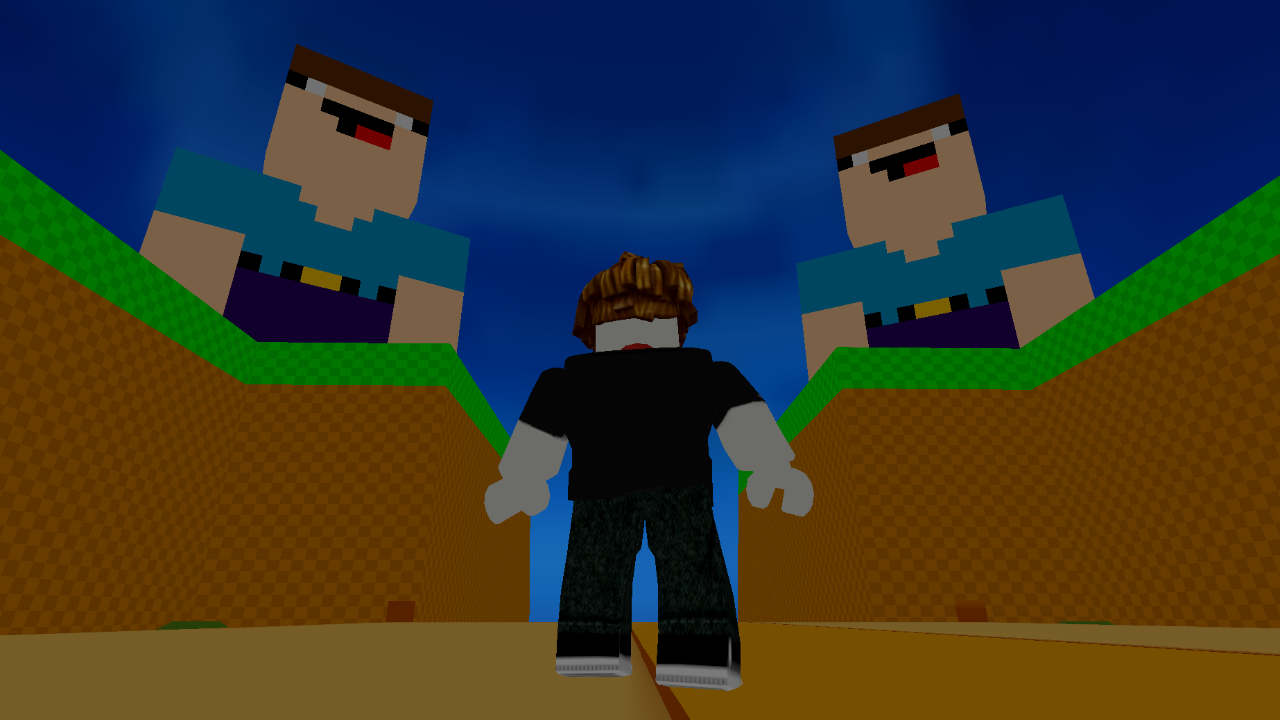
Build a rare collection, train your kicking skills, and unleash Brainrot Mine-Mobs by launching the Lucky Block in Kick Lucky Block and Get Brainrot Mine-Mobs!
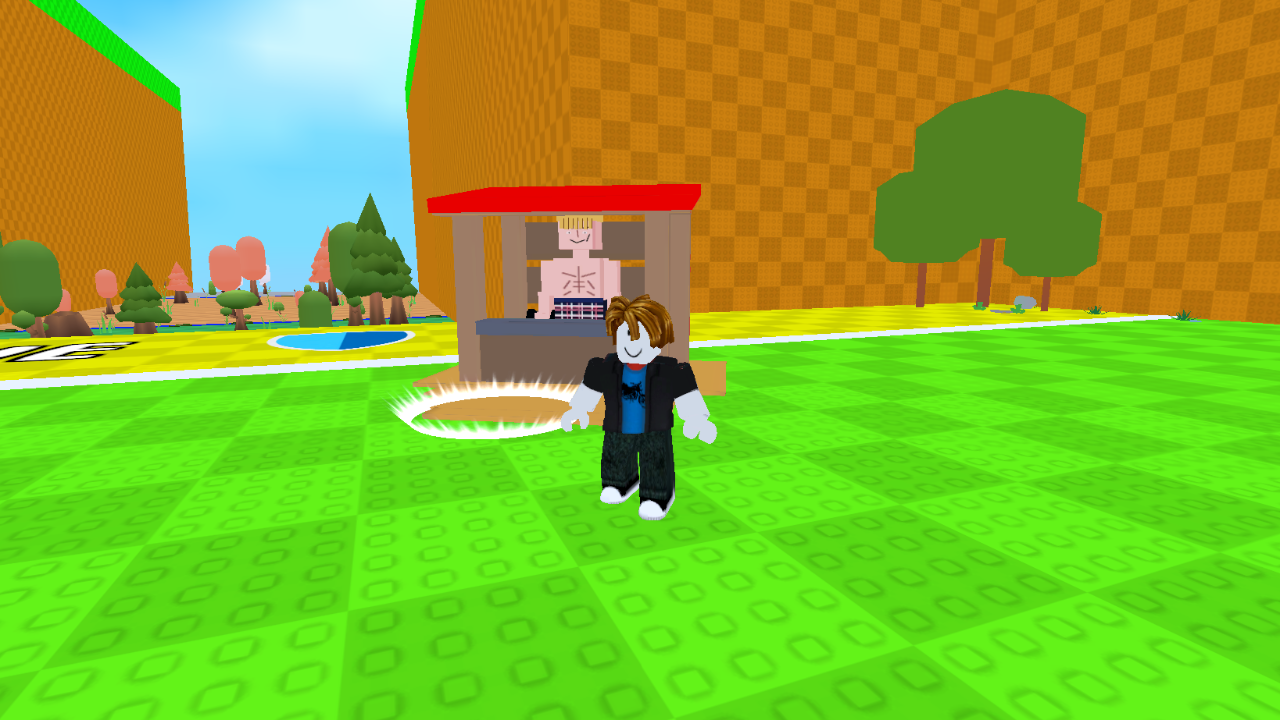
Game Controls On PC: — W, A, S, D to move your character. — Right mouse button to hold and move the mouse for camera rotation. — E to pick up or place a mob in a slot. On Mobile: — Use the left joystick to move your character. — Swipe on the screen to rotate the camera. — On-screen buttons for squats, interacting with mobs, and other actions. What to Do in the Game: — Increase your kick strength by doing squats. — Purchase new weights in the shop to boost power. — Kick the Lucky Block as far as you can. — The further the Lucky Block goes, the more valuable the mob you can get. — Enhance mob speed. — Assist mobs in reaching the safe zone and add them to your collection. — Place mobs in slots, gather in-game currency, rebirth, and climb the leaderboards.


Yes. You can play Kick Lucky Block and Get Brainrot Mine-Mobs! online for free without buying the game or creating an account.
Yes. The game runs in a modern browser on phones, tablets, laptops, desktops, and Chromebooks.
No. Press Play and the browser game loads directly on this page.
Games related to Kick Lucky Block and Get Brainrot Mine-Mobs!.