

Free • No download
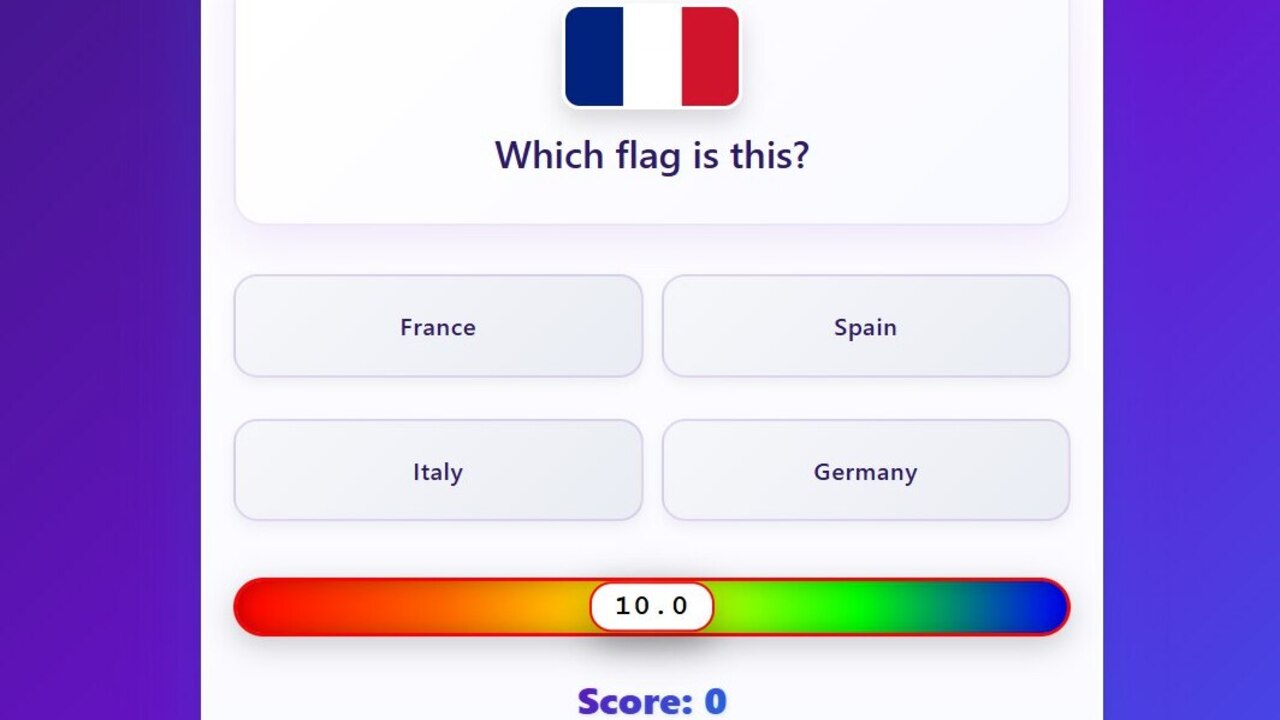
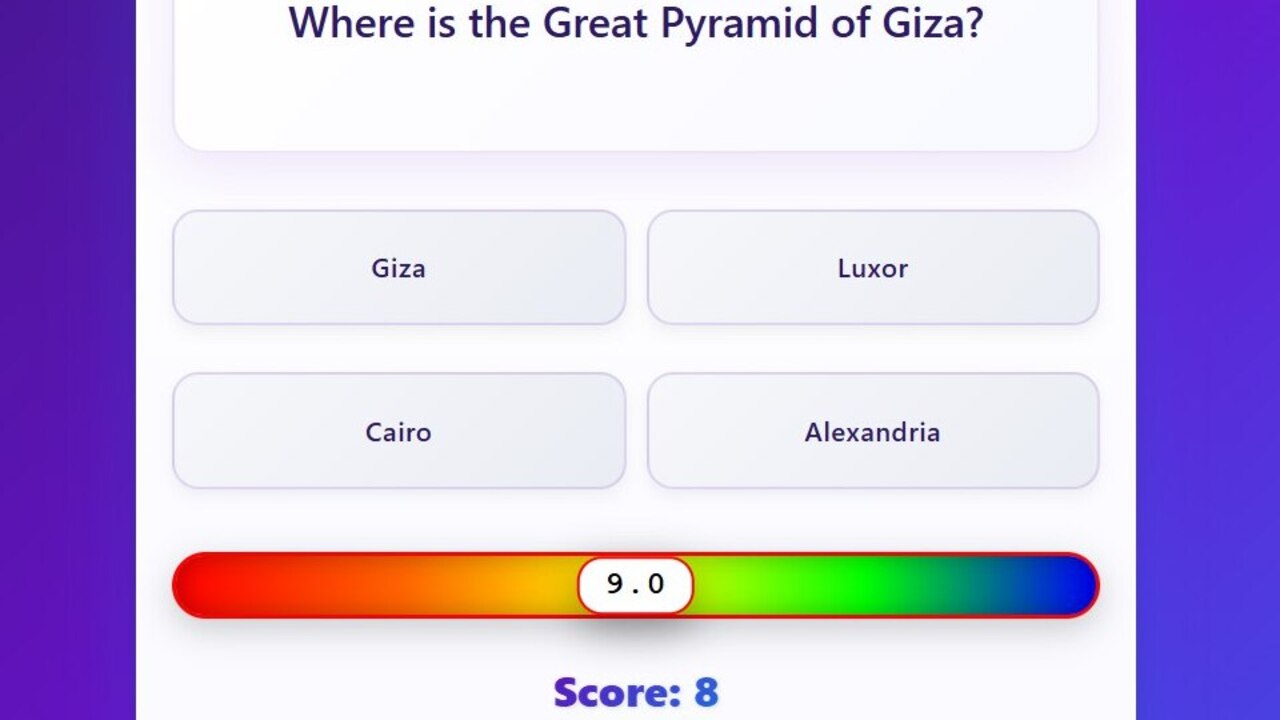
Enhance your geography knowledge by learning flags, capitals, and landmarks in an entertaining and swift-moving quiz game — Geography Challenge awaits!
To achieve success in Geography Challenge, you must answer questions accurately and swiftly to rack up points. Controls for PC (Desktop): - Mouse click: choose one of the four response options. - Utilize interface buttons (Hint, Restore, Switch Language, etc.). Controls for Mobile: - Tap one of the four options to select your answer. - Use interface buttons (Hint, Restore, Switch Language, etc.). Key In-Game Controls: - «Hint» Button: reveals the correct answer for the current question. - «Reset Progress» Button: erases your game statistics entirely. - «Restore» Button: replenishes three lives when you've run out. - «Menu» Button: returns you to the main menu from any screen. Daily Benefits: - Daily Gift (): collect your reward for logging in each day. - Daily Tasks (): finish tasks to receive bonuses.
Yes. You can play Geography Challenge online for free without buying the game or creating an account.
Yes. The game runs in a modern browser on phones, tablets, laptops, desktops, and Chromebooks.
No. Press Play and the browser game loads directly on this page.
Games related to Geography Challenge.

 100 советских фильмов
 99% не смогут пройти этот тест
 Funny Quiz - Online Trivia

 Genshin: Quiz Collection
 Guess the Italian Animal 2
 Guess the Italian Brainrot or Die
 Guess the Meme by the Sound
 Guess the memes

 Guess the new K-pop songs

 Harry Potter The Big Quiz

 Quiz: Favorite Films of the USSR

 The Harry Potter Test