Free • No download
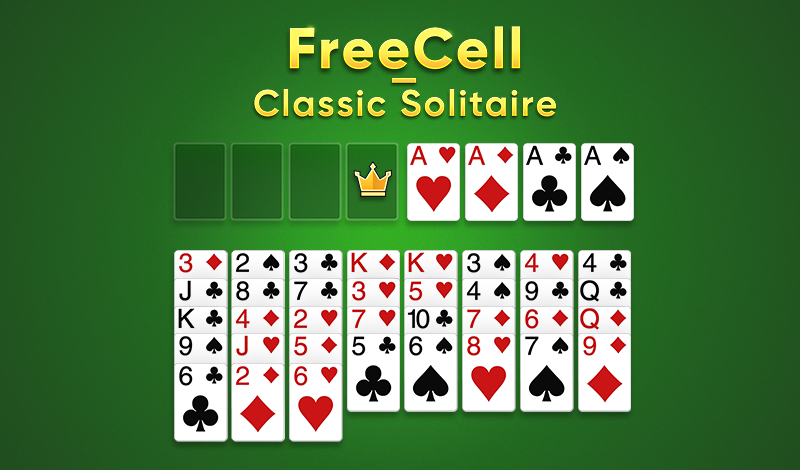
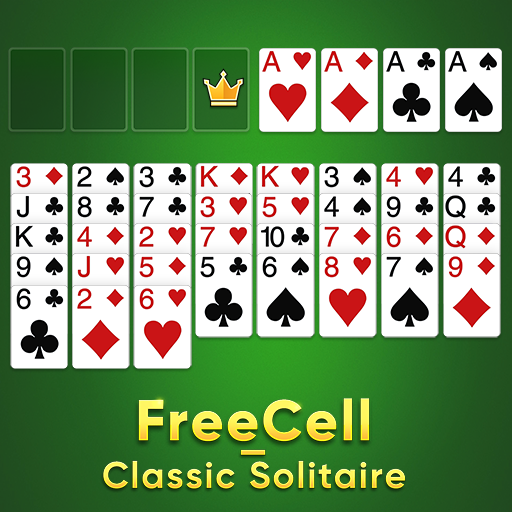
FreeCell - Classic Solitaire is a game most of us have played at some time. It’s free, no download, endless, high quality, easy to play for brain training.
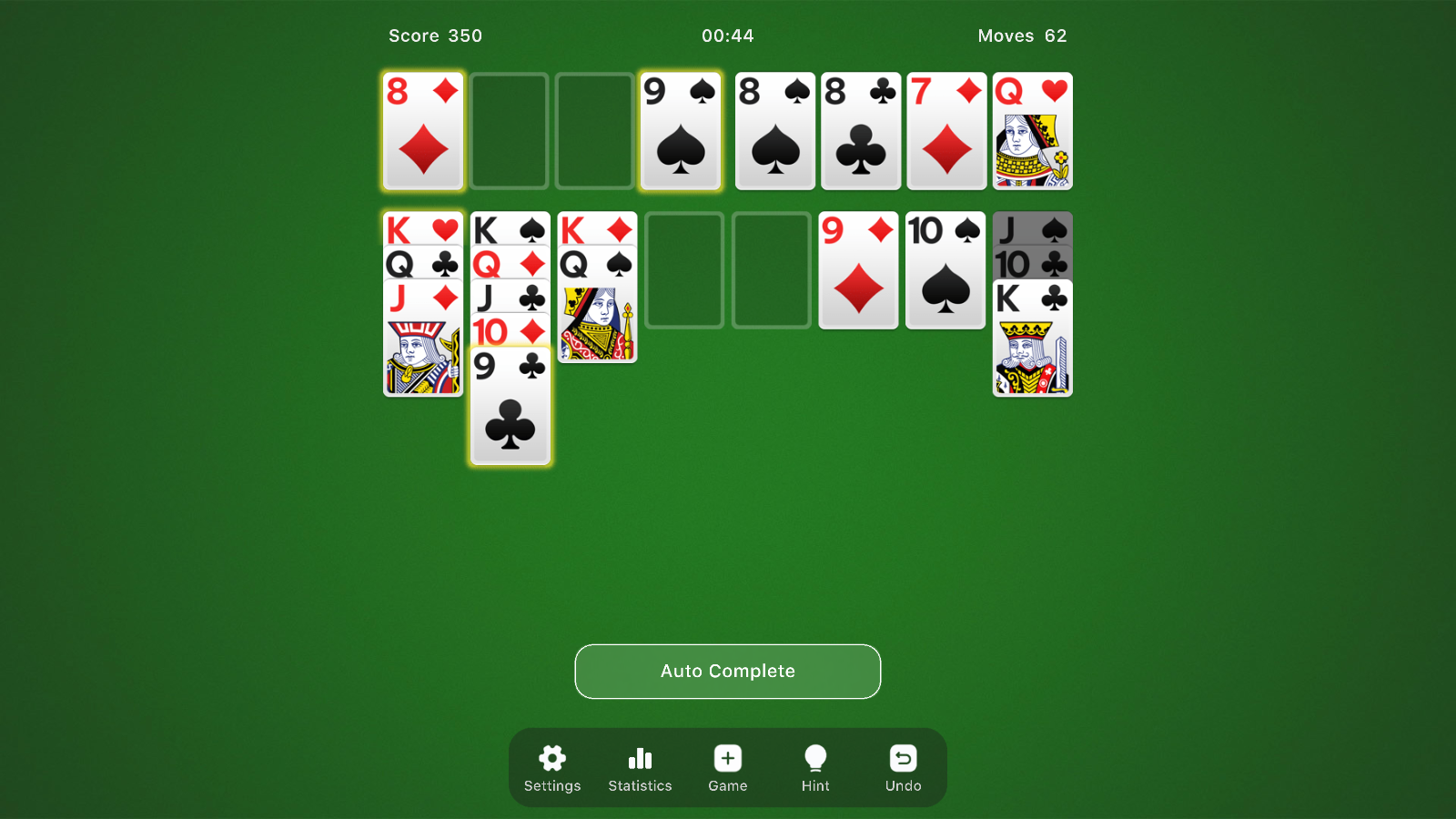
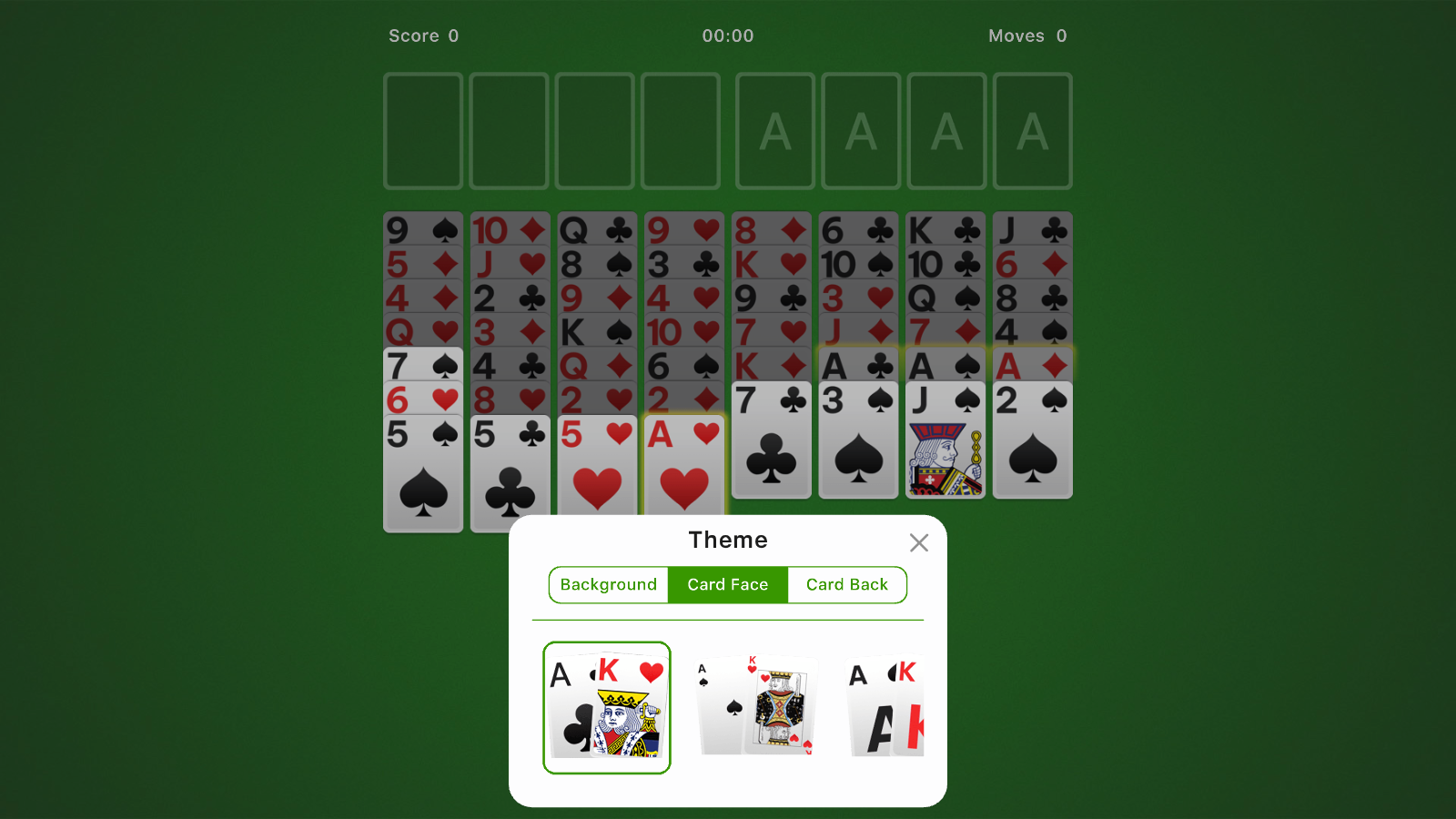
- Drag cards in the tableau (seven piles that make up the main table) to build sequences in descending order and alternating color. - If you uncover an ace, place it first in one of the foundation piles (four piles at the top of the board). - Start building sequences of the same suit in each foundation pile, chronologically, from ace to king. - If you can no longer move any of the face-up cards, you can always tap the stockpile to see if it has any good cards for you to play. - Keep moving cards from the tableau to the foundation piles, and stacking them up until you reach the highest possible card in each pile. - Got no more cards to play? Submit your score and enjoy a bonus for finishing early.
Yes. You can play FreeCell - Classic Solitaire online for free without buying the game or creating an account.
Yes. The game runs in a modern browser on phones, tablets, laptops, desktops, and Chromebooks.
No. Press Play and the browser game loads directly on this page.
Games related to FreeCell - Classic Solitaire.