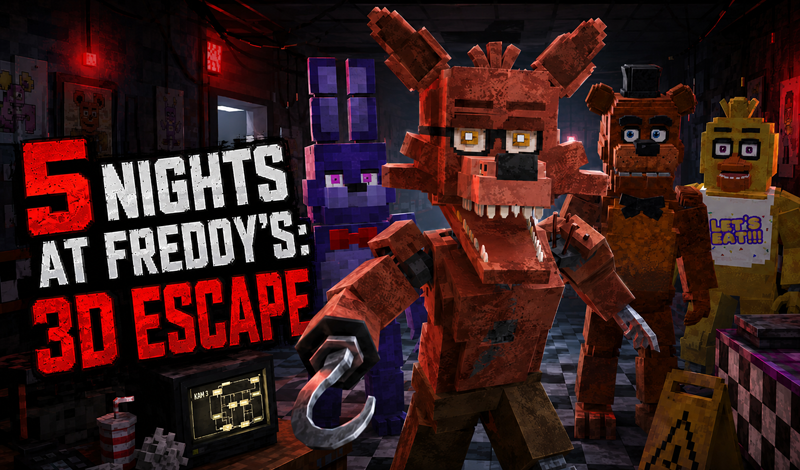

Free • No download
Enter the terrifying 3D world of Five Nights at Freddy's: 3D Escape! Keep watch, monitor the cameras, and outsmart the animatronics to survive the night.
On PC: Move with WASD and use the mouse to turn the camera. Left-click to interact: open or close doors, switch lights. Press E to access the camera tablet. Hit ESC to pause the game. Use the mouse wheel to toggle between first-person and side view. On phone: Navigate using the joystick and tap the jump button to leap. Swipe across the screen to look around. Tapping performs actions like opening or closing doors and turning lights on or off. The tablet icon opens the cameras. The pause button brings up the pause menu. F5 switches between first-person view and view from behind the character.

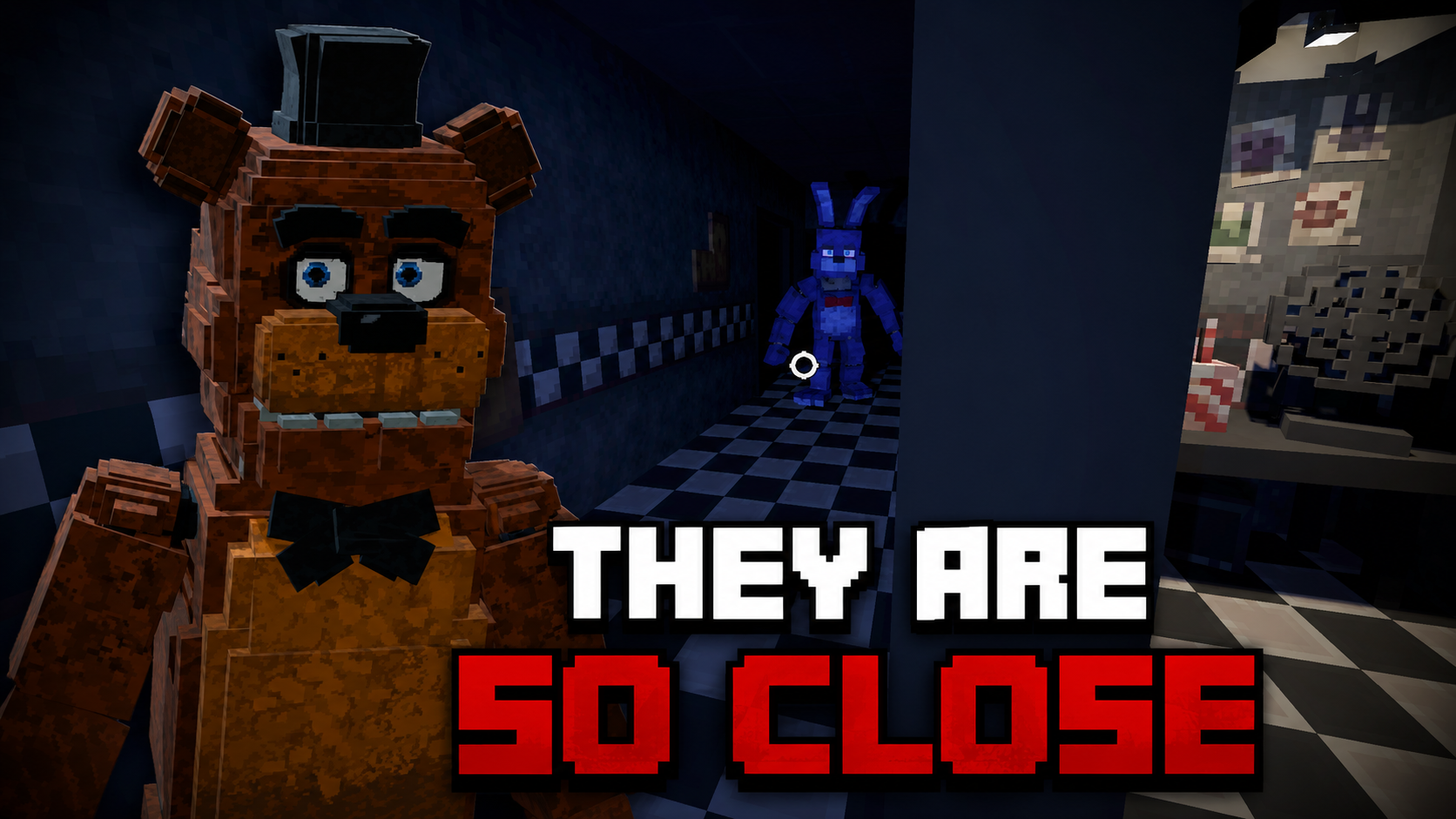
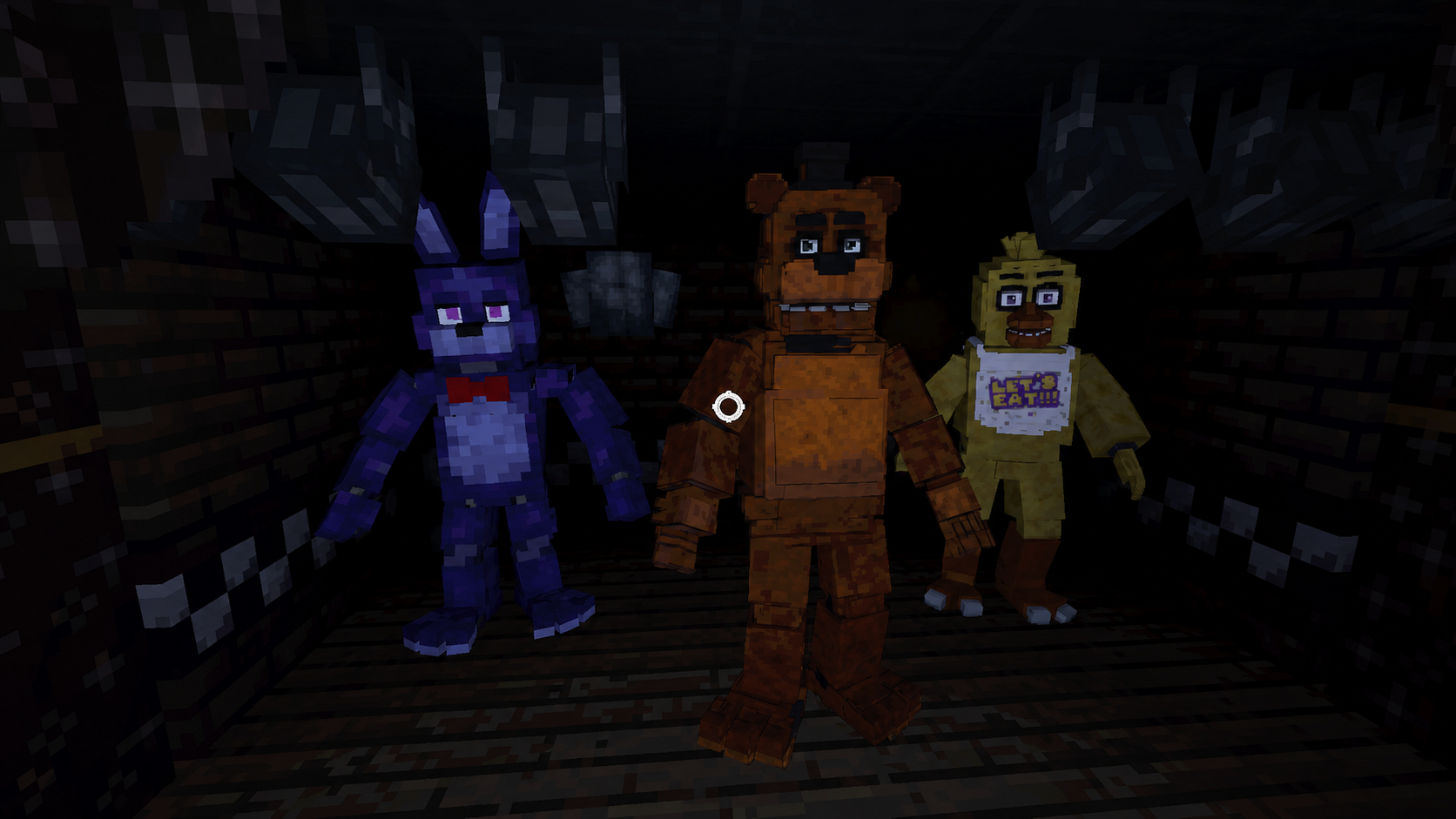
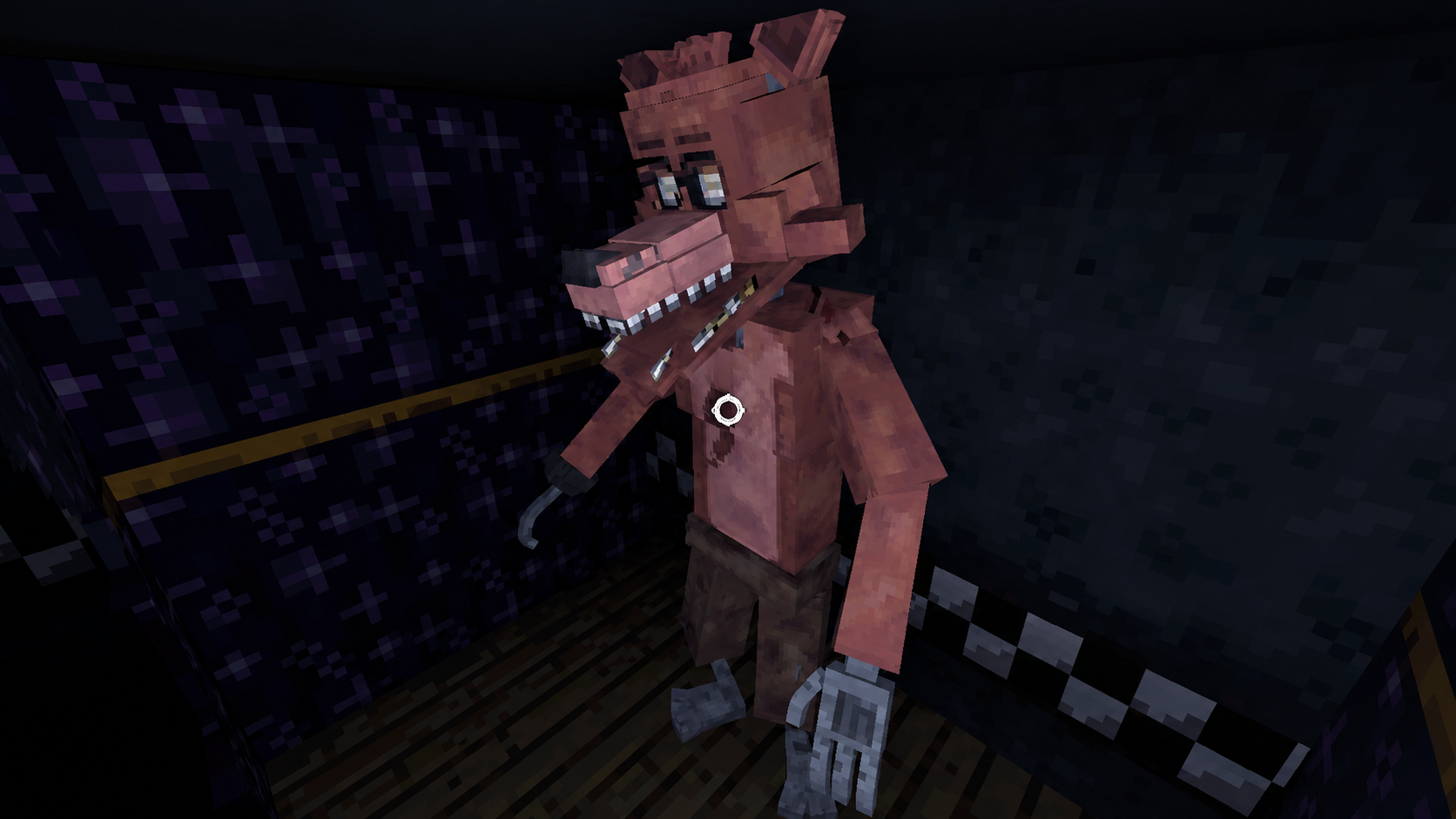
Yes. You can play Five Nights at Freddy's: 3D Escape online for free without buying the game or creating an account.
Yes. The game runs in a modern browser on phones, tablets, laptops, desktops, and Chromebooks.
No. Press Play and the browser game loads directly on this page.
Games related to Five Nights at Freddy's: 3D Escape.

 5 Ночей С Херобрином

 5 уроков с Мисс Лемонс!
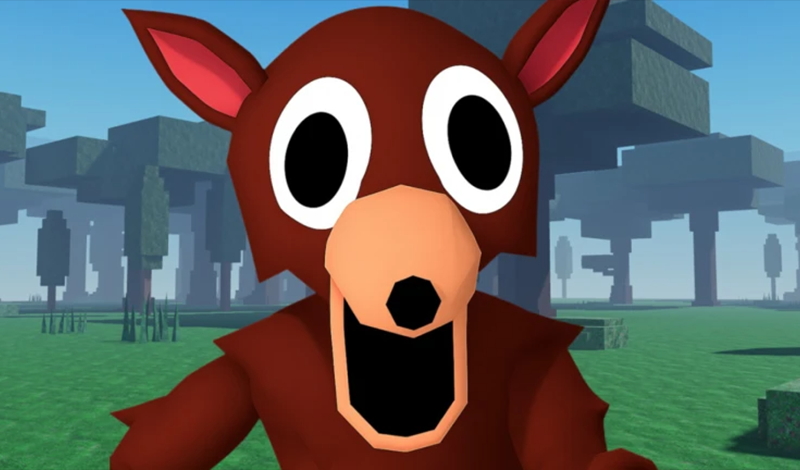
 99 Nights in the Forest 3D
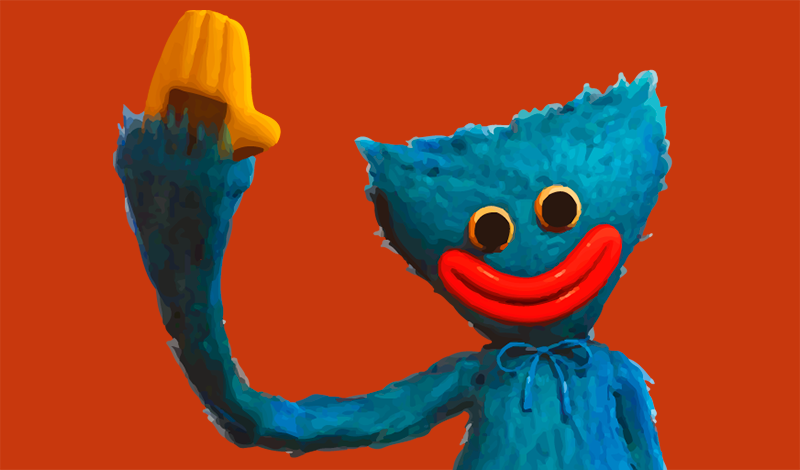
 A Night with Hagi Wagi: Stage 1

 Angry Boy Pedro and His Friend
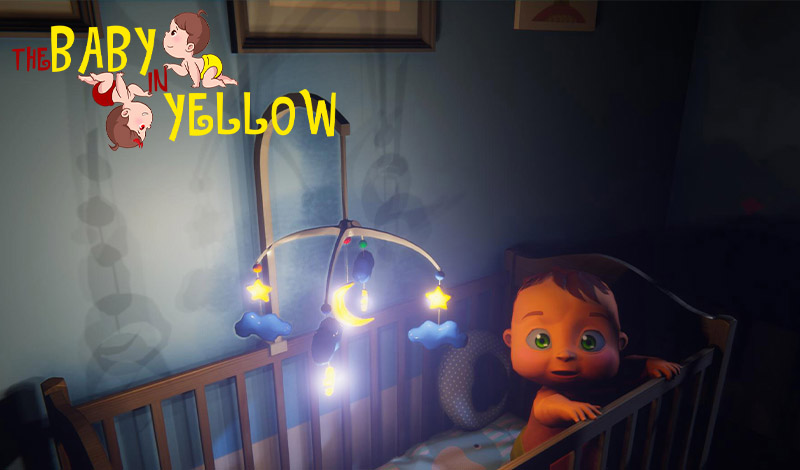
 Baby in Yellow
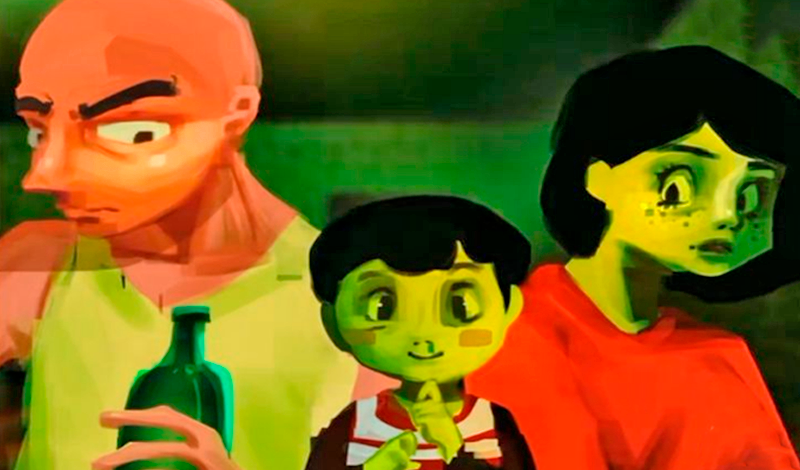
 Bad Parenting Mr. Red Face

 Banban Gang in the World of Blocks
 Boo Scared 2: School Escape

 Boo Scared 3: New Year with Schoolboy
 Boo Scared 4: Noob Runaway
 Boo Scared 5: Barry Prison