Free • No download
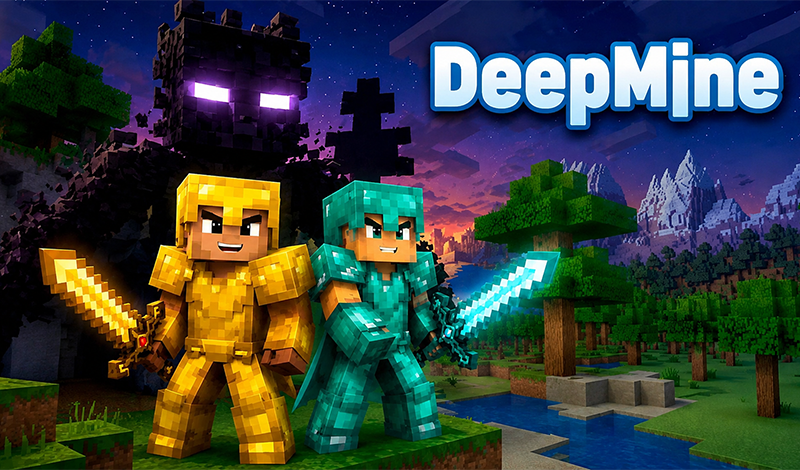
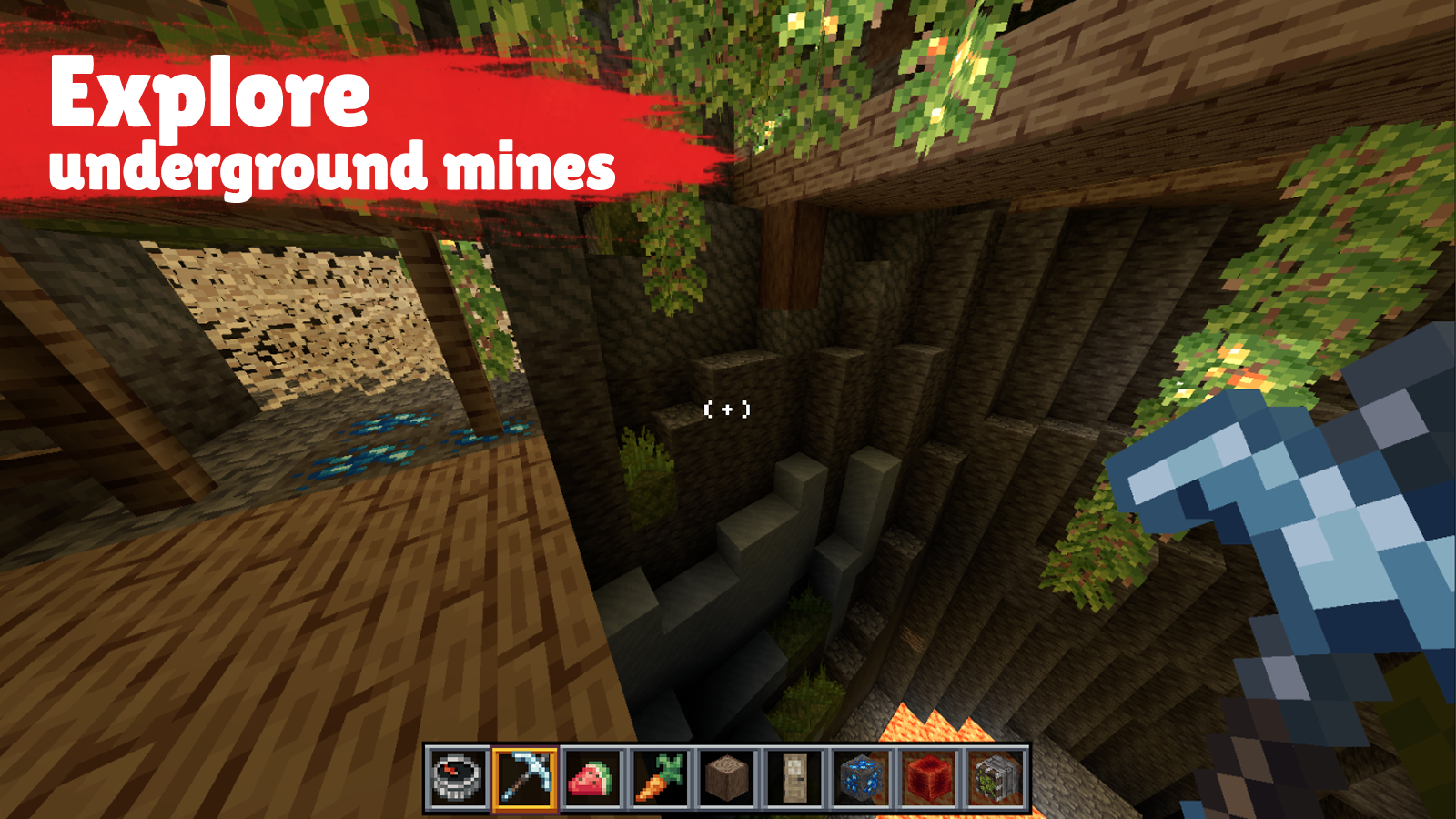
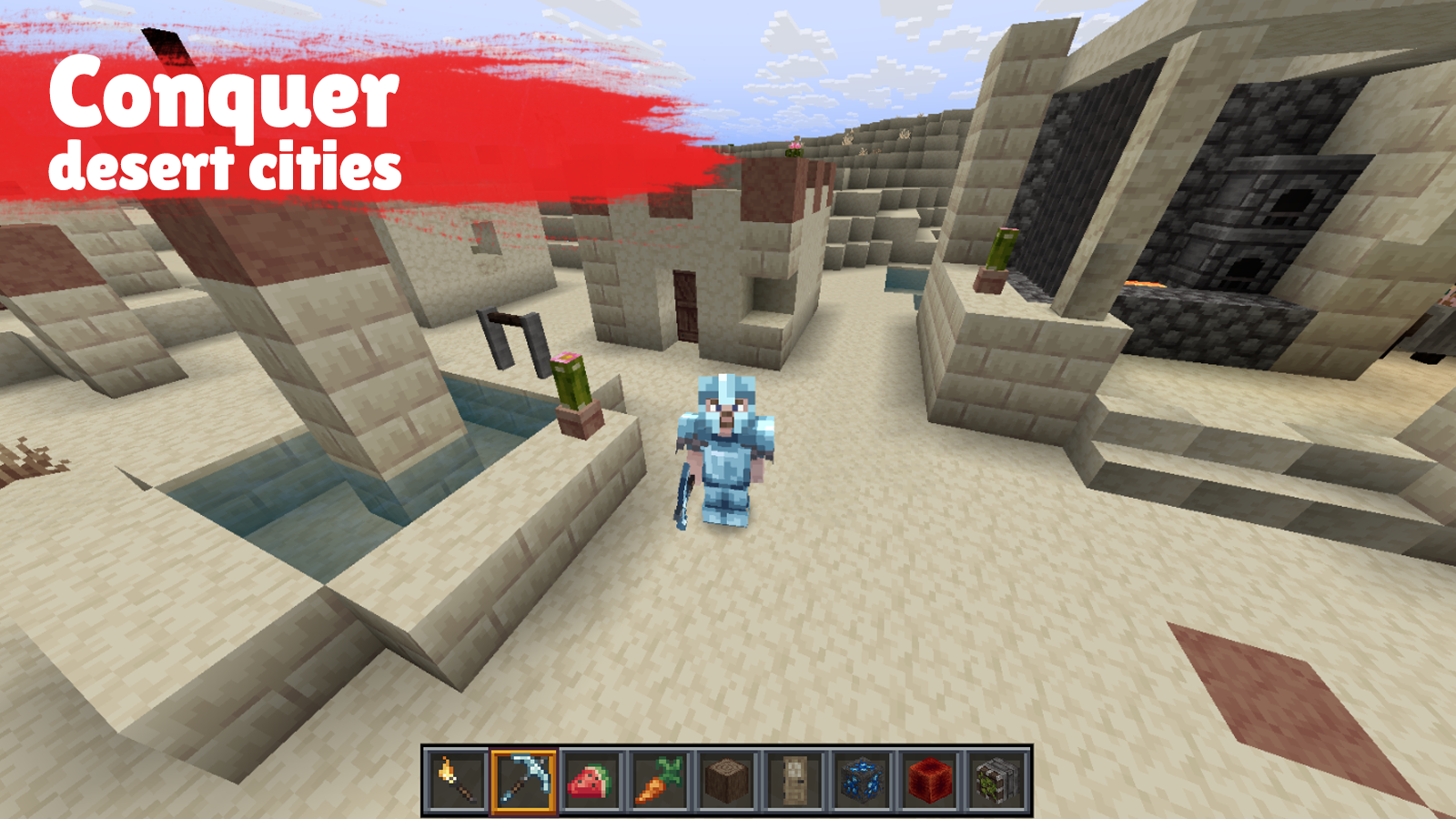
Dive into the cubic world of DeepMine! Explore diverse biomes, gather resources, forge tools, and construct bases — survival and creativity await in this 3D sandbox adventure.
Keyboard controls: - W A S D — movement; - Space — jump; - Shift — stealth mode; - Caps Lock — run; - Mouse — camera control; - Left mouse button — break blocks / attack; - Right mouse button — place blocks / use items; - E — open inventory; - 1–9 — select item in hotbar; - Q — discard item; - F — move item to off-hand; - T — open chat; - Tab — show player list; - R — change camera view; - Esc — open pause menu / release cursor; - Click on the screen — start controlling character. Mobile controls: - Left joystick / movement area — move; - Swipe on the right side of the screen — turn camera; - Tap the screen — interact with blocks; - Hold on the screen — break blocks / attack; - Action button — jump or use item depending on the situation; - Double-tap the movement area — sneak; - Inventory button — open inventory; - Tap hotbar slots — switch item; - Menu button — open pause menu.
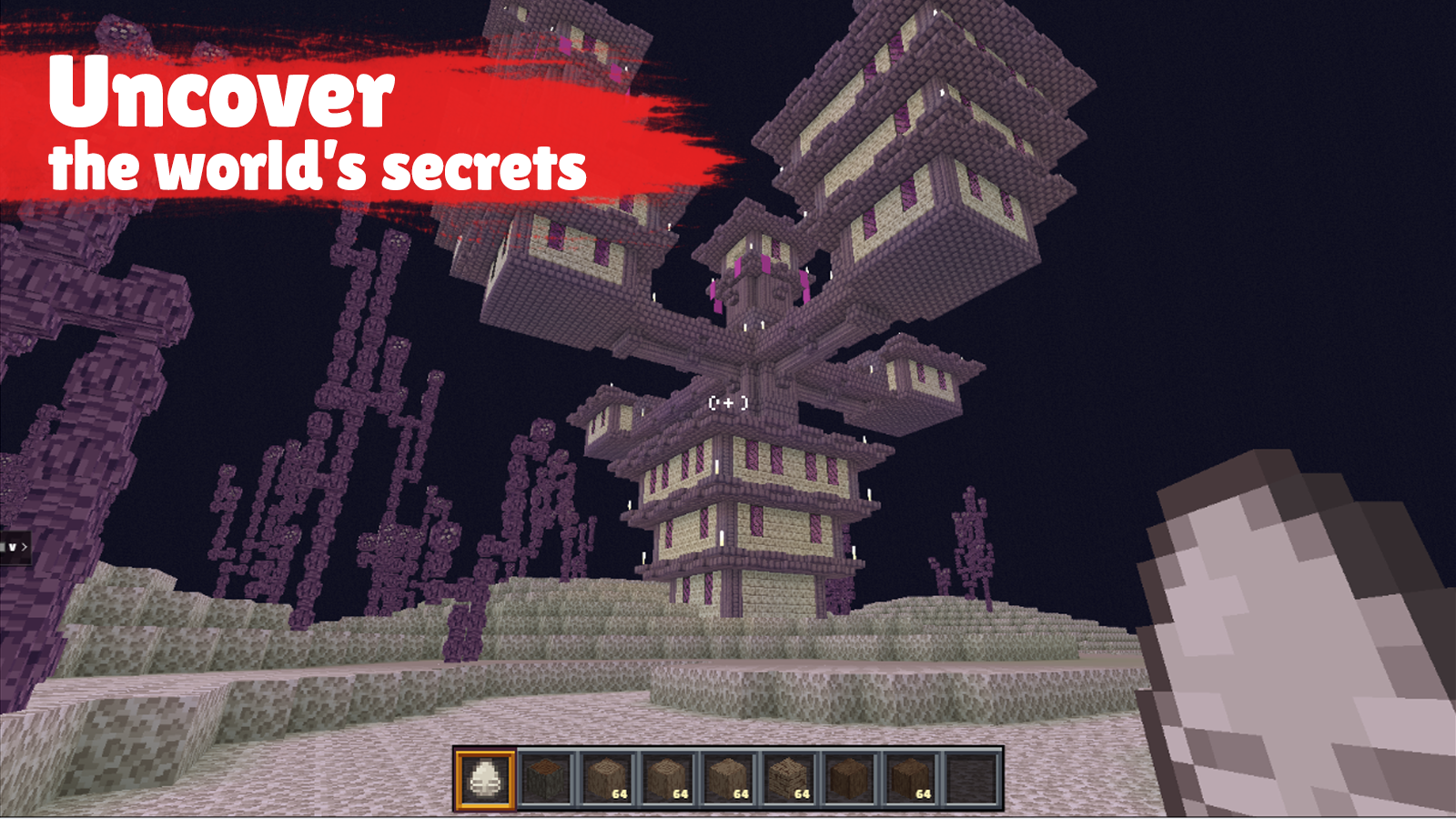
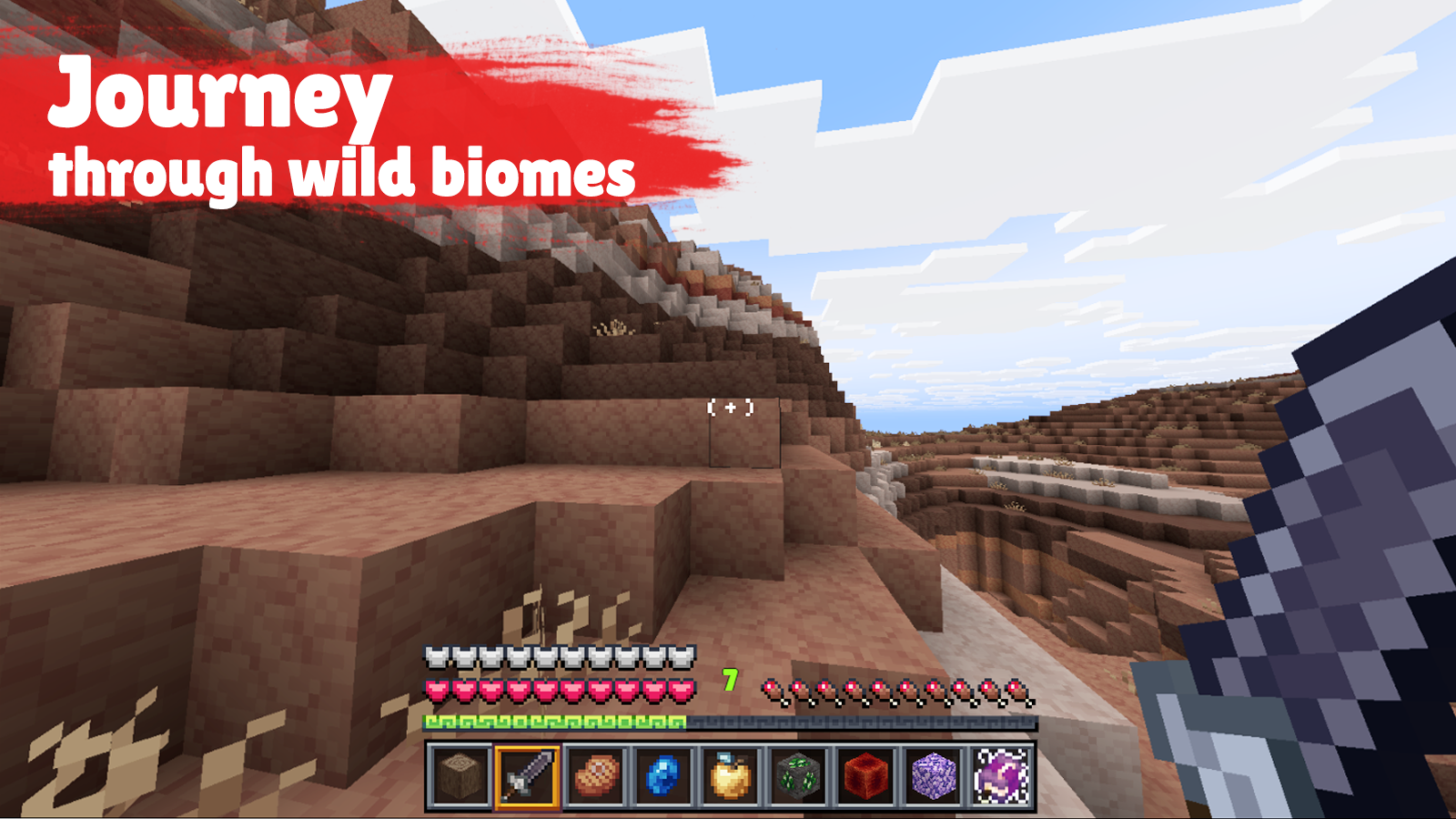
Yes. You can play DeepMine online for free without buying the game or creating an account.
Yes. The game runs in a modern browser on phones, tablets, laptops, desktops, and Chromebooks.
No. Press Play and the browser game loads directly on this page.
Games related to DeepMine.
 Block Miner
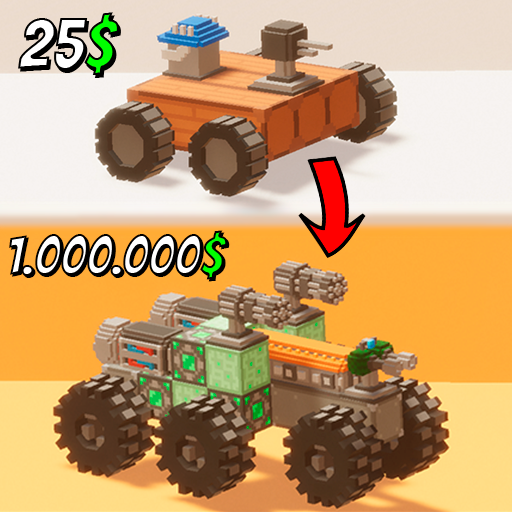 Cars: Build & Crush
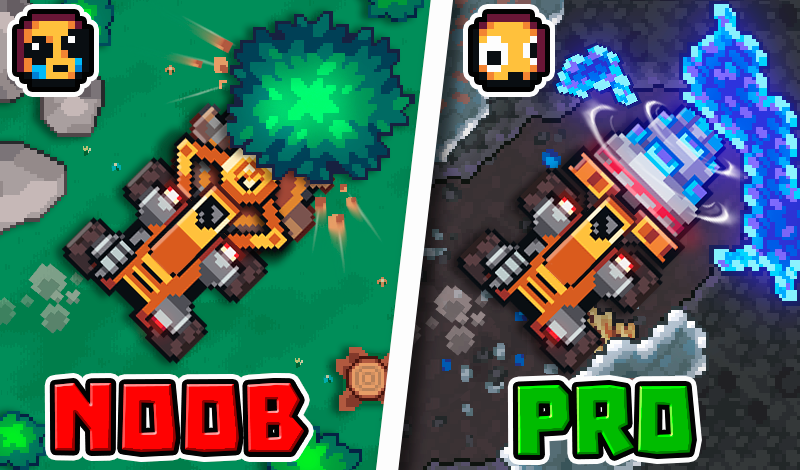
 Digger Escape
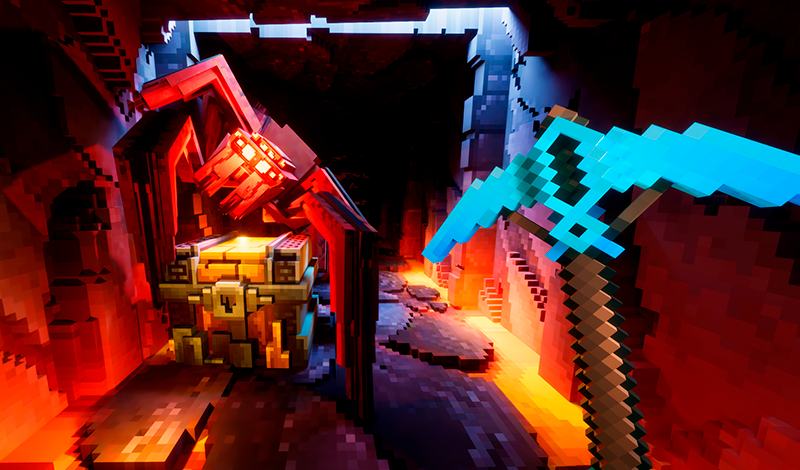
 Epic Mine
 KS 2 Surf and Bunnyhop Online!
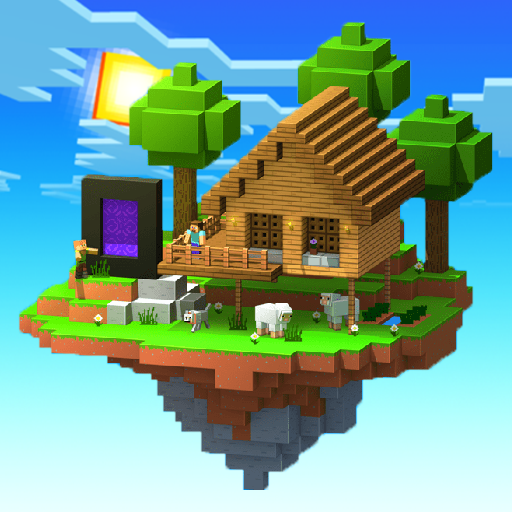 Mine Island 3D: Crafting and Survival
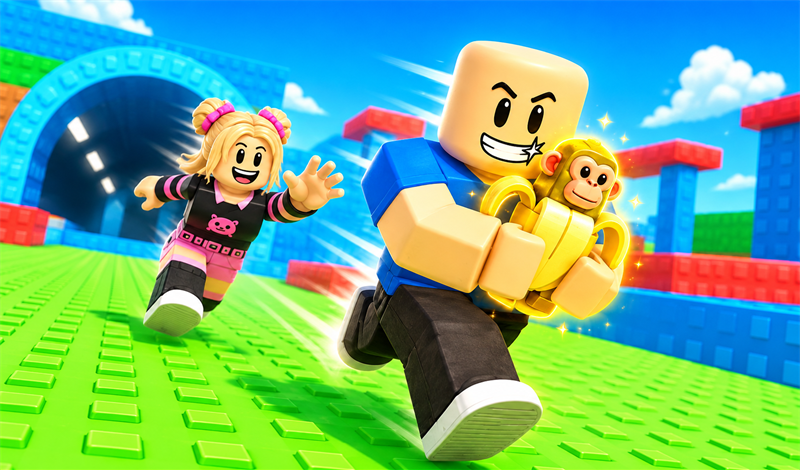
 Steal and Catch Obby: Mini-Games
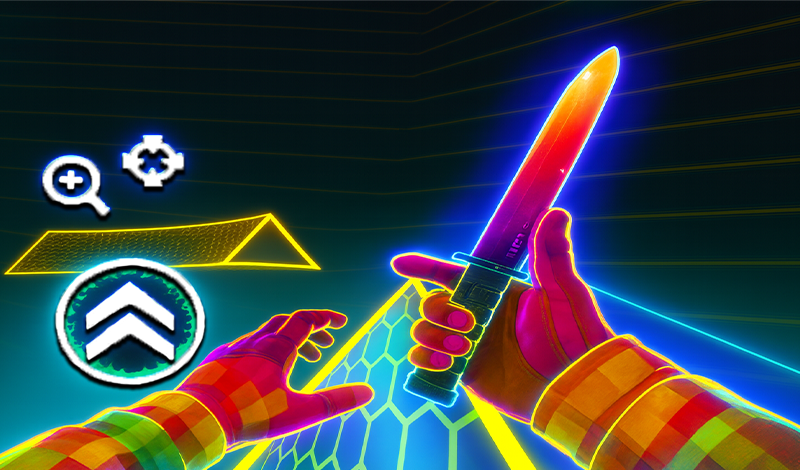
 Surf GO: CS 2 Parkour and Case Simulator
 2D Minecraft. Minecraft + Terraria
 30s Sausage Survival Master
 3D Sandbox: Battle of the Kingdoms
 Age of Revenge