Free • No download
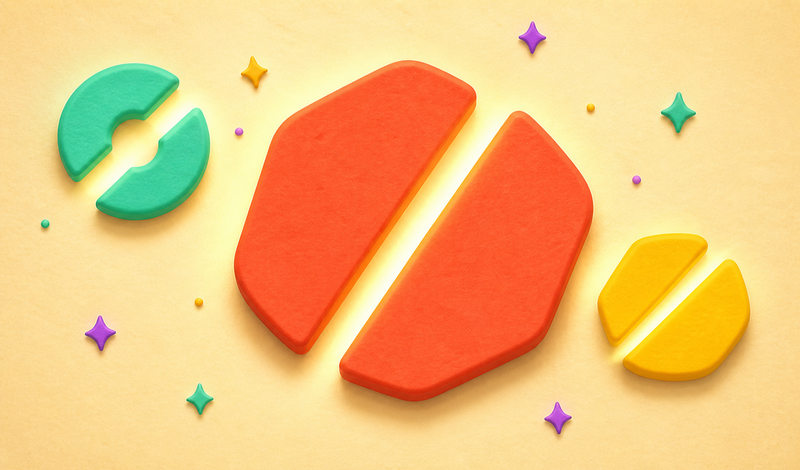
Test your precision and geometry skills in CUTLY: Cut in Half! Slice shapes into equal halves and climb the leaderboard with daily new challenges. Are you ready to take the test?
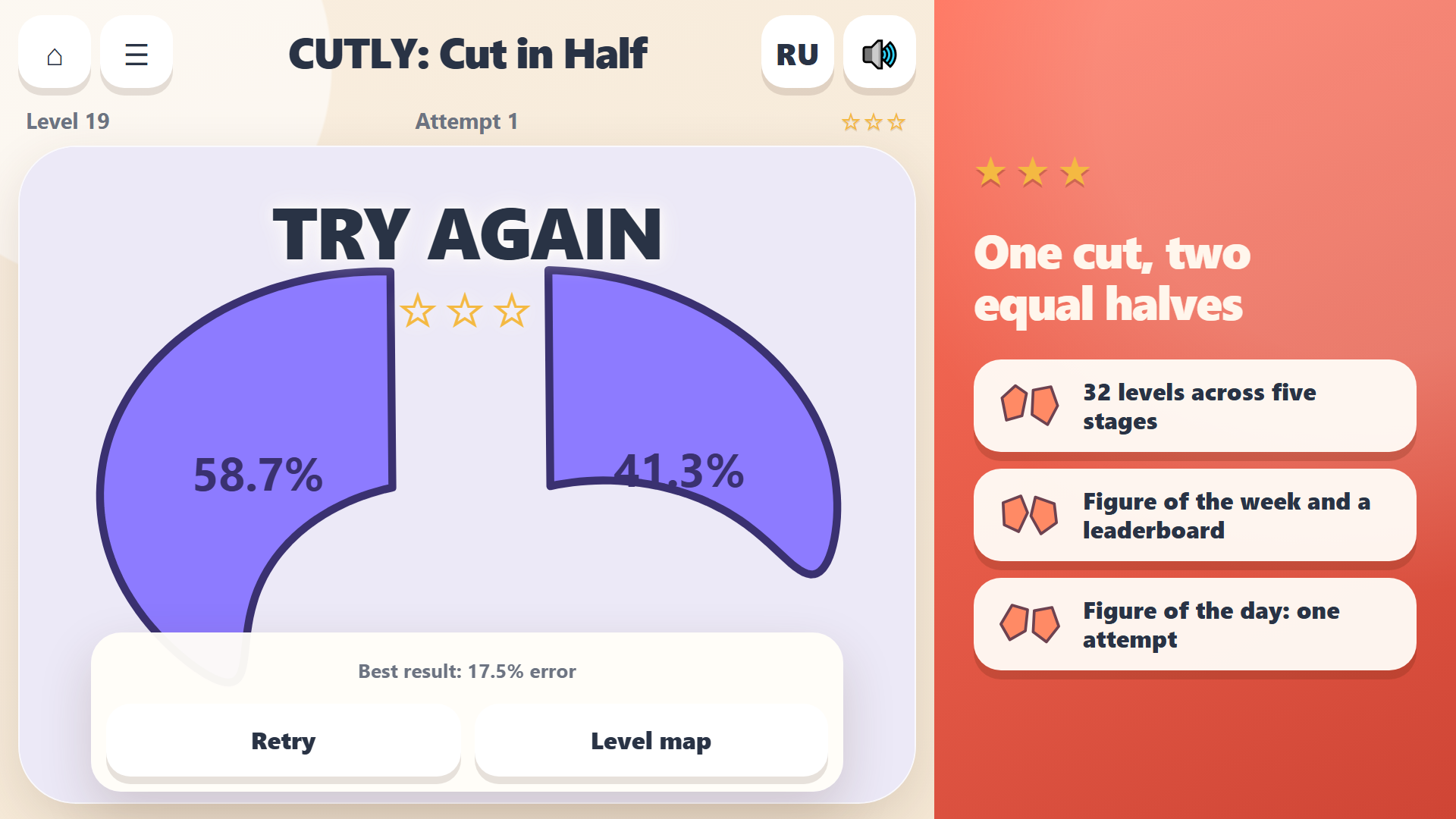
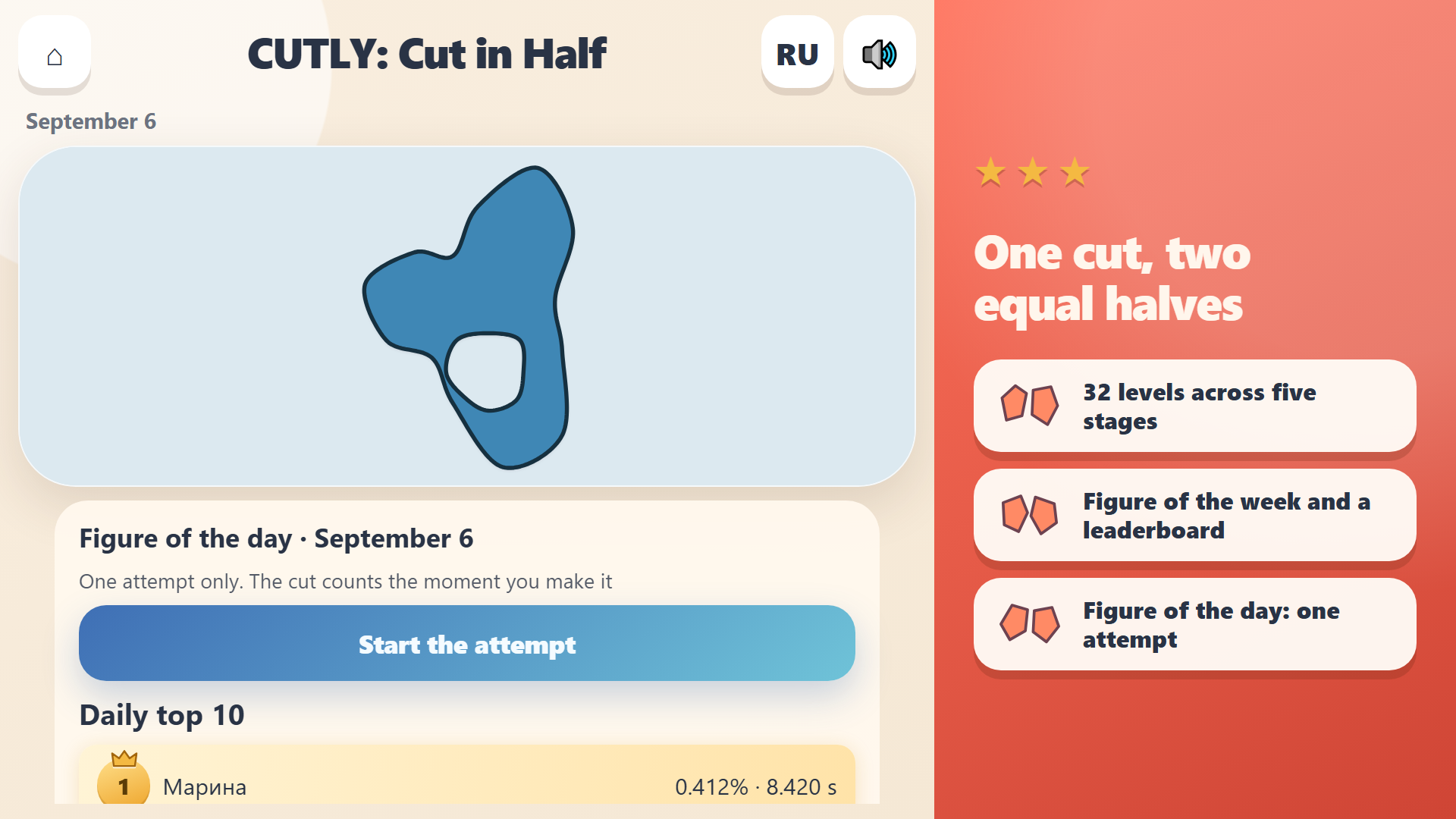
1. On the main screen, choose your mode: Classic, Figure of the Week, or Figure of the Day. 2. To cut, use the mouse: press the left button, move, and release. Or use your finger or a stylus: touch, slide, and lift. Cutting with the keyboard is not possible. 3. You can adjust the line while sliding. The cut is made when you lift your finger or release the mouse button, splitting the shape. A short movement is enough, but too brief a touch won't count. 4. Check the percentages on both halves; aim for 50.0% each. A click or tap will show the buttons. 5. In Classic mode, Retry lets you replay the level, and Next takes you to the next one. 6. In Figure of the day, pressing Start the attempt uses up your single try—there are no second chances. 7. The hint button below the field is only available in Classic mode: watch an ad to see where the correct cut goes, but you still need to draw the line yourself.
Yes. You can play CUTLY: Cut in Half online for free without buying the game or creating an account.
Yes. The game runs in a modern browser on phones, tablets, laptops, desktops, and Chromebooks.
No. Press Play and the browser game loads directly on this page.
Games related to CUTLY: Cut in Half.