
Free • No download
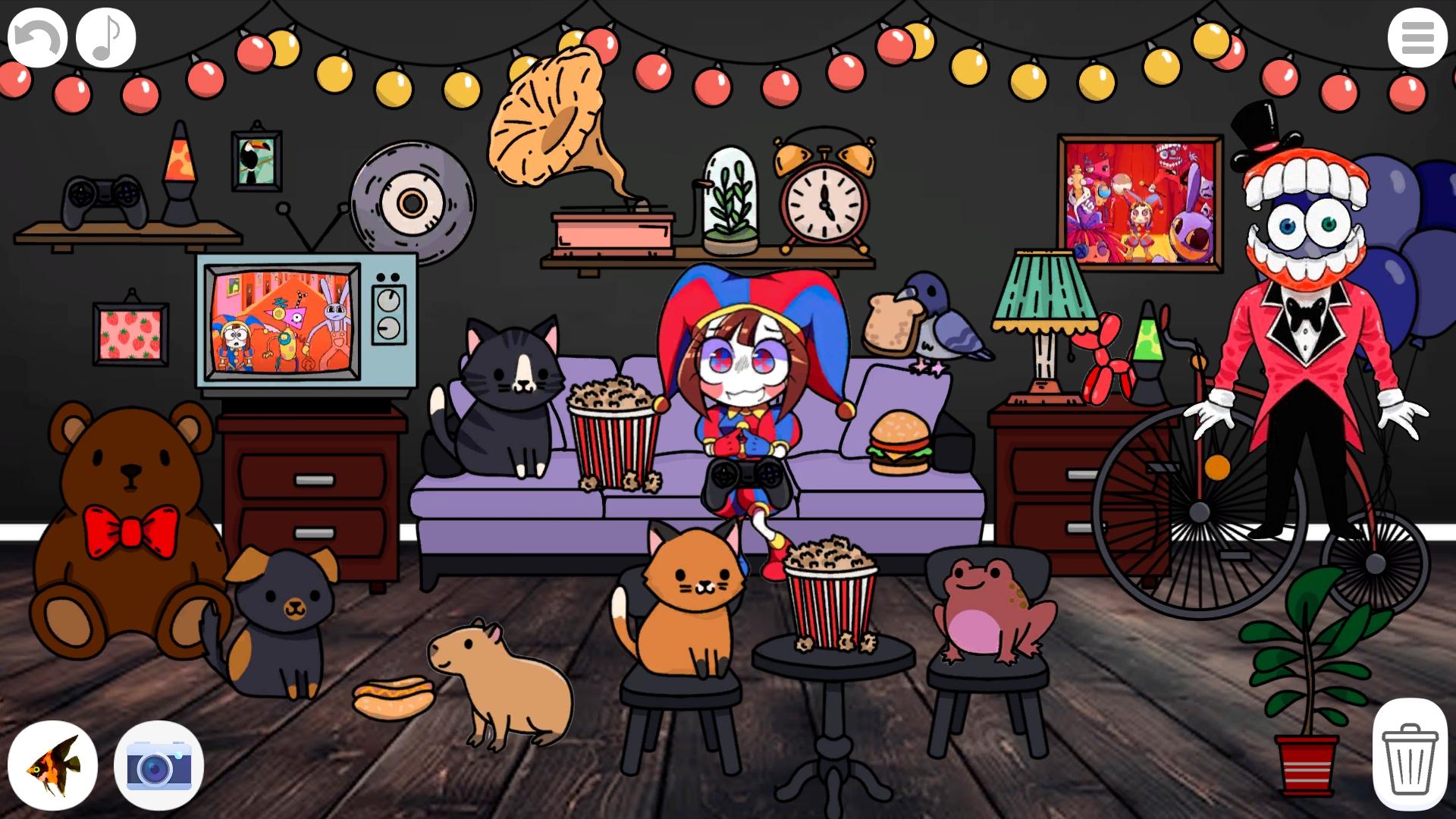
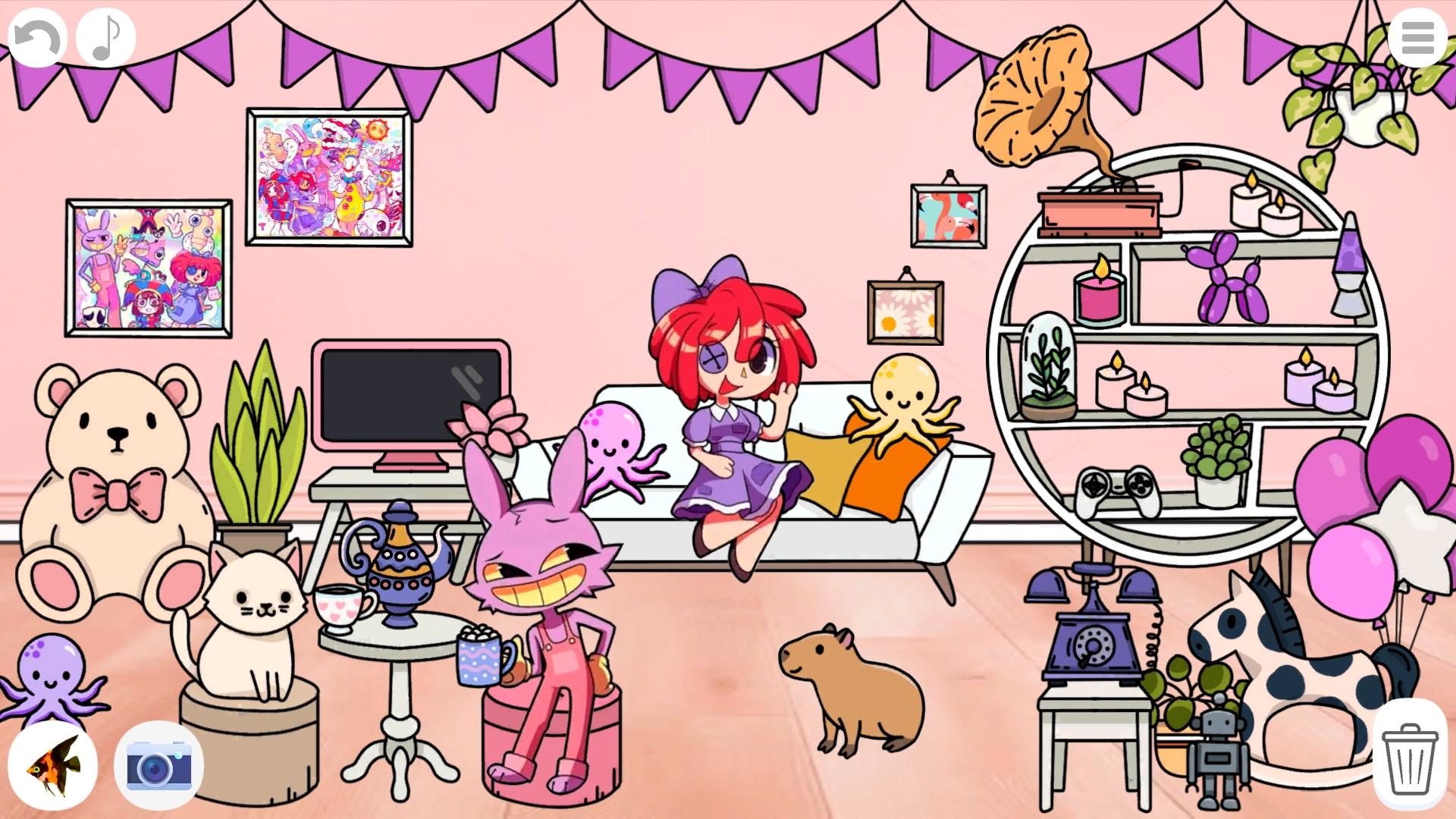
Create your own room in the Digital Circus in this game! Show your imagination and create a room, arrange furniture, paintings, pets, characters, etc. - there are more than 200 elements in the game! Take a screenshot and show off to your friends!
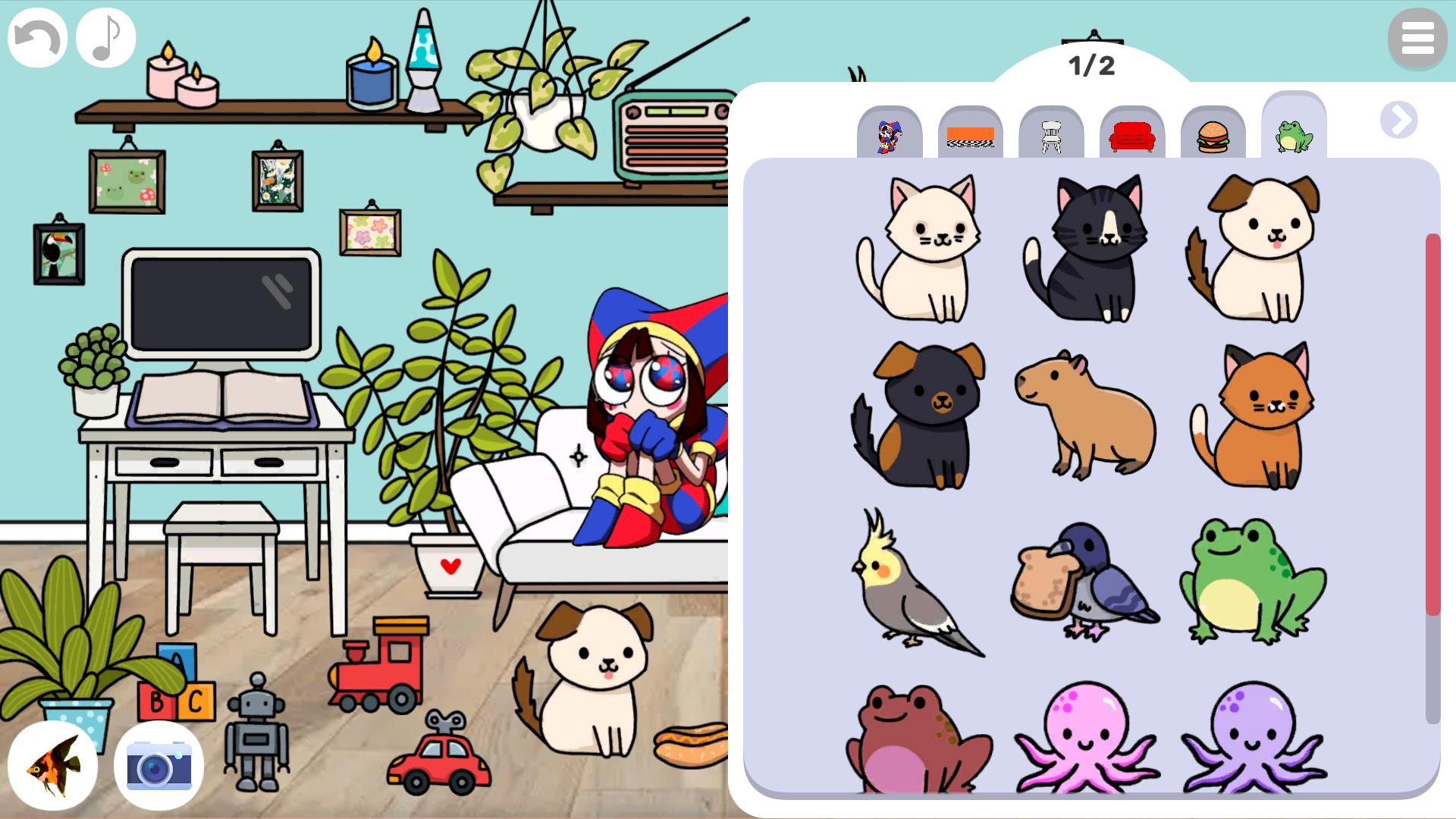
The button in the upper right corner opens and closes the menu. In the menu, click on the category labels to see another category, clicking on the arrows will open new category pages. Click on items in the menu to add them to the room. Click on the menu button again to close it. Click on an element with a background to replace it. Place elements in the room using drag. Click on them to change their sorting order. Click on the trash can in the lower right corner to turn it on. In this mode, clicking on elements will delete them. Click on the trash can again to turn off this mode. Click on the arrow button to undo the last action (20 actions are stored). Click on the note button to turn off the sounds. Click on the camera button to take a screenshot! Click on the fish button to play even more cool games!
Yes. You can play Create your own room in the Digital Circus online for free without buying the game or creating an account.
Yes. The game runs in a modern browser on phones, tablets, laptops, desktops, and Chromebooks.
No. Press Play and the browser game loads directly on this page.
Games related to Create your own room in the Digital Circus.