Free • No download
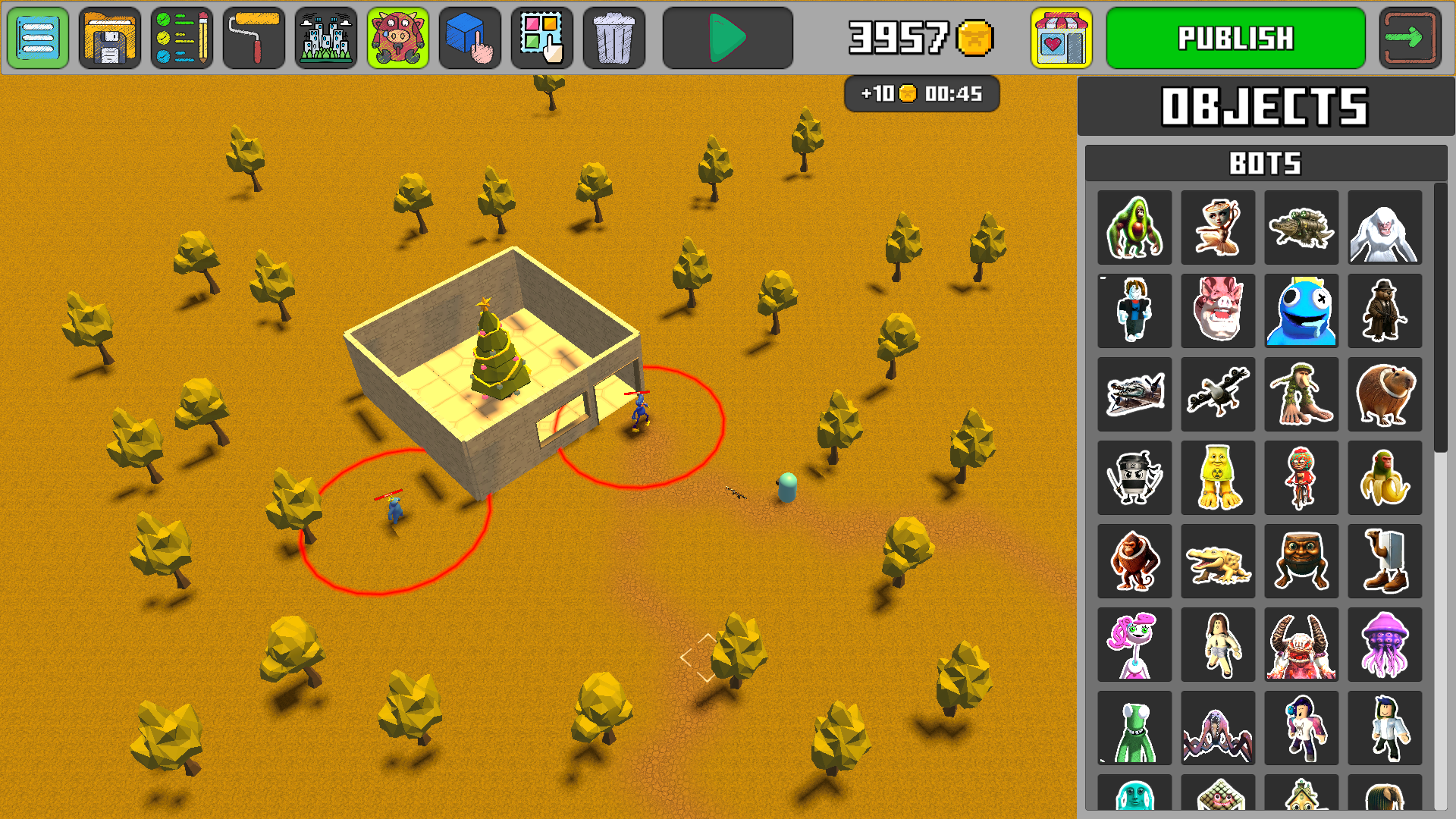
Build your own Roblox world and let your friends enjoy your creation!
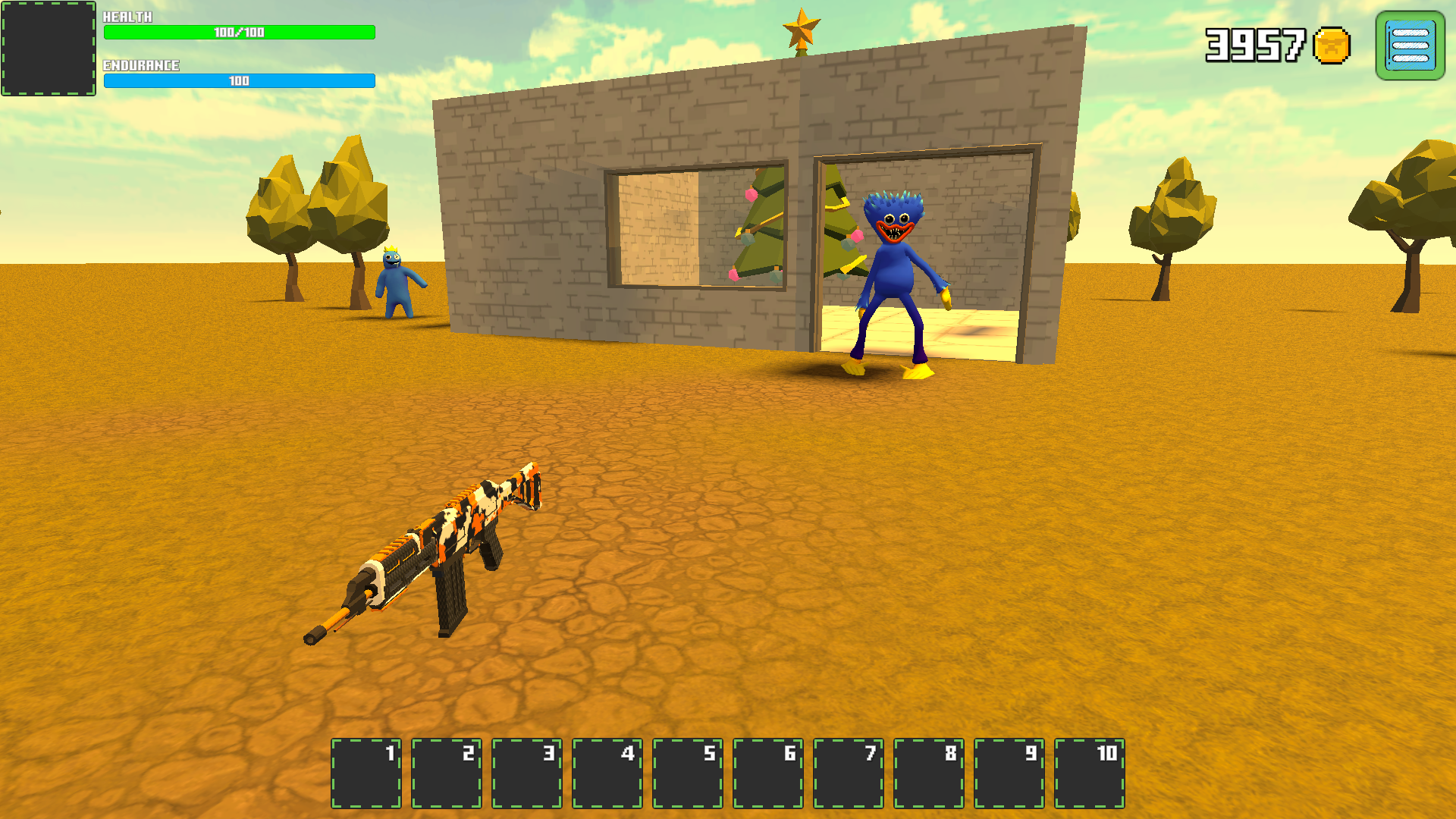
In the game mode, controls are as follows: * Move using the WASD keys. * Jump by pressing the Space bar. * Shoot with the left mouse button. * Switch weapons with the mouse wheel or the Q, E keys. * Use items from inventory cells with the keys 1–0. * Pause the game with Esc. For mobile devices, use virtual buttons and joysticks for control. In the editor mode: * Pan the camera by holding down the right mouse button and moving the mouse. * Zoom in or out with the mouse wheel. * Build using the left mouse button. * Delete an element with the right mouse button. * Rotate an object during construction by clicking on the mouse wheel.
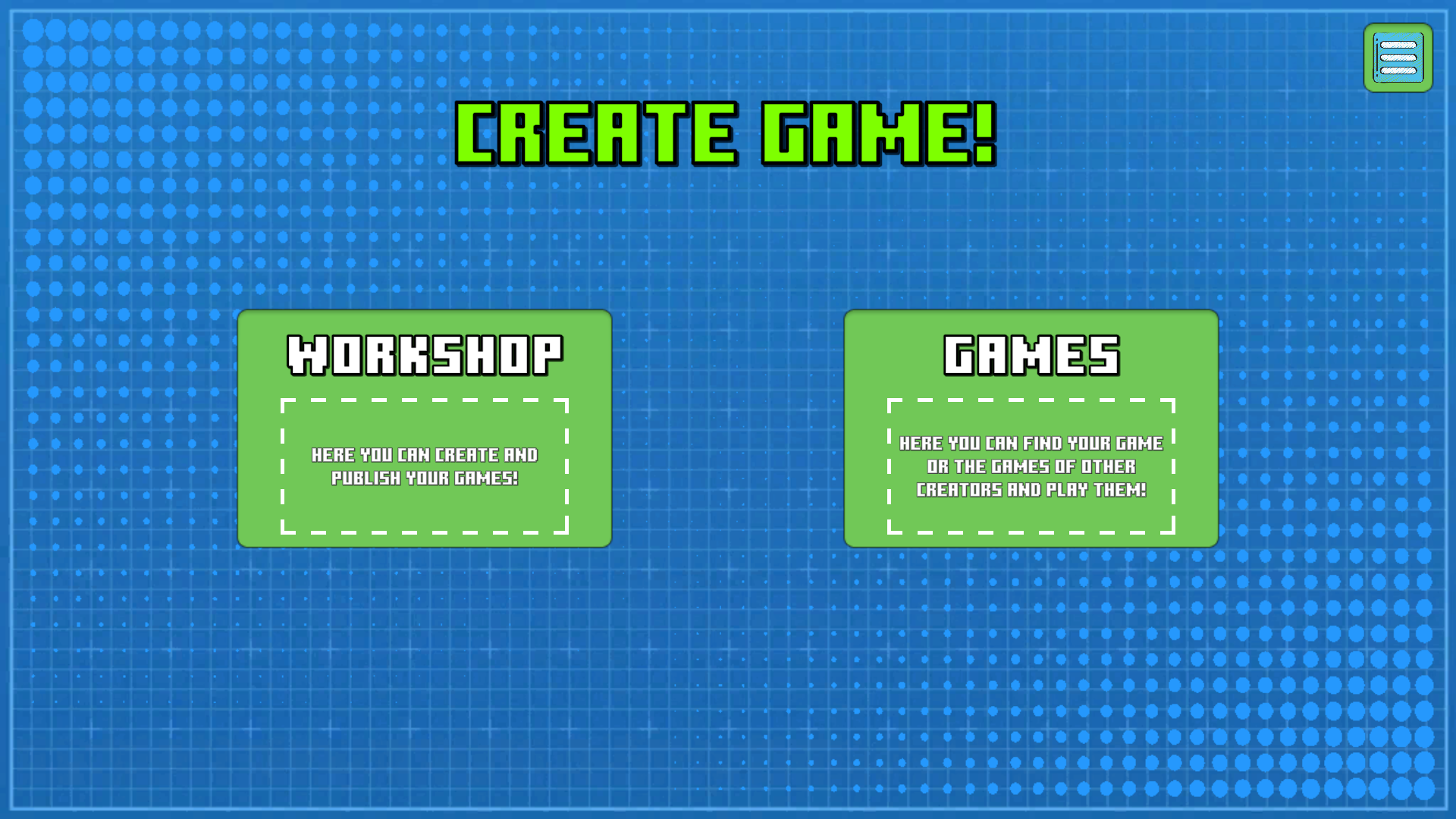
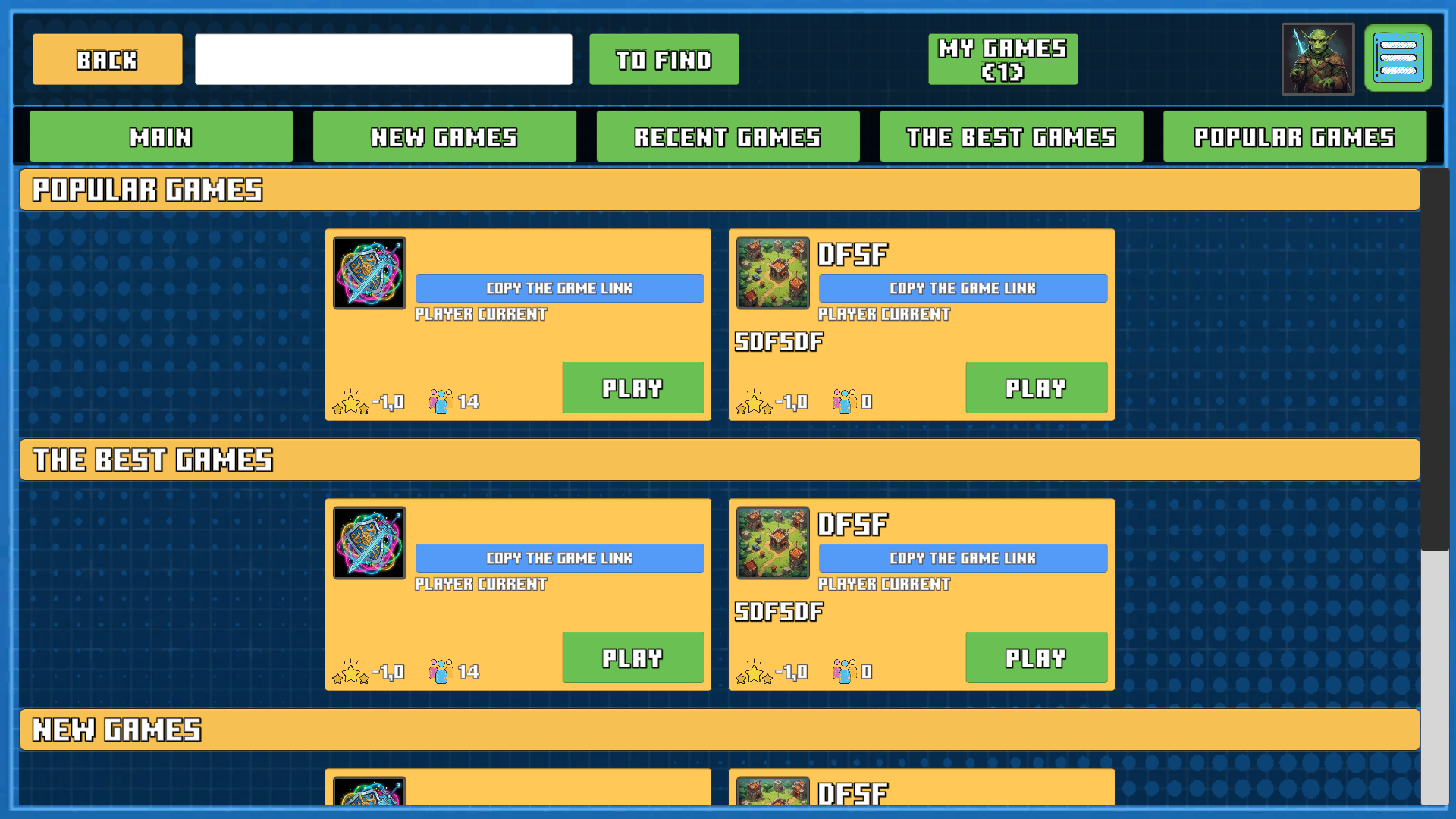
Yes. You can play Create game! online for free without buying the game or creating an account.
Yes. The game runs in a modern browser on phones, tablets, laptops, desktops, and Chromebooks.
No. Press Play and the browser game loads directly on this page.
Games related to Create game!.
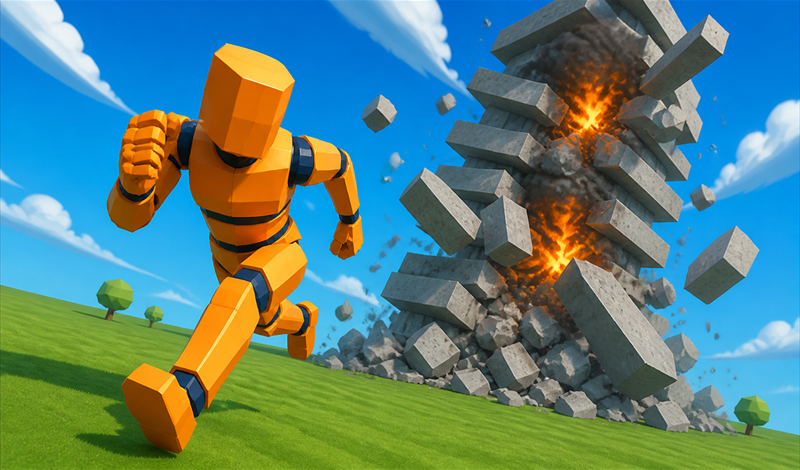
 Destroyer Mobile - Destruction Simulator
 Duck Playground 3D
 Playground
 Schoolboy Simulator: Back to School!
 Sprunki and Nubik Playground: Machine mod
 Super playground: noobs, chips and cola!
 Survival and Prison Escape. Life and Obby.
 99 Nights In The Forest Playground Sandbox
 Air Battle: clear skies
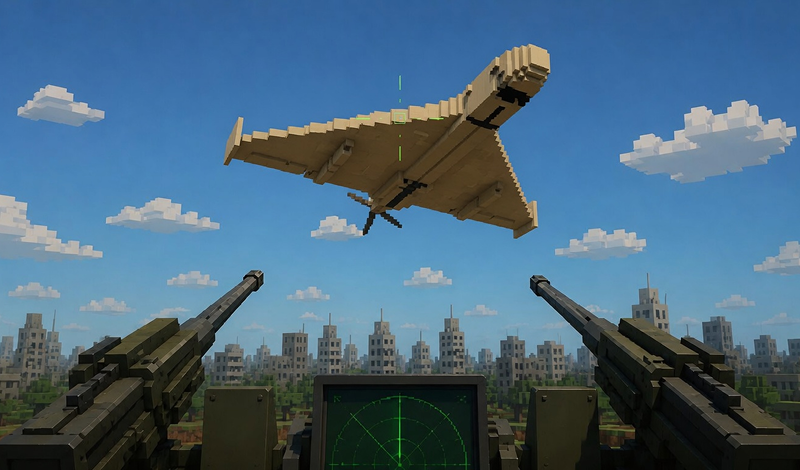
 Air Defense Simulator: Shoot Down the UAV!
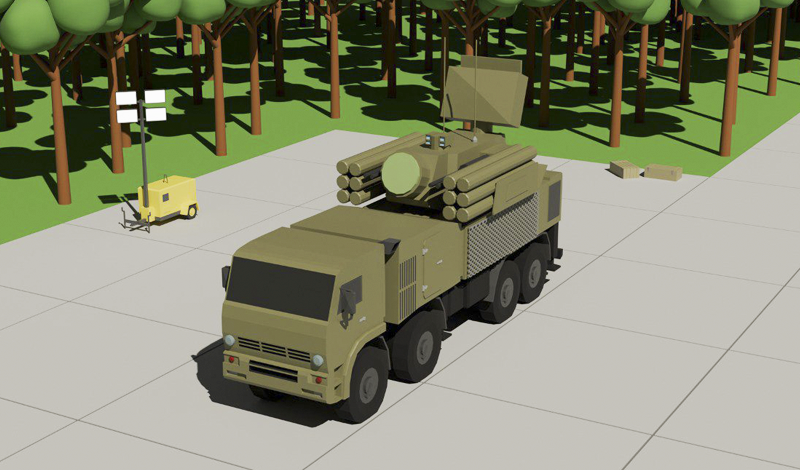
 Air defense simulator!
 Hot
Hot
 Aircraft Simulator 3D