
Free • No download
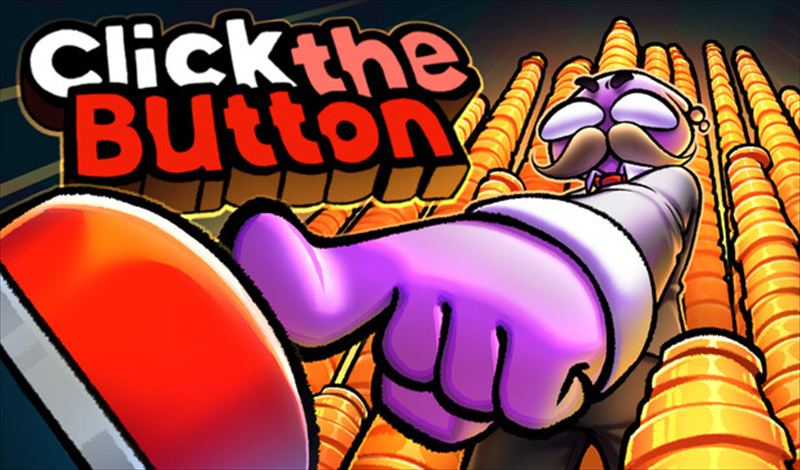
In the game «Click the Button», collect treasures, enhance your button, and unlock permanent abilities in a nostalgic pixel world! Dive into the adventure of collecting and upgrading now!
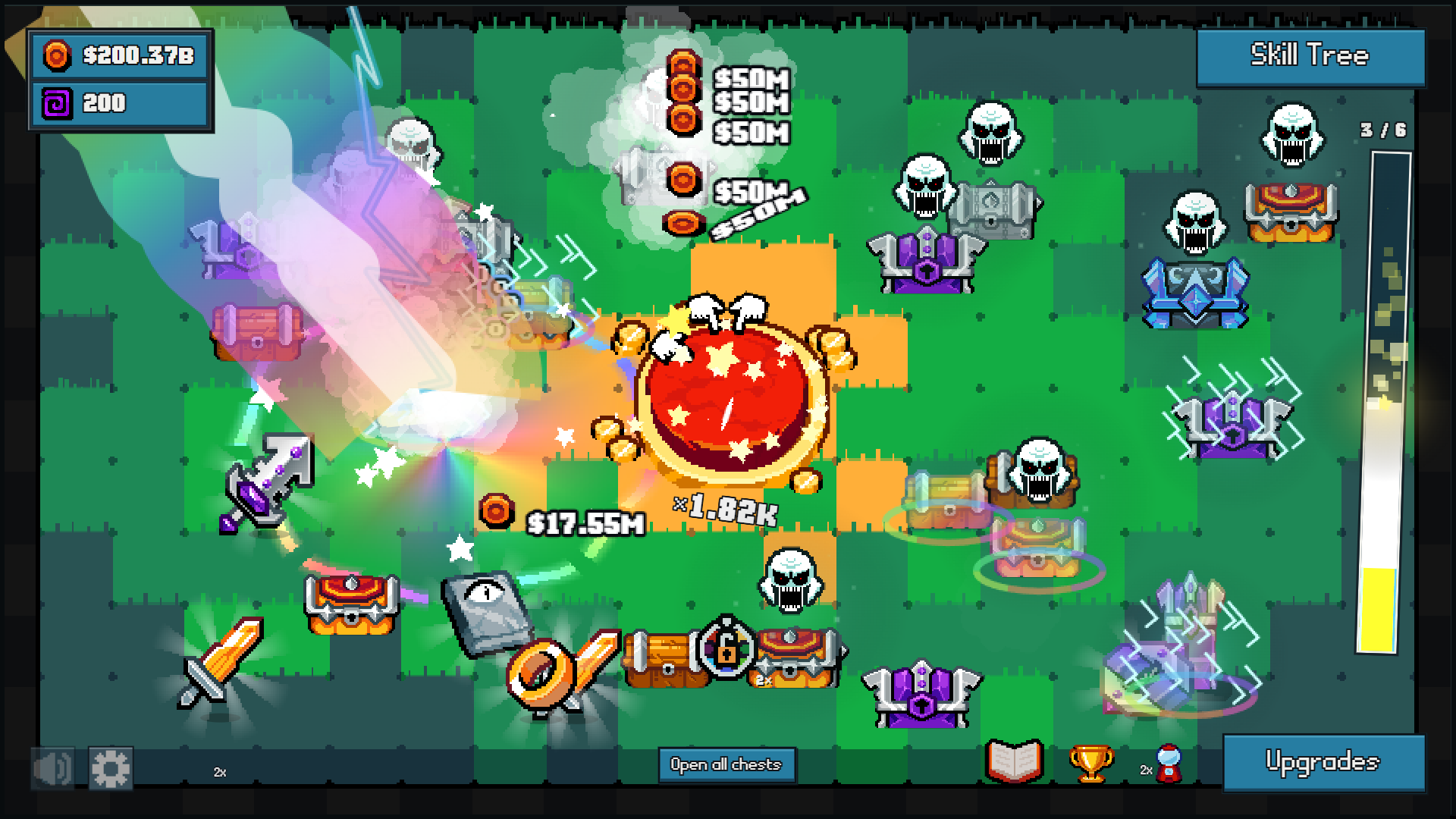
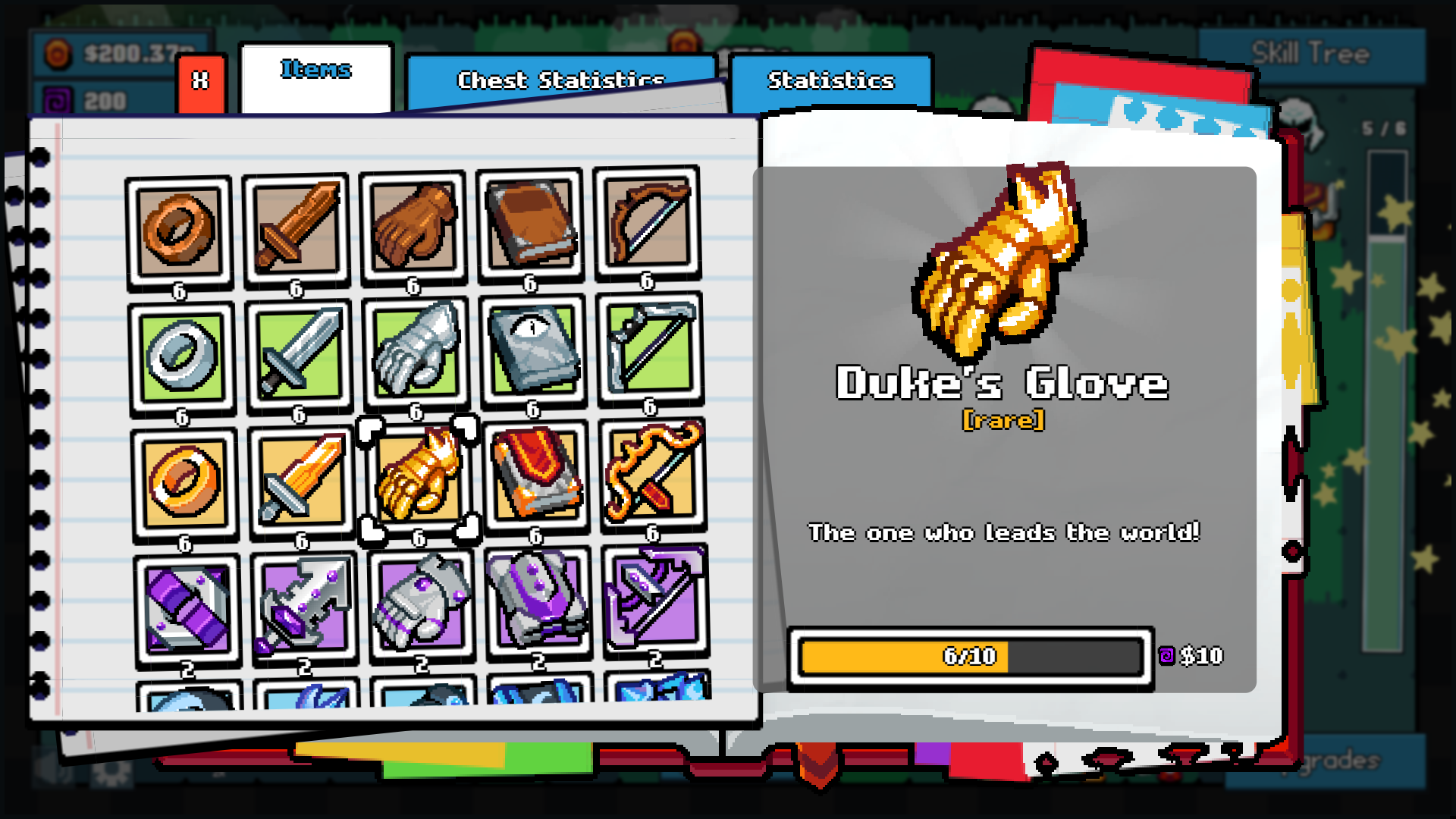
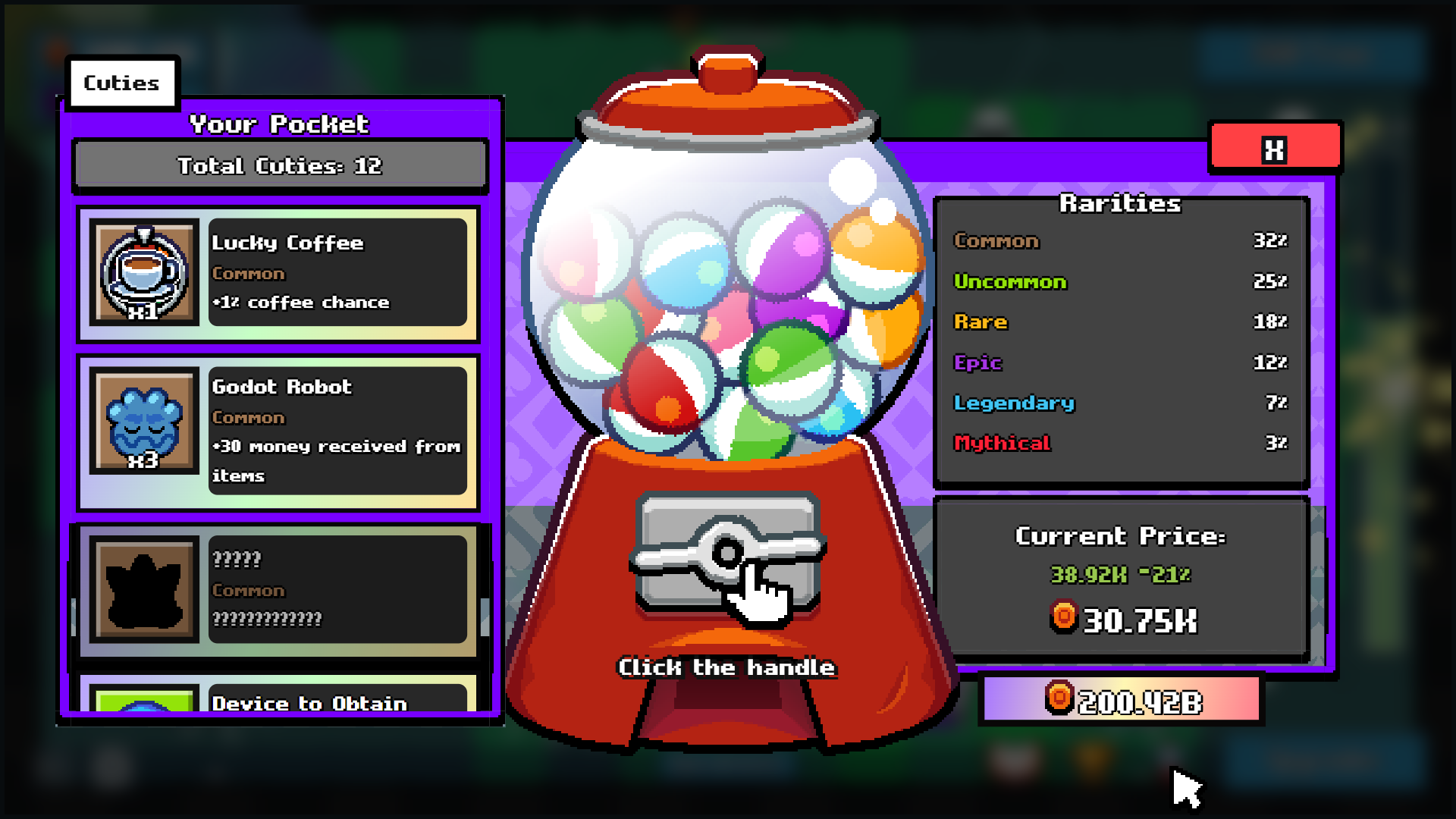
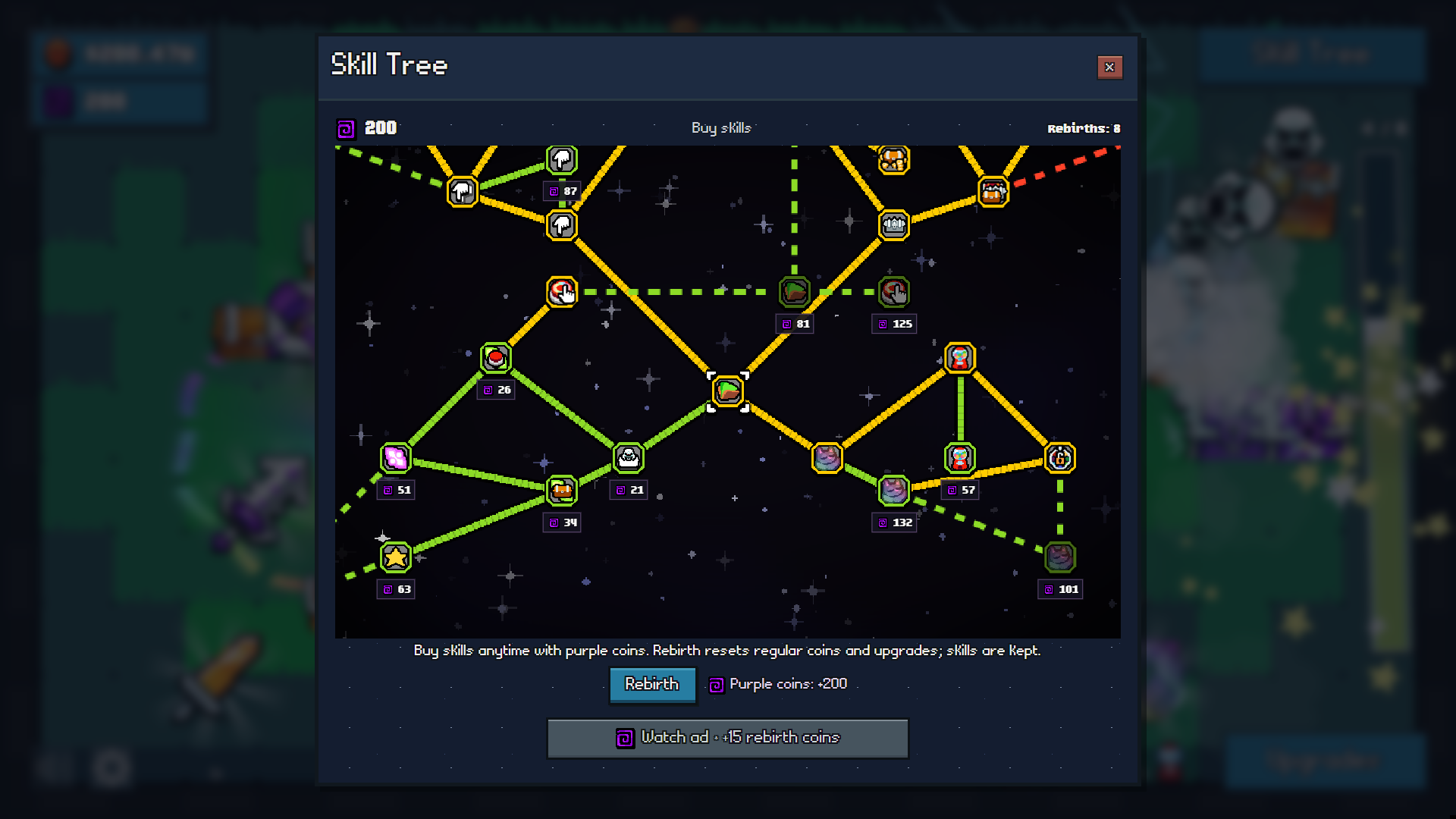
Controls: * Red button: activate with a mouse click, tap, or the Space key to fill the bar and get chests. * Chests: open them by tapping or clicking. Use the «Open all chests» button to open every chest at once. * Items: gather finds by hovering over them or tapping to collect coins. * Upgrades: go to the Upgrades menu and press «Buy» next to the upgrade you want. * Collection: tap the book icon, choose an item. If the target is reached, press «Collect» to get the reward. * Skill tree: move the area with your mouse or finger. Zoom in/out with the mouse wheel or by pinching with two fingers. Hover over a skill to see its description, then click to buy. For touch screens, read the description first, then press «Buy». * Menus: close windows with the cross button. Press Esc to close a window or pause the game.
Yes. You can play Click the Button online for free without buying the game or creating an account.
Yes. The game runs in a modern browser on phones, tablets, laptops, desktops, and Chromebooks.
No. Press Play and the browser game loads directly on this page.
Games related to Click the Button.