Free • No download
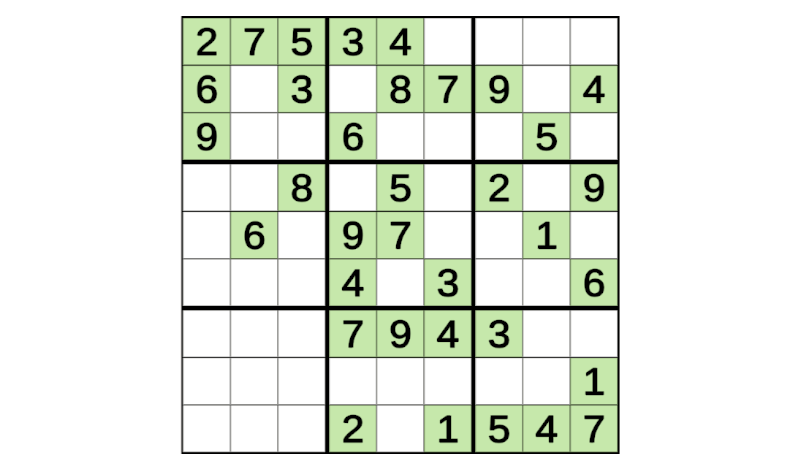
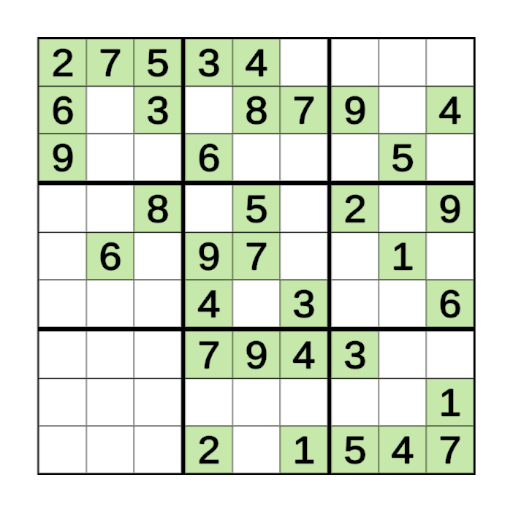
Challenge your logic skills with Classic Sudoku (9x9)! Enjoy this addictive online puzzle game for free and see how fast you can solve it.
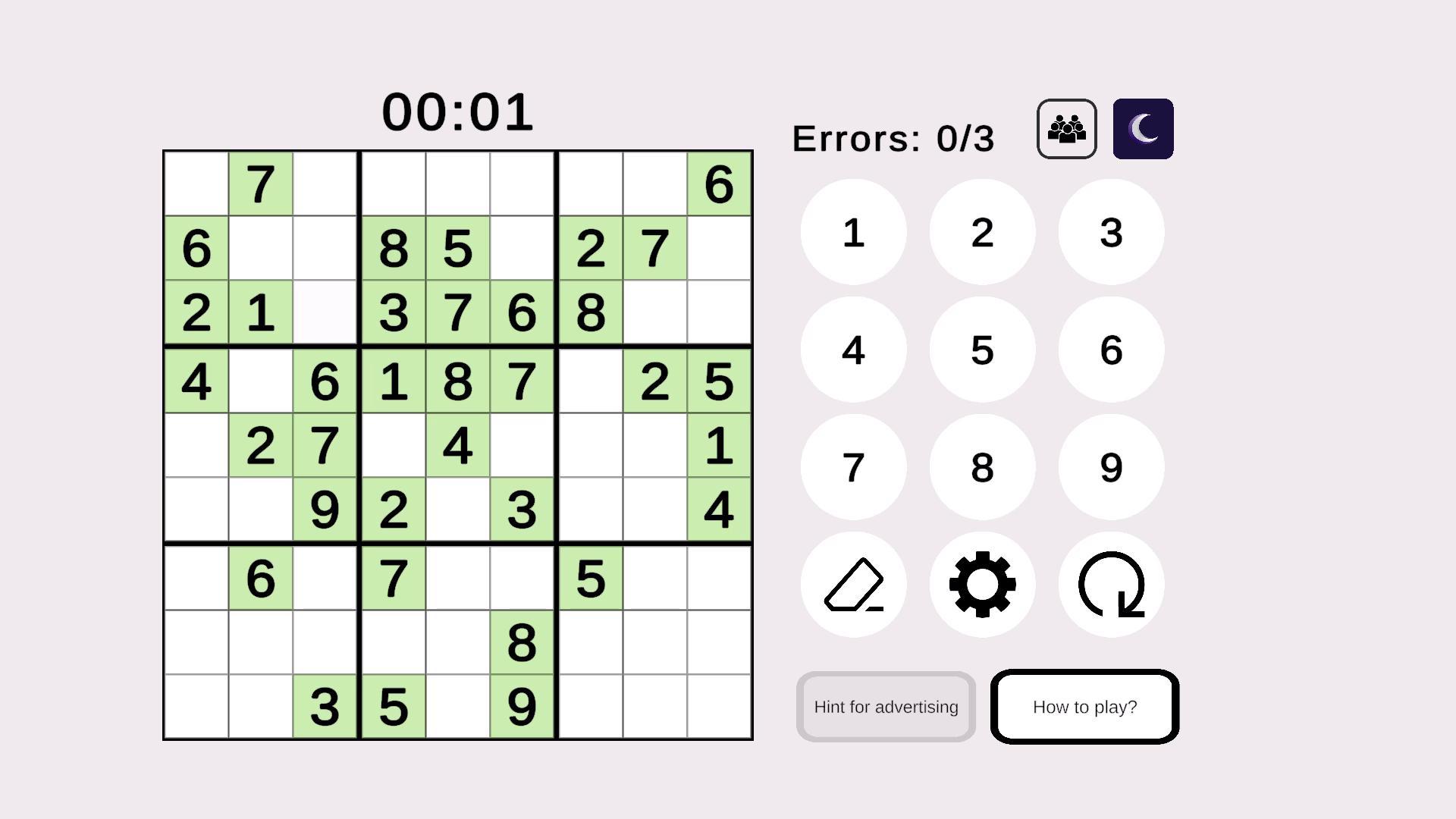
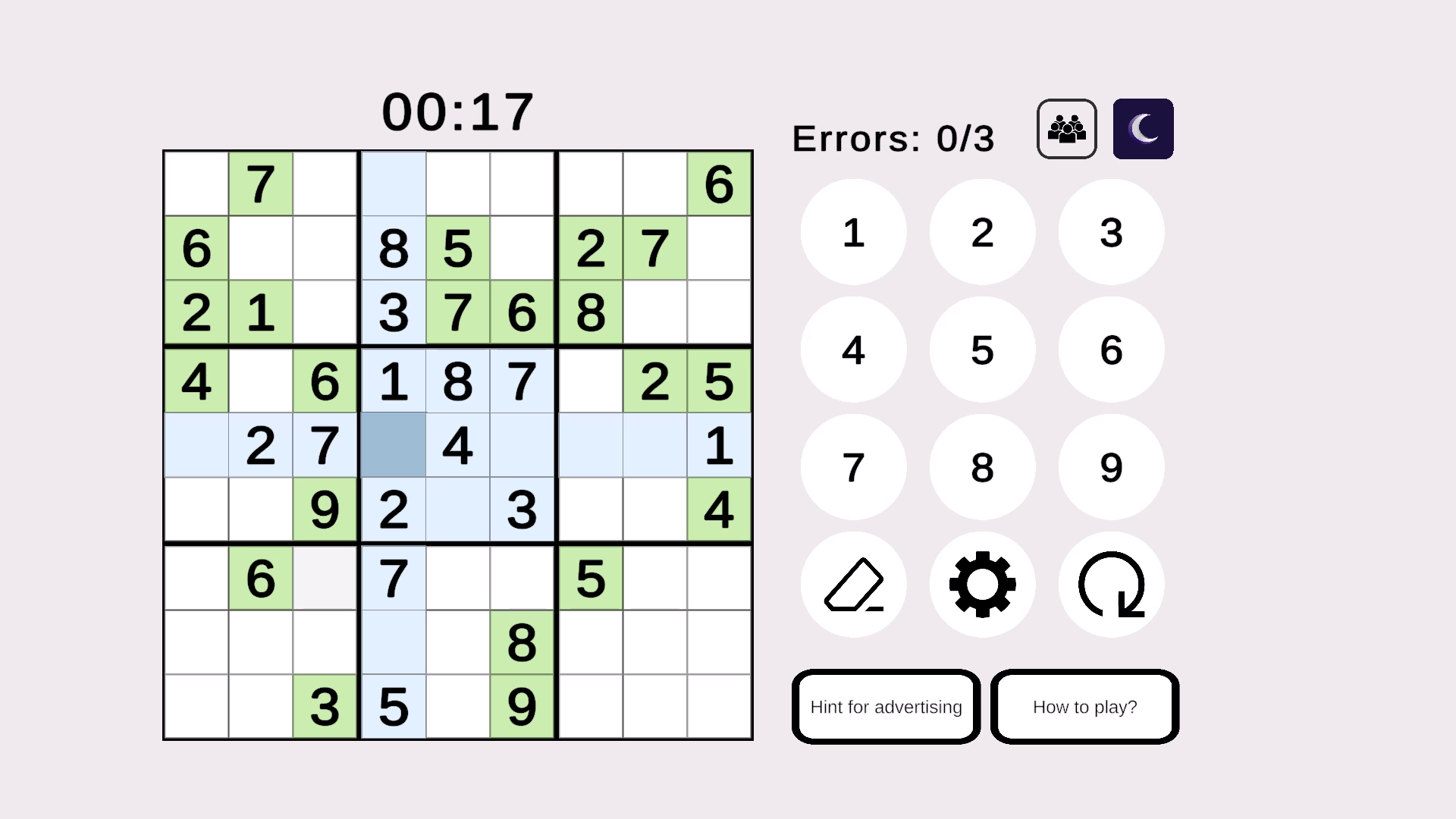
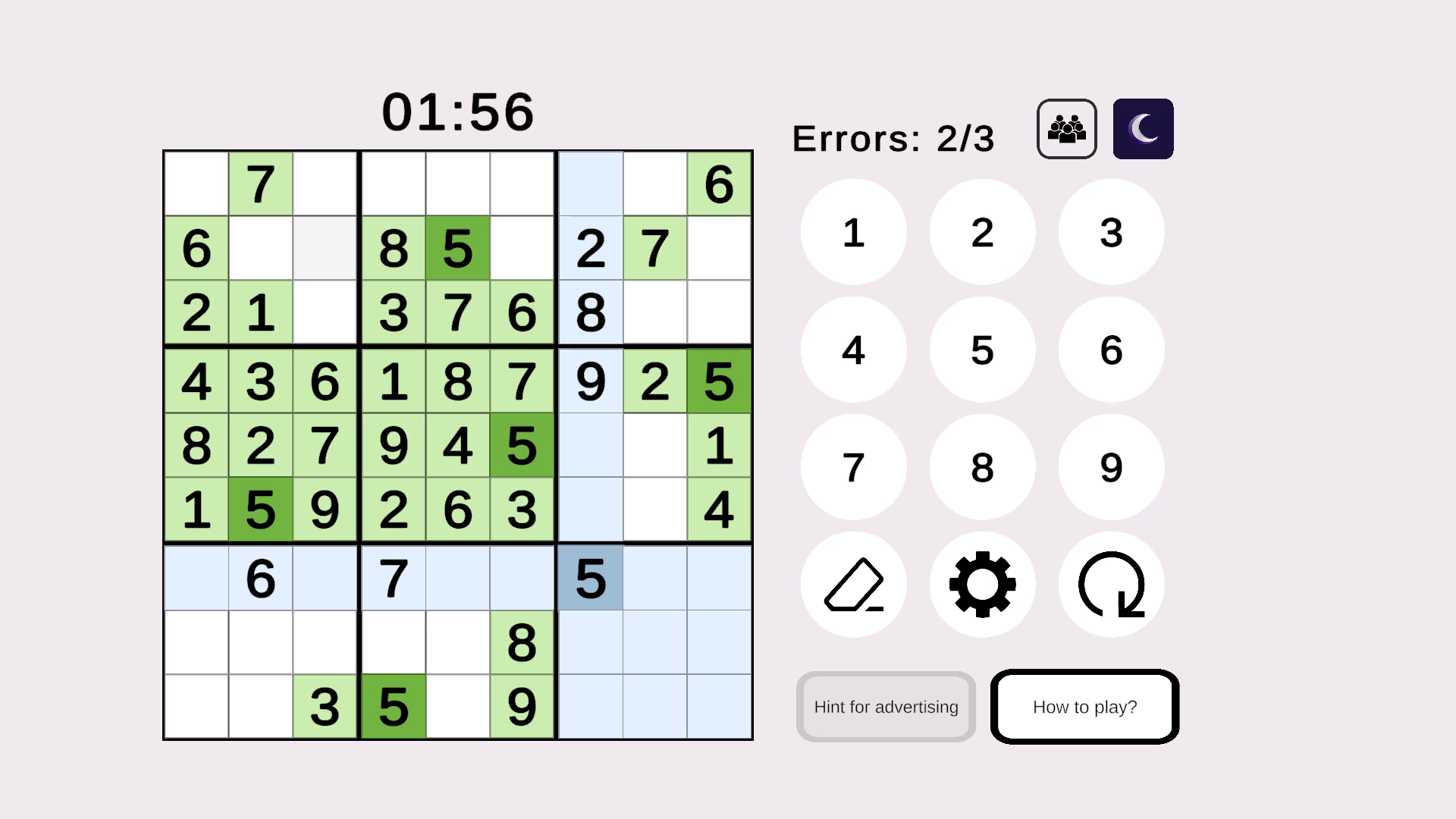
You need to fill in all the empty cells in the 9x9 grid with numbers from 1 to 9, observing the following rules: * Each row must contain all numbers from 1 to 9 without repetition. * Every column should have each number appearing only once. * Within each 3x3 subgrid (highlighted boldly), numbers must not be duplicated. Controls: * To input a number, click on an empty cell (it will highlight), then select the desired digit from the control panel. Editing modes are switched using the "Eraser" button: * Green indicator (note mode) lets you enter multiple digits in a cell. * Red indicator (clear mode) removes all digits and notes from a cell upon clicking. * White indicator (normal mode) is the standard mode for entering final digits (like a pen). Tip: If you're stuck, click the "Hint" button with a cell highlighted, and a correct digit will be automatically filled in.
Yes. You can play Classic Sudoku (9x9) online for free without buying the game or creating an account.
Yes. The game runs in a modern browser on phones, tablets, laptops, desktops, and Chromebooks.
No. Press Play and the browser game loads directly on this page.
Games related to Classic Sudoku (9x9).