Free • No download
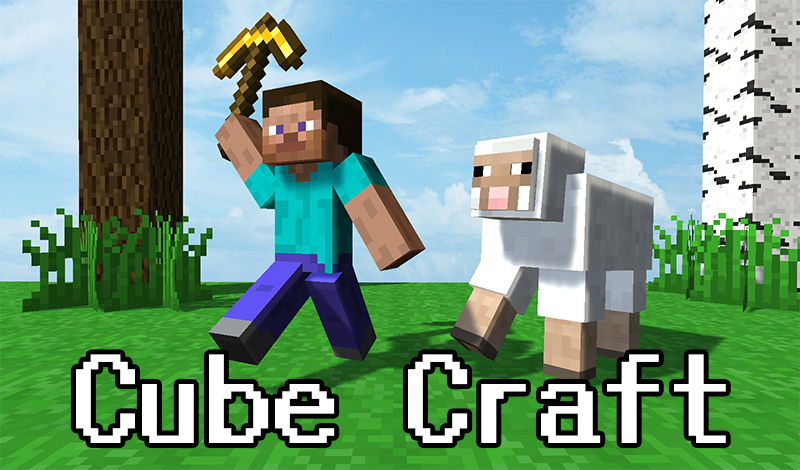
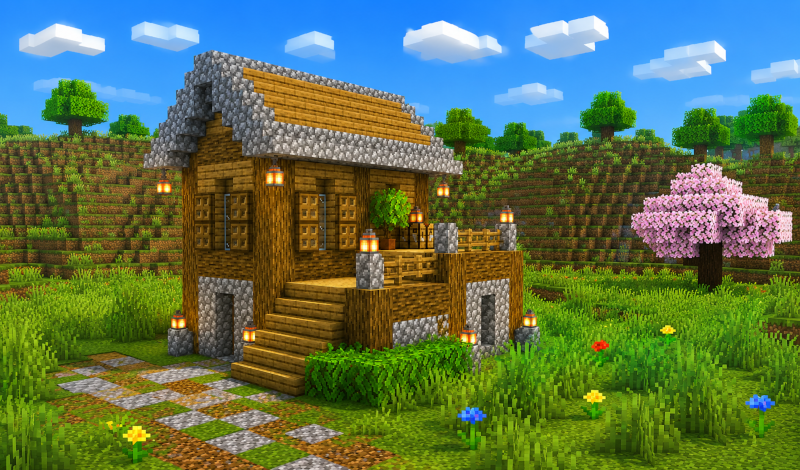
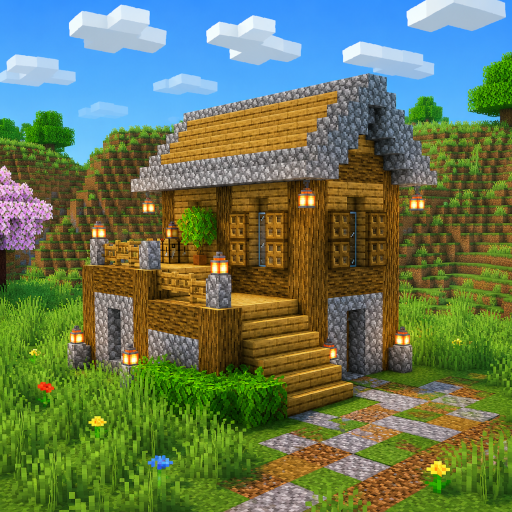
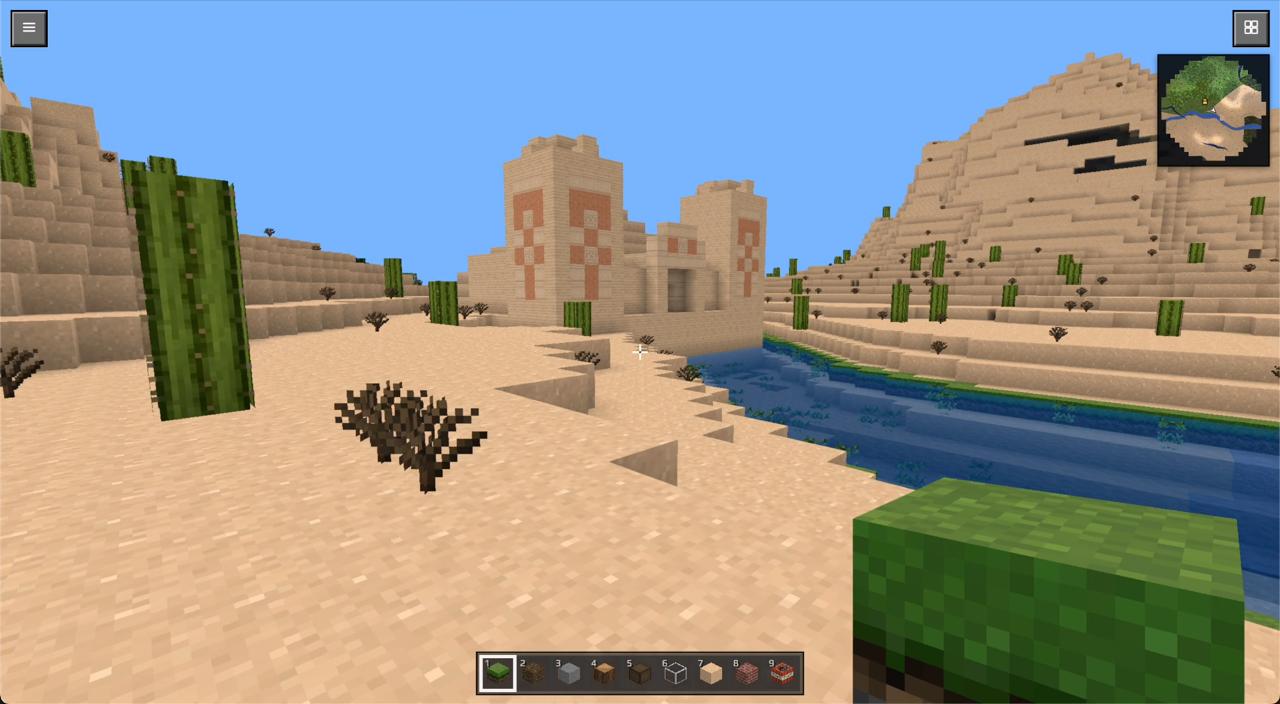
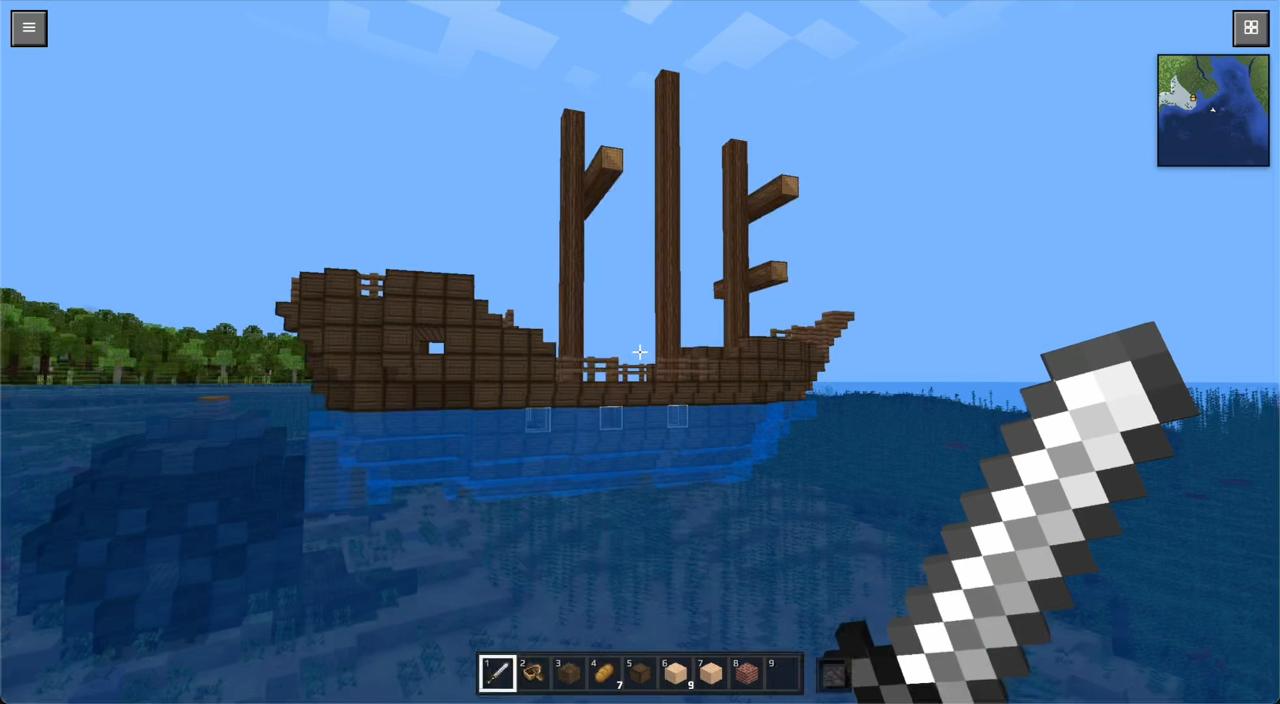
Dive into a world of voxel blocks! Build, explore diverse biomes, and unleash TNT in this free online Minecraft-style sandbox game — BlockCraft awaits, no download or registration needed.
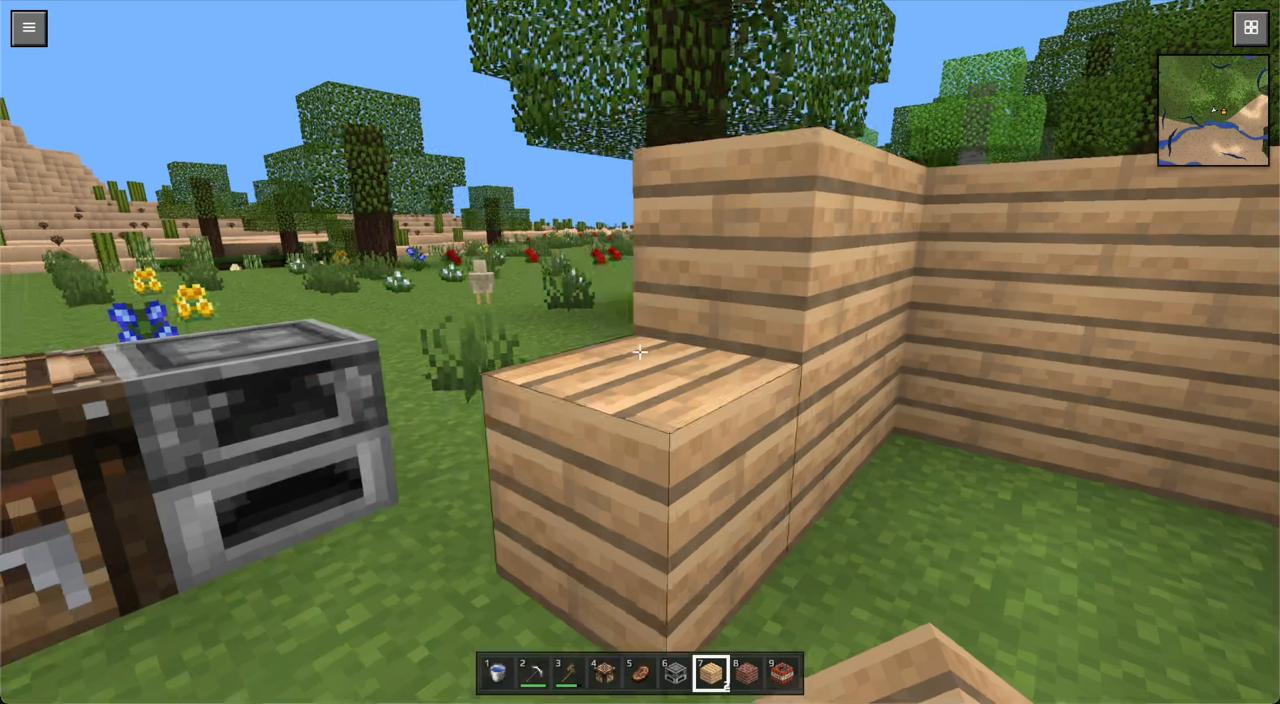
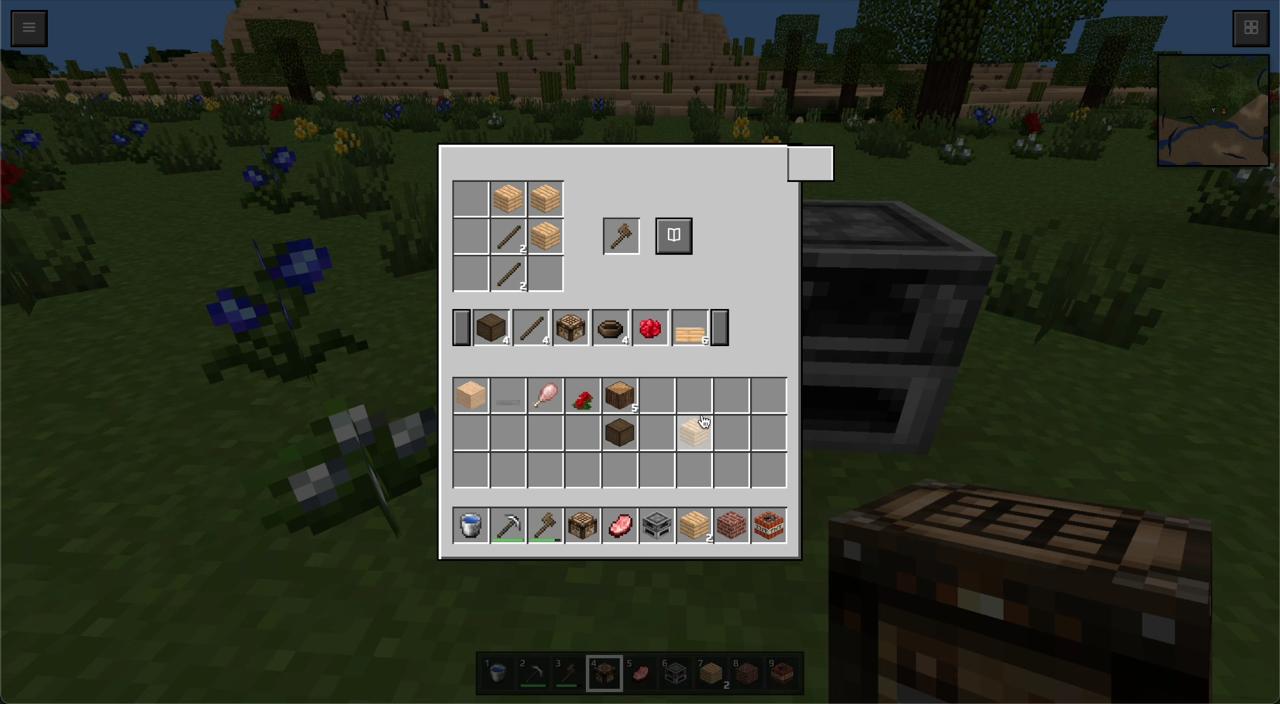
On a phone: To move — use the joystick on the left side of the screen. To look around — swipe your finger across the screen. To place a block — tap quickly on the desired spot in the world. To break a block — press and hold your finger on it; continue holding and slide to destroy several blocks in a row. To jump — use the round button on the right; double-tap it to switch to flying mode (a descend button will appear next to it). The current block you're holding is displayed in the bottom-right corner. The grid icon in the top-right opens the inventory, and the hotbar is located at the bottom. On a computer: To move — press WASD. To look around — use the mouse. Left mouse button — break a block, right button — place a block. Space — jump, double-tap — fly. E — open the inventory. Number keys 1–9 or the mouse wheel — select a block.
Yes. You can play BlockCraft online for free without buying the game or creating an account.
Yes. The game runs in a modern browser on phones, tablets, laptops, desktops, and Chromebooks.
No. Press Play and the browser game loads directly on this page.
Games related to BlockCraft.