Free • No download
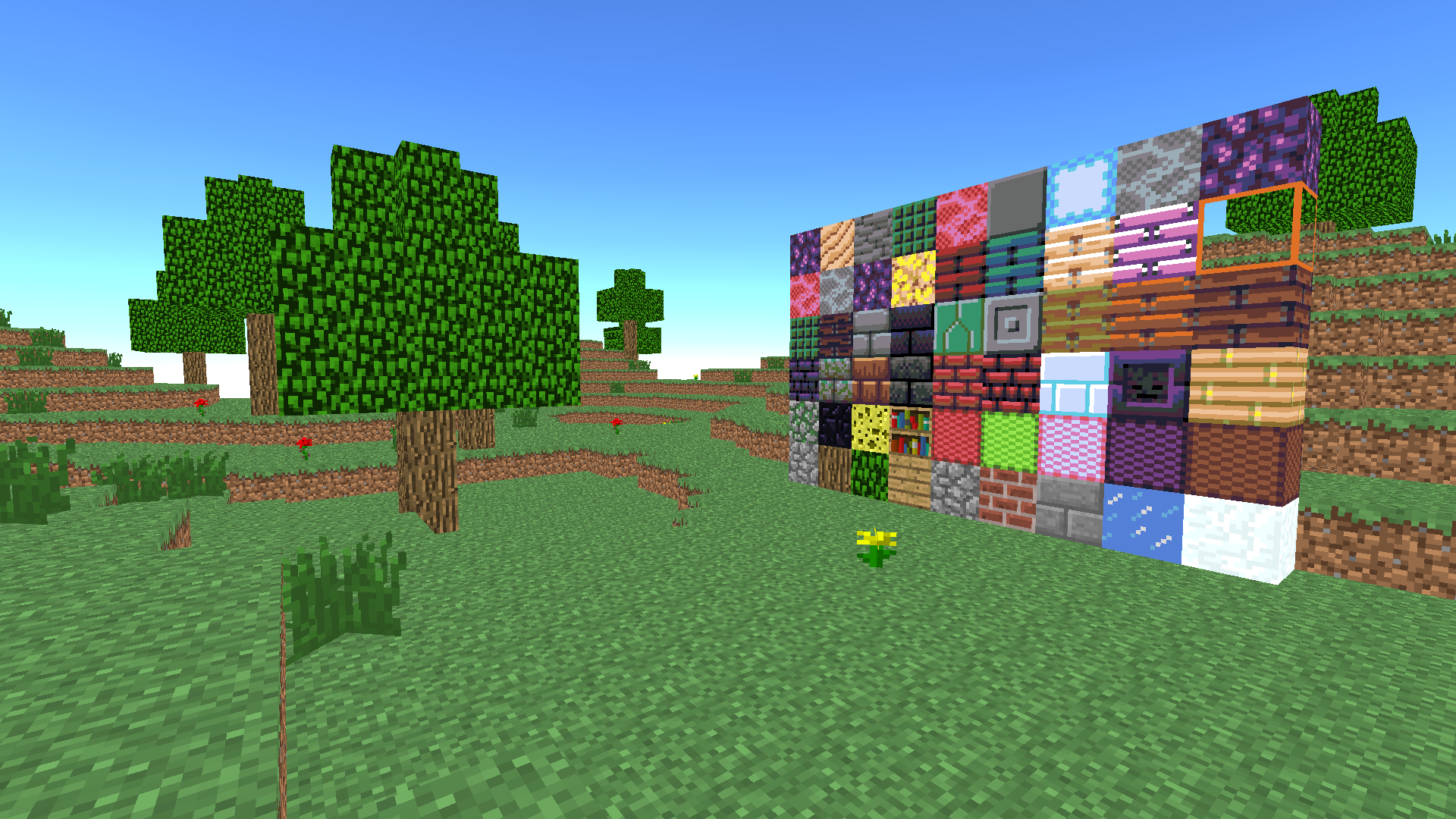
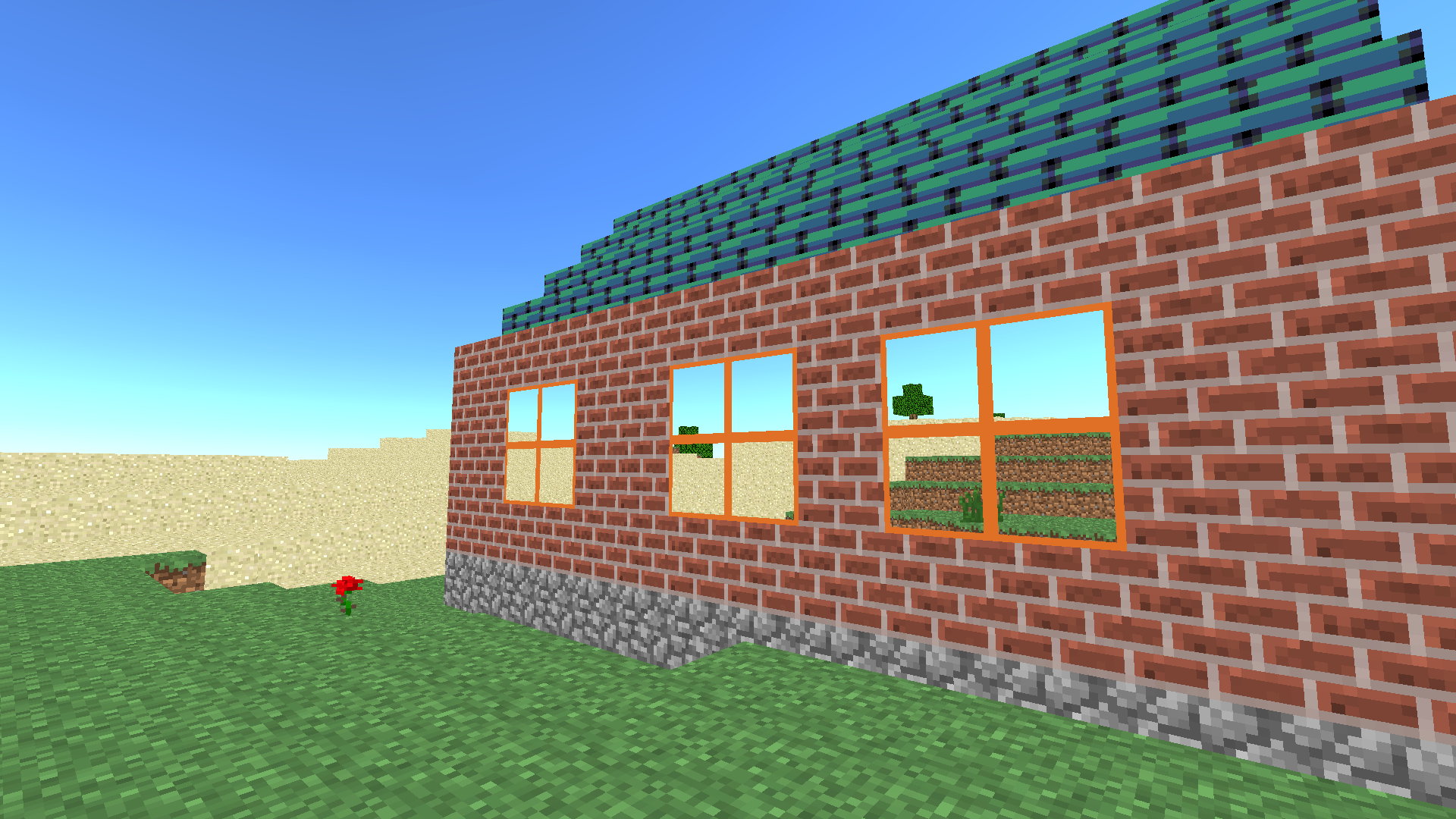
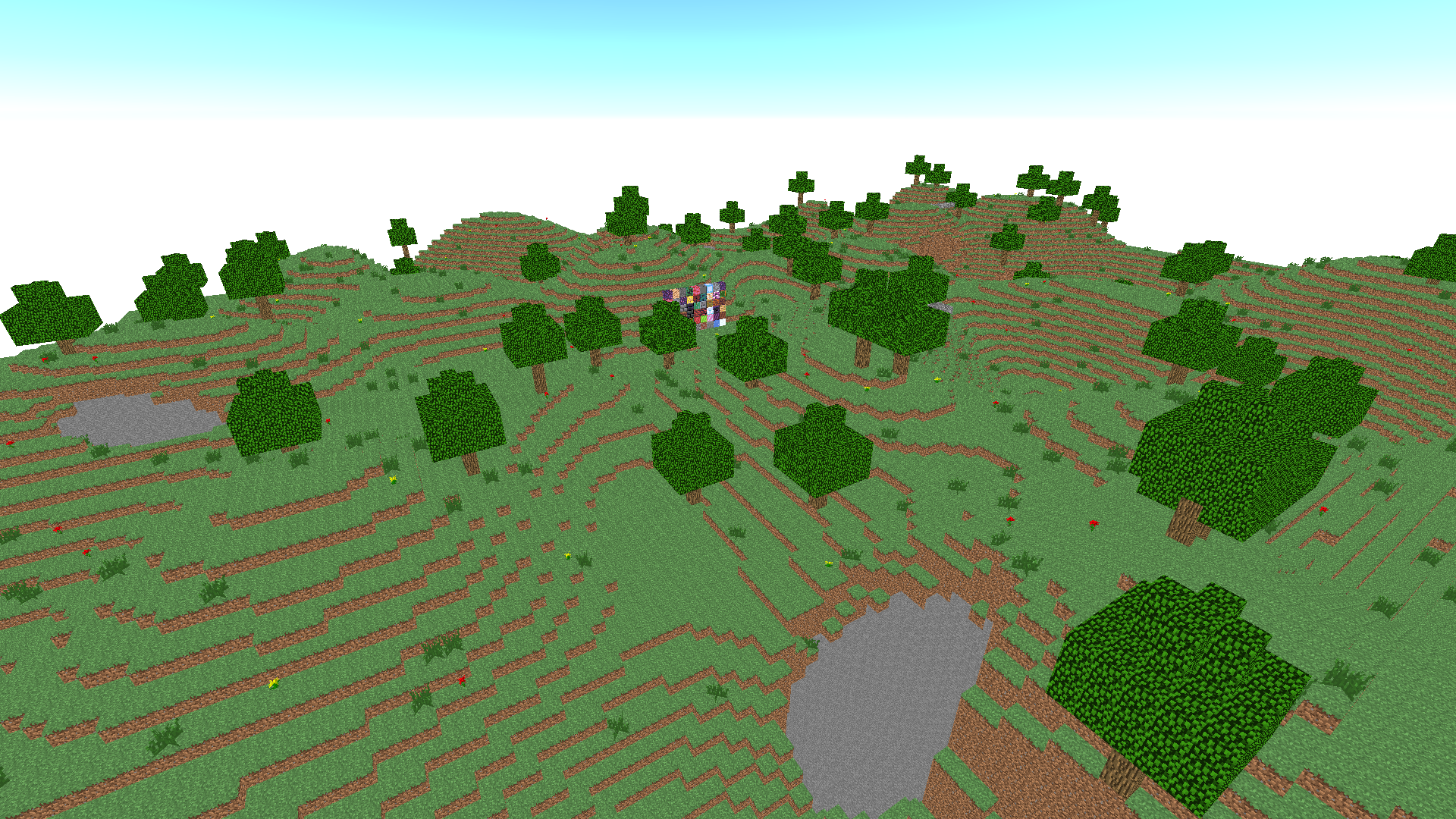
Create unique houses and buildings in a game reminiscent of Minecraft! Use many different blocks to build. There are no restrictions on resources – only creativity and endless opportunities to implement your ideas.
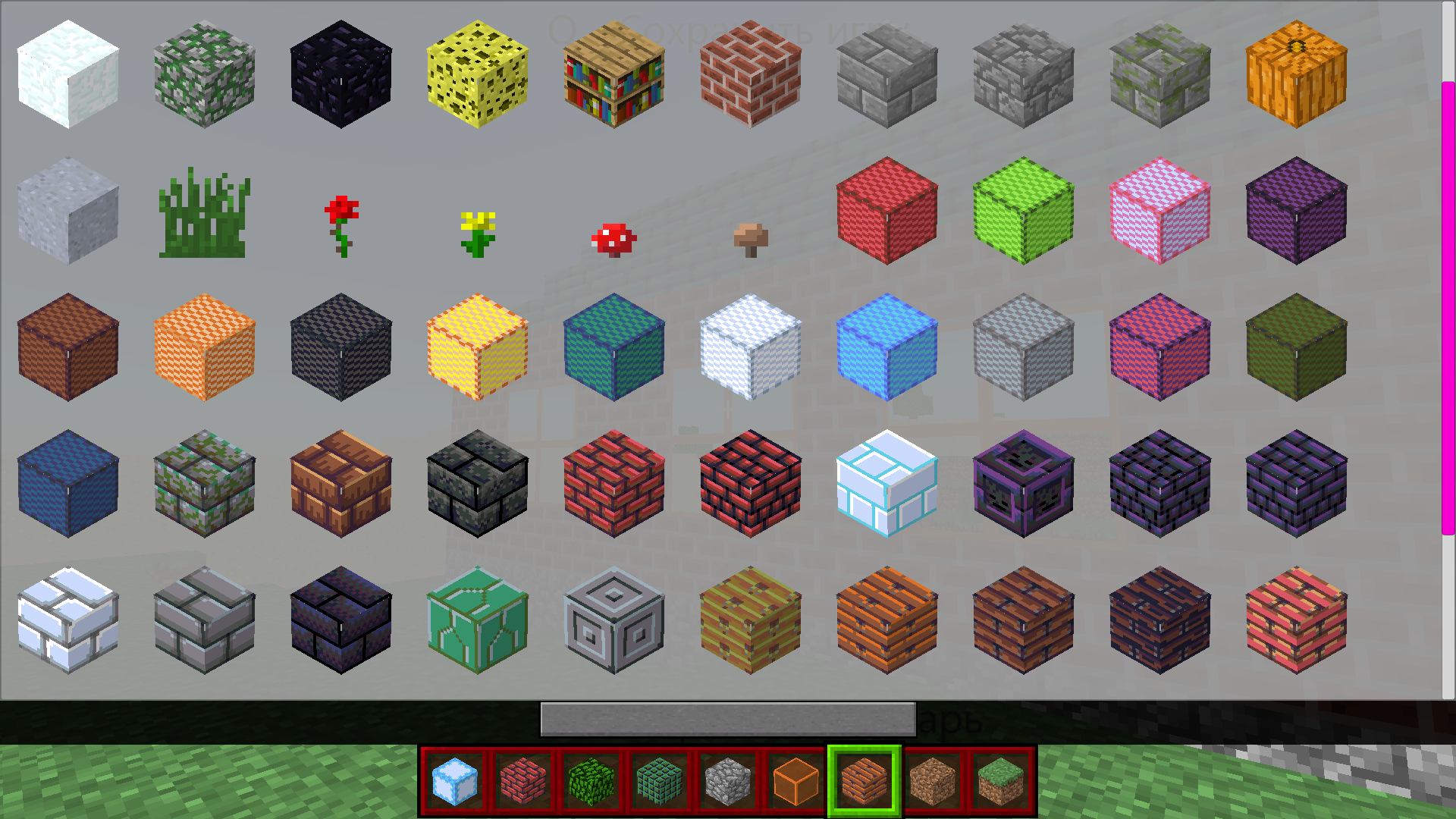
PC management: Character Management - WASD Space Jump Flight Mode - F (On/Off) Fly up - Space bar (when flight mode is on) Fly down- Shift (when flight mode is on) Open Inventory - E Save the map - Q Break the block - left mouse button Put a block - right mouse button Change the current mouse wheel block Control on the phone: Character control - arrow buttons in the lower left corner Jump - down arrow button in the lower right corner Flight mode - a button with wings in the upper right corner Fly up/down - arrow buttons in the lower right corner (when flight mode is on) To open the inventory, click on the panel with the blocks at the bottom in the center To save the map, click on the button with the file at the top in the center To turn on the mode to place blocks, click on the button with the cube in the upper left corner Break the block by tapping on the screen Put a block - tap on the screen (if the block mode is enabled) Change the current block -yellow arrow buttons
Yes. You can play Block Craft 3D online for free without buying the game or creating an account.
Yes. The game runs in a modern browser on phones, tablets, laptops, desktops, and Chromebooks.
No. Press Play and the browser game loads directly on this page.
Games related to Block Craft 3D.