
Free • No download
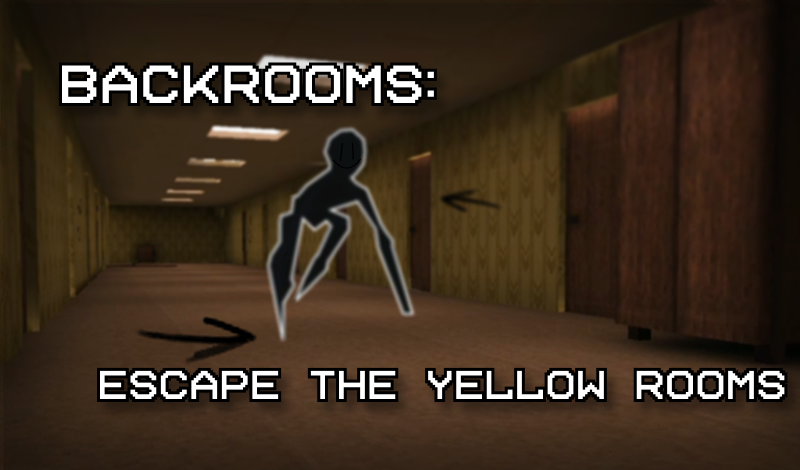
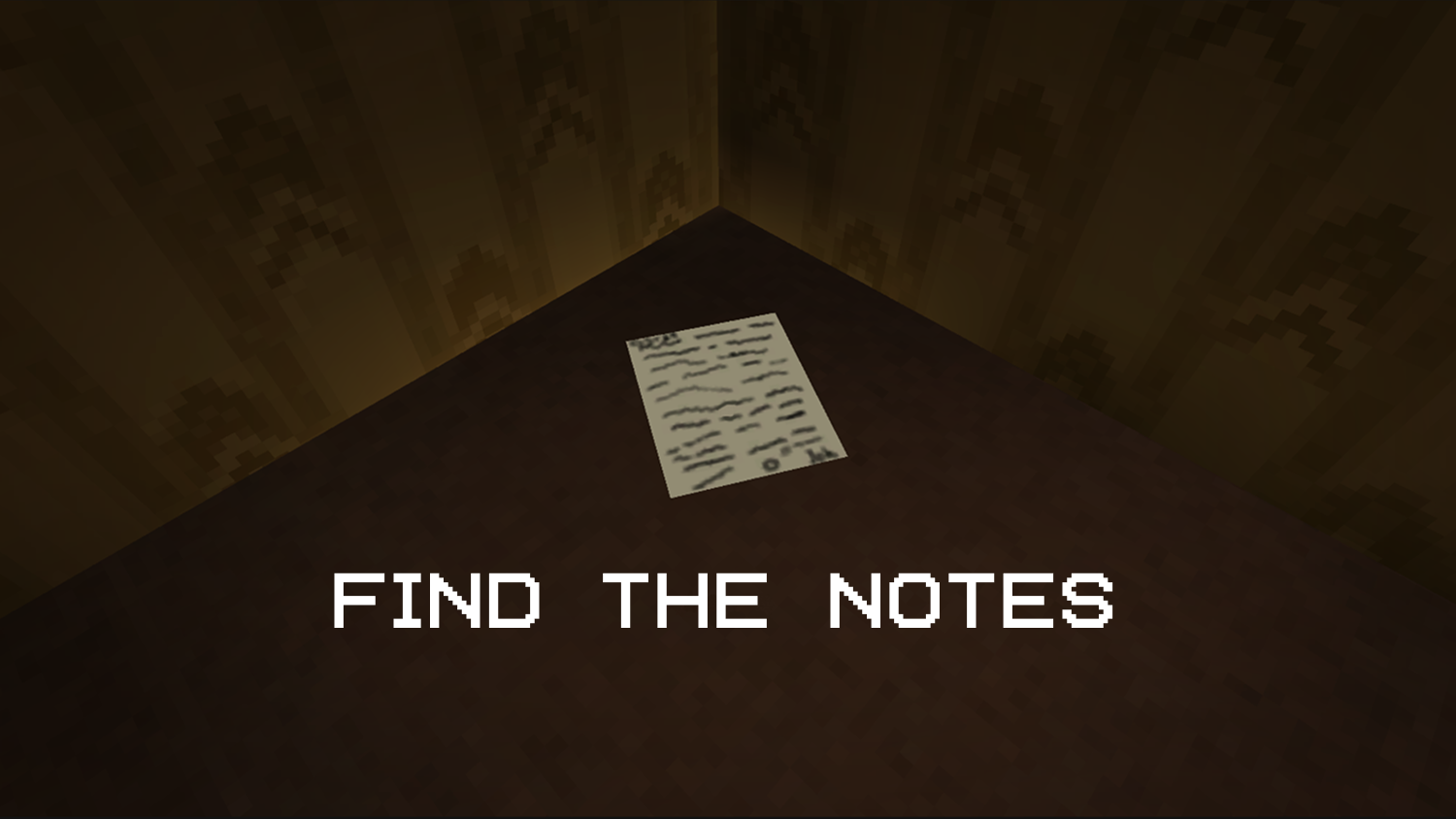
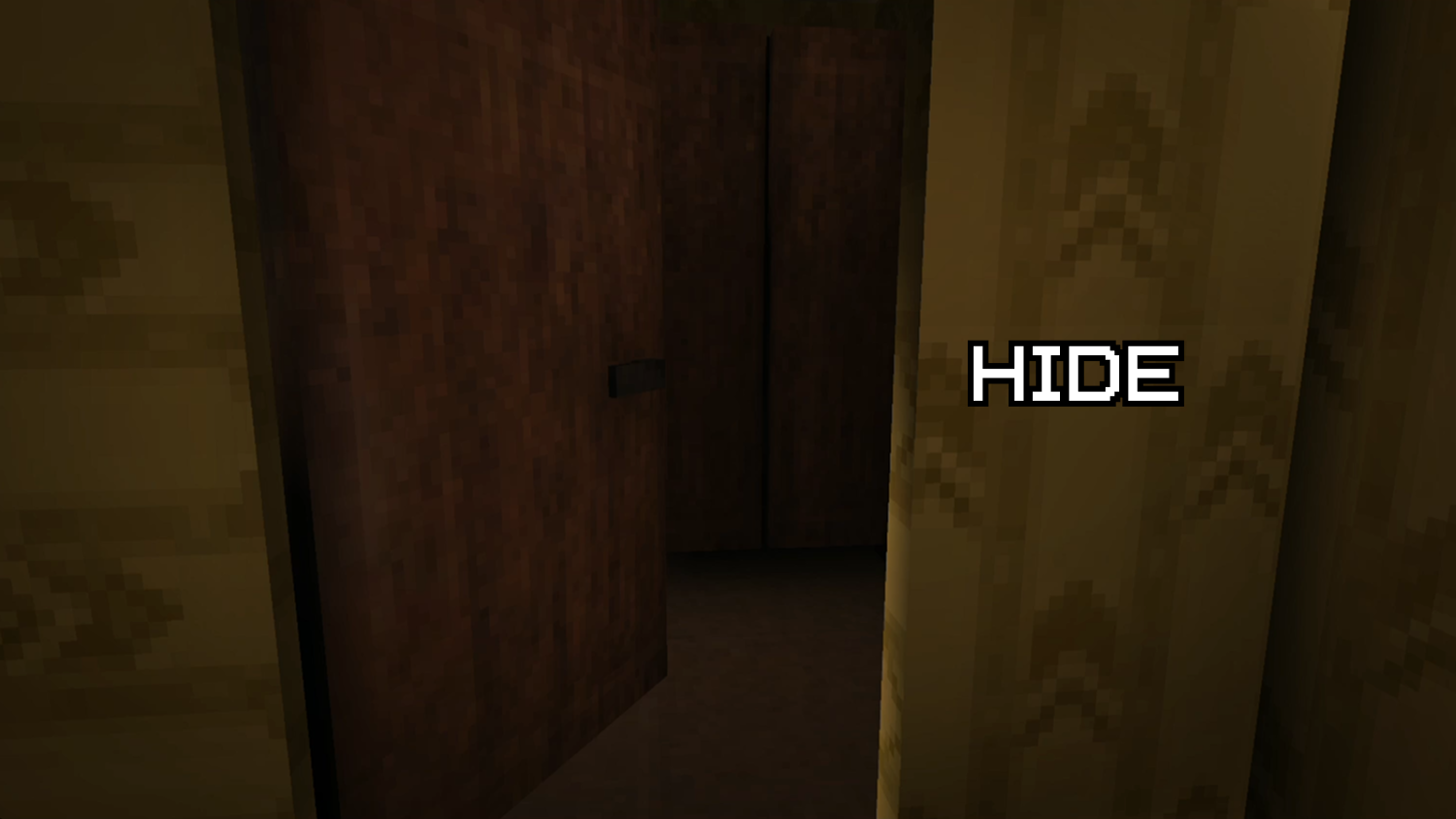
You find yourself in a familiar location, but it seems someone has been here before you. They've left clues to help you escape, but you're not alone. A mysterious figure is also present.
Here’s how you play «Backrooms: Escape the Yellow Rooms» on your PC: * Use the keys W, A, S, D to move. * The left mouse button or the «E» key is for interacting with things in the game world. * Press «Shift» to make your character run faster. * To make your character crouch down, press «C». * You can pause the game at any time by pressing the key «Tab». And here’s what controls you need to use on a mobile device: * Move your character around the map using the joystick on the left side of the screen. * Make your character sprint with the button on the right side of the interface that shows a running man. * The button with a picture of a person crouching is for making your character lower their center of gravity. * There’s a special «hand» button that appears when you hover over an interactive object. Tap it to let your character interact with the object. * You’ll find the pause button in the top-left corner of your screen.
Yes. You can play Backrooms: Escape the Yellow Rooms online for free without buying the game or creating an account.
Yes. The game runs in a modern browser on phones, tablets, laptops, desktops, and Chromebooks.
No. Press Play and the browser game loads directly on this page.
Games related to Backrooms: Escape the Yellow Rooms.
 Exit the Backrooms: Level 94

 FNF vs Sonic.EXE

 Five Nights at Huggu's
 Friday Night Funkin vs Herobrine Reborn 2.0

 Friday Night Funkin' vs. FNaF 2
 NEXTBOTS: Sandbox
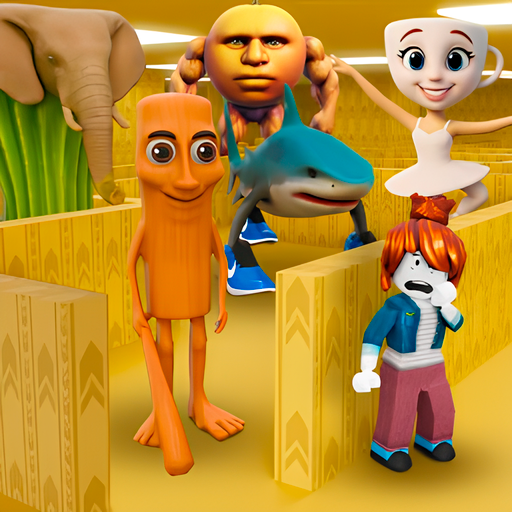 NextBots: Escape & Hunt
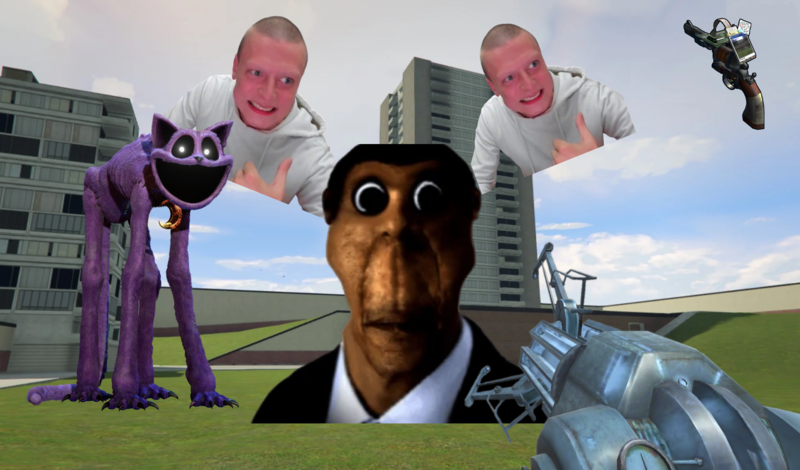
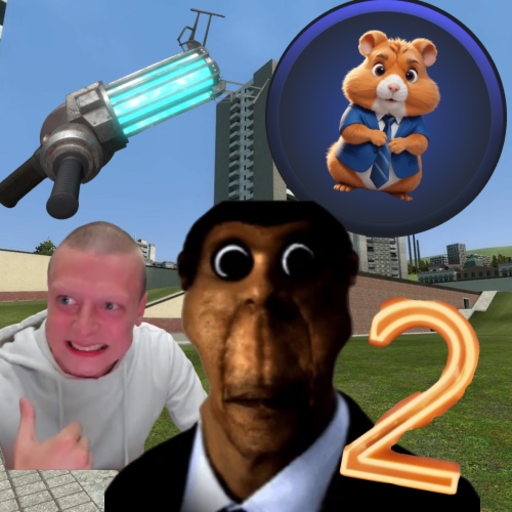 Nextbots: Sandbox of Memes
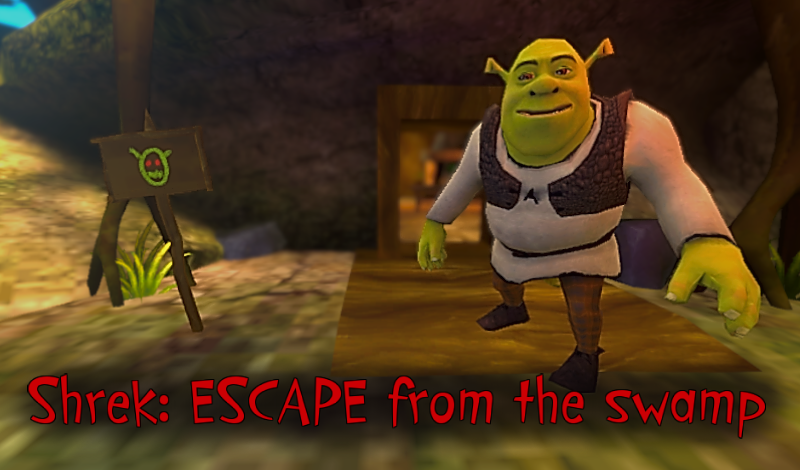
 Shrek: ESCAPE from the swamp
 The Backrooms: Meeting with Shrek Wazowski
 5 Ночей С Херобрином
 5 уроков с Мисс Лемонс!